
























Video background remover
Remove the background from any video
Upload a clip and pick what should stay — a person, a product, a pet. We cut it out frame by frame, with no green screen. Download it transparent, on a green screen or on a new background.

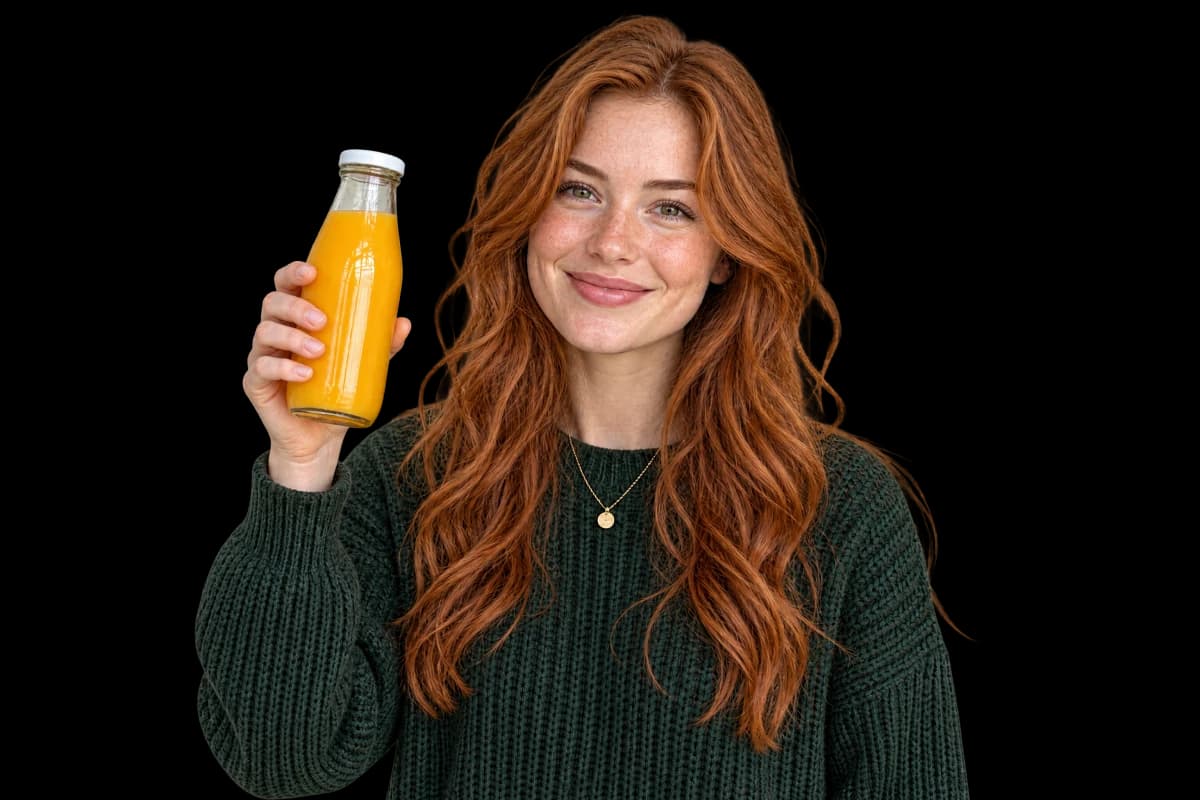
How to remove a video background
Four steps, no editing software and no green screen.
- 01
Upload your clip
Use an MP4, MOV or WebM file up to 4K. Clips longer than 15 seconds are trimmed to their first 15 seconds.
- 02
Pick what stays
We name the people and objects in the first frame. Click the ones you want to keep, or type a word in English, such as “dog” or “bottle”.
- 03
Remove the background
We follow your selection through every frame. A 10-second clip takes about two minutes in Fast mode.
- 04
Choose a background and download
Keep it transparent, put it on a green screen, or add a color, gradient, blur or your own image. Trim the clip or add text, then download WebM, MOV, MP4 or GIF.
What people use it for
Anywhere a clean cutout saves a reshoot.
Product videos
Lift a product out of a kitchen-table shot and place it on a clean brand color for your shop or ads.
Reels, Shorts and TikTok
Swap a messy room for a color, a gradient or your own image before you post.
Stream and video overlays
Export a transparent WebM for OBS, or a MOV with an alpha channel for Premiere Pro, Final Cut and DaVinci Resolve.
Green screen for any editor
Get the subject on solid green and key it out in CapCut, iMovie or any app that can't open a transparent video.
Presentations and courses
Put yourself on top of your slides without a studio or a green screen.
Hide what's behind you
Blur the background to keep your home, your office or passers-by out of the video.
Formats and limits
- Upload
- MP4, MOV or WebM, up to 200 MB
- Length
- Up to 15 seconds per clip
- Resolution
- Up to 4K, or a smaller 720p or 1080p copy
- Frame rate
- Kept as recorded, up to 60 fps
- Download
- WebM and MOV with transparency, MP4, GIF
- Sound
- Kept in MP4, WebM and MOV
- Editing
- Trim, cut out a part, add text
- Storage
- Deleted automatically after 24 hours
Which format to download
MP4 can't hold transparency. Pick the file by where the video goes next.
- WebM
- Transparent, with sound. For OBS and websites.
- MOV
- Transparent ProRes 4444, with sound. For Premiere Pro, Final Cut Pro, DaVinci Resolve and After Effects.
- MP4
- No transparency, so it gets a background: a color, gradient, blur, image or green screen. Plays anywhere, from TikTok to WhatsApp.
- GIF
- Transparent and silent. For stickers, chats and short loops.
What it costs
Uploading a clip and choosing what stays are free. Removing the background uses credits: 1 credit for every started 5 seconds in Fast mode, or 2 credits in Quality mode. Clips above 30 fps cost twice as much, because they have up to twice as many frames. Changing the background and downloading in other formats are included.
See plans and creditsVideo background remover FAQ
Do I need a green screen?
No. The subject is found and followed automatically in ordinary footage, so a phone clip shot in a room works. Clear contrast between the subject and the background gives the cleanest edges.
Is it free?
Uploading a clip and choosing what stays are free. Removing the background uses credits: 1 credit per started 5 seconds in Fast mode and 2 in Quality mode, so a 15-second clip costs 3 or 6 credits. Clips above 30 fps cost double. If you cancel while it is processing, the credits are refunded. Downloads have no watermark.
Unscreen has shut down. Can I use this instead?
Yes. Unscreen closed on December 1, 2025. This tool does the same job in your browser: upload a clip, keep the subject and download it as a transparent WebM, MOV or GIF, on a green screen or with a new background, without a watermark.
What is the difference between Fast and Quality?
Fast gives a clean cutout with crisp edges and is ready sooner. Quality refines the edges, so hair, fur and soft outlines look more natural, and takes about two and a half times as long.
How long can the video be?
Up to 15 seconds per clip. Longer videos are trimmed to their first 15 seconds, so cut out the part you need before you upload.
Which formats can I download?
WebM (VP9 with alpha) for the web and OBS, MOV (ProRes 4444 with alpha) for video editors, MP4 with a color, gradient, blurred or image background, and GIF. MP4 cannot be transparent, so pick a background for it.
Can I put my video on a green screen?
Yes. Choose Green screen as the background and download an MP4 or MOV. The subject stays on solid green (#00FF00), so you can key it out in any editor, including apps that can't open transparent files.
How do I use the transparent video in my editor?
In OBS, add the WebM as a Media Source. In Premiere Pro, Final Cut Pro, DaVinci Resolve or After Effects, import the MOV and put it on a track above your new background. For apps that don't read transparency, such as most phone editors, use the green screen MP4 with the app's chroma key.
Is the sound kept?
Yes. MP4, WebM and MOV downloads keep the original sound, and you can listen to it in the preview. GIF has no sound.
Can I trim the clip or add text?
Yes. Once the background is removed, you can keep just one part of the clip or cut a part out, and add up to five text layers with your choice of font, color and size. Editing doesn't change the price.
Can I keep more than one thing?
Yes. You can keep several people or objects at once, of up to two different kinds, for example a person and the guitar they are holding. If something isn't listed, type its name in English.
Does it keep the resolution and frame rate?
Yes. You can download at the original size, up to 4K, or as a smaller 720p or 1080p copy. The frame rate stays as recorded, up to 60 fps.
What happens to my video?
Your video is sent to our servers only to process it. It isn't used to train models or shared with third parties, and it is deleted automatically after 24 hours.
Working with photos instead?
- Background removerRemove any photo background in seconds
- White background makerProduct photos sized for Amazon, Etsy and other marketplaces
- Passport photo makerPassport, visa and ID photos at the official size
- Profile picture makerSquare or round PFP with your face centered
- Change background colorAny solid color behind your subject
- Blur backgroundPortrait-mode blur, subject stays sharp