
 English
 Español
 Português (BR)
 Deutsch
 Français
 Italiano
 Türkçe
 Bahasa Indonesia
 Русский
 日本語
日本語 한국어
한국어 Українська
 Tiếng Việt
 Polski
 Nederlands
 ไทย
ไทย Română
 简体中文
简体中文 繁體中文
繁體中文 العربية
 Български
 Filipino
 हिन्दी
 اردو
اردو বাংলা
বাংলাBackground removal examples — real cutouts, real speed
The original, the finished cutout, and the exact time each removal took — side by side.
 Original
 Result
The hard part of any car cutout is the glass: most tools leave the old street scene showing through the windows. Here the scene behind the windows is cleaned up while the glass keeps a realistic hint of transparency — ready for a dealership listing or marketplace ad. How to remove the background from car photos →
 Original
 Result
Flyaway hair is where background removers usually fail, leaving a hard halo around the head. In this portrait the individual strands keep their soft, natural edges, so the cutout sits cleanly on any new background. Make a professional profile picture at home →
 Original
 Result
The everyday e-commerce case: a crisp outline that drops straight onto a white or transparent background, so listing photos look consistent across the whole catalog. Amazon product image requirements →
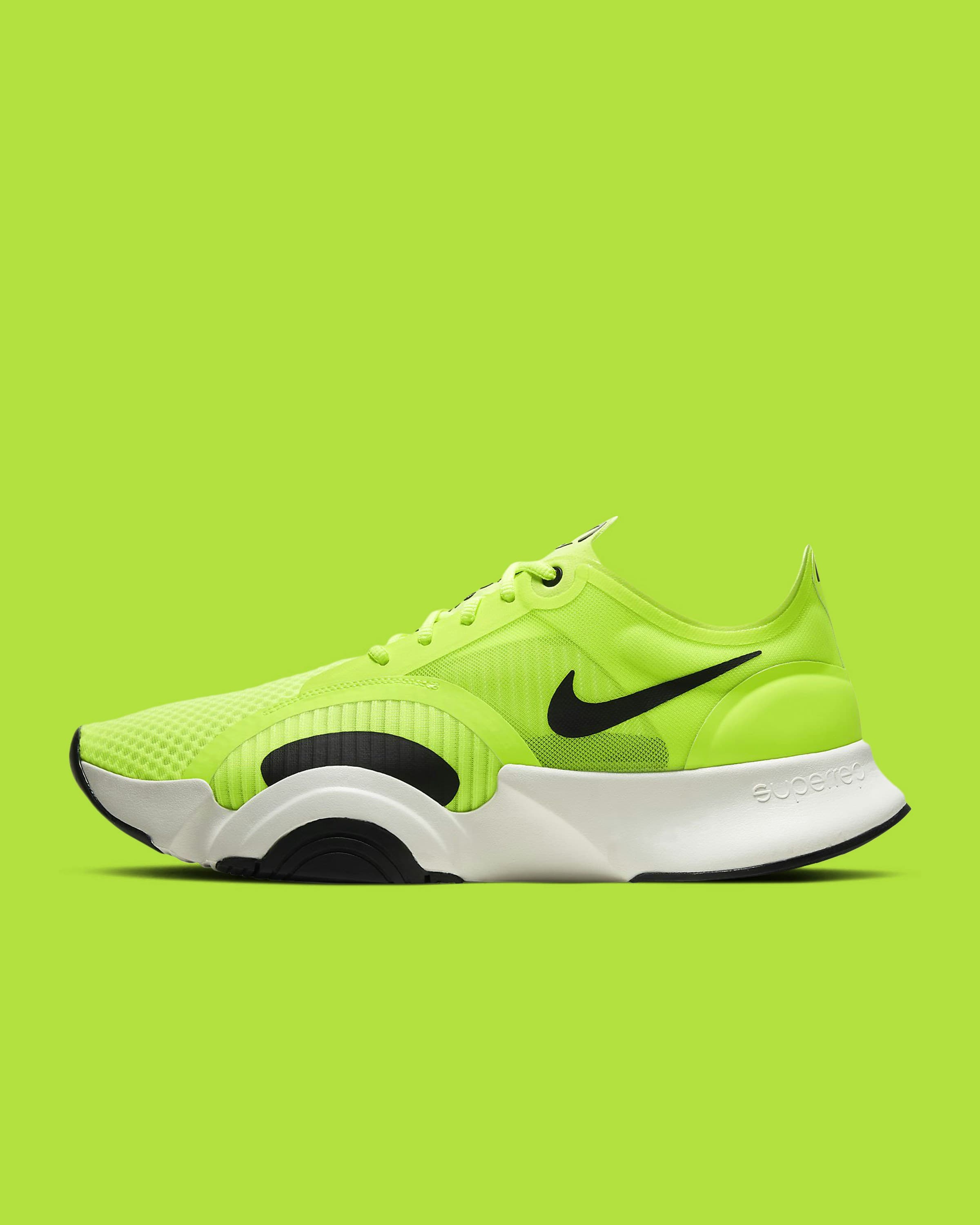 Original
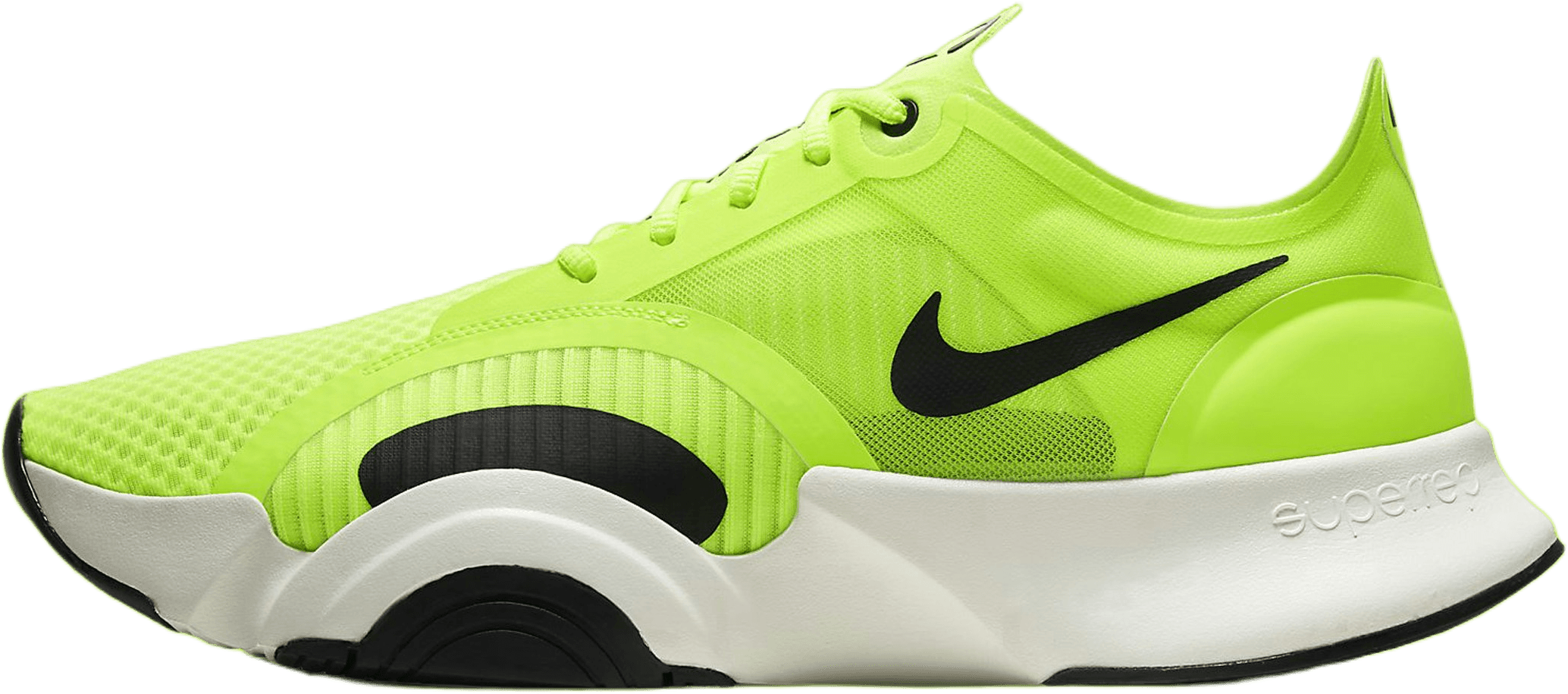 Result
Sneakers combine hard edges, laces, and mesh texture in one frame. The cutout keeps the silhouette sharp — including the gaps around the laces — which is exactly what resale listings need. Sneaker photography for resale →
 Original
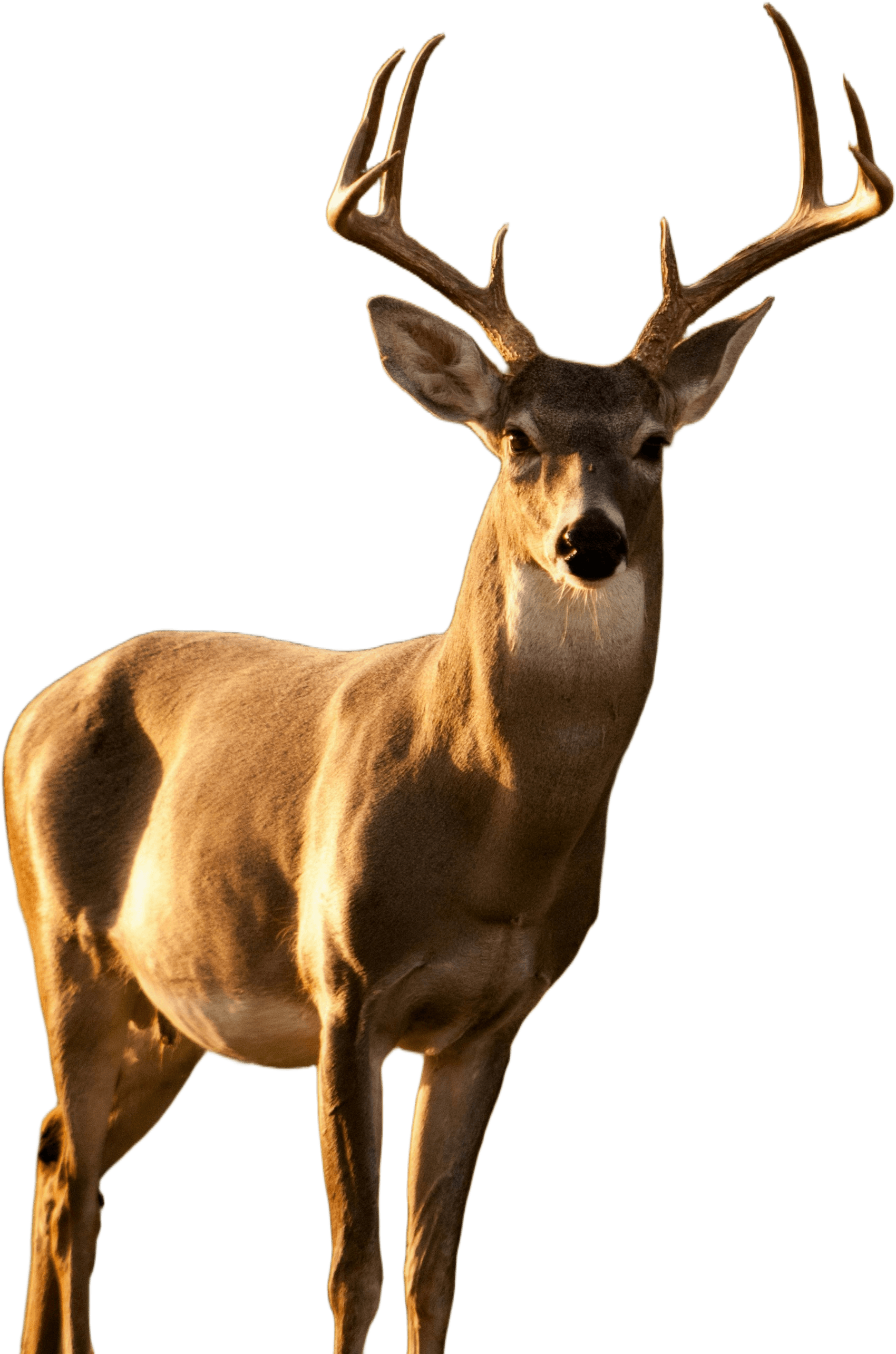 Result
Fur is even harder than hair: thousands of soft strands against a busy background. The result keeps the natural, fluffy edge without a cut-out look — the same quality you need for pet portraits. Turn photos into pet portraits →
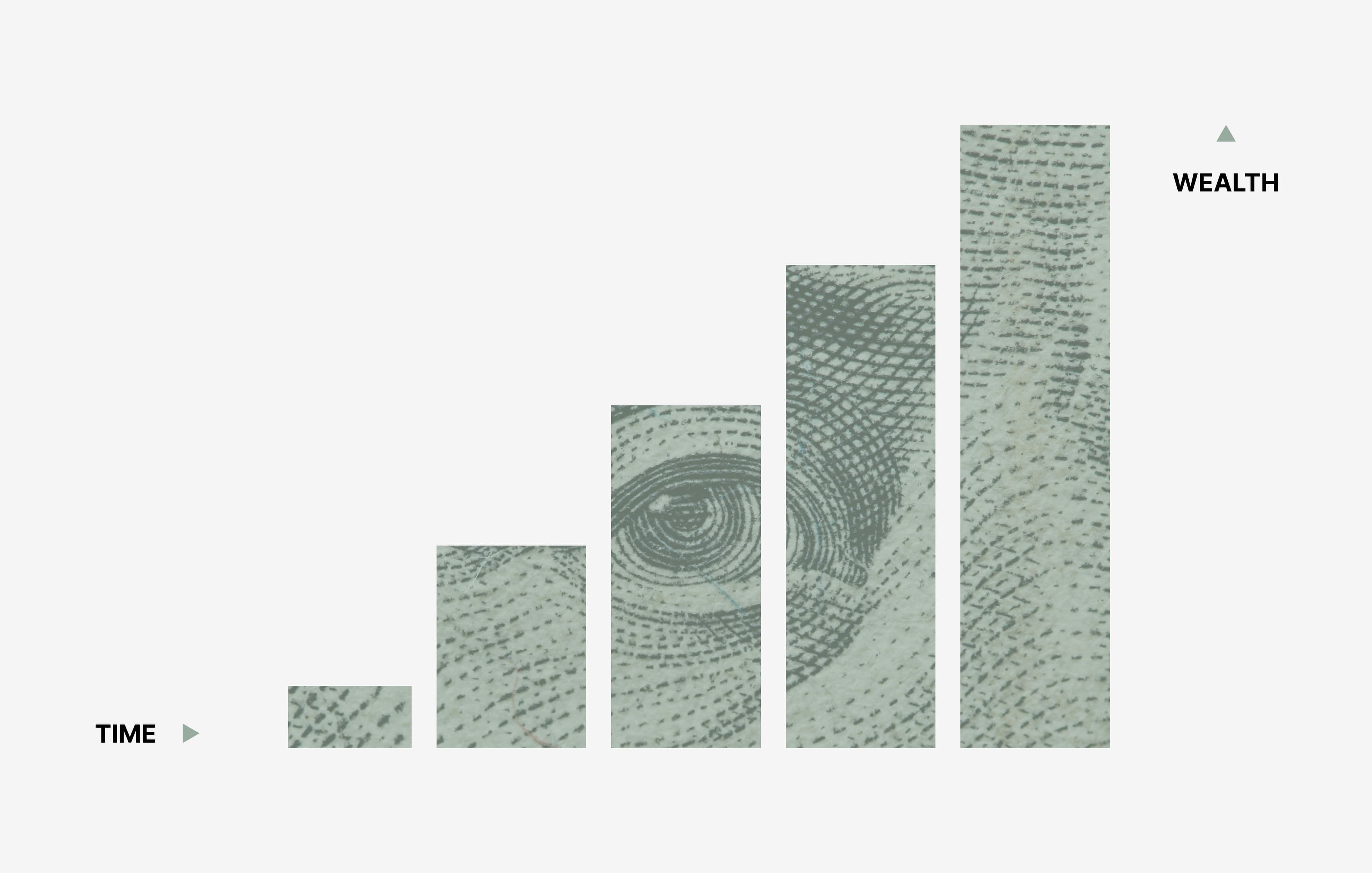 Original
 Result
Not just photos: logos and flat design elements come out clean too, with solid fills and sharp corners preserved. Upload a JPG logo and get back a transparent PNG ready for slides, headers, and print. How to remove the background from a logo →
What to look for in these examples
Every card above is a real, unedited result from the remover.bg engine — the original photo on the left, the finished cutout on the right, and a representative processing time in between. Nothing is hand-retouched afterwards; what you see is what the AI returned.
The set deliberately covers the cases that break most background removers. The portrait and animal shots show how flyaway hair and fur keep their soft, natural edges instead of a hard halo. The car example shows the old scene being cleaned up behind the windows while the glass keeps a realistic hint of transparency. The e-commerce product shots come out with crisp outlines that sit cleanly on a white or transparent background, ready for a store listing, and the graphic shows that logos and flat design elements work just as well as photographs.
Results download as a transparent PNG by default, or you can export JPG or WebP at the quality you choose. If your own image is trickier than these — low contrast, busy backgrounds, reflective surfaces — the best way to judge is simply to run it: the first removals every day are free, no account required.
Try it on your own image
Upload an image and get a clean, transparent cutout in seconds — see your own processing time on the result.
Remove a background free