English
 Español
 Português (BR)
 Deutsch
 Français
 Italiano
 Türkçe
 Bahasa Indonesia
 Русский
 日本語
日本語 한국어
한국어 Українська
 Tiếng Việt
 Polski
 Nederlands
 ไทย
ไทย Română
 简体中文
简体中文 繁體中文
繁體中文 العربية
 Български
 Filipino
 हिन्दी
 اردو
اردو বাংলা
বাংলাAmazon Product Image Requirements: How to Hit Pure White
Every Amazon main image requirement: pure white background (RGB 255,255,255), 85% frame fill, 1,000+ px — and how to meet them in minutes, no studio needed.
- amazon
- ecommerce
- product-photography
- marketplace
- guide
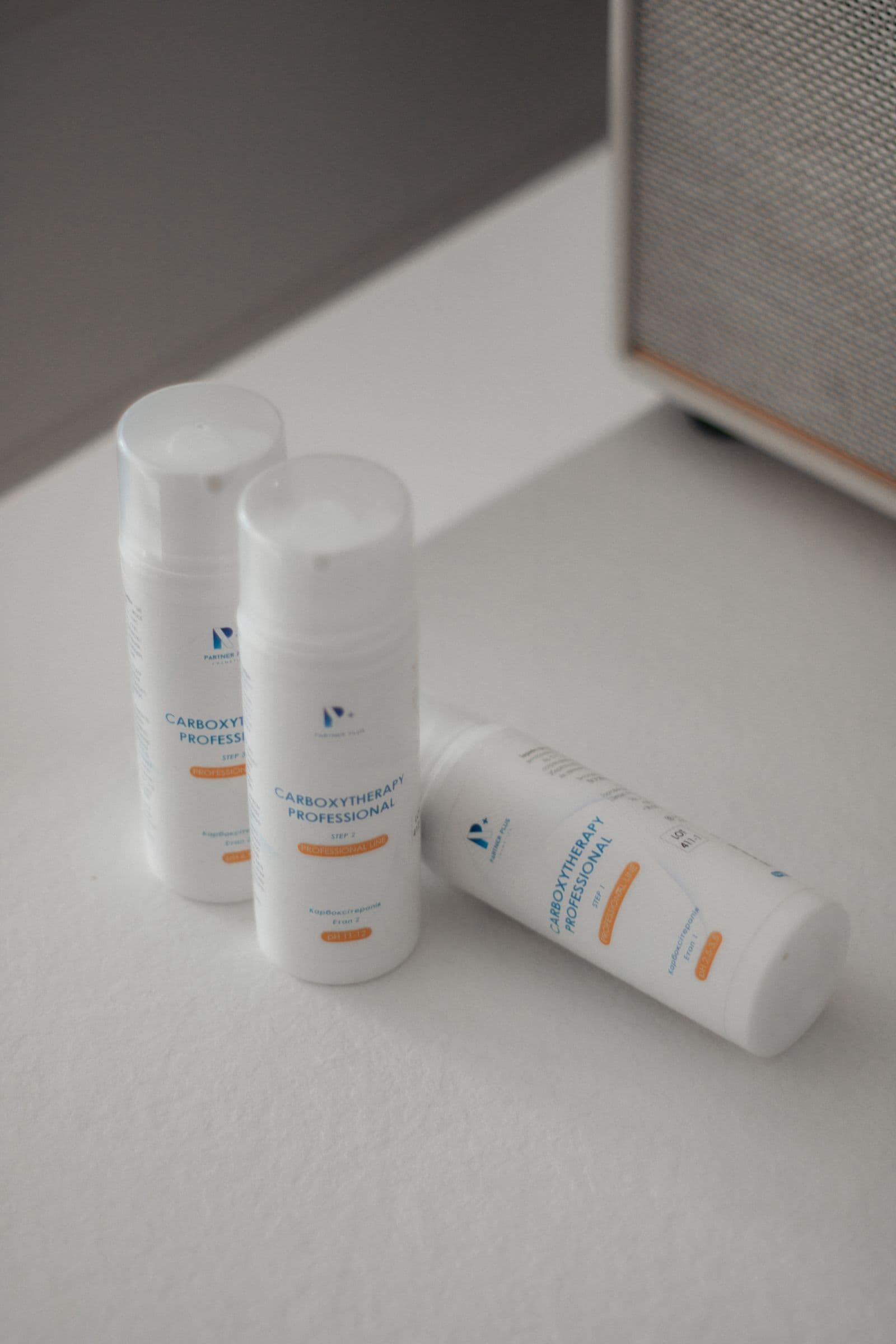
If you sell on Amazon, your main product image is doing more work than any other asset in your listing — and Amazon knows it. That's why the marketplace enforces strict image rules, and why listings that break them get suppressed from search results without warning.
The single most important rule is also the one sellers trip over most often: the main image must show the product on a pure white background. Not off-white, not light gray, not "white enough" — pure white, RGB 255, 255, 255.
This guide walks through Amazon's image requirements, explains why the white background rule exists, and shows you how to meet it in minutes without a photo studio.
Amazon's main image requirements at a glance
Every product's main image (the one shoppers see in search results) must follow these rules:
- Pure white background — RGB (255, 255, 255), with no gradients, shadows cast onto walls, or props.
- The product fills the frame — Amazon wants the product to occupy at least 85% of the image area. Tiny products floating in white space get flagged.
- Photo, not graphics — the main image must be an actual photograph of the product. No illustrations, no placeholder graphics.
- No extras — no logos, watermarks, badges, text overlays, or accessories that aren't included in the purchase.
- Show the whole product — the item must be fully inside the frame, not cropped at the edges.
On top of that, there are technical requirements that apply to every image in the listing:
- Minimum 1,000 pixels on the longest side to enable Amazon's zoom feature — and zoom measurably helps conversions. For crisp results, aim for 1,600 pixels or more.
- Accepted formats — JPEG is preferred; PNG, TIFF, and GIF are also accepted (no animation).
- sRGB color space — the standard for web images.
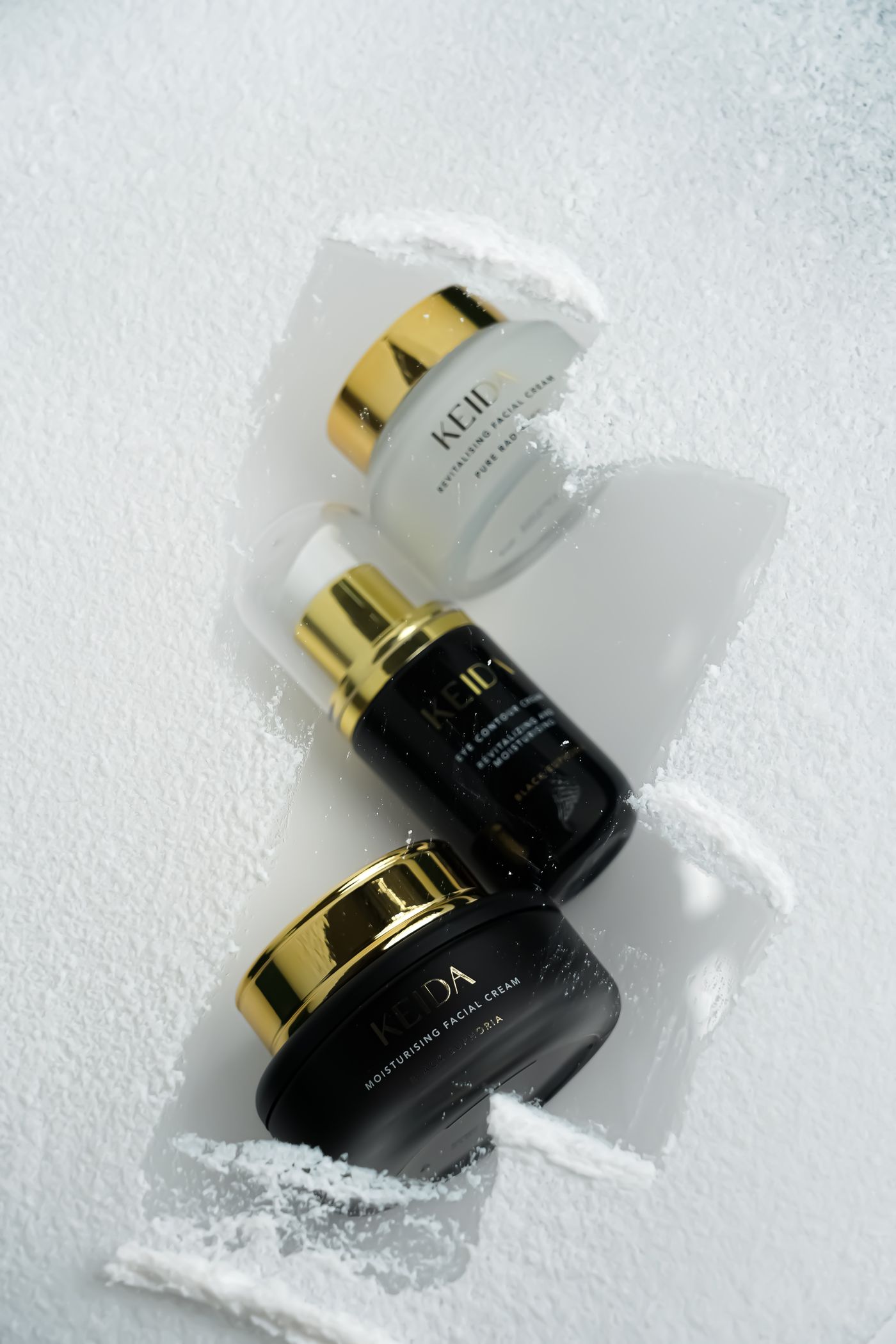
Secondary images give you more freedom: lifestyle shots, scale references, infographics, and detail close-ups are all fair game there. The white background rule applies specifically to the main image. Further down the listing, Amazon A+ content modules give branded imagery and copy even more room, at their own fixed pixel sizes.
Why Amazon insists on white backgrounds
The rule isn't arbitrary. A uniform white background across millions of listings does three things:
- Consistency — search result pages look clean and comparable, so shoppers judge products, not photography budgets.
- Focus — nothing competes with the product for attention. Studies of e-commerce imagery consistently show that clean, distraction-free product shots convert better.
- Trust — professional-looking listings signal a professional seller. A murky photo on a beige kitchen counter signals the opposite.
The catch: photographing a product on a truly pure white background is genuinely hard. Even with a white sweep and good lighting, cameras capture white as light gray (often around RGB 240–250), with soft shadows and color casts. Getting to 255 in camera requires studio strobes and careful overexposure of the background — equipment and skills most sellers don't have.
The easy way: shoot anywhere, replace the background

Here's the workflow that skips the studio entirely:
- Photograph your product in good light — near a window is fine. The background doesn't matter at all; focus on getting the product sharp and evenly lit.
- Upload the photo to remover.bg — the AI removes the background automatically in seconds, cleanly handling tricky edges like fabric, hair bristles, and transparent packaging.
- Set the background to pure white — in the editor, choose a solid white background. Because it's generated digitally, it's exactly RGB (255, 255, 255) — no gray cast, guaranteed to pass Amazon's check.
- Check the framing — crop so the product fills most of the frame, keeping the 85% guideline in mind.
- Export and upload — download the result and add it to your listing in Seller Central.
The same cutout also sets you up for your secondary images — drop the product onto lifestyle backgrounds, brand-colored backdrops, or comparison layouts without reshooting — and for your own storefront, where Shopify's product image sizes take over from Amazon's. If you want the product to sit more naturally in those scenes, you can add a realistic shadow in the same editor.
Scaling up: catalogs and automation
Editing one image is quick. Editing four hundred is a job. If you manage a large catalog, two options save serious time:
- Batch editing — process images in bulk instead of one at a time.
- The background removal API — plug background removal directly into your listing pipeline, so every new product photo comes out marketplace-ready automatically.
Common mistakes that get listings suppressed
Before you upload, run through this quick checklist:
- "Almost white" backgrounds — a light gray or cream background photographed as-is. This is the most common violation, and it's invisible to the naked eye on many monitors.
- Watermarks and logos on the main image — even your own brand logo isn't allowed there.
- Props and accessories that aren't in the box — a watch photographed on a stand, when the stand isn't included.
- Images under 1,000 pixels — the listing may go live, but without zoom you're leaving conversions on the table.
- Borders and text — "SALE" banners and colored frames belong nowhere near a main image.
The bottom line
Amazon's white background rule is strict, but meeting it doesn't require a photography budget. Shoot your product in decent light, let AI handle the background, and export a pixel-perfect pure white image that passes review every time. Your main image is your listing's first impression — make it a clean one.