English
 Español
 Português (BR)
 Deutsch
 Français
 Italiano
 Türkçe
 Bahasa Indonesia
 Русский
 日本語
日本語 한국어
한국어 Українська
 Tiếng Việt
 Polski
 Nederlands
 ไทย
ไทย Română
 简体中文
简体中文 繁體中文
繁體中文 العربية
 Български
 Filipino
 हिन्दी
 اردو
اردو বাংলা
বাংলাAmazon Custom Image Ads: What Gets Rejected
Amazon custom image ads live in Sponsored Display, not Sponsored Brands, and ban the white-background cutout your listing needs. What the policy rules out.
- Amazon
- Amazon Ads
- Sponsored Display
- advertising
- product photography
- background removal
- ecommerce
Your keywords are loaded, your budget is set, and the creative comes back rejected. If you went looking for the rules on a Sponsored Brands custom image, the first thing worth knowing is that Amazon does not document one. Its Sponsored Brands formats are Collections, Store spotlight and Video, and a Collections ad asks for an ad name, ad title, brand name, logo, product exclusions and landing page — no image upload. The Brand Gallery format does take a lifestyle image, with an optional text overlay.
The asset Amazon calls a custom image, with its own list of restrictions, belongs to Display campaigns. That is where sellers hit the contradiction: your main listing image has to sit on pure white, and your custom image is not allowed to. So the studio cutout that sailed through listing moderation fails for being a product image on a solid background.
What the custom image rules actually rule out
Under Sponsored Display, Amazon's supply and format-specific requirements say a custom image can't:
- be a selected image from the onsite product page
- be individual or multiple product images placed on a solid or transparent background
- feature an individual brand logo, or a combination of logos
- contain additional text other than text naturally present in the image, such as on-product packaging
- use letterbox or pillarbox formats
Two rules people expect here live elsewhere. Prices and deals are banned by Amazon's headline policy, not the image spec. An ad whose content does not match its landing page is caught by the Editorial Guidelines, which cover the whole creative.
The added-text rule is stricter than "no excessive text": packaging text in front of the lens is fine, a headline typed on afterwards is not, because Amazon renders your brand logo and headline as separate components alongside the image. That is a Display rule — the Brand Gallery lifestyle image permits an overlay, so do not carry the ban across formats.
Amazon does not publish pixel dimensions for the custom image, and it does not ask for a set of cropped versions: one image is uploaded and served in different size variations automatically. Size and format limits appear in the campaign builder at upload — read them there rather than trusting a figure from a blog post, including this one.
Why your catalogue shot is a guaranteed fail
The white-background hero Amazon requires for your listing is, by definition, a product image on a solid background. Tinting the white to light grey or dropping the product onto a flat brand colour does not fix it — the wording covers solid or transparent. And the first bullet closes the other escape route: an image already selected on your detail page is out, however good it looks.
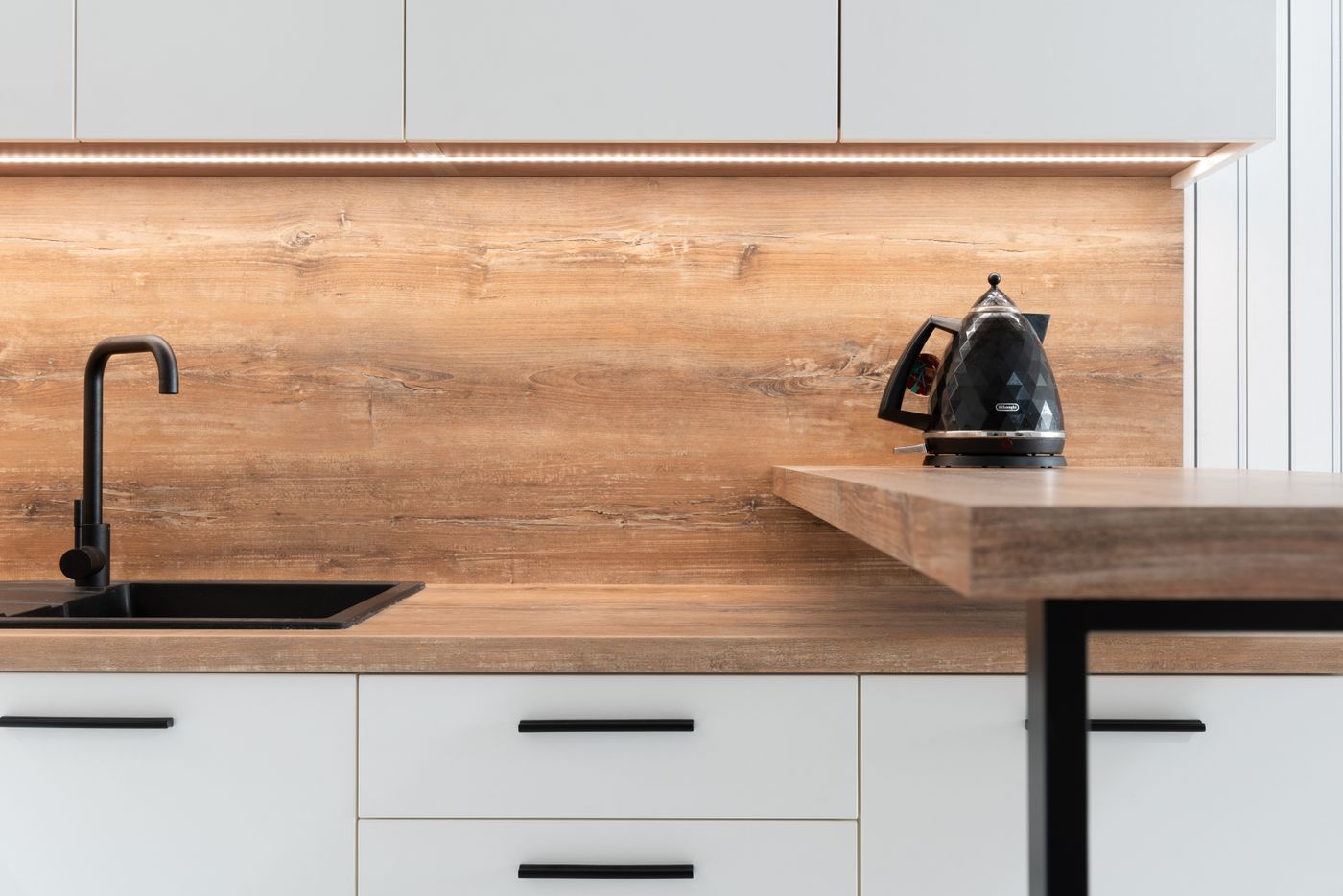
The policy wants real-life context — the product where a customer would meet it. A kettle on a kitchen counter. A drill on a workbench next to sawdust. Listing images run on a separate policy set, and the Amazon main image requirements will not help you here.
Building a compliant image without a lifestyle shoot
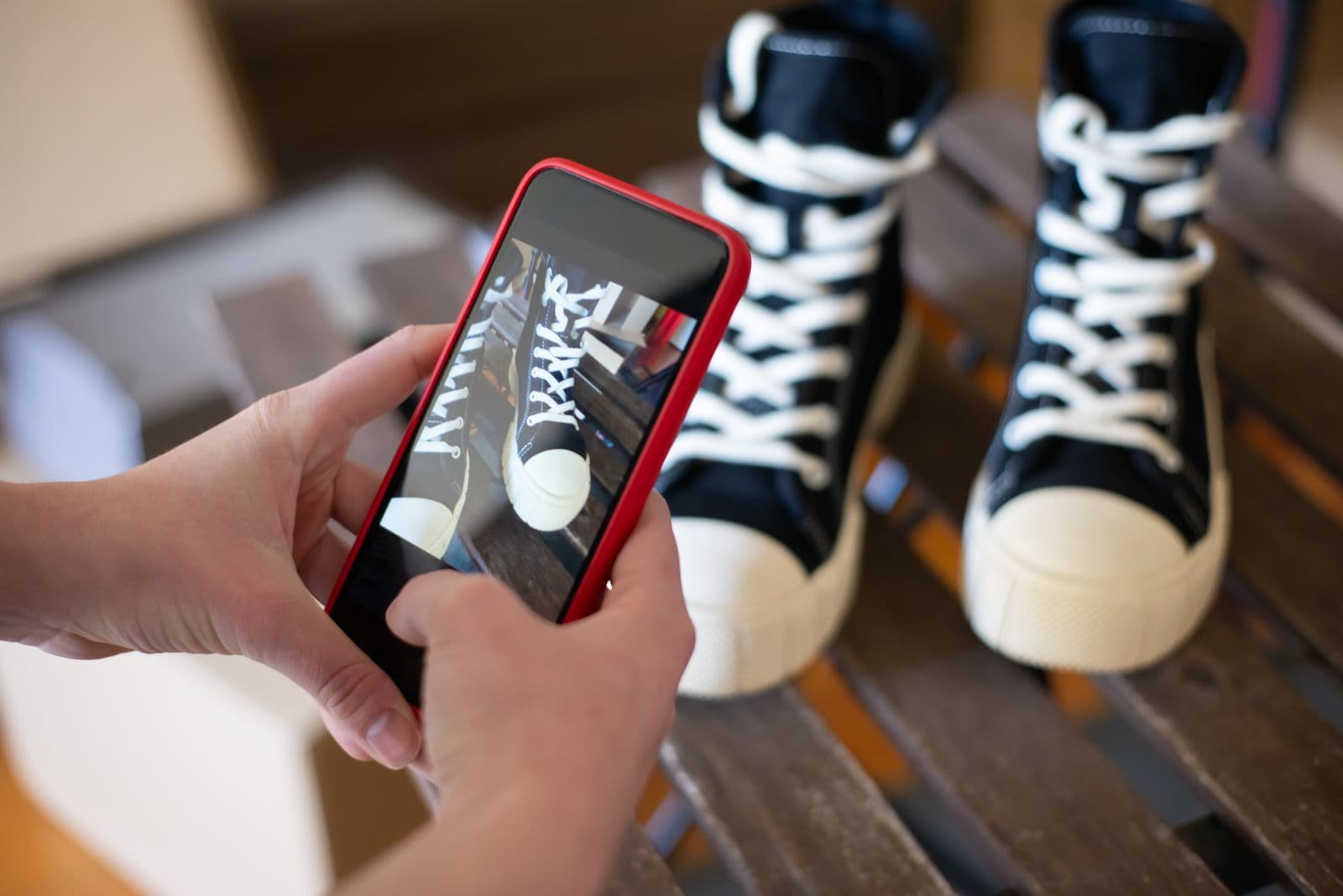
You do not need a studio day. You need a plate — a photograph of the environment with nothing in the middle — and a product shot that is not one of the images on your detail page.
- Pull an outtake from your original shoot, or take a fresh phone photo — anything never selected onto the listing.
- Photograph the setting your product belongs in, empty, with a clear surface for it.
- Match the light. If the product was lit from the left, shoot the plate with the window on the left; mismatched light is the obvious tell in a composite.
- Shoot the plate from roughly the height and angle of the product shot; a straight-on product will not sit in a scene shot from above.
- Cut the product out with remover.bg, replace the background with your plate photo in the editor, and add a drop shadow so the product makes contact with the surface.
The shadow separates an image that reads as photography from one that reads as clip art, and our guide to realistic shadows covers how tight and dark to keep one. To control the framing rather than leave it to Amazon's size variations, crop the finished composite in your own design tool.
The pre-upload check
Open the finished image at the size it will appear: small, on a phone, at the top of a search page. Is the product instantly identifiable, or has the scene swallowed it? Is there text in frame that was not printed on the product, or a logo lurking on a wall or a mug behind it? Does anything look pasted along the bottom contact edge?
Then check the file against the limits the campaign builder displays at upload. Amazon says moderation is usually finished within 24 hours but can take up to three business days, and warns review times can stretch during high-volume periods — so build with buffer, not the night before launch.
Shoot two or three plates while the camera is out and every ASIN in the campaign gets its own image. That is the practical case for custom backgrounds in product photography: one clean cutout, many contexts.
Before you submit
Treat the custom image as a production job, not a file export: an empty plate in the right light, a product shot that is not the one on your detail page, a grounding shadow, and a file inside the limits the uploader states. Build it early and a rejection costs a resubmission, not a launch date.