
 English
 Español
 Português (BR)
 Deutsch
 Français
 Italiano
 Türkçe
 Bahasa Indonesia
 Русский
 日本語
日本語 한국어
한국어 Українська
 Tiếng Việt
 Polski
 Nederlands
 ไทย
ไทย Română
 简体中文
简体中文 繁體中文
繁體中文 العربية
 Български
 Filipino
 हिन्दी
 اردو
اردو বাংলা
বাংলাRemove Image Backgrounds Free with AI
Upload an image and get a clean, transparent cutout in seconds. Free to try — no sign-up required.
Checking your quota…
Drag & drop an image here
or click to browse — PNG, JPG, or WebP up to 25 MB
From original to cutout in under a second
Original on the left, finished cutout on the right — and exactly how long it took in the middle.
 Original
 Result
One photo. Endless scenes.
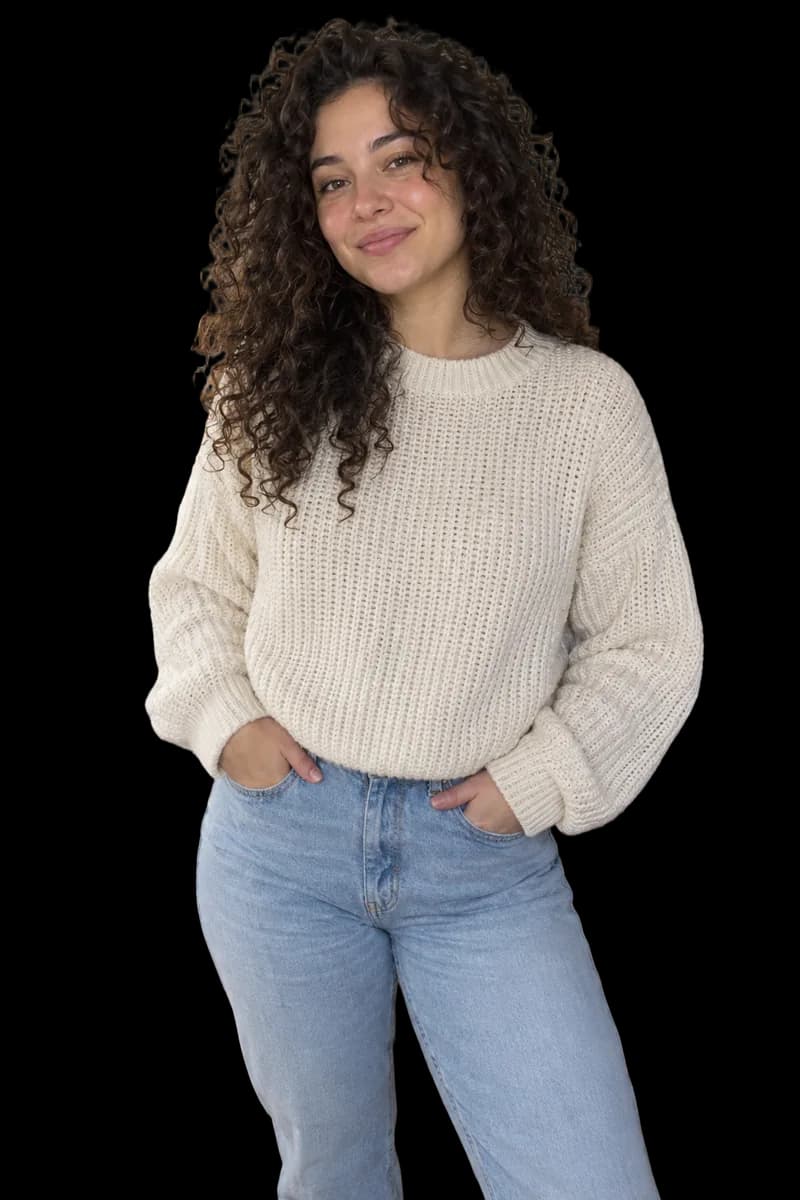
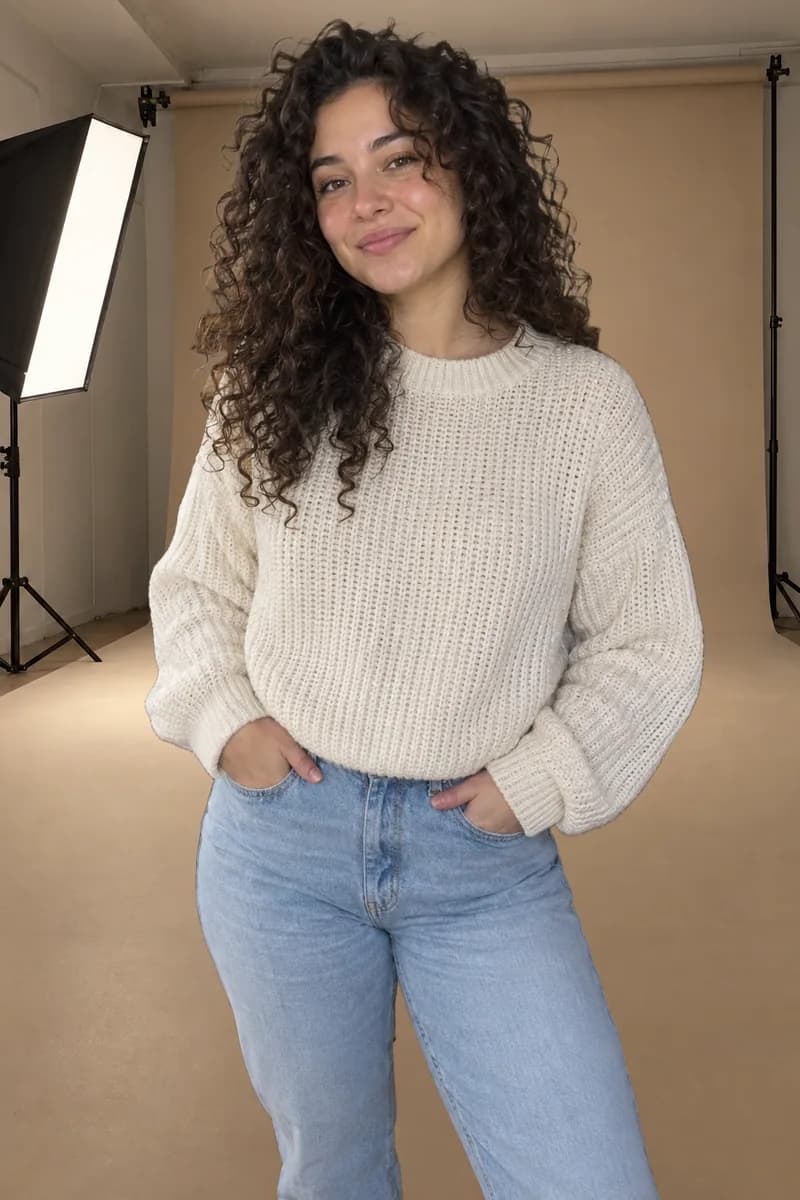
Remove the background once, then drop your subject into any scene — a photo studio, a café, a city street or the beach.




How it works
Three steps from a busy photo to a clean cutout.
- 1
Upload your image
Drag & drop or select a PNG, JPG, or WebP file up to 25 MB. No account needed to start.
- 2
AI removes the background
Our model detects the subject and cleanly cuts out the background in seconds.
- 3
Download your cutout
Get a transparent PNG, or export to JPG or WebP at the quality you choose.
Why remover.bg
Built for speed, quality, and developers.
Fast
Results in seconds, with clean edges on even tricky subjects.
High quality
Clean edges around hair, fur, and fine detail — ready for stores, ads, and design.
API access
Automate background removal at scale with a simple HTTP API on paid plans.
Private
Your images are processed for the request and not used to train models.
What can you use it for?
One clean cutout is the starting point for a surprising number of jobs — here are the ones we see every day.
 OriginalResult
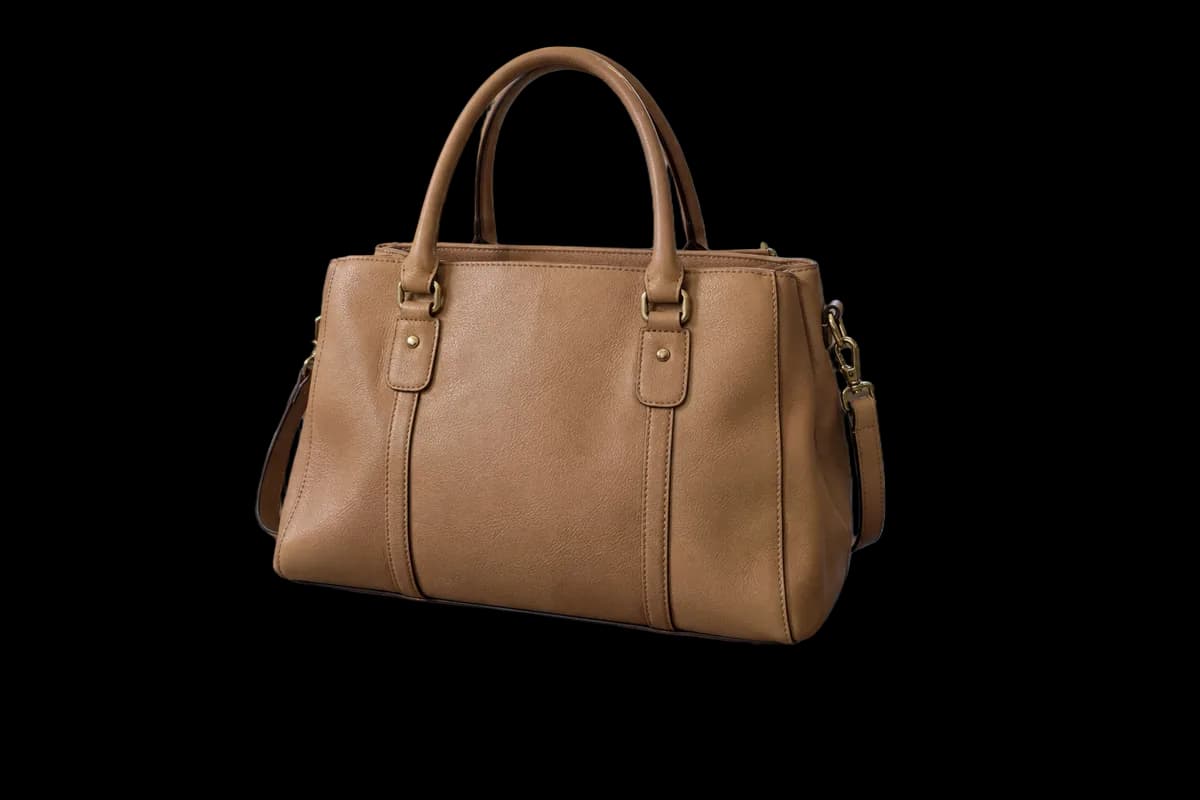
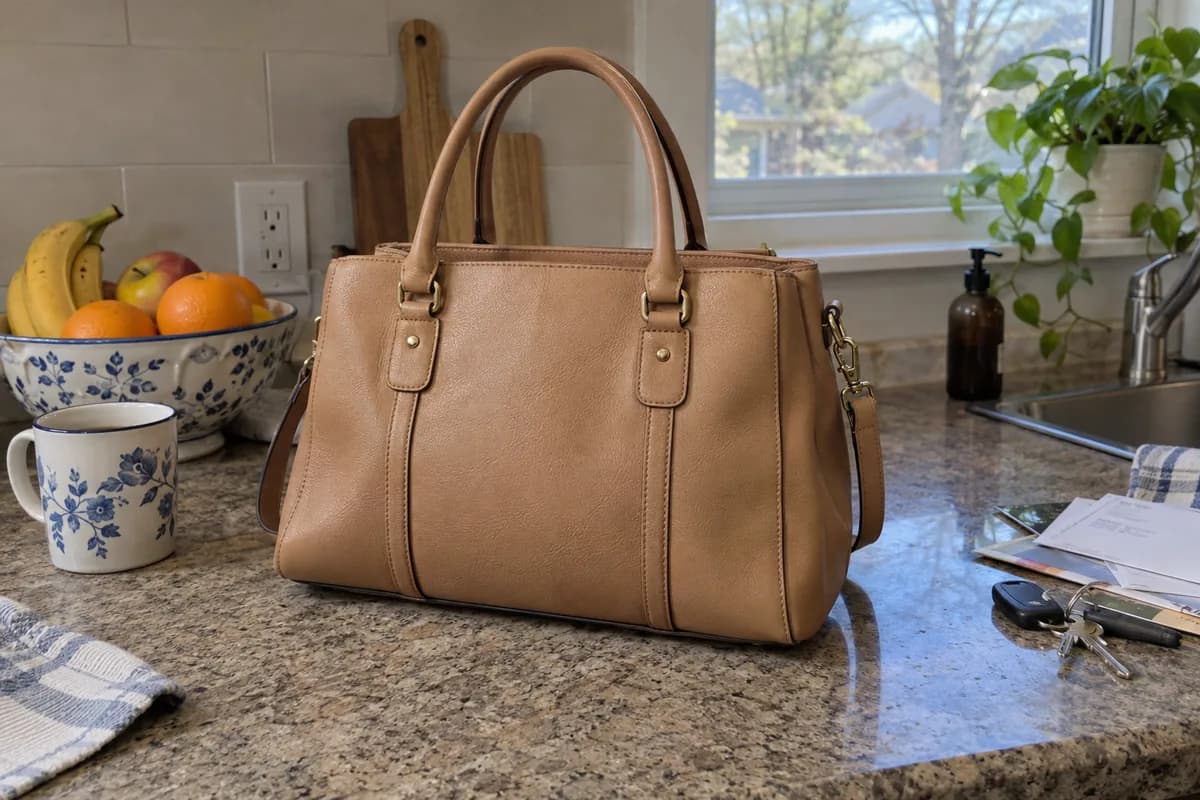
E-commerce & marketplaces
Turn everyday product shots into clean catalog images with a white or transparent background. Marketplaces like Amazon and eBay expect distraction-free product photos, and a consistent look across your whole catalog builds trust and improves conversion.
Amazon product image guide →
 OriginalResult
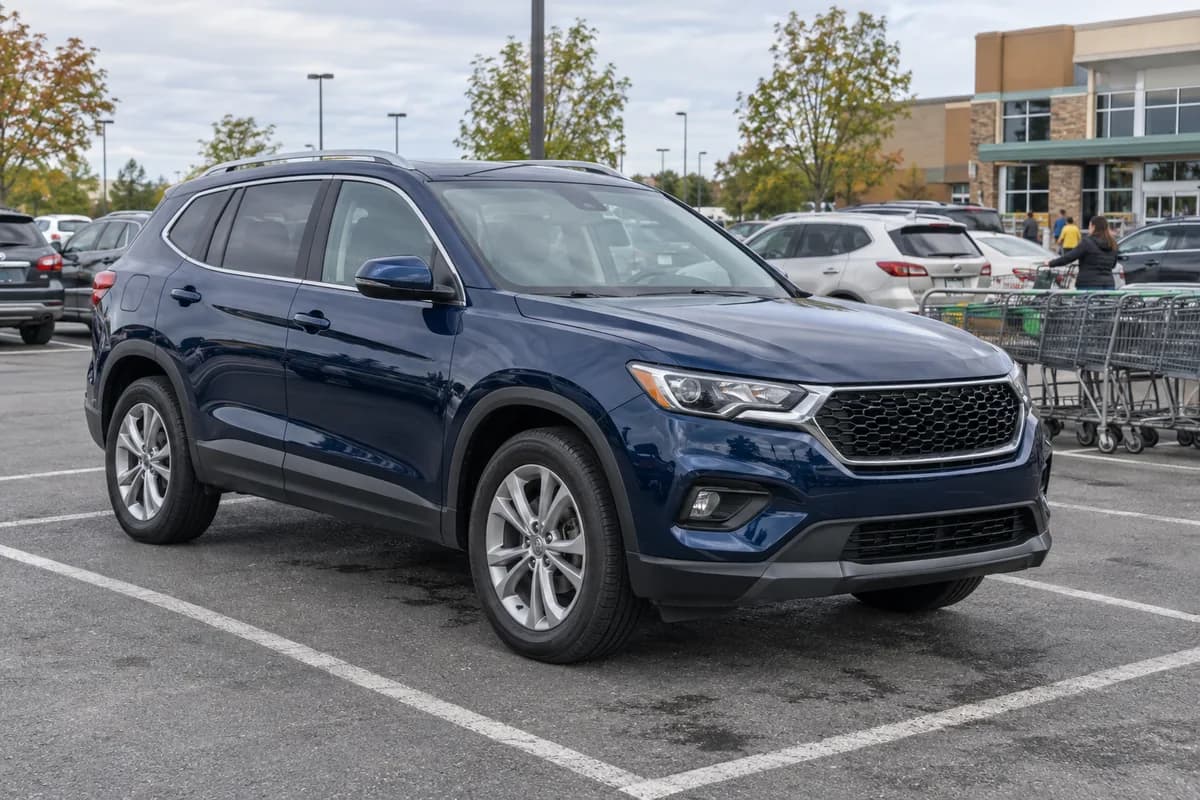
Car dealers & classifieds
Photograph a car anywhere — a busy street, a crowded lot — and present it on a clean, uniform background. Dealers use this to give every listing the same professional studio look without renting a studio.
Read our car photo guide →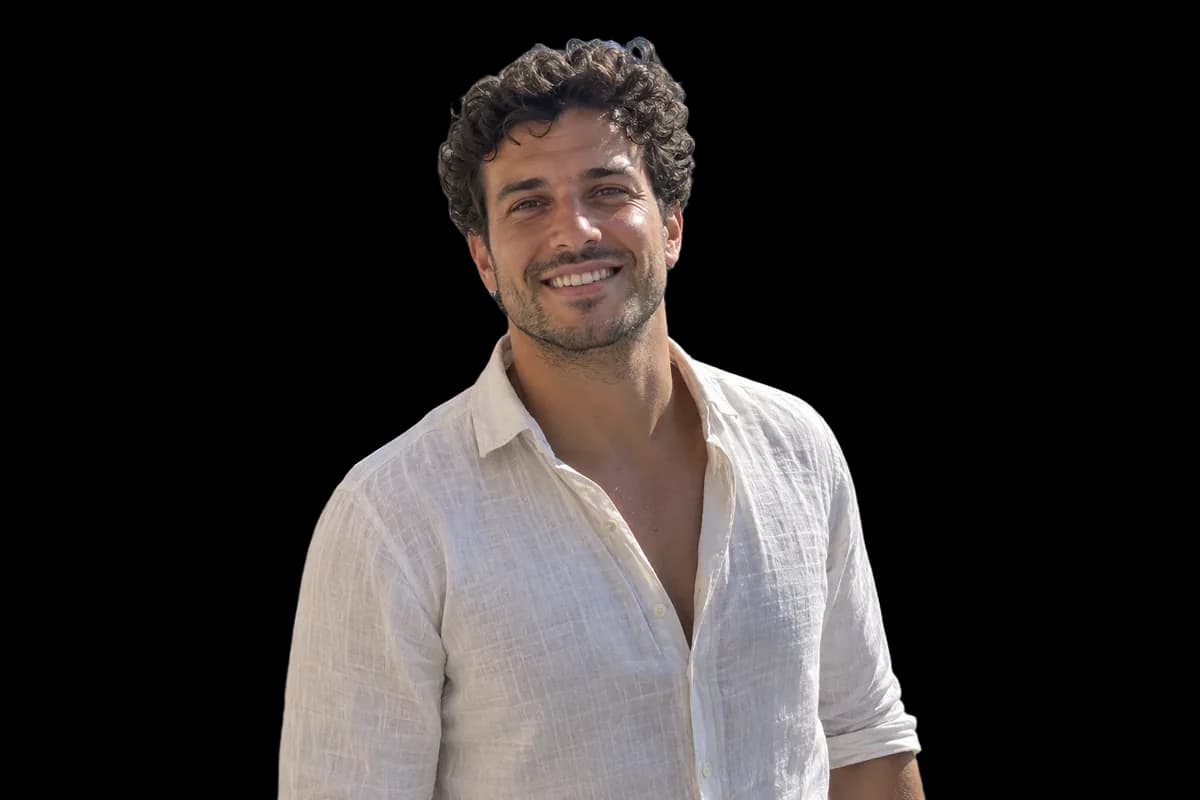
 OriginalResult
Portraits & profile photos
Cut yourself out of a vacation photo and drop in a neutral backdrop for a resume, LinkedIn profile, ID photo, or a consistent set of team headshots for your company site.
Shoot a pro profile photo at home →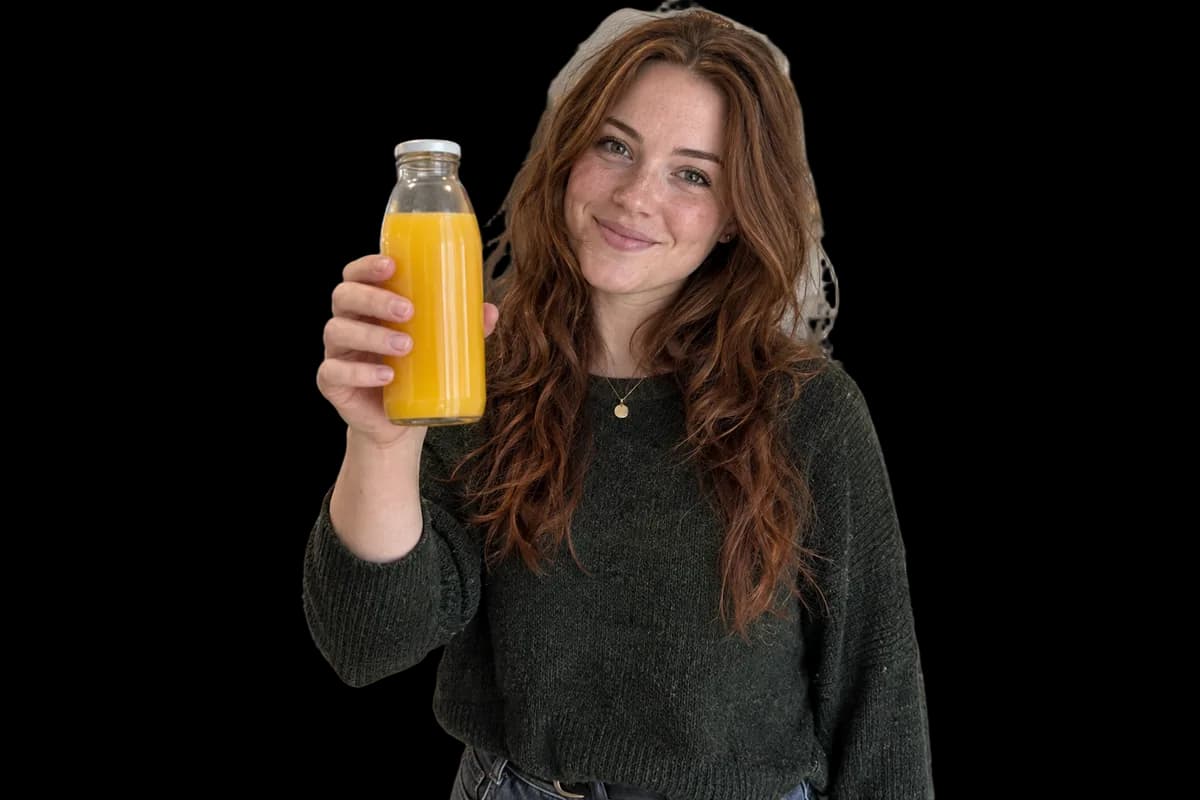
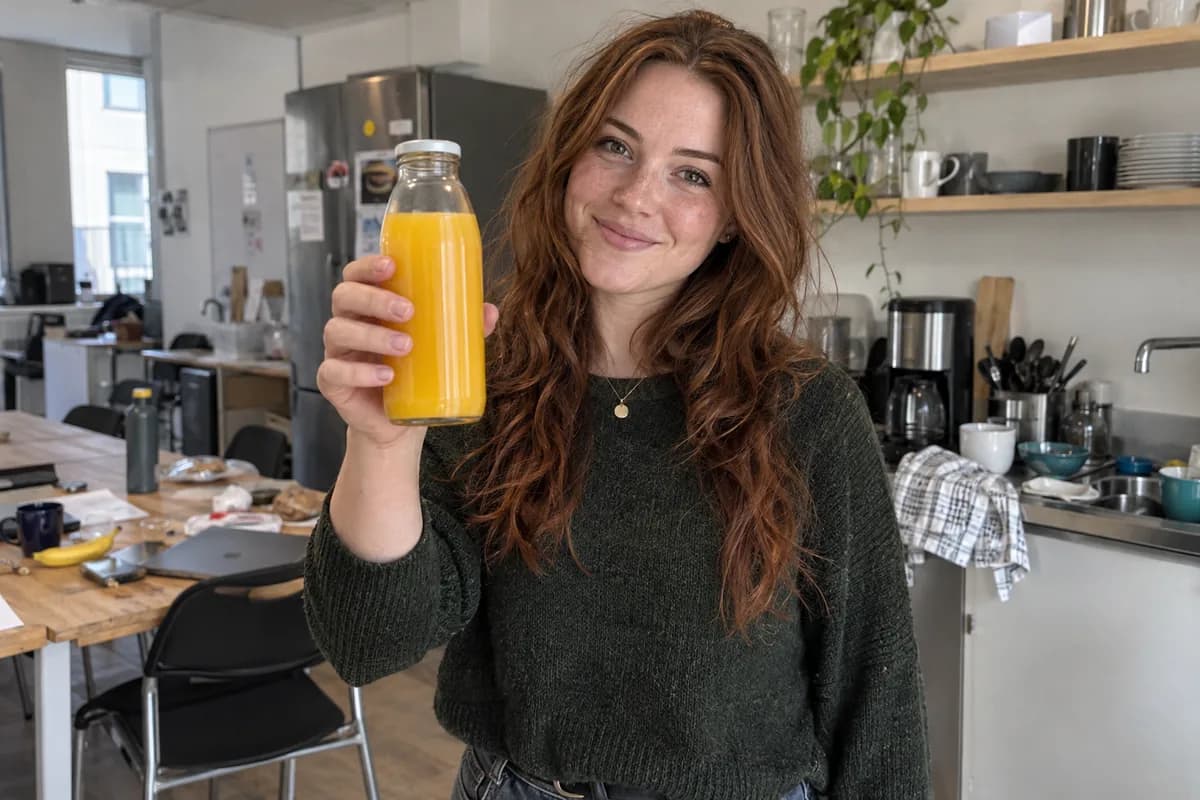 OriginalResult
Marketing & design
Isolate subjects for banners, ads, presentations, and social media posts. A transparent PNG drops straight into Canva, Figma, or PowerPoint — no manual masking in a photo editor.
The transparent PNG guide →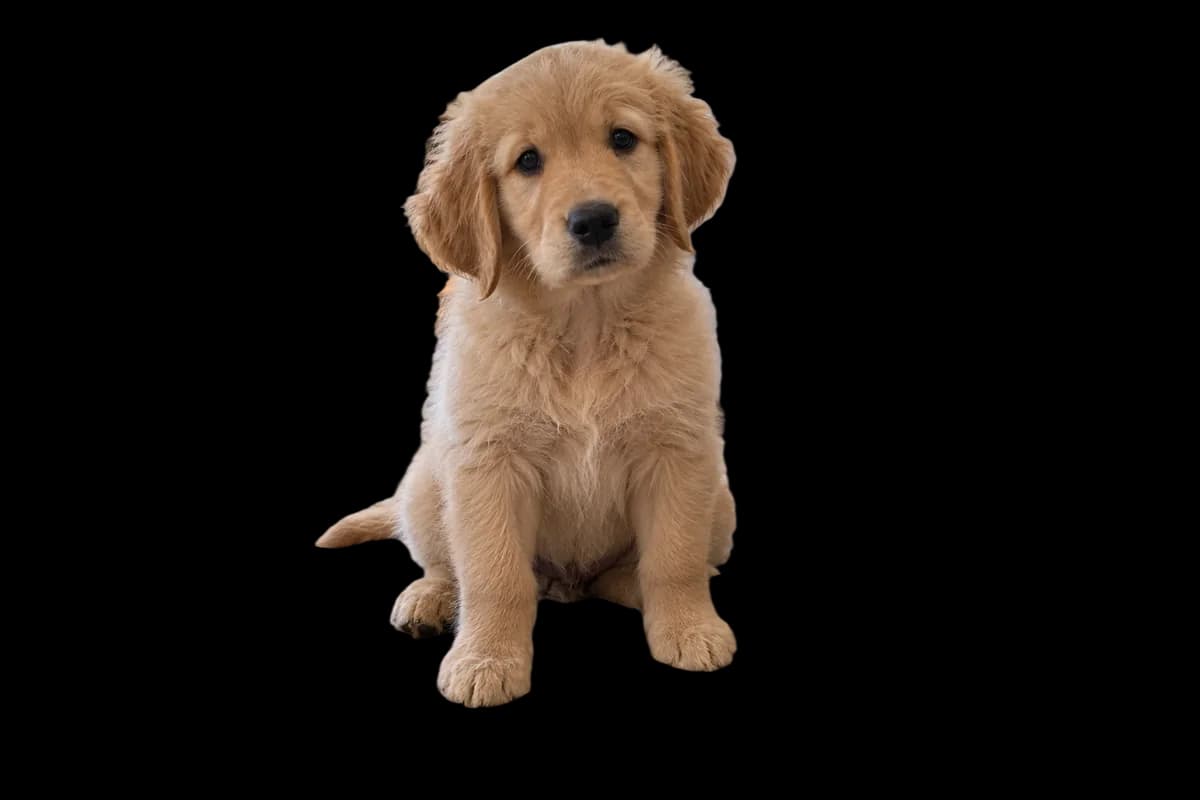
 OriginalResult
Creators & print
Make stickers, thumbnails, greeting cards, and collages from your own photos. Clean edges around hair and fine detail mean your cutouts look intentional, not clipped.
Make stickers from your photos →$ curl -X POST \ https://api.remover.bg/remove-bg \ -H "Authorization: Bearer rmbg_…" \ -F "file=@photo.jpg" \ -o cutout.png 200 OK · image/png
Developers & automation
Process images in bulk through a simple HTTP API: send an image, get the finished cutout back. Ideal for marketplaces, listing platforms, and photo pipelines that need background removal at scale.
Explore the API docs →Get the best results
The AI does the heavy lifting, but a good source photo still matters. A few habits that consistently pay off:
Give the subject room and light
The model finds the subject on its own, but a well-lit photo where the subject is clearly visible always produces cleaner edges than a dark or blurry one. Natural daylight or even indoor lighting is enough — no studio required.
Higher resolution, better detail
Fine structures like hair, fur, and spokes are recovered from the pixels you provide. A sharp photo straight from your phone camera will keep more of that detail than a small, heavily compressed copy.
Contrast helps tricky subjects
If the subject and the background are nearly the same color — a white product on a white table — try a shot with more separation. A little contrast goes a long way for edge quality.
Polish the result in the editor
After the cutout you can keep working in the built-in editor: place a new background, reposition the subject, add a shadow, and export in the format and quality you need.
Remove backgrounds right from your phone
Snap a photo, get a clean transparent cutout in seconds, and share it anywhere — no computer needed. The remover.bg app runs on the same AI as the web, so you get the same quality in your pocket.
- Same AI, same clean edges as the web version
- Sign in with your account — credits and history are shared
- Edit your cutout and share it straight from the app

 remover.bg
 Background removed
Frequently asked questions
- Is remover.bg free to use?
- Yes. You can remove backgrounds from up to 2 images per day for free with no account. Create a free account to raise that to 5 per day, or pick a paid plan to remove more.
- Do I need to create an account?
- No account is needed to try it. You get a daily free quota right away. Creating a free account unlocks more credits and access to the API.
- How does AI background removal work?
- A deep learning model analyzes your photo, detects the main subject, and predicts for every pixel whether it belongs to the subject or the background. That per-pixel precision is what keeps fine details like hair and fur intact — something rectangular selection tools can't do.
- Which file formats are supported?
- You can upload PNG, JPG, and WebP images up to 25 MB. Results can be downloaded as a transparent PNG, or exported to JPG or WebP.
- What kind of photos work best?
- Almost any photo with a recognizable subject works: products, people, cars, animals, furniture, logos. Sharp, well-lit images with some contrast between subject and background give the cleanest edges.
- Can I edit the result after the background is removed?
- Yes. The built-in editor lets you place a new background, reposition and resize the subject, add shadows, and export in the format and quality you choose — all in the browser, no extra software.
- Can I use the results commercially?
- Yes. Your images and the cutouts made from them remain yours — we claim no ownership over your content. As long as you have the rights to the original photo, you can use the result in stores, ads, print, or anywhere else.
- Are my images kept private?
- Your uploads are used only to process your request and are not used to train models. They are not shared with third parties.
- Is there an API for developers?
- Yes. Paid plans include API access so you can integrate background removal into your own apps and automate it at scale. You send an image over HTTP and receive the finished cutout back in seconds.
- Do subscription credits roll over to the next month?
- No. Subscription credits reset at the start of each billing period and don't carry over — unused ones expire. Pay-as-you-go credit packs never expire. When you spend credits, your subscription credits are used first, then your pay-as-you-go balance.