English
 Español
 Português (BR)
 Deutsch
 Français
 Italiano
 Türkçe
 Bahasa Indonesia
 Русский
 日本語
日本語 한국어
한국어 Українська
 Tiếng Việt
 Polski
 Nederlands
 ไทย
ไทย Română
 简体中文
简体中文 繁體中文
繁體中文 العربية
 Български
 Filipino
 हिन्दी
 اردو
اردو বাংলা
বাংলাHow to Turn Your Photos into WhatsApp and Telegram Stickers
From camera roll to custom sticker pack in five minutes: WhatsApp and Telegram format rules, the transparent cutout step, and pack ideas your chat will use.
- stickers
- telegram
- fun
- tutorial

Group chats run on stickers — and the ones that get used the most aren't from official packs. They're the inside jokes: your friend's mid-sneeze face, the dog's judgmental stare, your teammate's legendary celebration. Turning those photos into actual WhatsApp or Telegram stickers takes about five minutes once you know the recipe.
The key ingredient is the one this site happens to be good at: a clean cutout with a transparent background.
What makes a sticker a sticker
A photo pasted into a chat is just a photo. A sticker is a cutout — the subject with the background removed, so it sits on top of the conversation like a cartoon character. Both WhatsApp and Telegram build their sticker formats around this:
- WhatsApp — 512×512 pixel images in WebP format, on a transparent background, under 100 KB per sticker. A pack needs at least 3 stickers plus a tray icon.
- Telegram — 512 pixels on the longest side, PNG or WebP with transparency, up to 512 KB. Telegram also supports animated and video stickers, but static ones are where photo stickers live.
The transparency is what sells the effect. A rectangular photo with its background still attached looks like a thumbnail; a clean cutout with a slight white outline looks like it shipped with the app.
Step 1: Pick the right photos
The best sticker photos have one clear subject and one strong emotion or gesture:
- Expressive faces — laughing, shocked, unimpressed, celebrating.
- Full-body poses — pointing, shrugging, dramatic collapse.
- Pets doing anything at all. Pets are sticker gold.
Slightly ridiculous beats perfectly composed, every time.

Step 2: Cut out the subject
Upload each photo to remover.bg. The AI removes the background in seconds and handles the parts that make manual cutouts miserable — hair, fingers, pet fur, the gap between an arm and a torso. Download the result as a transparent PNG. Since the photos are already in your camera roll, you can cut out a background on your phone without opening a laptop.
This is also the step where quality shows. A sloppy cutout with leftover background chunks reads as effort; a crisp cutout reads as an official sticker. If you're curious what "transparent PNG" actually means under the hood, we've got a full guide to transparent PNGs.
Tip: batch your session. Cut out 10–15 photos in one sitting so you end up with a real pack instead of a single lonely sticker.
Step 3: Build the pack
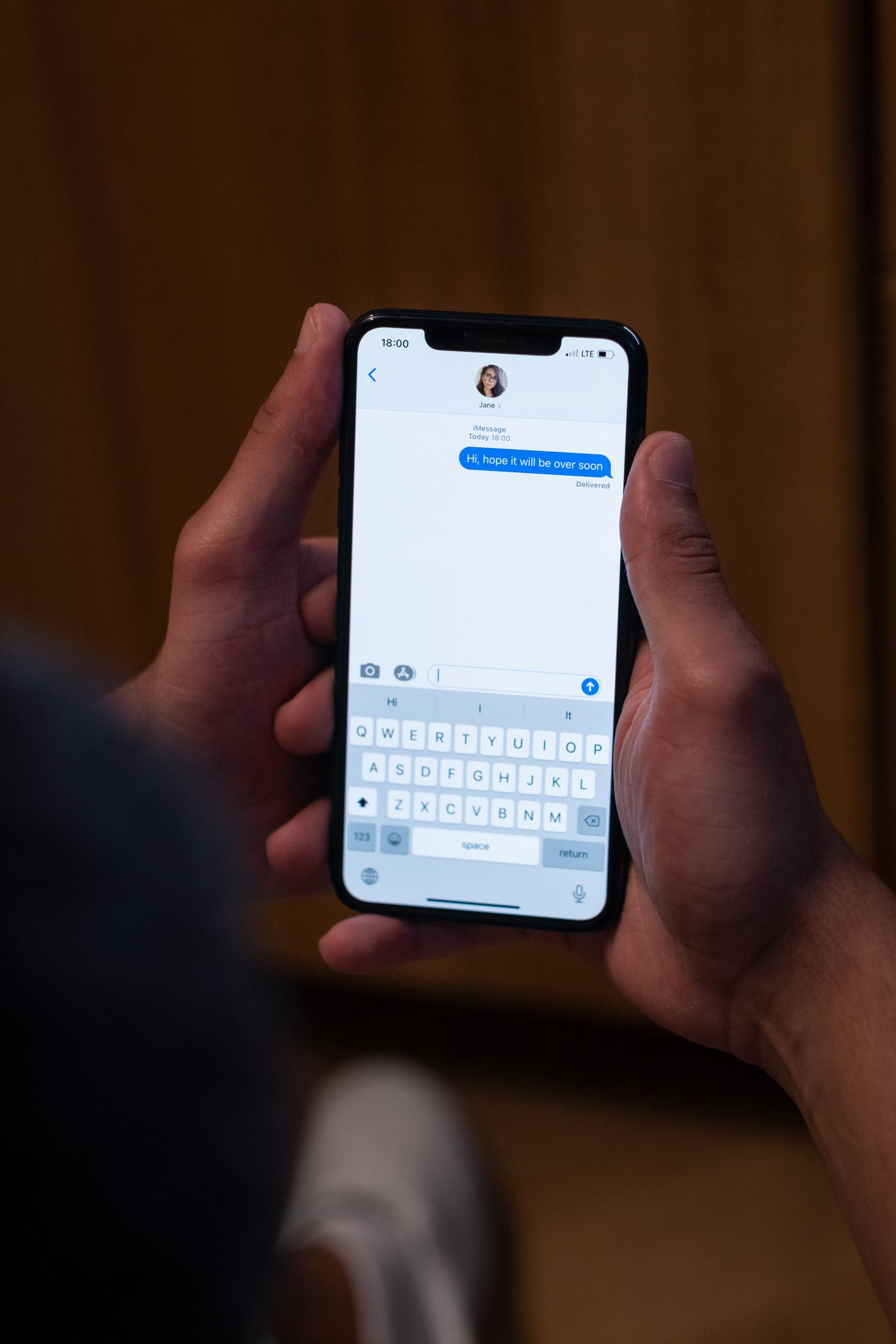
On WhatsApp, third-party pack-maker apps (like Sticker Maker on iOS and Android) do the packaging: import your transparent PNGs, and the app converts them to 512×512 WebP, adds them to WhatsApp, and handles the size limits. Most also let you add the classic white outline around the cutout.
On Telegram, you don't even need an app — the official @Stickers bot does everything in chat: send /newpack, name your pack, upload each 512px PNG, assign an emoji to each sticker, and publish. Your pack gets a shareable t.me/addstickers/... link anyone can install.
Ideas that always land
- The reaction set — one friend, twelve facial expressions. Covers every conversation your group will ever have.
- The pet pack — your animal as the group's official mascot and moral authority.
- The team pack — coworkers' greatest moments (with their blessing) for the work chat. Doubles as team culture.
- Event souvenirs — weddings, trips, and tournaments make great limited-edition packs; the shareable Telegram link turns them into party favors.
- Family classics — grandparents make unexpectedly beloved stickers.
Two quick etiquette rules
Stickers of other people are funniest with their consent — surprise the group, not the person. And keep packs you publish publicly (Telegram packs are installable by anyone with the link) free of faces that didn't sign up for internet fame.
That's the whole craft: pick absurd photos, let the AI do the cutting, let a bot do the packaging. Five minutes of work for years of perfectly targeted reactions. And if this kind of photo craft is your thing, the same cutout trick also makes custom greeting cards — same five minutes, different occasion.