English
 Español
 Português (BR)
 Deutsch
 Français
 Italiano
 Türkçe
 Bahasa Indonesia
 Русский
 日本語
日本語 한국어
한국어 Українська
 Tiếng Việt
 Polski
 Nederlands
 ไทย
ไทย Română
 简体中文
简体中文 繁體中文
繁體中文 العربية
 Български
 Filipino
 हिन्दी
 اردو
اردو বাংলা
বাংলাHow to Make Custom Greeting Cards from Photos
Turn an ordinary photo into a personal greeting card from your laptop or phone — five creative card ideas plus the steps to make each one.
- greeting cards
- photo editing
- background removal
- diy
- gift ideas
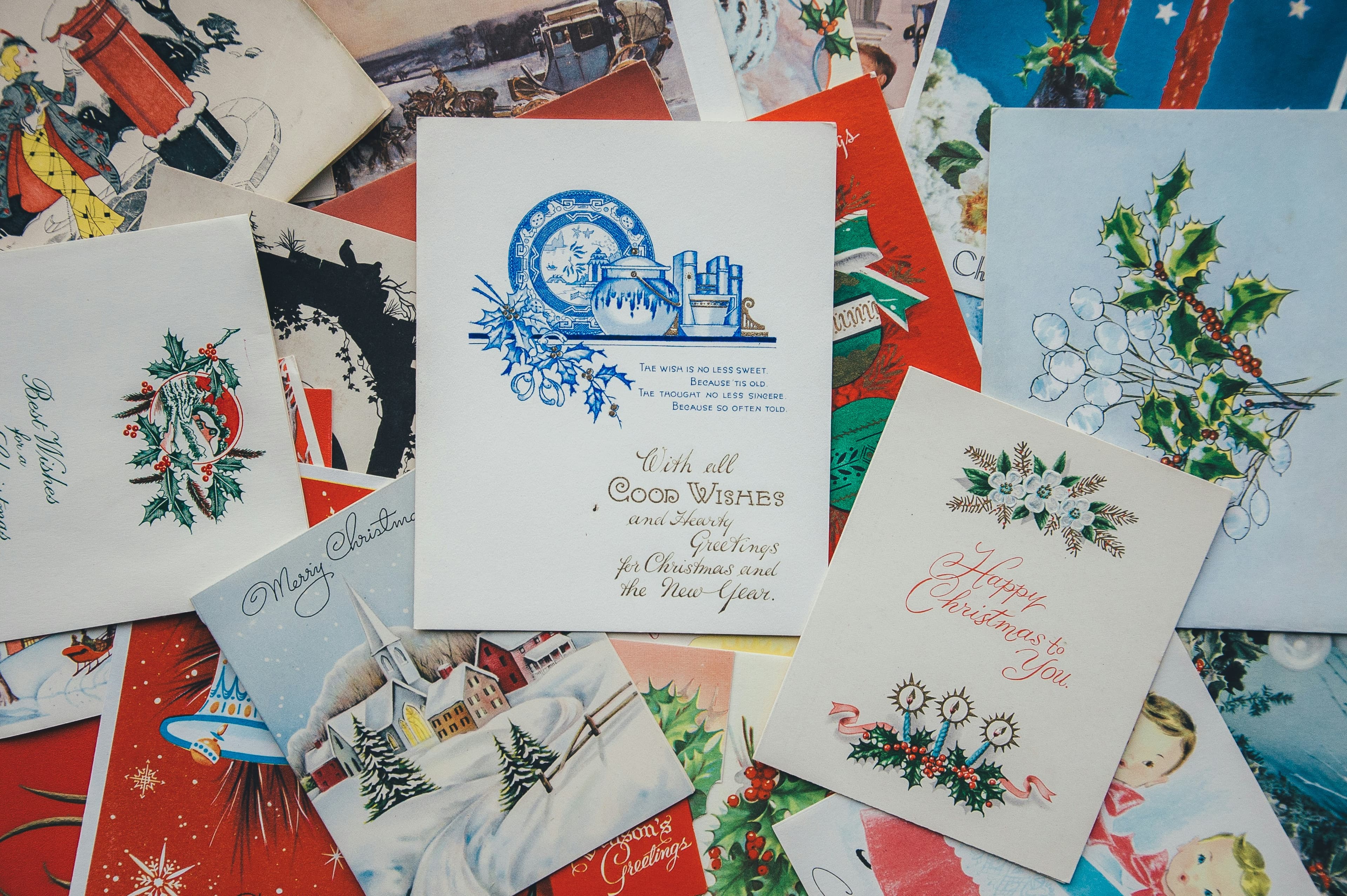
Want to make someone's birthday, holiday or celebration truly special? With remover.bg you can turn an ordinary photo into a one-of-a-kind greeting card in minutes — straight from your laptop or phone, no design skills required. The best part: a card you made yourself often means more than anything you could buy.
Here are five creative ideas to get you started.
1. A stylish anniversary card
Making your parents' big day memorable couldn't be easier. Upload a favorite photo of the couple to remover.bg and the background disappears in seconds. Open the editor to fine-tune the cutout, then drop in a new backdrop — a sweeping countryside view, a quiet city street at dusk, or a sunlit beach.
Once it looks right, add a warm message wishing them many more happy years, then download. Print it, sign it, and send it on its way.
2. Your child meeting Santa
Want to grant your child's wish to meet Father Christmas? Start by cutting out a photo of your little one with remover.bg. Then find a festive scene — Santa at the North Pole, a cozy fireplace, or a snowy village. Place your child into the scene, arrange the layers so everything sits naturally, and make sure there are plenty of presents in frame.
The same trick works for any childhood favorite: a theme park or a cartoon world.
3. A friend among the stars
Why not send someone you love into orbit? Cut out your friend with remover.bg, then layer them over a starfield, a planet's surface, or a drifting spacecraft. Stack the cutouts in the editor so the scene feels real.
For the message, have a little fun: "Hope your big day is out of this world!" If your friend has a passion, run with it — place them on stage with their favorite band, on the pitch with their team, or right inside a famous painting.
4. Send them on a dream vacation
Know someone who's always wanted to visit a far-off place? Cut out a relaxed, smiling photo of them and drop it into a postcard-perfect setting — a tropical island, a snowy mountain peak, or a bustling foreign market.
Add a cheeky caption like "Wish you were here… eventually!" and you've turned a simple photo into a card full of wanderlust.
5. Write them into history
For an extra-special touch, give your card a vintage feel. Cut out your subject, switch the photo to black and white in the editor, then place them into a classic scene from the past. Adjust the contrast and tone so they blend seamlessly into the era.
Imagine your friend at a glamorous 1920s party, cheering at a historic match, or standing among the crowd at a famous moment. Finish with a line like "Here's to a birthday that goes down in history!"
A quick tip
When you combine a cutout with a new background, small adjustments make all the difference: match the lighting, soften the edges, and tweak the colors so the two images feel like they were always one photo.
Made something you love? Share it on social media with #removerbg — we'd love to see your designs.
remover.bg is free for personal use at smaller sizes. Working on bigger projects? Our premium plans give you higher resolution and a faster workflow.