English
 Español
 Português (BR)
 Deutsch
 Français
 Italiano
 Türkçe
 Bahasa Indonesia
 Русский
 日本語
日本語 한국어
한국어 Українська
 Tiếng Việt
 Polski
 Nederlands
 ไทย
ไทย Română
 简体中文
简体中文 繁體中文
繁體中文 العربية
 Български
 Filipino
 हिन्दी
 اردو
اردو বাংলা
বাংলাPet Portrait From a Photo: Wall Art, Mugs, and Gifts
Turn a phone photo into a pet portrait: which shot to pick, why AI beats manual masking on fur edges, and gifts from canvas prints to mugs and stickers.
- pet portrait
- background removal
- pet photography
- print on demand
- gift ideas
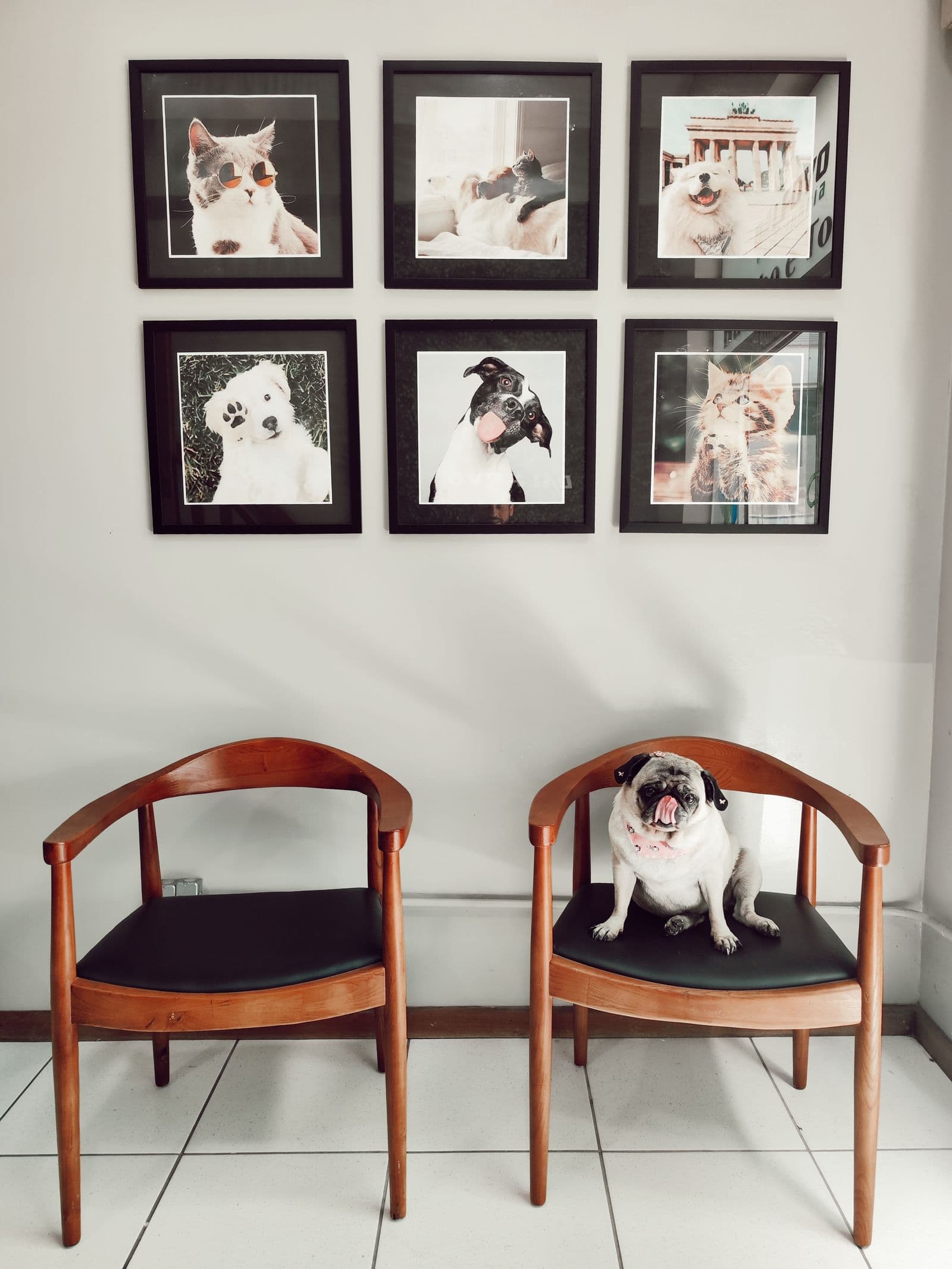
Somewhere in your camera roll sits a photo of your pet that deserves better than digital dust. Maybe it's the mid-head-tilt shot, or the one where your cat looks genuinely disappointed in your life choices. Turning that photo into a real pet portrait — the kind you hang on a wall or print on a mug — takes about ten minutes and zero artistic talent.
The whole process is three steps: pick a strong photo, cut your pet cleanly away from the background, and place them somewhere more dignified than your kitchen floor. From there, you can print the result on nearly anything a print-on-demand service offers.
This guide walks through each step, including the one part everyone underestimates: fur.
How to Pick the Right Photo for a Pet Portrait
The portrait can only be as good as the source photo. Before you edit anything, choose (or shoot) a picture with these things going for it:
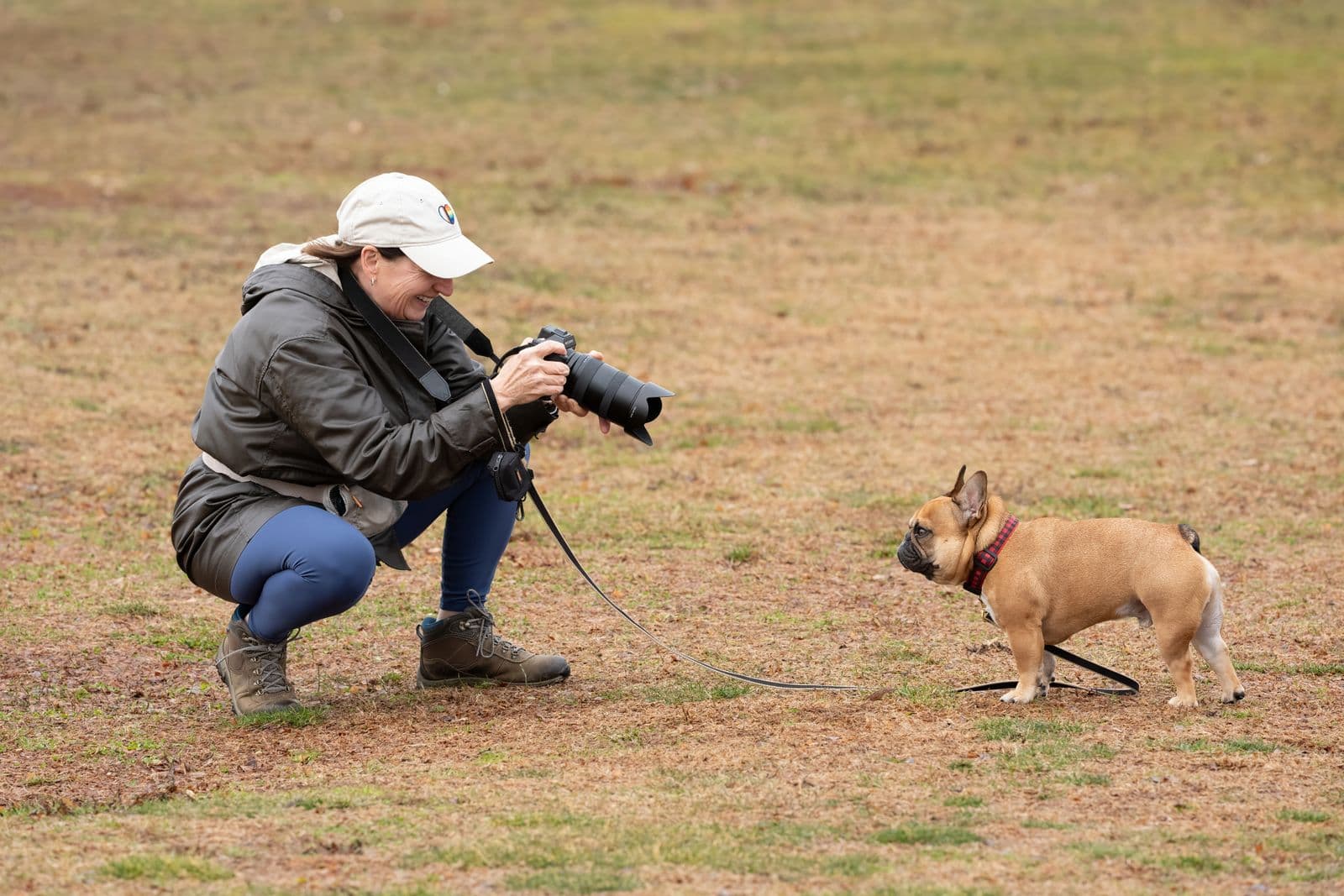
- Eye level, not human level — Shooting down at your pet flattens their face and makes every dog look like a nose with legs. Crouch, sit on the floor, or set the camera at their eye height. Portraits are about faces, and faces read best straight-on.
- Sharp eyes above all — Viewers forgive a slightly soft ear. They never forgive blurry eyes. Zoom in at full size: if the eyes aren't crisp, keep looking.
- Soft, even light — Window light or open shade works beautifully. Harsh midday sun carves hard shadows into fur; indoor lamps add a yellow cast.
- Space around your pet — A little breathing room around ears, whiskers, and tail gives the cutout clean edges to work with.
- The biggest file you have — Background removal doesn't add pixels, so start from the original photo, not a compressed messaging-app copy. For canvas-size prints, resolution matters.
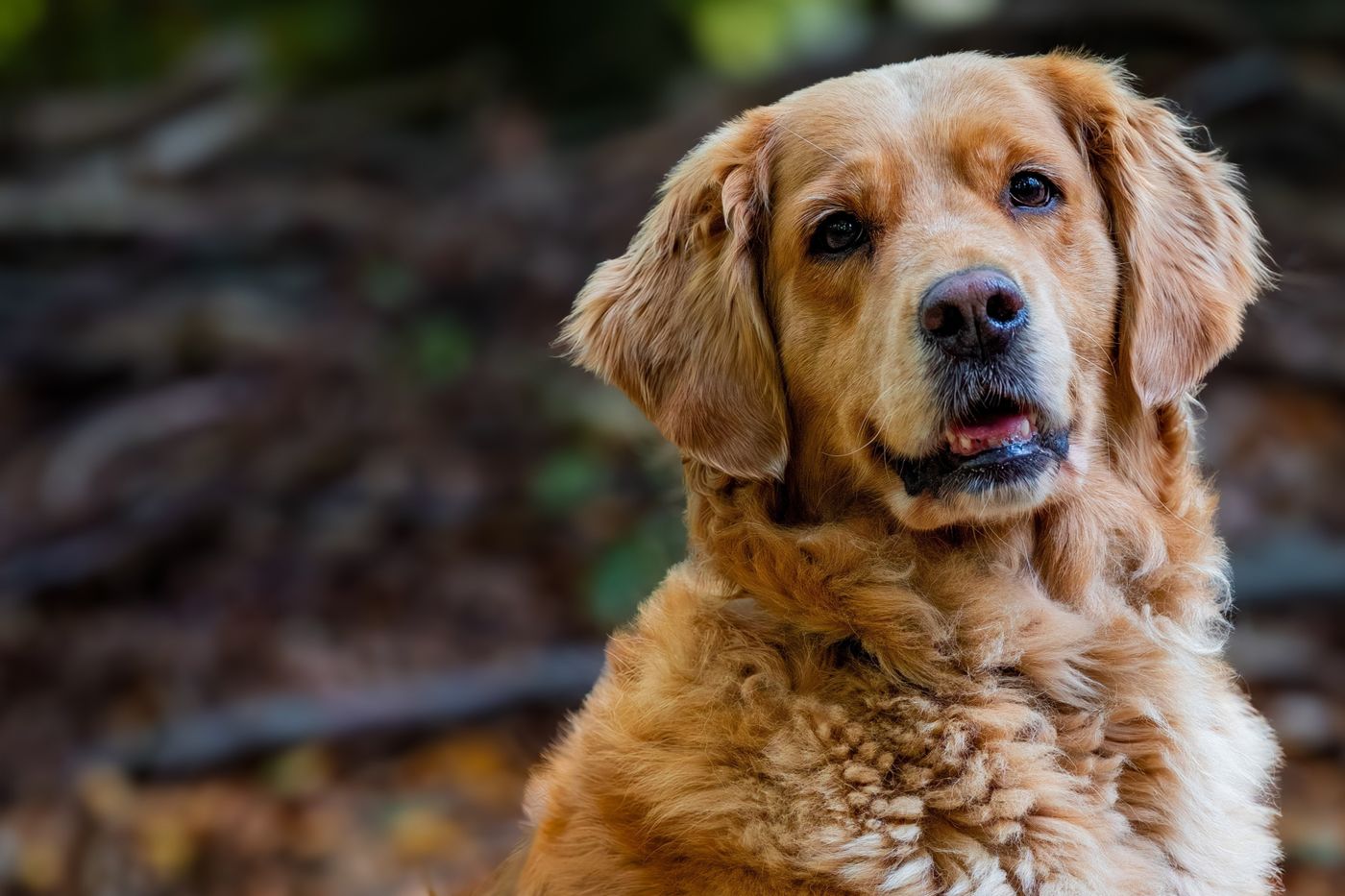
One practical trick: shoot in burst mode while someone dangles a treat just above the lens. You'll get ears up, eyes locked, and at least one frame where nobody is licking anything.
Why Fur Is the Hard Part (and How AI Handles It)
Here's what separates pet portraits from, say, product photos: edges. A coffee mug has one clean outline. A husky has roughly a million, all of them semi-transparent and pointing in different directions.
Manual selection tools were never built for this. Magic-wand selections leave your pet wearing a helmet of leftover background. Careful path tracing takes an hour and still produces that telltale cardboard-cutout look, because real fur fades into the background gradually — it doesn't stop at a hard line.
This is exactly the problem modern AI background removal was trained on. Drop your photo into remover.bg and the model preserves individual strands, whisker tips, and the fuzzy halo around ears — the fine, wispy detail that sells the portrait as real rather than pasted. The fluffier the pet, the more time you save. The same problem shows up in human portraits with wispy hair, and the fix is identical.
Choosing a Portrait Background
With your pet cleanly cut out, the fun part begins. Three directions that consistently work:
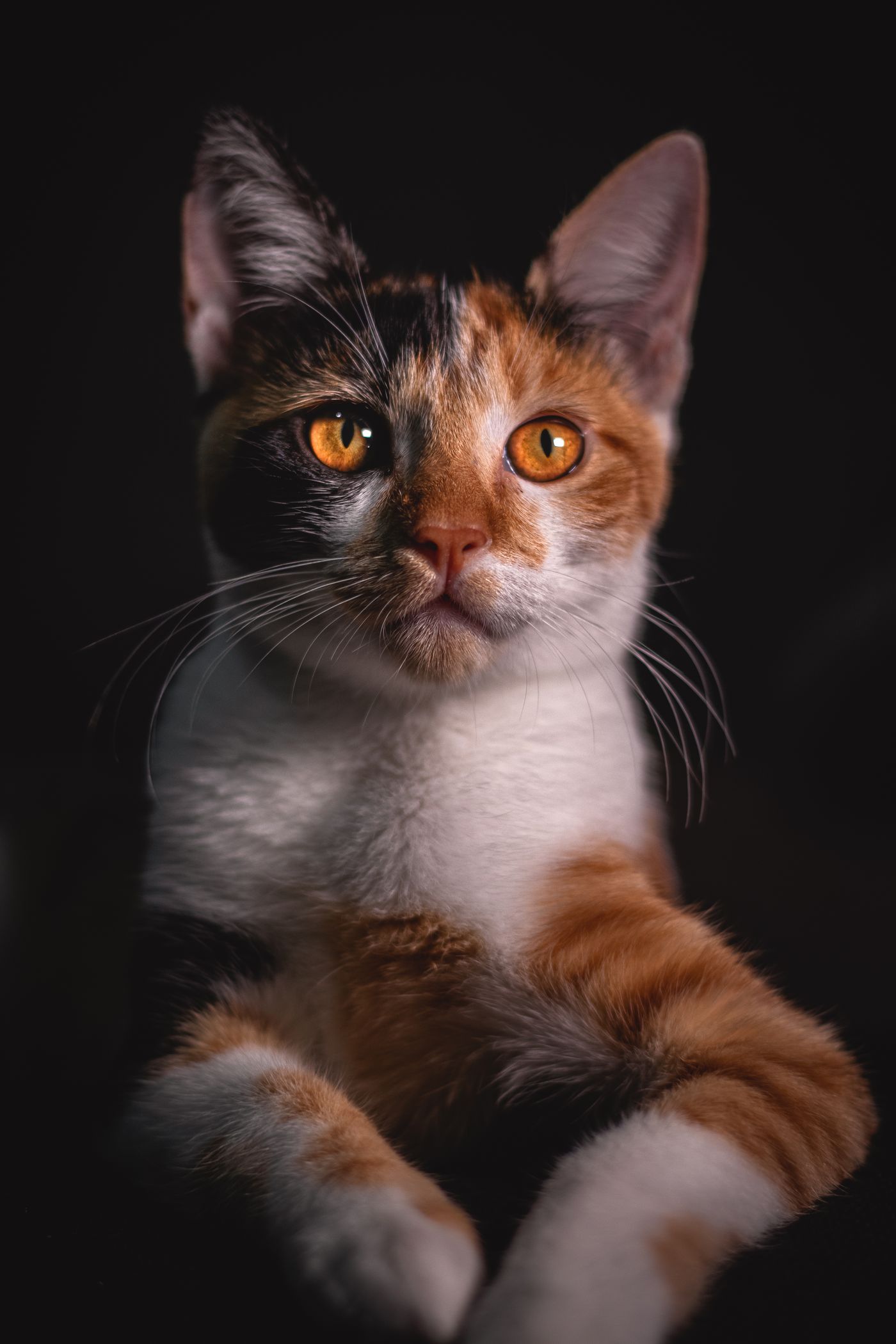
- Deep solid colors — Navy, forest green, terracotta, and charcoal read as classic studio portraits. Pick a shade that contrasts with the fur: dark backgrounds for light pets, lighter tones for black cats and chocolate labs.
- The Renaissance treatment — There's a reason "pet as 16th-century aristocrat" portraits took over the internet: pets have mastered the exact solemn stare that oil-painting nobility spent centuries perfecting. Place your cutout on a dark, moody, painterly backdrop and let your cat's natural contempt do the rest. Duke Whiskers von Fluffington earned this.
- Soft studio gradients — A gently graduated backdrop mimics a professional photo studio without competing with your subject.
Whatever you choose, add a subtle shadow beneath your pet. A floating dog looks like a screenshot; a grounded one looks like a portrait.
Pet Portrait Gift Ideas Worth Printing
Once you have a clean cutout on a great background, one image becomes many gifts:
- Canvas prints — The centerpiece option. Before uploading to any printer, run through our print-on-demand image prep guide so your file matches their size and resolution requirements.
- Mugs — Low cost, high daily visibility. A portrait mug means your dog supervises every coffee break.
- Sticker sheets — Clean-edged cutouts are already halfway to stickers; our guide to making stickers from photos covers borders and print options.
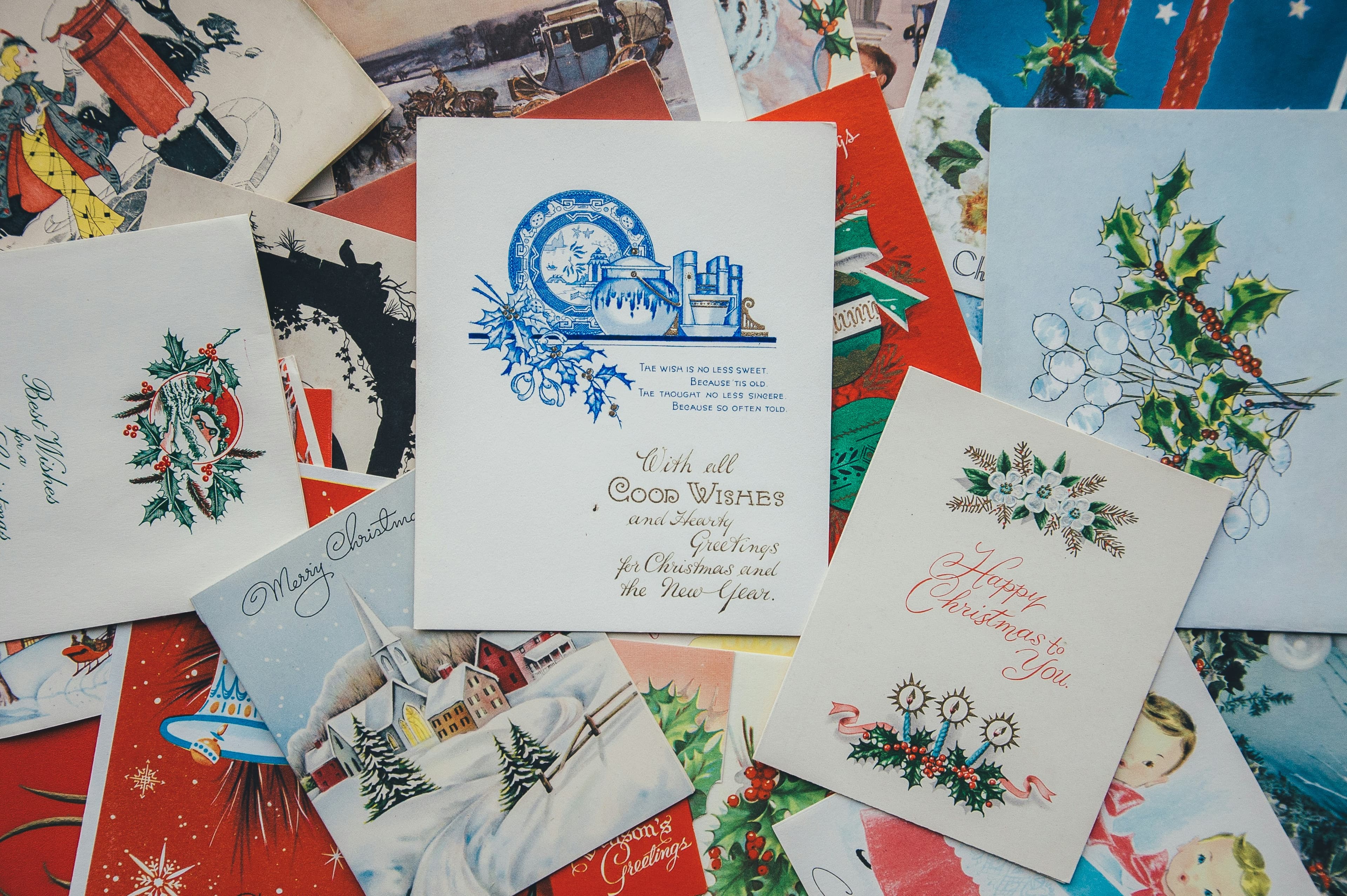
- Greeting cards — A Renaissance cat on a holiday card wins the mantelpiece every year. Here's how to make custom greeting cards from the same file.
- Phone wallpapers — Free, instant, and a good test render before you commit to canvas.
The Takeaway
A great pet portrait from a photo comes down to three decisions: shoot at eye level with tack-sharp eyes, let AI handle the fur edges you were never going to mask by hand, and pick a background with some intention — solemn Renaissance gloom included. Do the cutout once, and you've got wall art, mugs, stickers, and cards from a single photo of your best friend.