English
 Español
 Português (BR)
 Deutsch
 Français
 Italiano
 Türkçe
 Bahasa Indonesia
 Русский
 日本語
日本語 한국어
한국어 Українська
 Tiếng Việt
 Polski
 Nederlands
 ไทย
ไทย Română
 简体中文
简体中文 繁體中文
繁體中文 العربية
 Български
 Filipino
 हिन्दी
 اردو
اردو বাংলা
বাংলাHow to Remove Background from Hair and Fur Without the Halo
Hair has no edge — it has thousands, most thinner than a pixel. Why manual masking loses strands, how AI matting reads semi-transparent pixels, how to shoot it.
- background removal
- hair cutout
- portraits
- pet photos
- photography tips
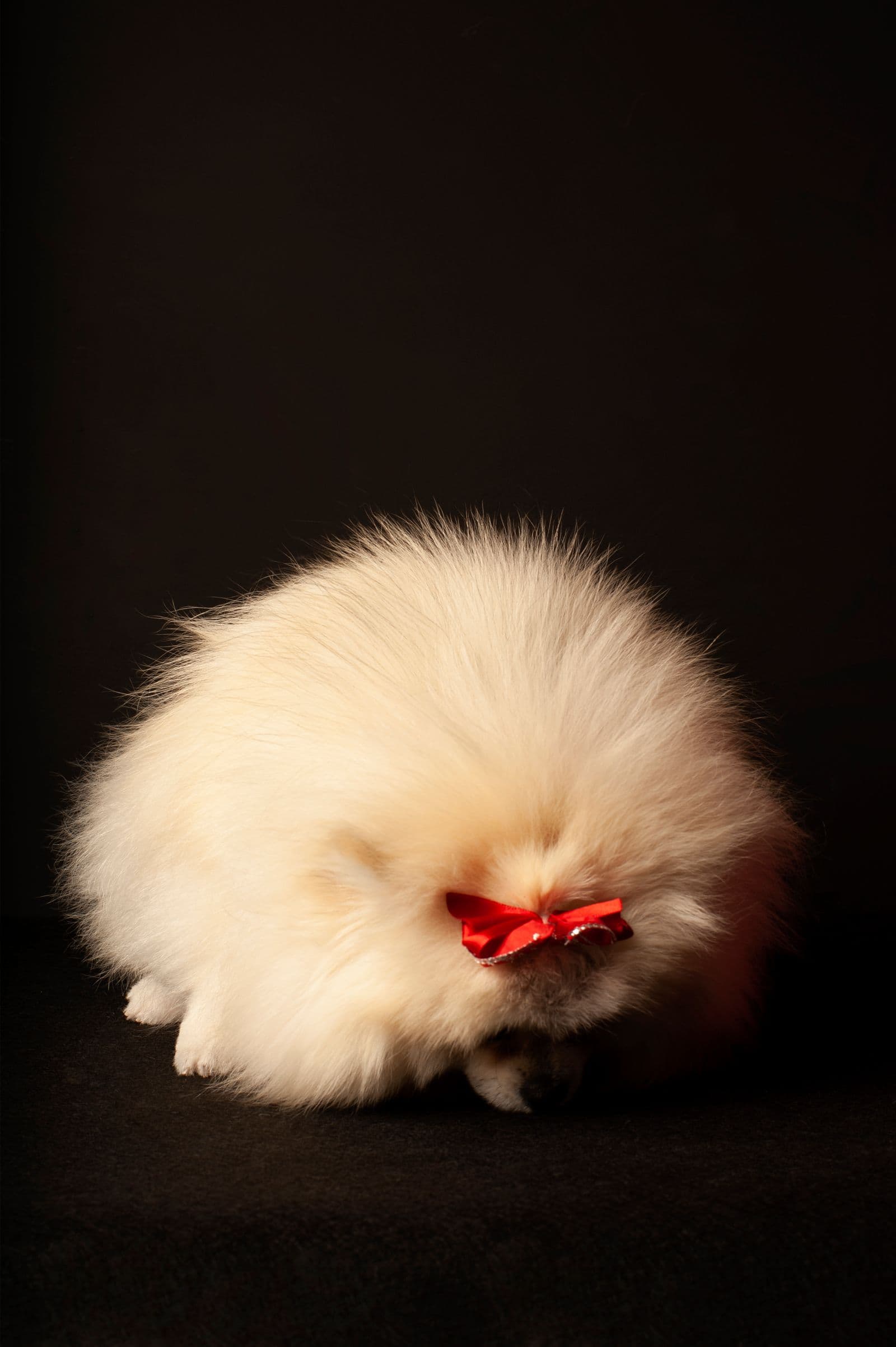
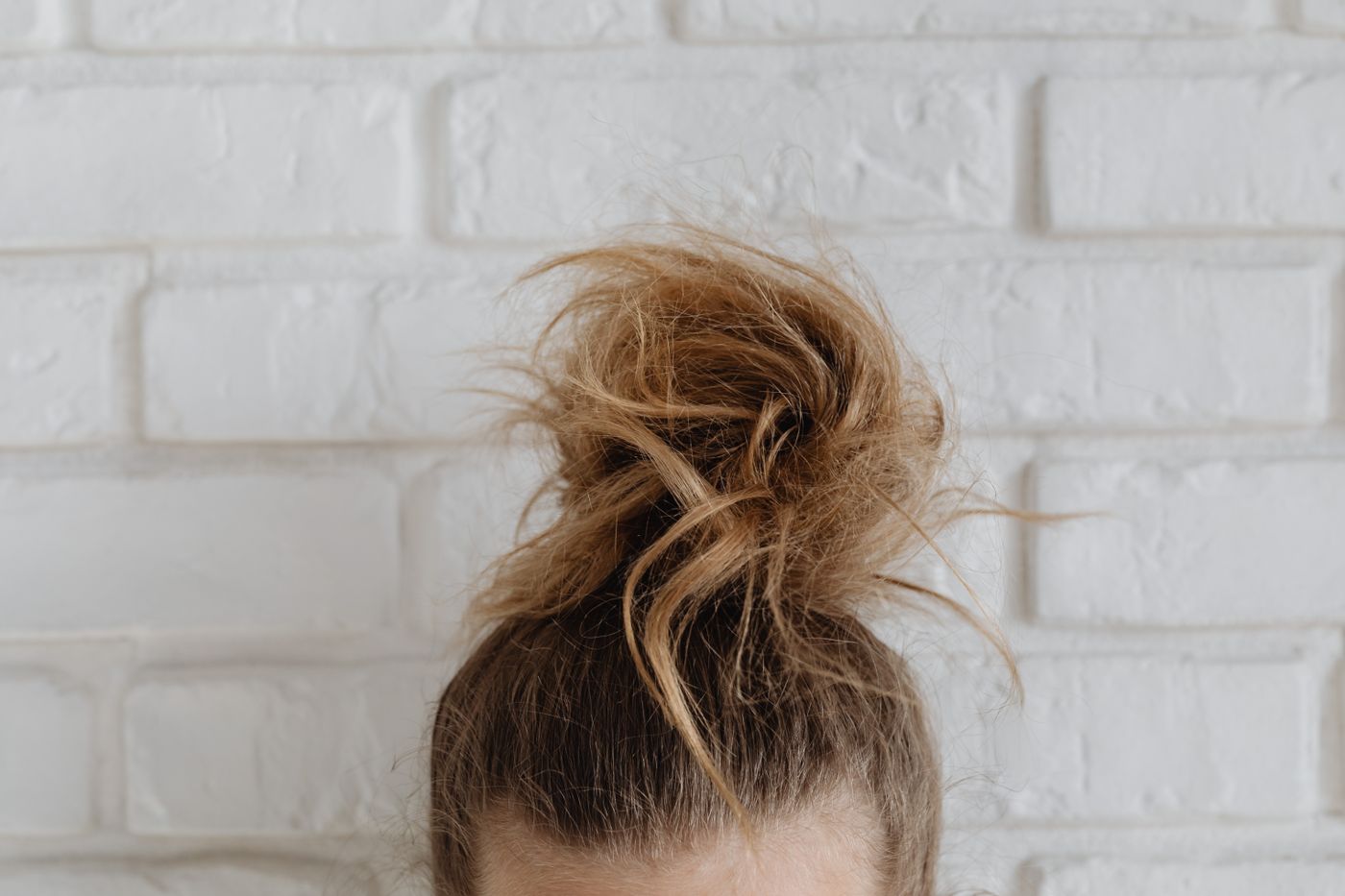
Ask any retoucher what the hardest part of a cutout is and you'll get a one-word answer: hair. Fur is the same problem wearing a different coat. Everything else in a photo — shoulders, products, coffee mugs — has an edge you can trace. Hair doesn't have an edge. It has thousands of them, and most are thinner than a pixel.
That's why people who need to remove background from hair have historically either spent an afternoon in Photoshop or quietly cropped the photo at the forehead. The body of a subject takes seconds; the strands around it used to take the rest of the day. Here's why they're so brutal — and how to win anyway.
Why Hair Is the Hardest Part of Any Cutout
Three things make hair and fur uniquely difficult:
- Semi-transparency — a single strand doesn't fully cover the pixels it crosses; each one is a blend of hair and whatever sat behind it. A convincing cutout needs partial opacity for those pixels, not a yes/no decision.
- Sub-pixel detail — flyaways and fine fur are often thinner than one pixel. Draw a hard line and they vanish; keep them and you keep a ghost of the old background along with them.
- Color spill — hair picks up the color of its surroundings. Shoot against a green wall and the outer strands genuinely are a little green. Cut them out perfectly and they still look wrong on white, because the green came along for the ride.
Put those together and you see why simple selection tools never stood a chance. Hair isn't a shape. It's a gradient of maybe.
How Editors Handled Hair Before AI
The classic manual workflow was clever — and painful:
- Channel masking — duplicate the color channel with the most hair-to-background contrast (often blue), then crush it with Levels until hair went black and background went white. Instant mask — as long as the background was plain.
- Refine Edge and its successors — Photoshop's edge-aware brushes re-sample pixels near the boundary and estimate transparency. A big step up, but they smudge fine detail and need constant hand-holding around ears and shoulders.
- Painting hair back in — when all else failed, retouchers literally drew new strands with hair-shaped brush presets, because faking hair was faster than rescuing it.
Notice the common thread: every trick depended on contrast. Dark curls on a dark, busy background? You were repainting them, one stroke at a time.
How AI Segmentation Handles Hair Differently
Modern AI models don't trace edges — they've learned what hair is. Trained on huge numbers of images, they predict a full alpha matte: a per-pixel opacity map that keeps a flyaway partially transparent instead of forcing an all-or-nothing call. The best pipelines also estimate the hair's true color underneath the spill, so strands lifted off a green wall don't stay green on their new background.
Hair, fur, and fine edges are exactly what remover.bg was built around: upload a portrait or a pet photo and the wisps survive with their transparency intact. Honest caveat: no tool — human or AI — rescues every strand when hair is backlit into a glowing halo or lost in a background that matches it exactly. Which brings us to the part you control.
Shooting Tips for Cleaner Hair and Fur Cutouts
You can make any cutout tool look brilliant by giving it a fair fight:
- Contrast is king — dark hair against a light wall, light fur against a dark one. The bigger the difference, the cleaner the matte.
- Avoid backlight halos — a strong light directly behind the head blows out edge strands into a bright rim that blends into the background. If you want rim light, keep it subtle and angled.
- Keep strands off busy patterns — bookshelves, foliage, and patterned wallpaper hide fine hair like camouflage. A plain wall two steps behind the subject beats a beautiful mess, and the distance adds a little blur, which helps every edge.
- Tame the flyaways you don't love — a quick smooth-down before shooting saves more time than any edit after.
None of this is fussy studio work. It's thirty seconds of setup that pays off in every frame.
Portraits and Pets: Where Clean Hair Cutouts Pay Off
The two subjects where edge quality is most visible are human heads and fluffy animals. For people, a crisp hairline is the difference between a polished headshot and an obvious paste job — our guide to a professional profile picture at home covers the rest of that recipe.
Pets are the stress test. A double-coated dog or a long-haired cat is essentially a subject made entirely of edge. If you're turning your companion into wall art, start with pet portraits from photos for the full workflow.
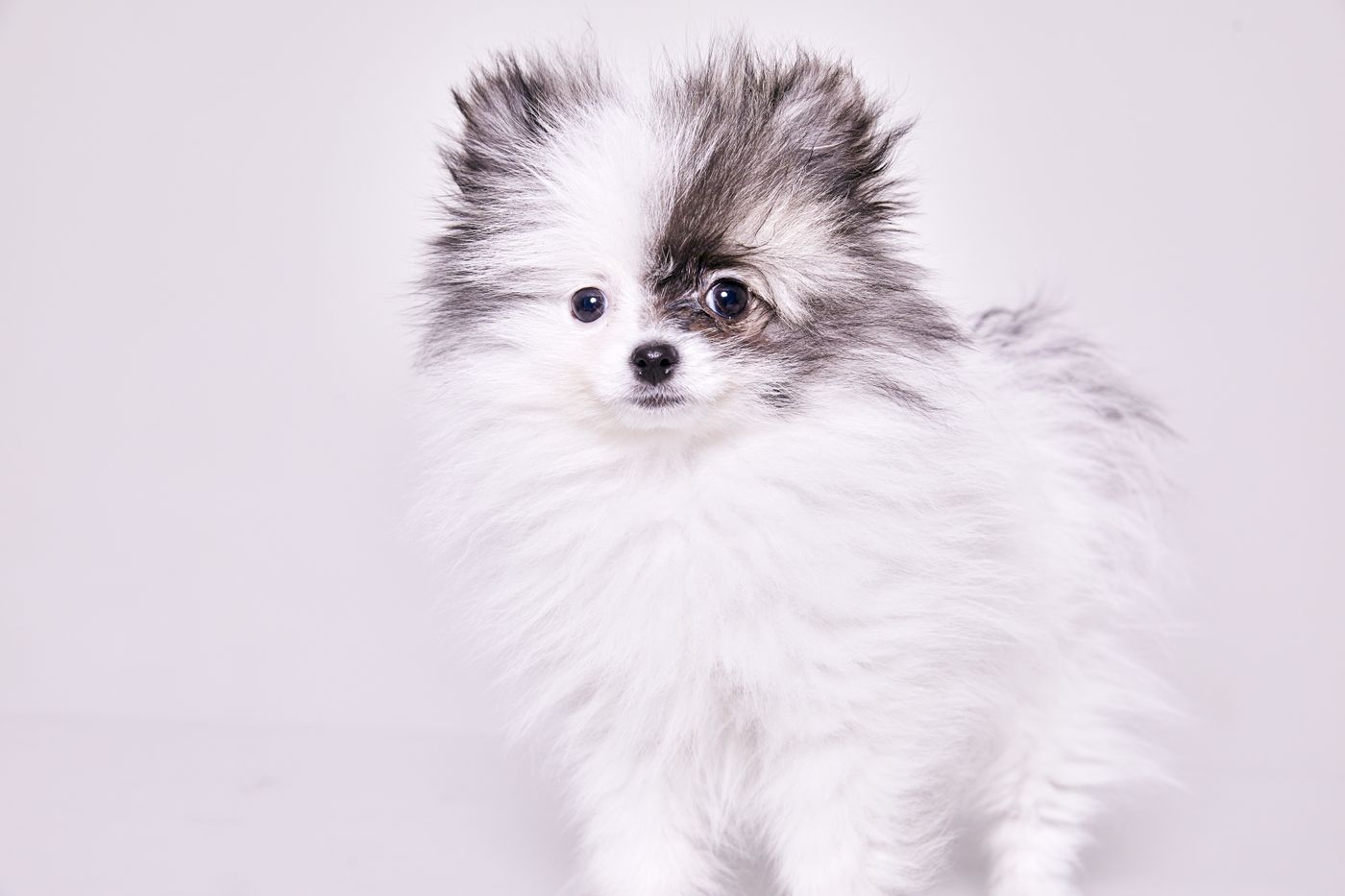
And once the cutout is clean, the fun part starts: swapping in a color, a scene, or a brand backdrop. Here's how to change a photo background without it looking pasted.
The Takeaway
Hair and fur are hard because they're semi-transparent, finer than pixels, and stained by the old background. Manual masking fought that with channels and edge brushes; AI matting solves most of it by predicting per-pixel transparency. Your job is simply to shoot with contrast, skip the backlight halo, and keep strands off busy patterns — then let the model do the tedious part. Your afternoon is yours again. Hair is the hardest edge, but it is one part of a bigger workflow — the rest of the cutout job covers backgrounds, shadows and platform rules.