English
 Español
 Português (BR)
 Deutsch
 Français
 Italiano
 Türkçe
 Bahasa Indonesia
 Русский
 日本語
日本語 한국어
한국어 Українська
 Tiếng Việt
 Polski
 Nederlands
 ไทย
ไทย Română
 简体中文
简体中文 繁體中文
繁體中文 العربية
 Български
 Filipino
 हिन्दी
 اردو
اردو বাংলা
বাংলাThe Lost Pet Poster Photo That Actually Gets You a Call
A lost pet poster gets five seconds from a passing car. Which frame identifies your dog or cat, what background colour to use, and what to test before printing.
- lost pet
- missing pet poster
- pet photography
- background removal
- printing
- flyers
- dogs
- cats
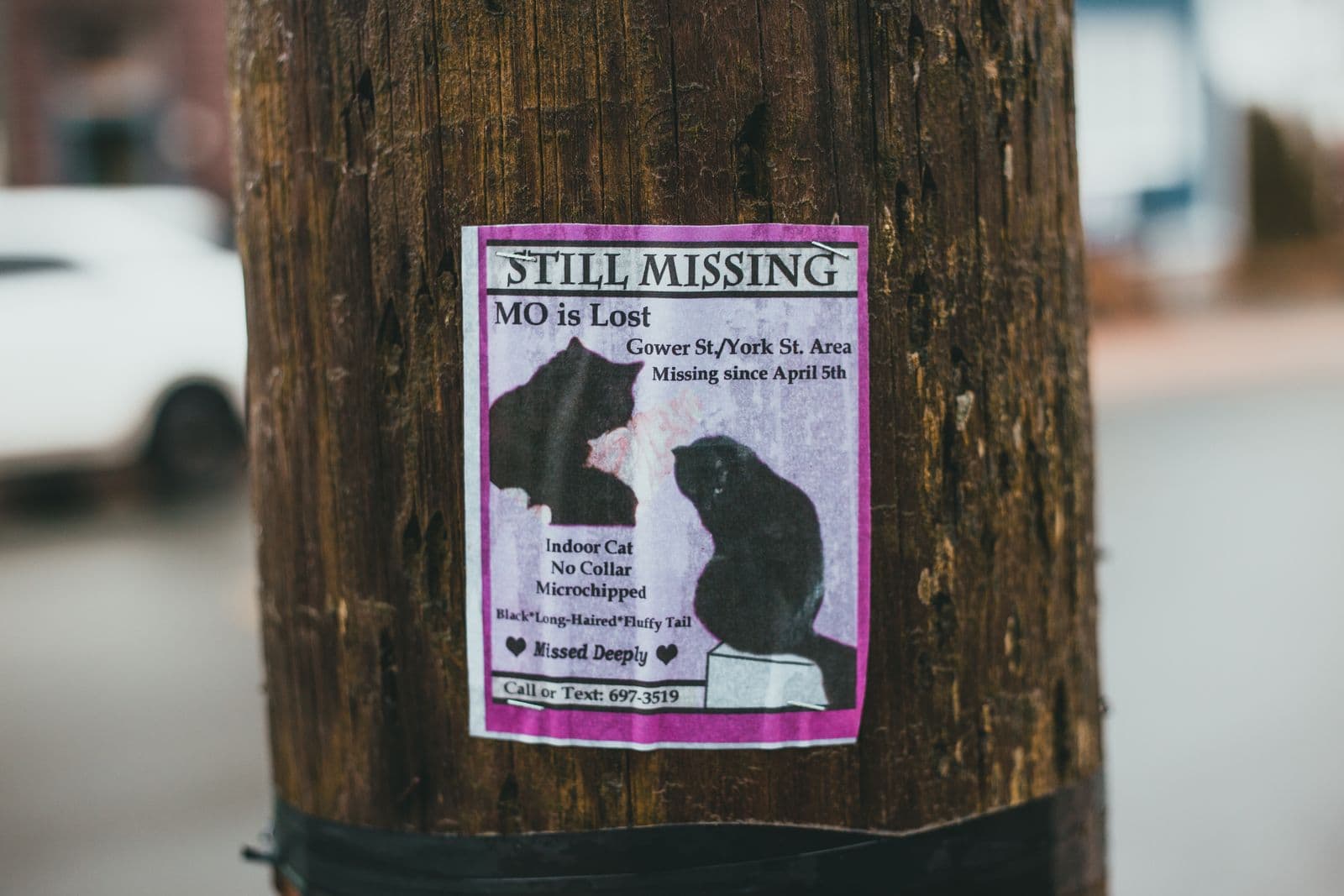
Your dog slipped the gate an hour ago, or the cat went out the window overnight, and you are already scrolling your camera roll. The instinct is to pick the photo you love — asleep in a sunbeam, the close-up of that face. That one almost never gets you a phone call.
A missing-pet poster is not read. It is glanced at from a car, or from six feet away on a lamppost in the rain. The Missing Animal Response Network, which trains people in lost-pet recovery, builds its poster method around that limit: a giant fluorescent orange board, "PLEASE HELP!!" in five-inch letters, and a five-second, five-word message for a passing driver.
So the job of your photo is narrow. It has to let a stranger who has never met your animal see a dog trotting along a verge and think that's the one from the sign.
Pick the photo that identifies, not the one you love
Look for a side-on, whole-body shot taken outdoors in daylight, with the pet standing rather than curled up. A profile shows height, build, leg length, tail shape and coat pattern at once — what a finder sees from a distance.
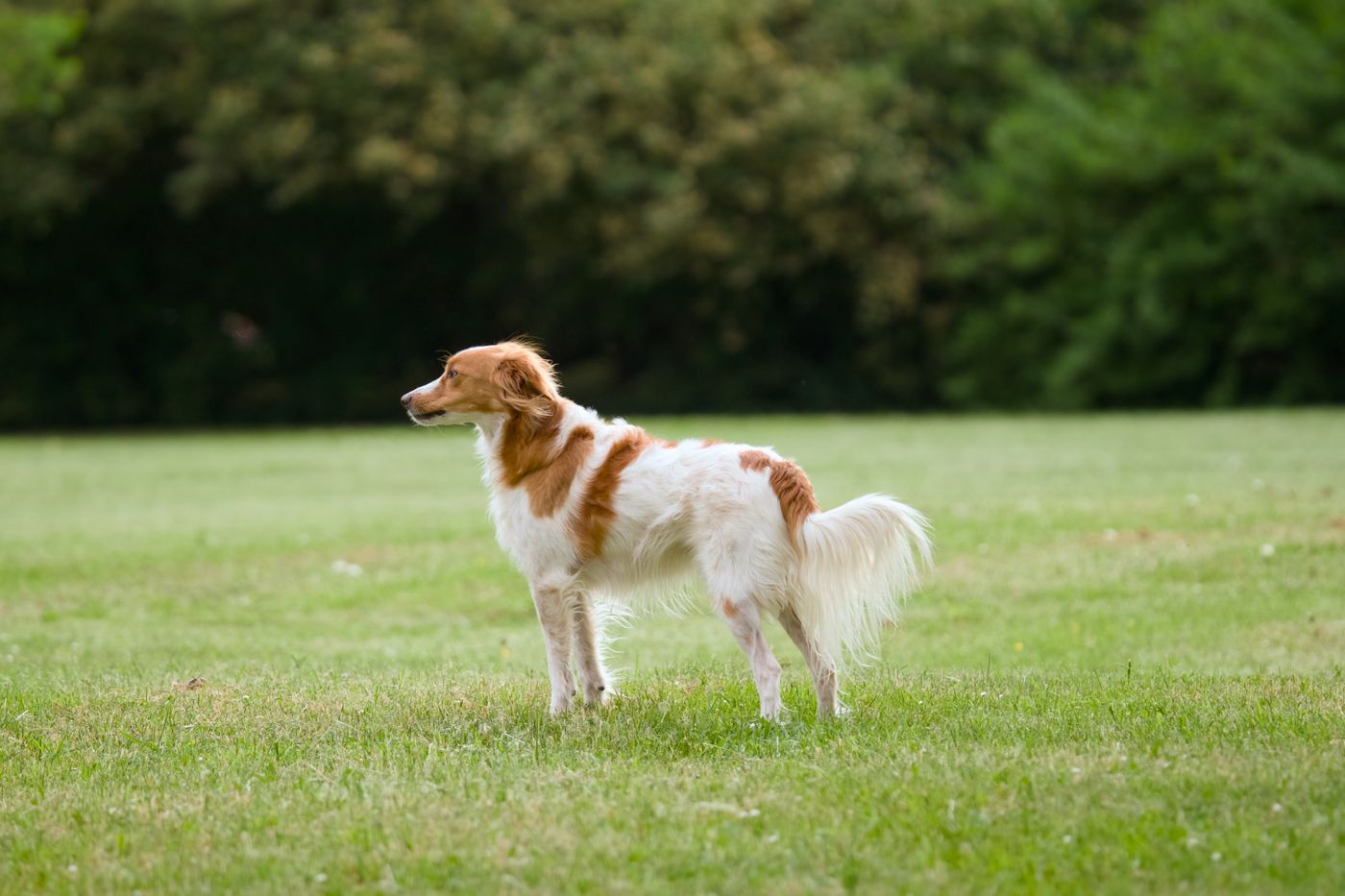
Face close-ups fail because most faces in a breed look alike at a glance: a tabby head-shot describes half the cats in your postcode. What separates your animal is usually a body detail — a white chest flash, one white sock, a saddle marking, a kinked tail.
Three more filters. Make it recent; a spaniel photographed before a summer clip is a different-looking animal now. Make sure the face is sharp, because a motion-blurred frame loses its edges at poster size. And avoid group shots: a cutout keeps everything in the foreground, so people and second animals come along with your pet.
The background is working against you
Here is what ruins most flyers. A black dog on a dark sofa. A brindle lurcher against a hedge. A tabby on a patterned rug. On your phone it reads fine, because your eye already knows where the animal ends. Print it at poster size, photocopy it, and the contrast collapses — the silhouette that identifies your pet disappears into the couch.
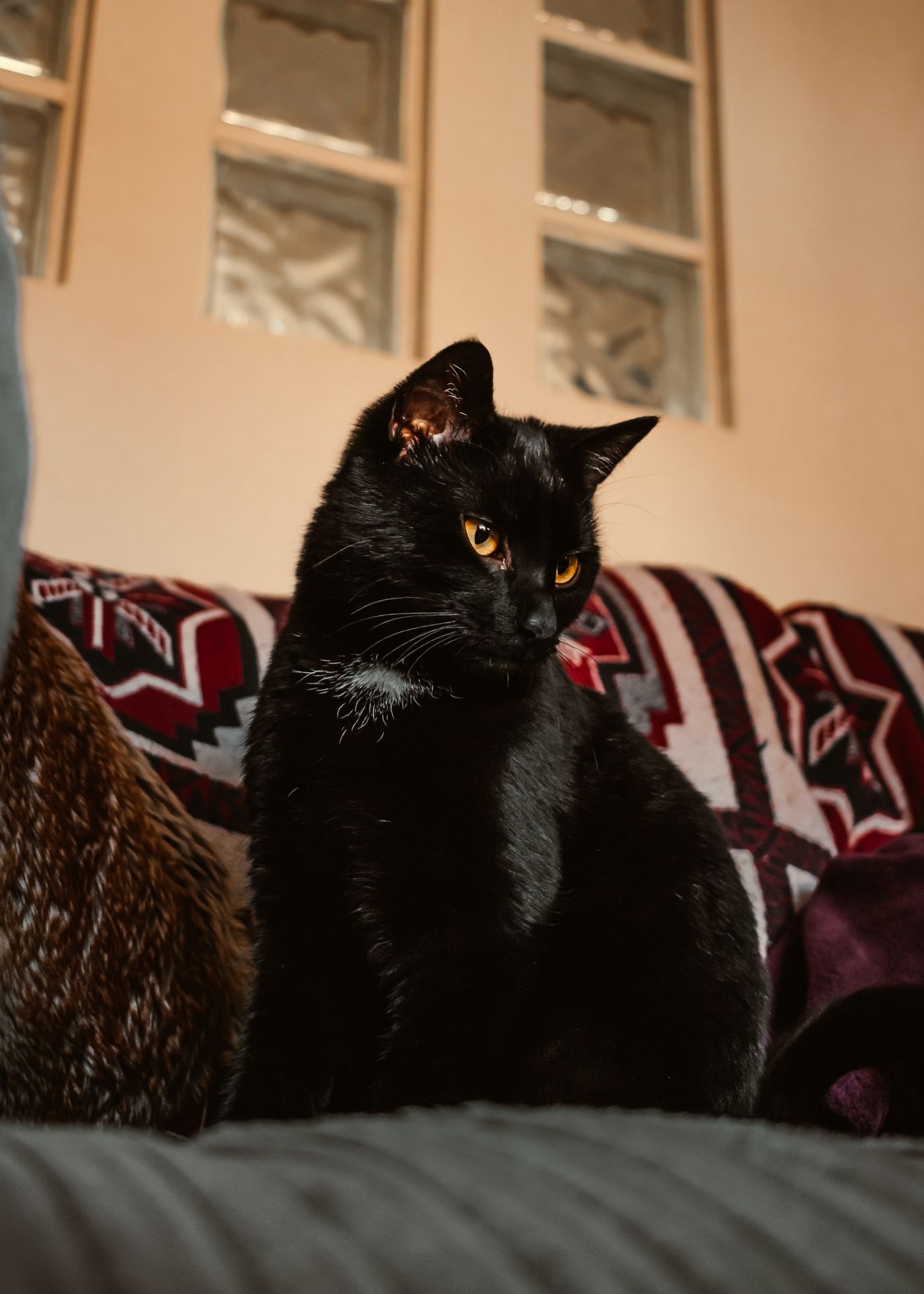
Clutter costs you too: a kitchen counter, a laundry pile, half a doorway, and the reader burns their five seconds working out what to look at.
Both problems have one fix: cut the pet out of the room and put it on a flat colour that fights back. Upload the photo to remover.bg on the web or the phone app and the fur, whiskers and ear fringe come away intact — the fine-edge work that matters most on a long-haired cat or a scruffy terrier. Then set a solid background colour in the editor.
Choose that colour against your animal, not for taste:
- Black, dark brindle or chocolate coats: a light background — white or a pale warm grey.
- White, cream or grey pets: a mid or deep colour. Never white, or you lose the outline.
- Ginger, tan and tabby: white or cool grey, never orange or brown. The board itself is often fluorescent orange, so a white photo panel keeps the cat separate from the card.
If the cutout then looks pasted on, adding a drop shadow settles it against the new background — but check that the shadow survives a photocopy before you print a stack, since grey tones flatten out badly.
Keep the collar, the tag and the honest markings
Change the background and nothing else. The animal on the poster has to be the animal on the street: same collar, same harness, same scruffy coat. Collar colour is often the first thing a finder mentions on the phone, so pick a frame where it is visible.
One deliberate omission is worth making. Humane World for Animals, formerly the Humane Society of the United States, notes that many experts recommend leaving out one identifying characteristic when you advertise a lost pet, so you can screen anyone who claims to have found your animal but cannot describe it. Pick your photo accordingly — if the giveaway is a notch in the left ear, use a right-side profile.
Make a file that survives the print shop
Export a JPEG or PNG and test it before you print fifty. Print one at home, photocopy that print, then look at the copy from across the room. If the animal still reads, you are done. If it greys out, change the background colour, not the photo.

A transparent PNG helps if the copy shop is dropping your pet onto coloured card — our transparent PNG guide covers when that export is right, and print-ready image prep covers what changes once a file leaves the screen. Crop or enlarge in your phone's photo editor, keep the upload under 25 MB, and use WebP if that is what your camera roll saves.
Then get it out fast
The Missing Animal Response method puts big posters high up at major intersections within roughly a two-to-five-mile radius of where the pet escaped. Humane World adds the on-foot places: grocery stores, laundromats, community centres, vet offices, dog parks and pet supply shops.
One cutout does all of it — the printed poster, the Facebook lost-pet group, Nextdoor, your microchip registry listing, the photo you hand the shelter. Make it once, in the next hour, and use it everywhere.