English
 Español
 Português (BR)
 Deutsch
 Français
 Italiano
 Türkçe
 Bahasa Indonesia
 Русский
 日本語
日本語 한국어
한국어 Українська
 Tiếng Việt
 Polski
 Nederlands
 ไทย
ไทย Română
 简体中文
简体中文 繁體中文
繁體中文 العربية
 Български
 Filipino
 हिन्दी
 اردو
اردو বাংলা
বাংলাPet Adoption Listing Photos That Get Applications
A four-minute kennel routine for pet adoption photos: get low, kill the flash, then lift the animal off the chain-link onto one calm background colour.
- pet photography
- animal shelter
- adoption listings
- background removal
- phone photography
- black cats
- chain-link
- volunteer guide
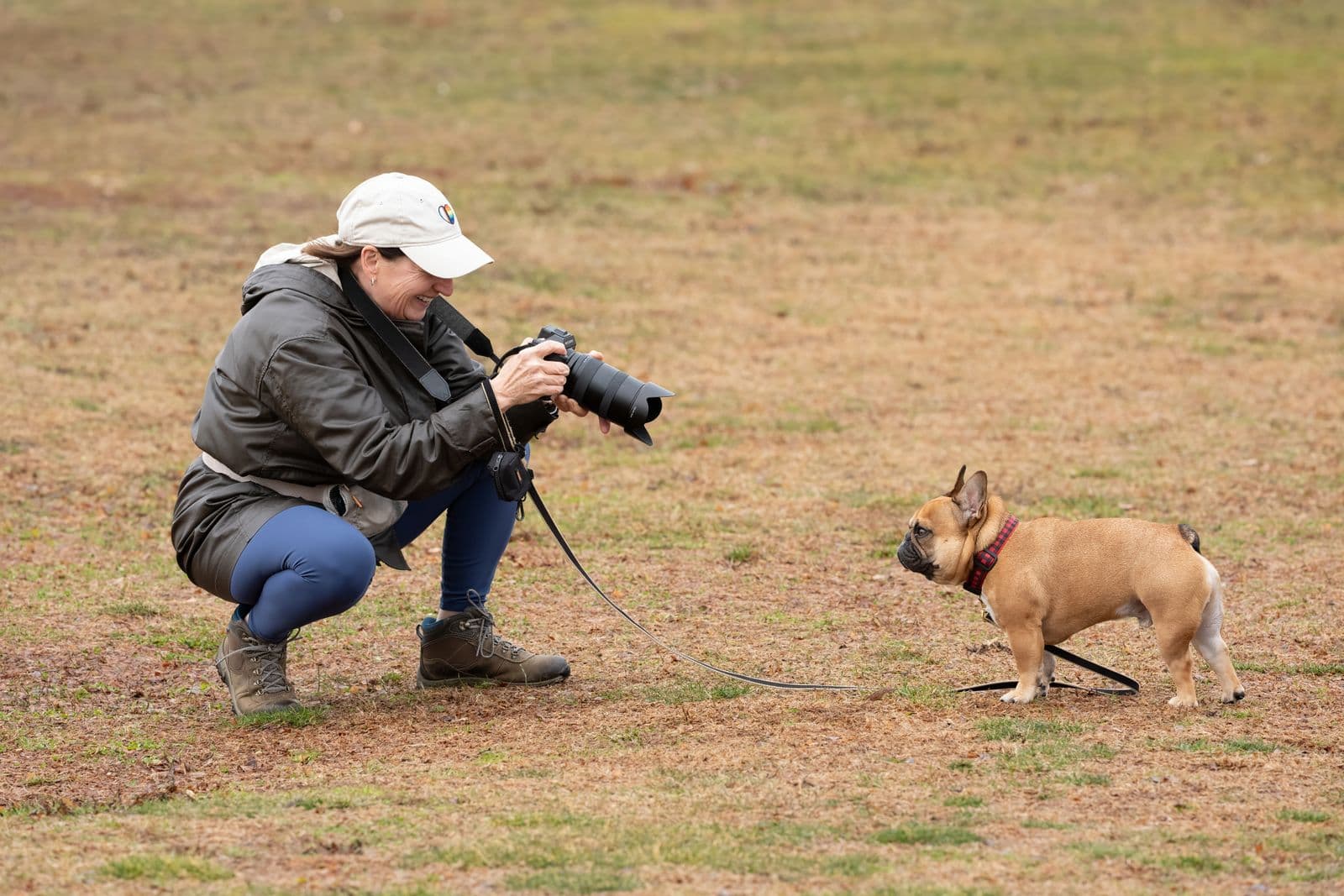
It is Tuesday evening, eleven dogs and six cats need photographing before the listings go live, and the only place to do it is the kennel run: chain-link on three sides, fluorescents buzzing overhead, and a dog who arrived four hours ago and will not sit still.
That photo does more work than almost anything else the shelter publishes. An adopter browsing Petfinder or Adopt-a-Pet is scanning a grid of thumbnails at speed, and most are dismissed before anyone reads the name underneath. A dog shot behind wire, lit from above, looking up at the camera, reads as institution. The same dog at eye level on a calm flat colour reads as available.
None of that needs a better camera. It needs a four-minute routine and one cleanup step.
The four minutes, in order
Work in pairs — a handler photographing on their own gets a leash across the chest in every frame.
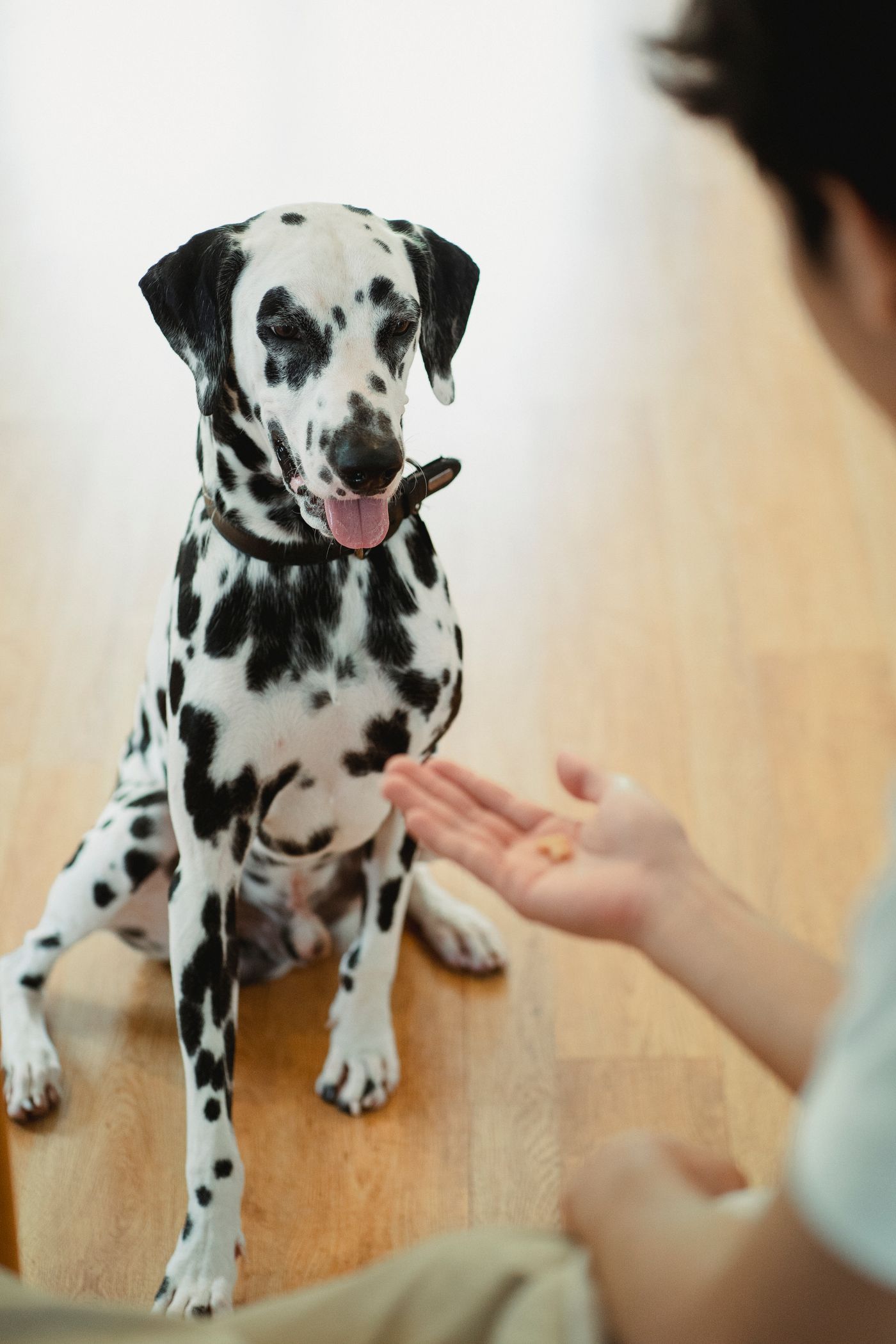
- Get low. Kneel or sit on the floor. Standing height makes any dog look small and slightly cowed.
- Kill the flash. Direct phone flash gives eyeshine — green, yellow or blue depending on the animal — plus a hard shadow behind. If it is too dark, move towards a doorway and use daylight.
- Put the treat above the lens, not beside it. A squeaker held just over your phone buys a moment of ears up and eyes into the camera. Shoot a burst.
- Leave room around the animal — more than feels right. Fur touching the frame edge gives you nothing to work with. Tighten the framing later in your phone's photo editor.
- Take two frames: head-and-shoulders, and standing full body. A head shot alone hides that this is a 30 kg dog, and size surprises are a common reason adopters back out at the meet.
Chain-link is the worst background you will ever shoot
Mesh is a repeating, high-contrast pattern sitting at almost the same distance as the animal, and it lands in the gaps a coat naturally has: between the ears, under the chin, through leg fur.
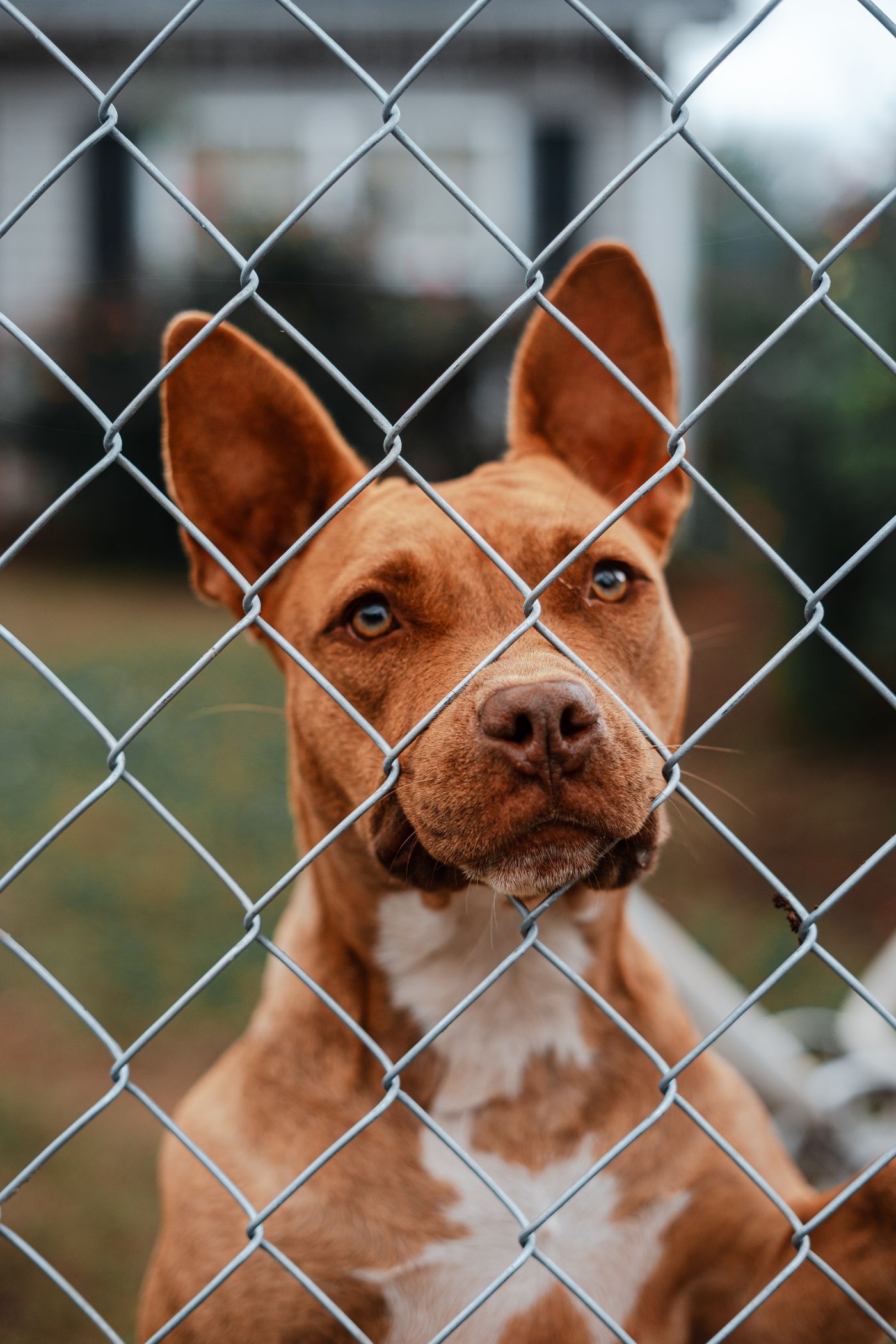
Two moves before you press the shutter. If the animal is safe to move, walk it to a corridor or an office wall. If it cannot leave the run, put distance between animal and mesh, and hang a plain mid-grey or dusty-blue blanket over the wire behind it — clipped high, out of reach, and only with a handler present, since loose fabric in an occupied run is a chewing hazard.
Lifting the animal off the wire
When the mesh ends up in shot anyway, the cleanup is one step: upload the frame to remover.bg, let it cut the animal out, and set a flat colour behind it. Soft sage, warm grey and muted blue all suit animals. Skip neon and pure white — white turns a dark coat into a silhouette and lets a pale coat disappear.
Then add a drop shadow. Without one, a dog dropped onto a colour hovers, which distracts more than the mesh did. A soft contact shadow under the paws is enough — the principle in adding realistic shadows applies exactly.
One boundary for volunteer guidance: the background is fair game, the animal is not. Your own adoption contract is the thing that sets out what has to be disclosed about an animal's condition, so read it before deciding whether a photo may quietly hide a shaved patch or a missing eye.
Fluffy coats and black cats
Long coats are where cutouts sing or fall apart. Three things protect a fur edge: light from the side rather than only from above, a shutter fast enough that a wagging tail is not a blur, and a background that is not the same tone as the coat. A cream Pyrenees against a beige wall has no edge to find.
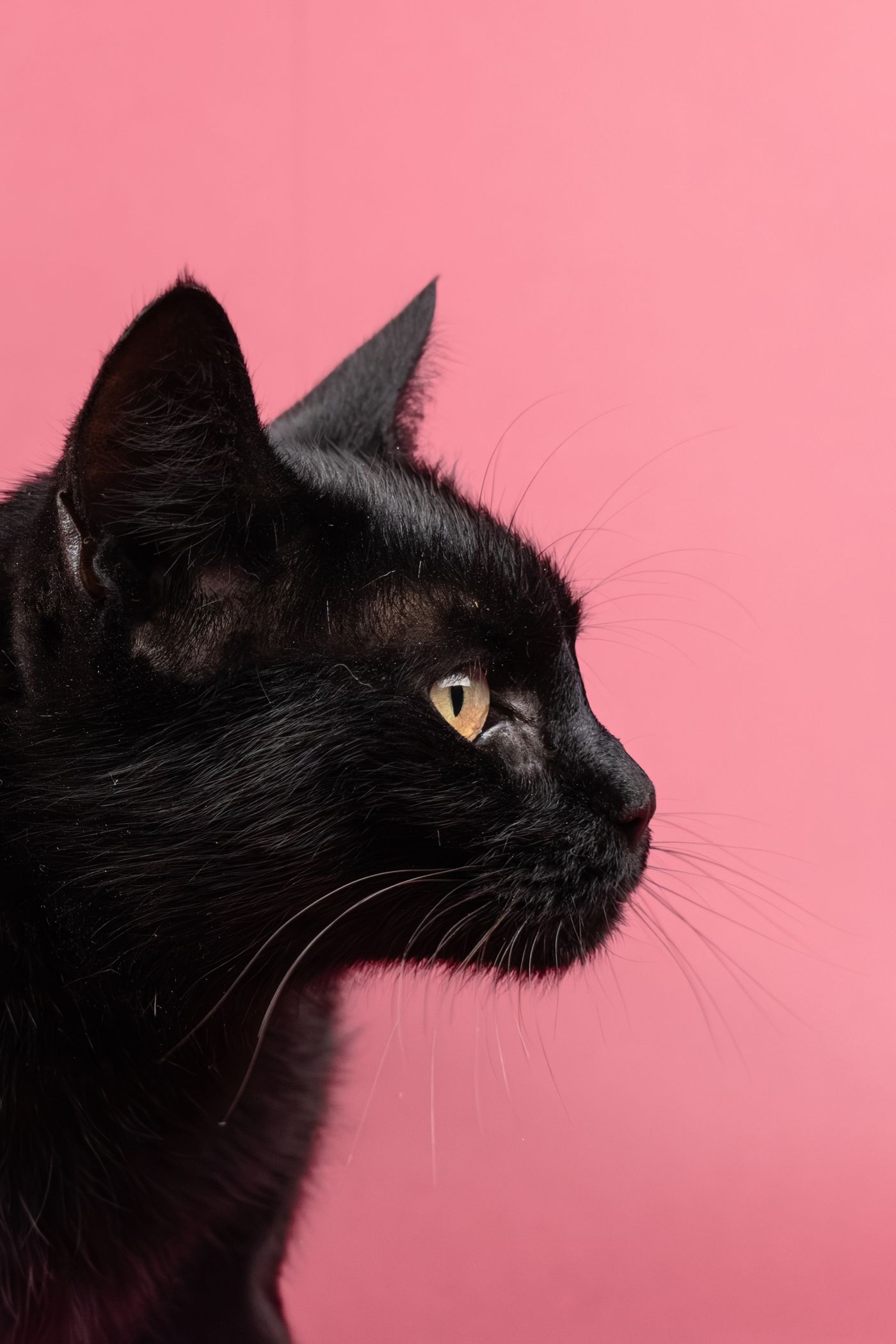
Black cats and black dogs are the hardest animals in the building to photograph. A black coat defeats a phone camera: it meters for the whole room and lets the animal collapse into a shape with two eyes floating in it. Tap the face to set exposure, then drag the slider up until cheek and muzzle detail appear. An open doorway to the side rims the back and the face. Place the cutout on a mid-tone colour, never a dark one, and check it at thumbnail size — same logic as picking a professional profile picture, where the features have to survive being seen small and fast.
One background for the whole grid
Pick one colour and use it for every animal listed this month. Twenty animals shot in three rooms across four days then read as one organisation with its act together — the same trick that makes a set of team headshots look deliberate rather than collected.
The web and mobile apps take PNG, JPEG and WebP up to 25 MB, so a phone photo goes straight in from the kennel corridor. Shelters syncing from their own management system can wire the same step into that pipeline through the background removal API.
Before the next adoption event
Leave a kit by the kennel door: a plain blanket, clip hooks, a squeaker, treats and a card with the five steps on it. Then Thursday's volunteer and Saturday's produce the same frame, without either of them asking how it was done last time.