English
 Español
 Português (BR)
 Deutsch
 Français
 Italiano
 Türkçe
 Bahasa Indonesia
 Русский
 日本語
日本語 한국어
한국어 Українська
 Tiếng Việt
 Polski
 Nederlands
 ไทย
ไทย Română
 简体中文
简体中文 繁體中文
繁體中文 العربية
 Български
 Filipino
 हिन्दी
 اردو
اردو বাংলা
বাংলাImage SEO for Online Stores: The Checklist That Wins Clicks
The image SEO checklist for stores: file names, alt text, WebP, compression, lazy loading, image sitemaps, and Product schema for Google Images and Lens.
- image SEO
- ecommerce
- product photography
- WebP
- Google Images
- site speed

Somewhere out there, a shopper is typing your product into Google — or pointing a phone camera at one they spotted in the wild. Whether your store shows up in that moment has surprisingly little to do with luck and a lot to do with image SEO: the unglamorous craft of making product photos legible to search engines.
Most stores obsess over title tags and treat images as decoration. That's a gap you can exploit. Google Images and Google Lens have quietly become genuine discovery channels for ecommerce, and the stores winning there follow a repeatable checklist.
Here it is — no hand-waving, just the things that actually move rankings, clicks, and load times.
Name Image Files Like a Human Would Search
IMG_4832.jpg tells Google exactly nothing. red-leather-crossbody-bag.webp tells it everything it needs before it even renders the pixels.
- Describe the product — product name plus one or two identifying attributes.
- Use lowercase and hyphens — hyphens read as word separators; underscores don't.
- Keep it short — a filename is a hint, not a keyword dumping ground.
- Rename before you upload — many platforms lock or mangle filenames afterward, so make renaming part of your export step.

Write Alt Text That Sells and Ranks
Alt text serves shoppers using screen readers first and search engines second — and the good news is that both audiences want the same thing: an honest, specific description.
Picture describing the photo to a friend over the phone. "Red leather crossbody bag with a gold chain strap, front view" beats "bag," and it certainly beats "buy cheap bags best bags online bag."
- Lead with the product name and add one distinguishing detail.
- Skip "image of" or "photo of" — that context is already implied.
- Make each one unique — five identical alt texts on five gallery images help no one.
- Never stuff keywords — it reads as spam to Google and as gibberish to a screen reader.
Serve WebP, Compress Hard, Lazy Load the Rest
Speed is both a ranking signal and a conversion lever, and images are usually the heaviest thing on a product page.
Ship modern formats. WebP delivers smaller files than comparable JPEGs or PNGs and supports transparency, so there's little reason to serve legacy formats to modern browsers. Our WebP guide breaks down when and how to switch.
Compress with intent. Run every image through a compressor and pick the lowest quality setting that survives a squint test on a phone. Nobody zooms into a thumbnail hunting for artifacts.
Lazy load below the fold. Add loading="lazy" to gallery and recommendation images — but never to your main product shot. That's likely your Largest Contentful Paint, and you want it on screen immediately.
Help Google Find Every Image: Sitemaps and Schema
Google can't rank what it never discovers, and modern storefronts often load images through JavaScript or off a CDN where crawlers can miss them.
Add images to your sitemap. Image entries in your XML sitemap (or a dedicated image sitemap) tell Google exactly which images belong to which page.
Fill the image field in Product schema. Your structured data should point to high-resolution product photos. Google asks for multiple aspect ratios — 1:1, 4:3, and 16:9 — so check the current structured data guidelines and supply all three where you can.
Keep image URLs stable. If your CDN mints a new URL for the same photo on every deploy, you're resetting that image's search history each time.
Treat Google Images and Lens Like a Second Storefront
Visual search is no longer a novelty. Shoppers browse Google Images the way they browse a category page, and Lens matches real-world objects against product photos across the web. It's one piece of the broader shift we cover in our look at AI in ecommerce.
Here's what wins in that grid: clean, consistent, instantly readable product shots. A catalog with matching backgrounds looks like a store; a catalog of mismatched bedroom-floor photos looks like a garage sale. Consistency earns the click — and a clean silhouette gives Lens a clearer object to match.
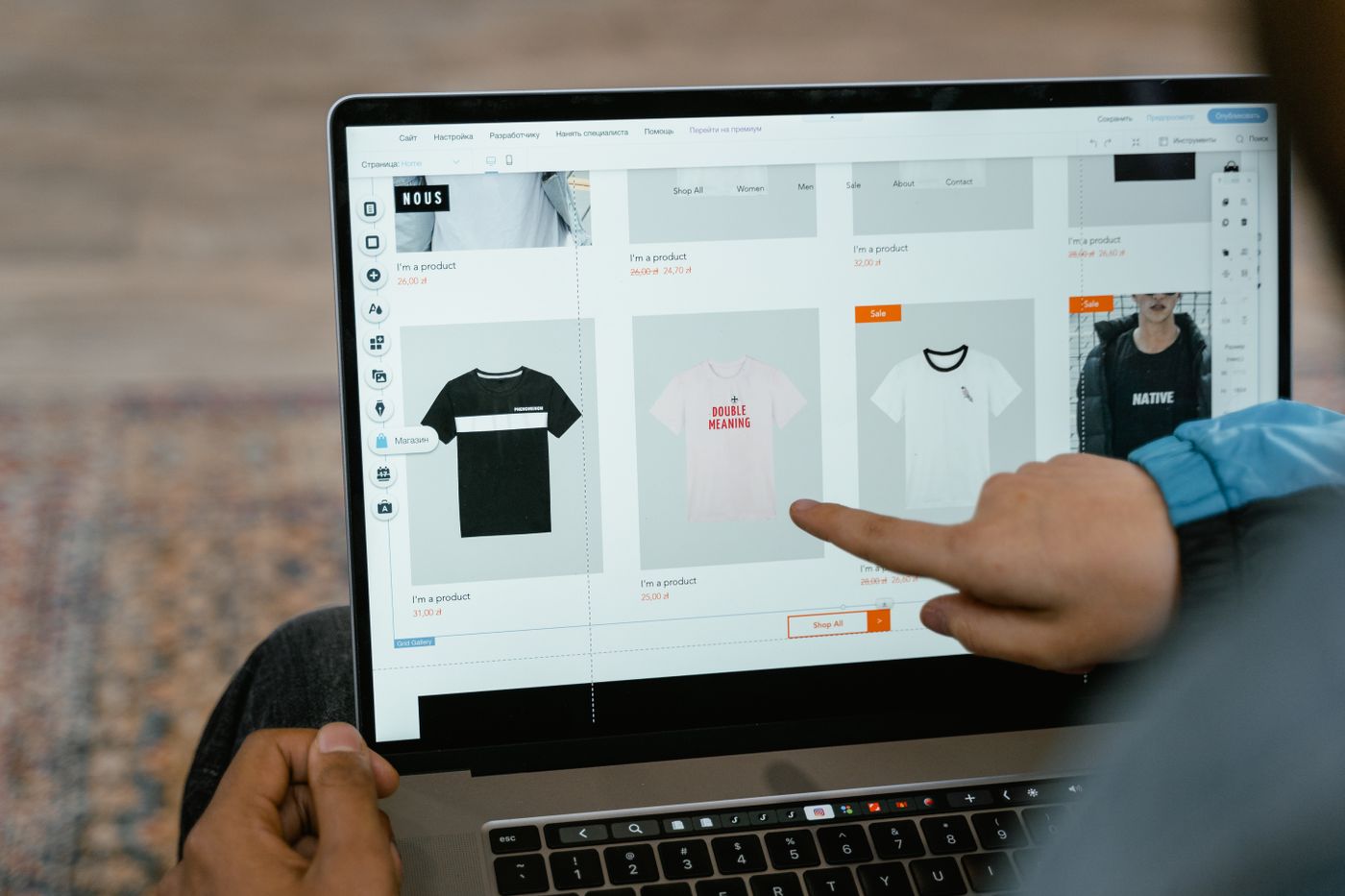
You don't need a studio to get there. remover.bg strips backgrounds automatically — it handles hair, fur, and fine edges cleanly — then lets you drop in a solid color or custom background with a realistic shadow and export straight to WebP. Processing a whole catalog? The background removal API automates the job at scale.
The Takeaway
Image SEO isn't a dark art; it's a checklist:
- Descriptive filenames before upload.
- Specific, honest alt text on every image.
- WebP, compression, and lazy loading for speed.
- Image sitemaps and Product schema for discovery.
- Clean, consistent photos for clicks in Google Images and Lens.
Run your ten best-selling products through this list today. Search engines notice tidy stores — and so do shoppers.