English
 Español
 Português (BR)
 Deutsch
 Français
 Italiano
 Türkçe
 Bahasa Indonesia
 Русский
 日本語
日本語 한국어
한국어 Українська
 Tiếng Việt
 Polski
 Nederlands
 ไทย
ไทย Română
 简体中文
简体中文 繁體中文
繁體中文 العربية
 Български
 Filipino
 हिन्दी
 اردو
اردو বাংলা
বাংলাGoogle Business Profile Photos That Get You Calls and Visits
Which Google Business Profile photos earn calls: what each category needs, Google's size specs, the mistakes that lose taps, and a one-afternoon shot list.
- google business profile
- local seo
- small business
- photo tips
- logo
- local marketing
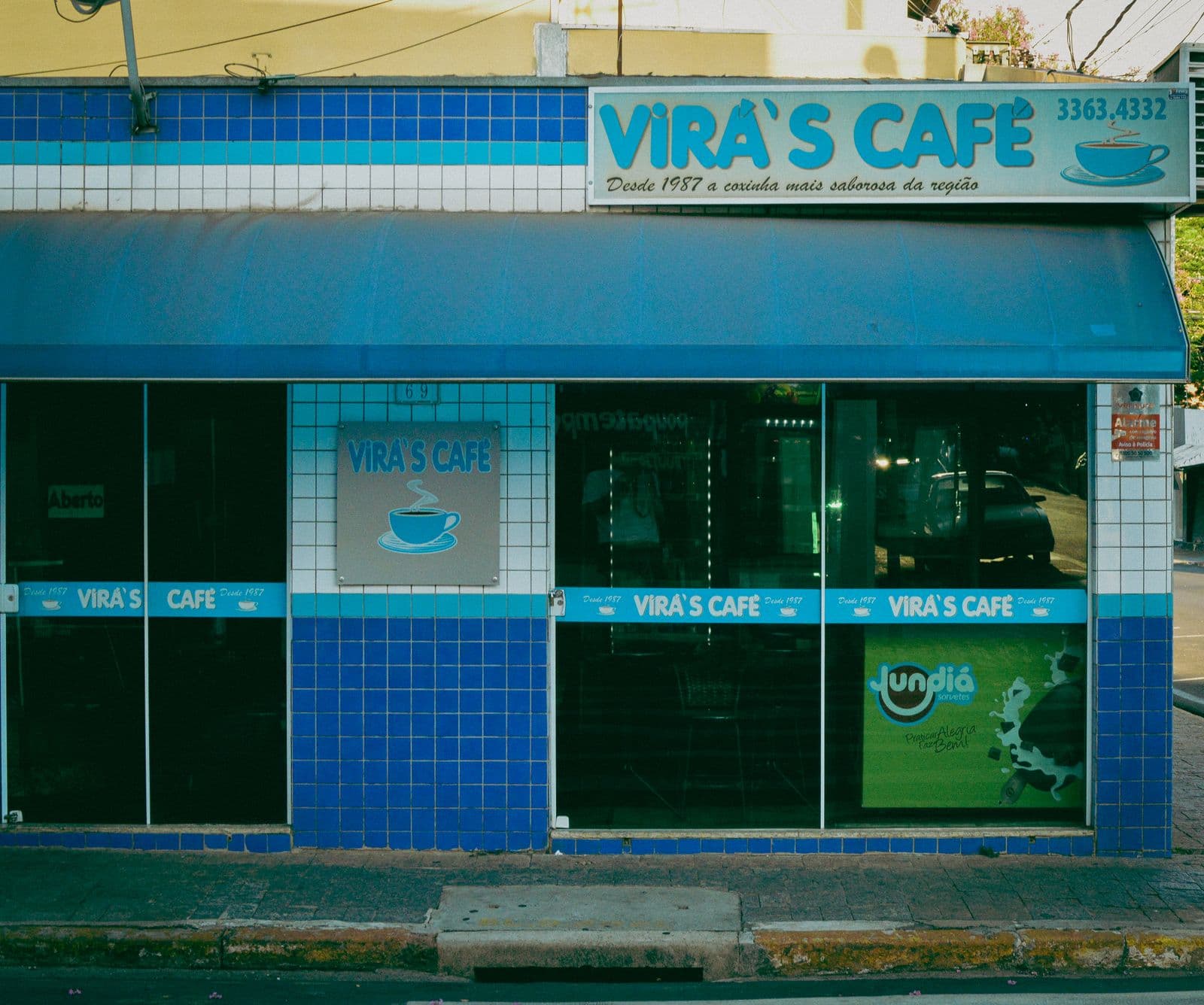
Before anyone tastes your food, sits in your chair, or walks through your door, they meet your Google Business Profile. It appears the moment someone searches "coffee near me" or "plumber open now" — and the photos do most of the persuading. People quickly size up three or four nearby options, and the profile with bright, real, current photos usually wins the tap.
Google itself encourages businesses to add photos because complete profiles earn more engagement — more calls, more direction requests, more website clicks. Not because the algorithm loves pretty pictures, but because humans do. A bare profile reads as "possibly closed forever." A full one reads as "open, busy, worth the drive."
The good news: you don't need a photographer. You need a phone, an afternoon, and a plan. Here's the plan.
Why Google Business Profile photos drive calls and visits
Every photo answers a question a customer is silently asking. What does it look like inside? Is it clean? Will I find the entrance? Do the portions look worth it? Each answered question removes one reason to scroll on to your competitor.
Photos also work beyond your profile page. Google pulls them into Maps thumbnails, local pack results, and the photo carousel — places where you're compared side by side with every business nearby. Your cover photo is a billboard you didn't pay for. Treat it like one.
Which photo categories matter on your profile
Google organizes business photos into categories, and each one has a job:
- Logo — appears beside your name in Search and Maps. It's your face in a tiny circle; it has to survive being small.
- Cover photo — signals your preferred hero image to Google (though Google decides what actually displays first). Pick your single most inviting shot.
- Exterior — helps people physically find you. Shoot from the street, from a few angles, ideally at different times of day.
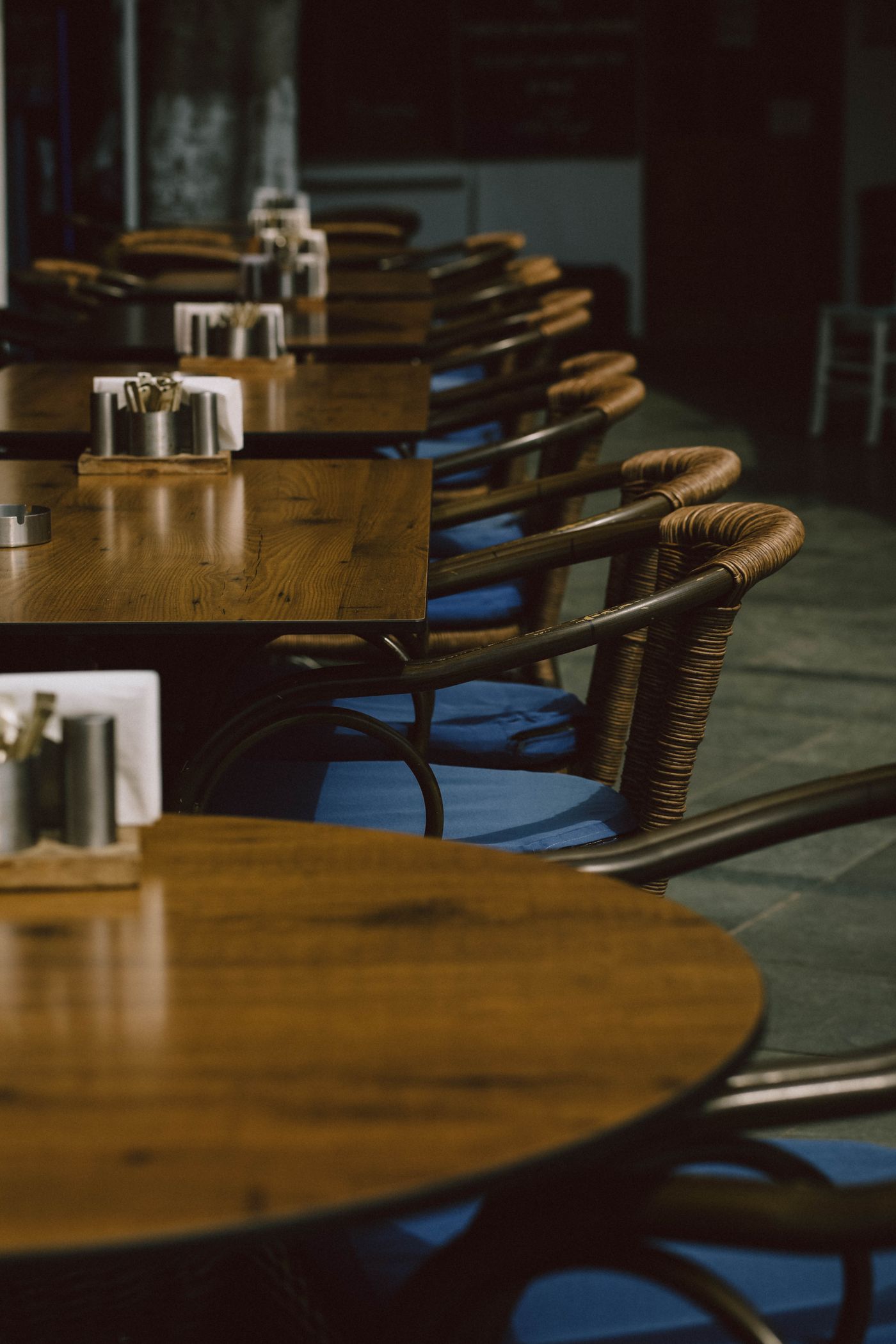
- Interior — sells the atmosphere. This is where a restaurant wins a reservation or a salon wins a booking.
- Team — real faces build trust, especially for services where a stranger enters your home. A matching set beats random snapshots; our guide to consistent team headshots covers how to get that unified look.
- Products and food — what people are actually buying. For restaurants these shots pull double duty; the same principles from our delivery menu food photos guide apply here.
Google's official photo specs (the short version)
Google keeps the technical bar refreshingly low. Per its official help documentation:
- Format — JPG or PNG.
- File size — between 10 KB and 5 MB.
- Resolution — 720 x 720 px recommended, 250 x 250 px minimum.
- Quality — in focus, well lit, no significant alterations or excessive filters.
That's it. Specs can change, so check Google's current guidelines before a big upload — but if your phone was made in the last decade, resolution is not your problem. The real battle is what's in the frame.
Common mistakes that make customers scroll past
- The stretched logo — squeezed into a square, edges chopped, pixels crying. The most common self-inflicted wound on local profiles.
- Dark interiors — dim lighting that feels cozy in person reads as dingy on a phone screen. Turn on every light and shoot during the day.
- The stock-photo look — customers can smell generic imagery instantly, and Google's guidelines ask for photos that represent your real business. A slightly imperfect real photo beats a flawless fake.
- The 2022 time capsule — outdated interiors, discontinued dishes, an old sign. Stale photos create the mismatch that ends in a bad review.
- Sideways and blurry uploads — if you wouldn't put it on your wall, don't put it on your profile.
A shot list you can finish in one afternoon
Block out three hours on a sunny day and work through this:
- Exterior — one wide shot from across the street, one of the entrance, one of your signage.
- Interior — three or four wide shots at customer eye level, lights on, clutter gone.
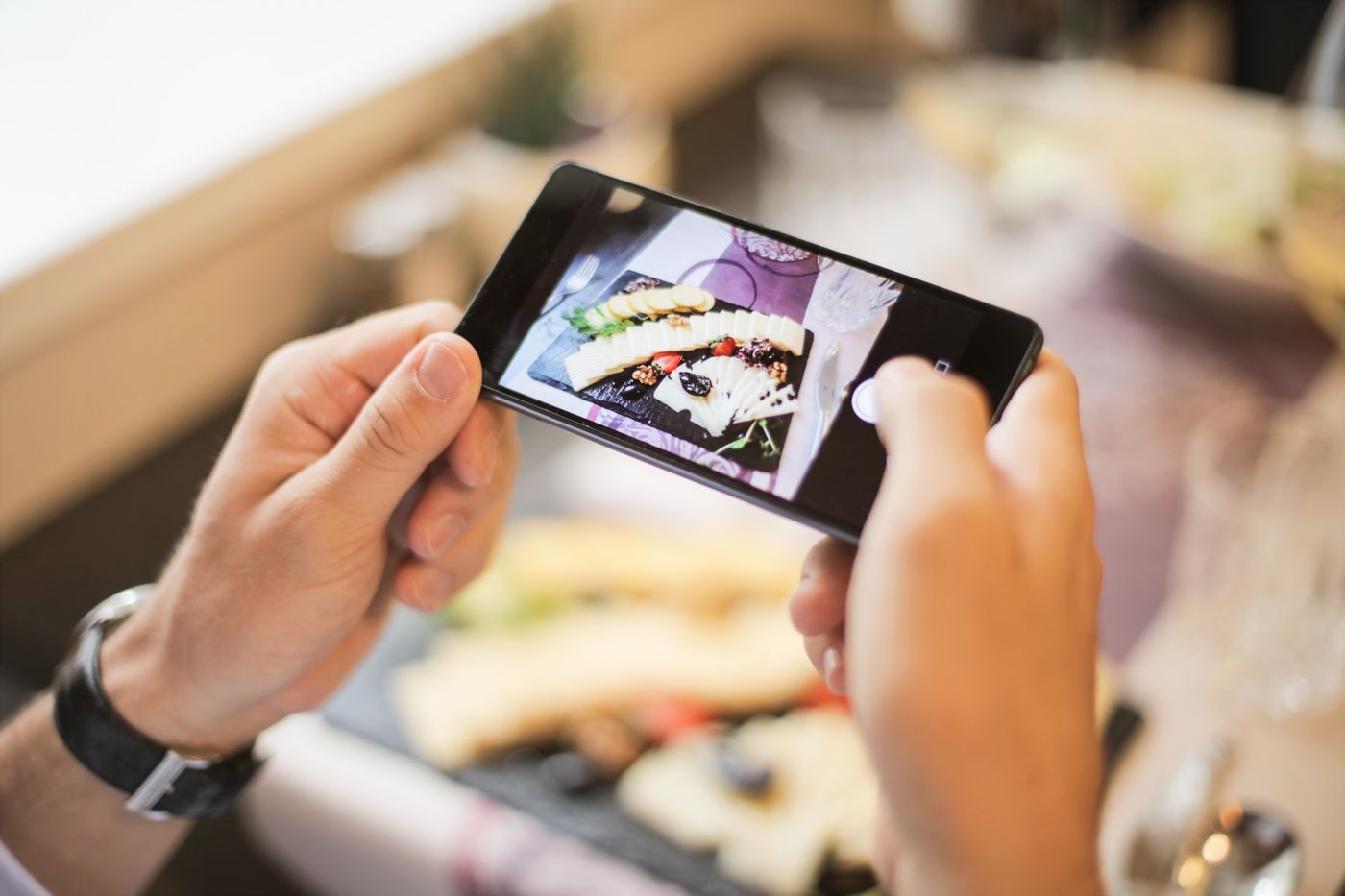
- Products or food — five to eight hero shots of your bestsellers, taken near a window.
- Team — two or three friendly, consistent shots of the people customers will meet.
- Action — one photo of your work actually happening: a pour, a fitting, a repair. If the job transforms something, shoot a matched pair too — our guide to before-and-after photos for service work covers keeping both frames comparable.
- Logo pass — see below. Ten minutes, big payoff.
Keep your logo clean on any background
Your logo will be displayed tiny, often cropped into a circle, on surfaces you don't control. If it's baked onto a white rectangle from an old letterhead scan, it will look like a sticker slapped onto your profile.
The fix takes minutes: strip the background with remover.bg — the full walkthrough is in our guide to removing the background from a logo — then export a clean PNG, or drop it onto a solid brand color in the editor first. Upload that and your logo looks deliberate everywhere Google puts it.
The takeaway
Google Business Profile photos are the cheapest marketing a local business can do: one phone, one afternoon, six categories covered. Shoot real, shoot bright, keep the logo clean, and refresh the set every season. The businesses that treat their profile like a storefront window — not a formality — are the ones getting the calls.