English
 Español
 Português (BR)
 Deutsch
 Français
 Italiano
 Türkçe
 Bahasa Indonesia
 Русский
 日本語
日本語 한국어
한국어 Українська
 Tiếng Việt
 Polski
 Nederlands
 ไทย
ไทย Română
 简体中文
简体中文 繁體中文
繁體中文 العربية
 Български
 Filipino
 हिन्दी
 اردو
اردو বাংলা
বাংলাBefore-and-After Photos That Actually Sell Service Work
Most before-and-after photos prove nothing. Lock camera position, height and light so only the work changes, plus FTC and ASA honesty rules and written consent.
- before and after
- service business
- photography
- background removal
- marketing
- google business profile
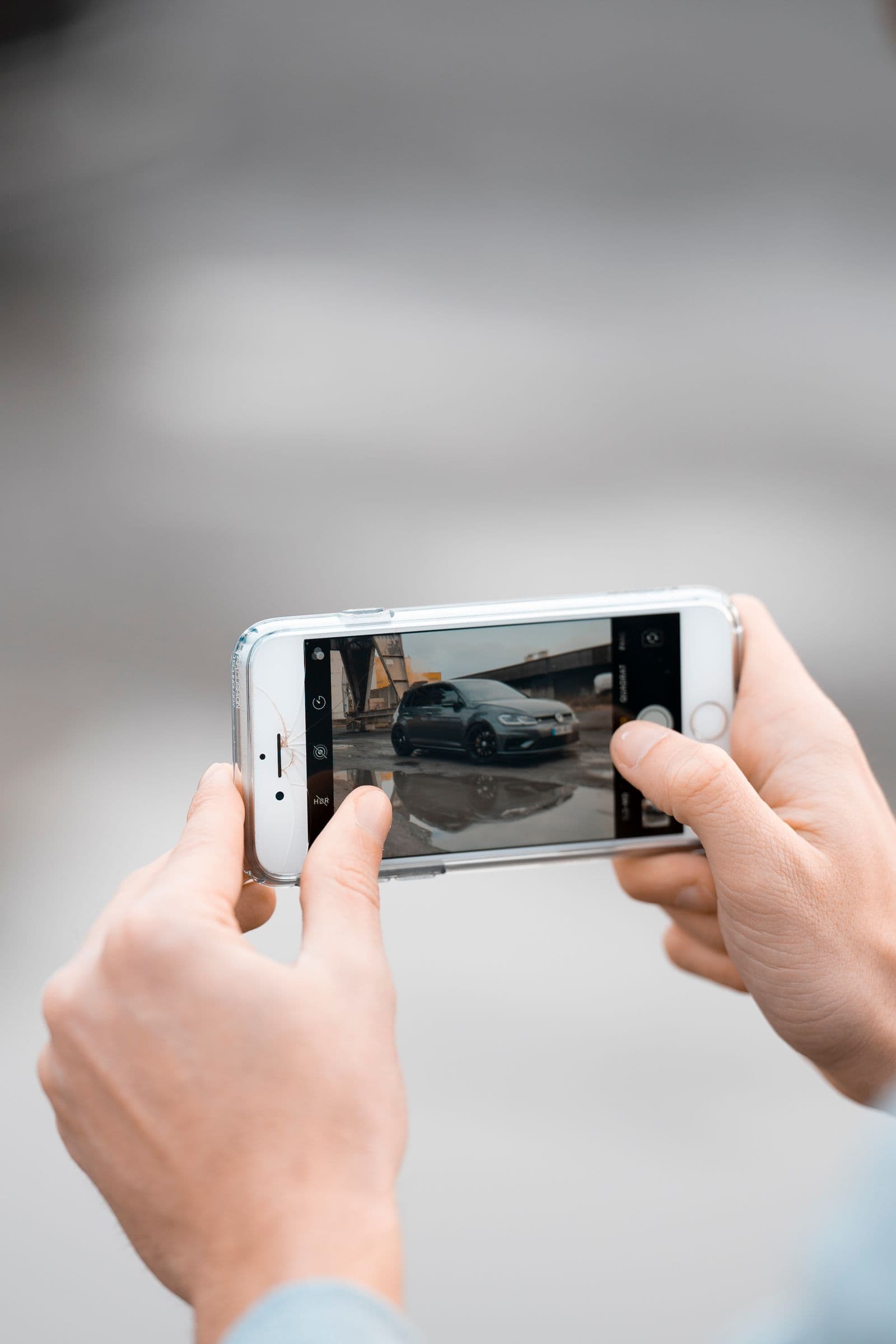
A detailer's best sales tool isn't a price list. It's a photo of a back seat buried in dog hair, next to the same seat forty minutes later. Before-and-after pairs sell service work because they show the one thing a customer is buying: change.
Most before/after posts prove nothing, though. The "before" is a dim phone snap in a garage; the "after" is shot from a different spot, in daylight, two feet closer, with a filter on it. A viewer can't tell what came from your work and what came from the camera. Fixing that is discipline, not gear.
Shoot the "before" like it's already public
The most common failure is not shooting the before at all. You get absorbed in the job, and by the time you remember, the lawn is half-mowed. Put it on your arrival checklist, next to unloading the van.
You can't go back for a before, and the angle that reads best on a phone is rarely the one you'd guess. Shoot three or four frames of the worst area plus a wide shot.
Lock everything except the subject
The whole trick is repeatability. If the camera sits in the same place, at the same distance and the same height for both frames, the viewer has nothing to credit but your work.
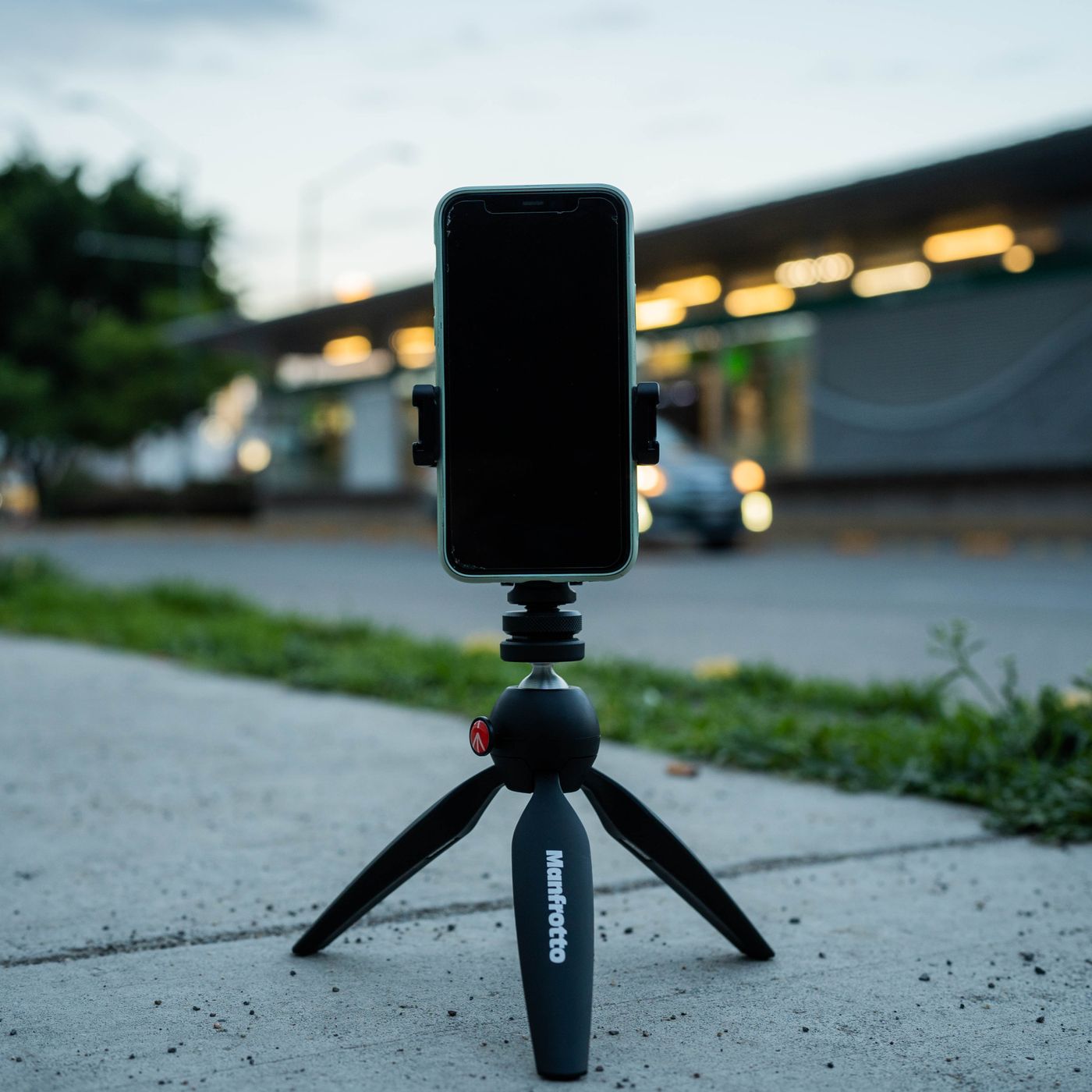
Write these on a card and keep it in the van:
- Same position and distance. Tape on the floor, or a landmark you can stand on again. Don't pinch-zoom on one shot and not the other.
- Same height. Chest height for rooms, knee height for wheels and floors, eye level for people.
- Same light. If the ceiling light was on, turn it on again. If the first shot was in shade, come back to shade.
- Same orientation. Portrait for both, or landscape for both. Never one of each.
Turn the phone's grid on and line an edge, a door frame or a kerb, up with the same gridline in both shots. That beats any app.
Keep the claim honest
Advertising regulators treat before/after imagery as a claim about results, not as art. The FTC in the US and the ASA in the UK both take that line, so check your own regulator's current guidance before building a campaign around a standout pair. The FTC's Endorsement Guides work from the principle that results shown in advertising should reflect what customers can generally expect, and the FTC has said vague disclaimers like "results not typical" are not enough on their own. Google's photo guidance for business listings puts it plainly: photos should be in focus, well lit, and free of significant alterations or heavy filters.
So no staging the mess, and no flattering angle saved for the second frame. If you brighten one image, brighten the other by the same amount. Post the average job, not last spring's miracle.
Ask before you shoot
You are photographing someone's home, car, hair or body. Get permission in writing, in plain language, and name the channels: website, Google profile, Instagram, printed flyers. A dated line in your booking form or a text thread is a practical record, but rules differ by country: consent generally has to be specific and withdrawable, and photos of people's bodies can carry extra obligations. Check your local requirements rather than assuming a tick box covers you.
Edit for privacy even when you have consent: crop out house numbers, mail, plates, school uniforms, kids' rooms. If a client asks you to take a photo down, do it without debate.
Build the side-by-side so the eye compares the right thing
Frame both shots the same way and set them side by side with a thin gutter. Before left, after right, or before on top for portrait feeds. Small text labels beat giant arrows and sparkle overlays.
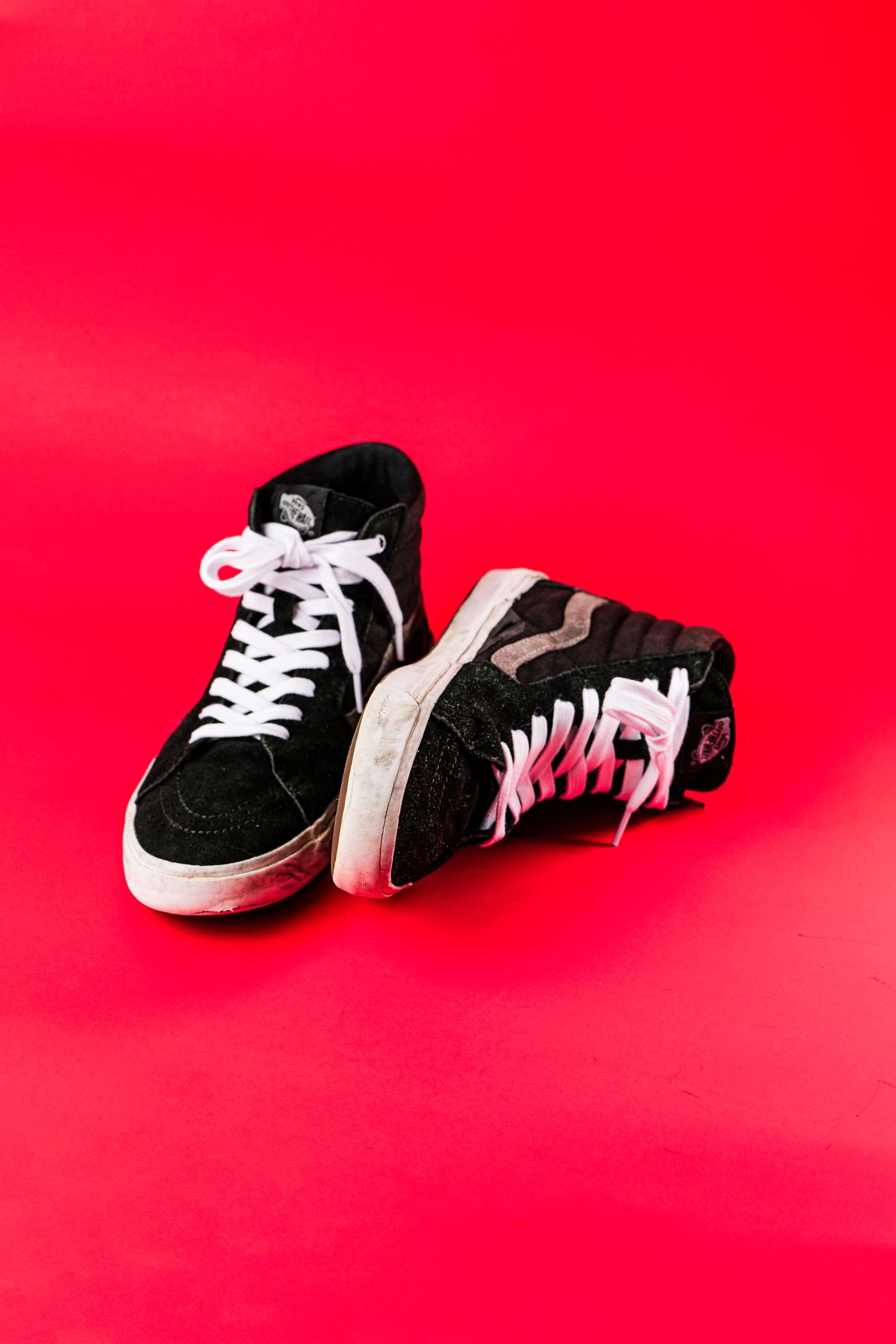
When the subject can be lifted out of its surroundings, such as a dining chair, restored boots or a bike after a tune-up, remove the background from both frames and drop them onto the same flat colour. remover.bg handles the cutout, holds up on hair and fur, and lets you set the same background colour, or your own photo, on each image you process. Add a soft drop shadow so the object sits on a surface instead of floating; there's a walkthrough in how to add realistic shadows.
Reuse that background across every pair you publish. Consistency turns a scattered feed into a portfolio, the logic behind consistent team headshots. Detailers should also read these car photography tips; vehicle glass is handled for you, rather than left showing a ghost of the old driveway through the side windows.
Export for where it will actually live
Google Business Profile accepts JPG or PNG between 10 KB and 5 MB, recommends 720 by 720 pixels, and won't go below 250 by 250. It doesn't take WebP, so keep a JPEG copy for listings even if you serve WebP on your own site. Beyond the specs, our guide to Google Business Profile photos covers which categories are worth filling. Google also asks that listing photos represent reality, so keep background-swapped composites for your own site, Instagram and flyers, and upload straight-from-the-camera pairs to the listing.
Make it routine
None of this needs a studio. It needs the discipline to photograph a mess before you fix it, and the honesty to show a typical job. Do that for a month and you'll have proof a competitor can't copy, because they didn't take the before.