English
 Español
 Português (BR)
 Deutsch
 Français
 Italiano
 Türkçe
 Bahasa Indonesia
 Русский
 日本語
日本語 한국어
한국어 Українська
 Tiếng Việt
 Polski
 Nederlands
 ไทย
ไทย Română
 简体中文
简体中文 繁體中文
繁體中文 العربية
 Български
 Filipino
 हिन्दी
 اردو
اردو বাংলা
বাংলাGS1 Product Image Standard: Filenames and White Backgrounds
GS1 product image files bounce for two reasons: a nearly-white background instead of 255,255,255, and a filename that will not parse. Neither needs a reshoot.
- GS1
- product photography
- ecommerce
- white background
- file naming
- retail
- background removal
- image standards
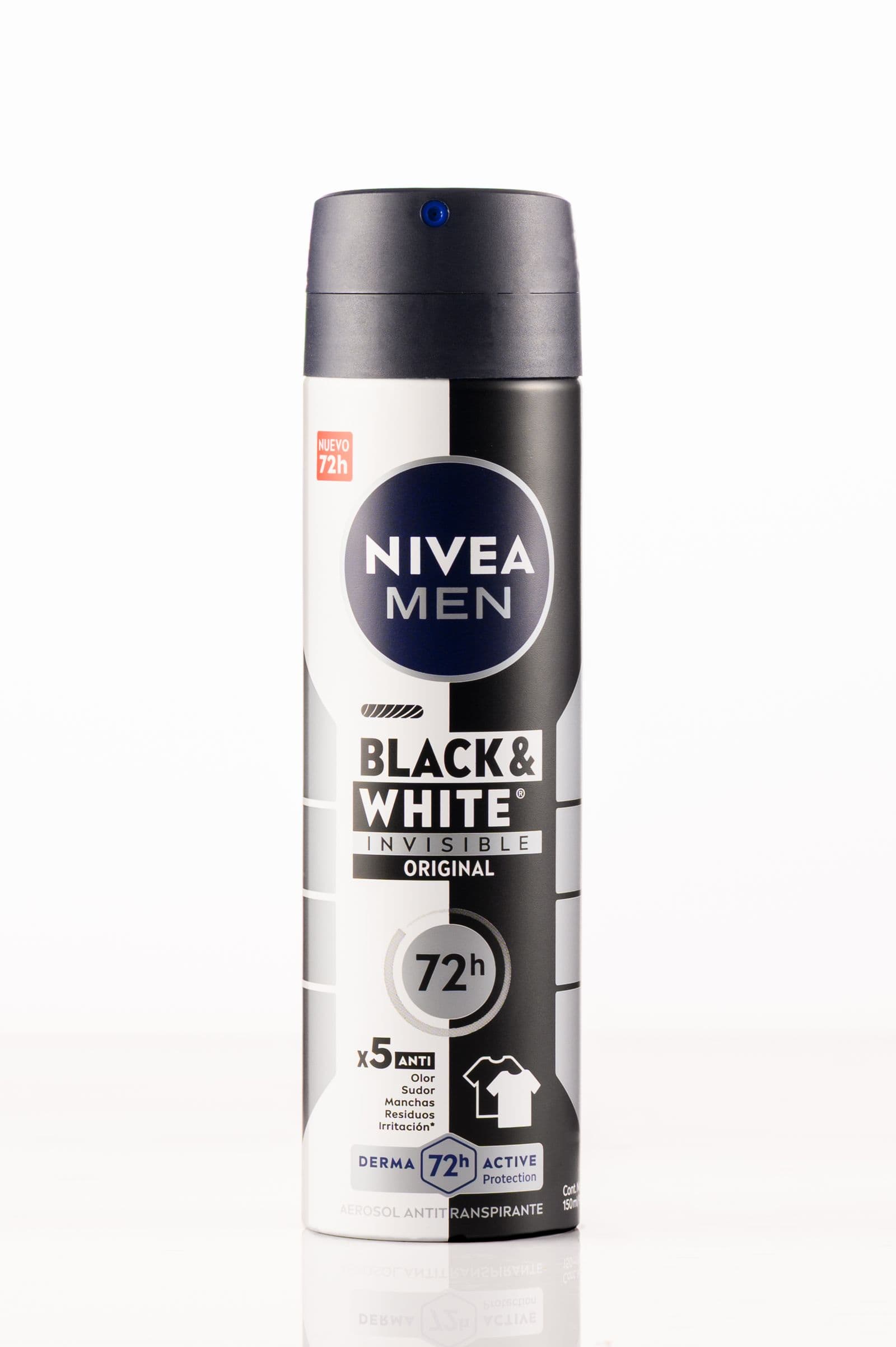
A supermarket buyer asks for "GS1-compliant images" and links to a data pool. Most brands read that as "white background, please" and send whatever the last agency delivered. It comes back rejected with no explanation, because from the retailer's side nothing was ambiguous.
The GS1 Product Image Standard is not a style preference. It fixes which faces of a pack you supply, the background, the pixel range, and a filename that encodes all of it in order. Read a compliant filename and you know the file shows the front of the pack, straight on, still sealed, in English.
Two failures are easy to introduce and easy to check before you send: a background that is nearly white rather than exactly white, and a filename that does not parse. Neither needs a reshoot.
What the standard actually specifies
Most of it is already written down, precisely enough to check by machine before a human opens the file. Release 4.4, ratified in April 2024, specifies:
- Background should be white — RGB 255,255,255 — or transparent. A clipping path is recommended; for a master saved with a transparent background, such as a TIFF, it is optional — though GS1 still urges adding the path and flattening onto white to keep file sizes manageable.
- The subject sits centred and covers roughly 95% of the canvas.
- Web product images fall between 900x900 and 2400x2400 pixels; high-resolution versions run from 2401x2401 to 4800x4800.
- All four primary types — web and high resolution, with and without supporting elements — are stored as LZW-compressed TIFF. JPG and PNG appear only in the optimised family; secondary types accept any format.
- No signatures, watermarks, compression artifacts or interpolation — so no upscaling a small file into the pixel band.
- Batch data such as best-before dates and serial numbers should be removed or replaced with a placeholder.
White in a photo of a white sweep is almost never 255,255,255. It is 248s and 251s drifting between sessions, the same trap that catches sellers on marketplaces with a pure-white rule.
Reading the filename, field by field
The scheme is positional, which is what makes it machine-readable. Each slot holds one character with one meaning; some optimised, secondary and technical types use longer codes, so check those tables separately.

Characters 1-14 are the GTIN, position 15 is an underscore, and positions 16-19 each carry one value:
- Position 16, image type. Primary:
Aweb product image,Bweb image with supporting elements,Chigh-resolution product image,Dhigh-resolution with supporting elements. Optimised:HMobile Ready Hero Image,UOptimised Hero Image,Ea 360°/3D series,3DR3D rendered. - Position 17, facing.
0not applicable,1front,2left,3top,7back,8right,9bottom. The standard lists only these seven — there is no 4, 5 or 6. Label and technical images get their own position-16 codes instead (L4ingredients,L62D barcode). - Position 18, orientation.
Ccentre,Lleft,Rright,Nno plunge angle. - Position 19, state. For a plain product image:
1in packaging,0out of packaging,Acase,Binner pack,Craw/uncooked,Dprepared,Mopen case,Ppallet or display. Types with supporting elements add more — plated, styled, staged, held, worn, used.
Everything from position 20 on is optional and underscore-separated: a language code, an end date as MMYY, a serialisation like s01. A finished name reads GTIN_A1N1_en_s01.tif — front face, no plunge angle, in packaging, English, first in sequence.
Which facings you actually need
Front is not a judgement call: the standard defers to the GS1 Package and Product Measurement Standard for a product's "Default Front", and the rest are the fixed left, top, back, right and bottom shots. For products with real depth it prefers a centre front view at 15 degrees of top elevation; flat items with negligible depth, such as blister packs, are shot at a 0-degree plunge angle.
Why cutting out beats chasing white in camera
Two things go wrong with in-camera white: the sweep never hits 255 evenly, and there is usually contact shadow where the pack meets the surface — grey pixels exactly where a check looks.

Cutting the product out makes the value a decision, not a lighting outcome. In the remover.bg editor, drop the cutout onto a custom background colour and set it to pure white. Or keep it as a transparent PNG and let the recipient composite it: the background rule accepts either.
Sizing stays a job for your design tool, after the cutout.
Pushing a whole range through
A submission is rarely one image: forty SKUs times three or four facings, each needing the same background and a parsable name.
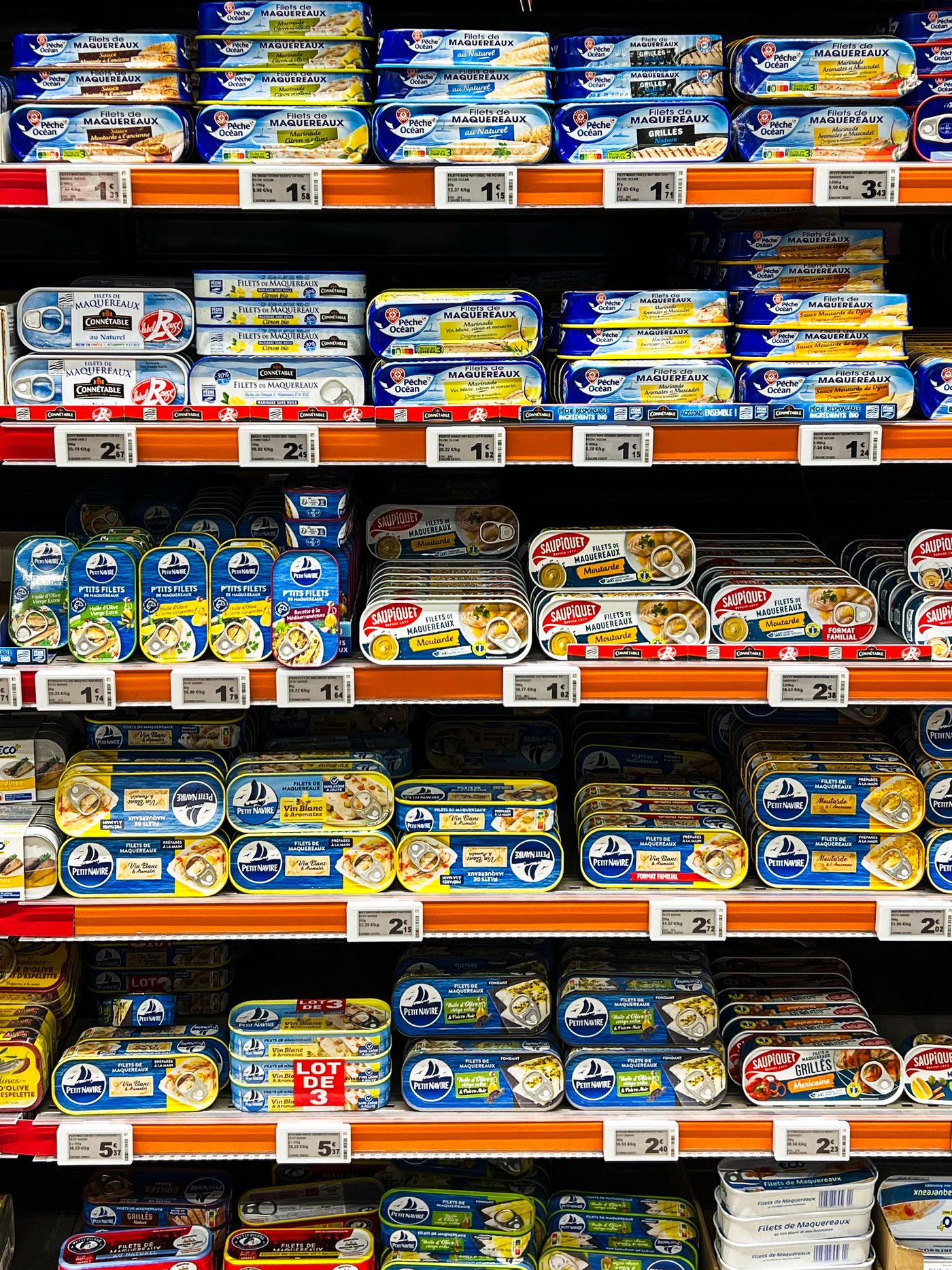
Send PNG or JPEG copies under the 25 MB upload limit through the HTTP API, and build the filename from the GTIN, facing and state fields in the same script, so the name comes from data, not from someone typing at 6pm. Batch work runs through the API only; the TIFF master is a separate step in your own imaging tool.
Before you send the set
Sample two files from opposite ends of the range, put a colour picker on a corner and beside the pack, and confirm both read 255,255,255. Then read three filenames aloud as fields. If the characters describe the image on screen, both mechanical failures are cleared — your data pool's own rules still apply on top.