English
 Español
 Português (BR)
 Deutsch
 Français
 Italiano
 Türkçe
 Bahasa Indonesia
 Русский
 日本語
日本語 한국어
한국어 Українська
 Tiếng Việt
 Polski
 Nederlands
 ไทย
ไทย Română
 简体中文
简体中文 繁體中文
繁體中文 العربية
 Български
 Filipino
 हिन्दी
 اردو
اردو বাংলা
বাংলাTemu Image Rules: What Gets a Listing Suppressed
Temu listings get quietly buried over images: near-white that is not 255 white, an added border or watermark, and the supplier photo every other seller uses.
- temu
- marketplace listings
- product photography
- white background
- ecommerce
- background removal

A Temu listing that fails on its images rarely fails loudly. Sometimes the upload is refused outright. More often the product goes live, sits there and gets almost no impressions, while the seller spends a week cutting the price, convinced the problem is margin.
The shape of the problem doesn't change: the cover is expected to show a single product, clearly and centrally, on a plain white background, with nothing painted on top of it. Temu publishes the exact thresholds only inside the seller portal, and revises them, so read them in your own account before a big upload. That is tighter than Facebook Marketplace or your own Shopify theme, and every large marketplace writes its own rules about what may be painted onto a photo, so check each platform's current policy rather than assuming one carries over.
Nearly white is not white
A true digital white is RGB 255, 255, 255 — every channel at maximum, across the whole area. Reviewers may accept something near it, but a true white is the safe target, and it is the one that holds up in the search grid. A sheet of A4 paper on a kitchen table under warm bulbs is nowhere close: tinted yellow, darker in the corners, gradient running from the window side to the shadow side. Your eye corrects for all of it automatically. Image review — person or script — is not so forgiving, and neither is a shopper scrolling past your listing next to a competitor's true-white one.

The instinctive fix is to blast the backdrop with more light, and it backfires: once the backdrop blows out, the product's own edges go with it, and you lose the outline of anything white, cream or chrome. Shoot for a good product exposure and replace the background afterwards. A replaced white is flat by definition — identical in every pixel, and it does not drift between SKUs.
Anything you added is a reason to pull the listing
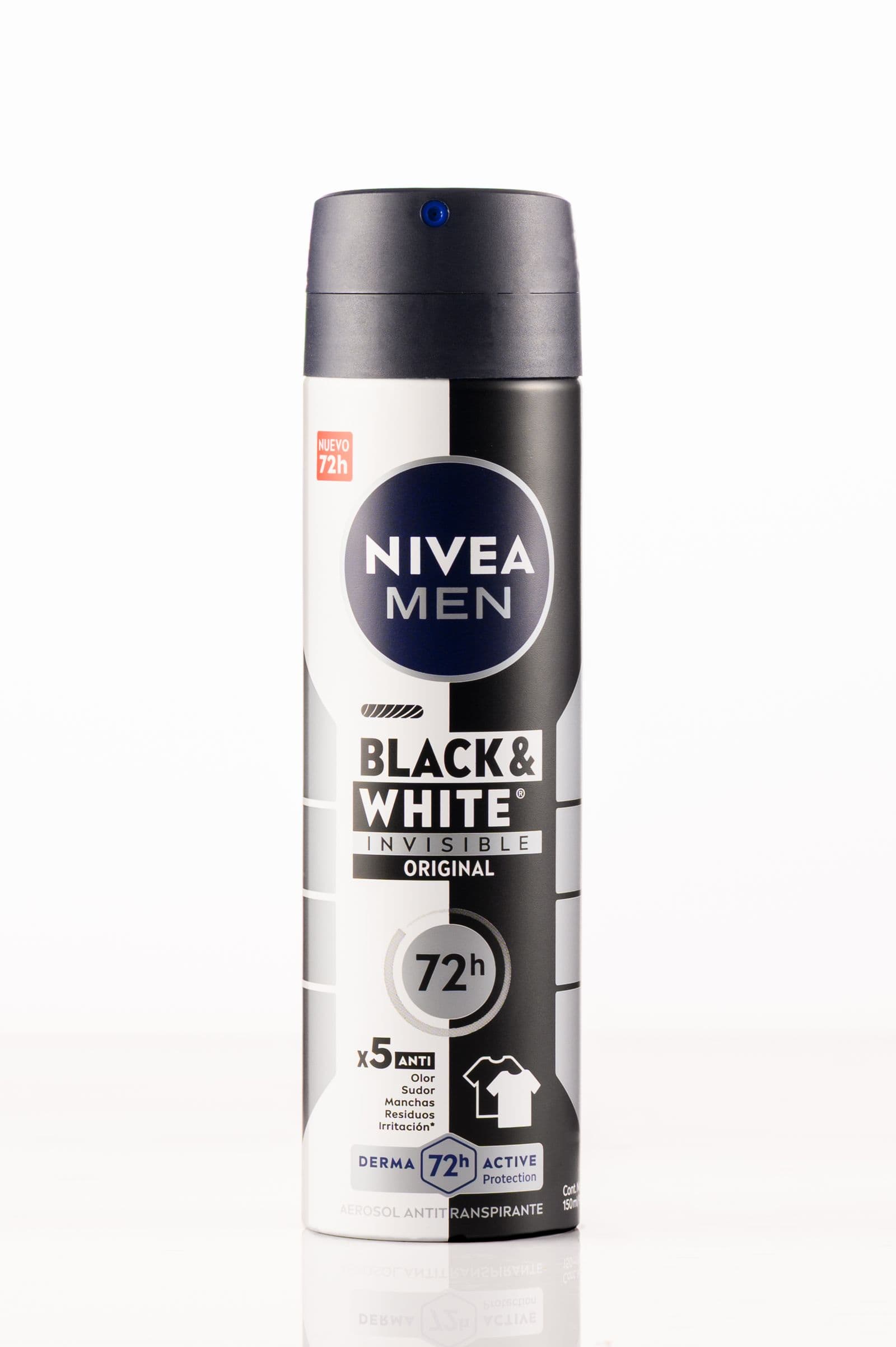
The cover is not advertising space. What gets covers refused or quietly suppressed is consistent across low-price global marketplaces: a watermark, your shop name in the corner, a "Free Shipping" starburst, a decorative border, callout text, a collage of four angles in one file, or another brand's logo in shot.

The likely reason is that the marketplace draws its own discount and shipping badges over your thumbnail, so a painted-on version competes with those and reads as spam. It is also rendered as a small square in a scrolling grid, where text sized for a desktop preview turns into a smudge. Everything you wanted to say still has a home: the later image slots and the description block.
The supplier photo problem
If you used the wholesale supplier's gallery photo, so did every other seller who bought from them. Duplicate imagery gives a shopper nothing to choose you on: your listing looks interchangeable with every other one showing the same file. And if the supplier did not have the right to that photo, the takedown notice can still land on your listing rather than theirs. Where you stand depends on your supplier agreement and your country's copyright law — read the platform's intellectual property policy in the seller portal, and take advice if a claim arrives.
Photograph the unit that arrived at your address instead. It takes a few minutes per SKU, and it protects you when the goods do not match the render.
Shooting your own unit
Put the item on a plain surface near a window, no flash, a foot or so from the wall so nothing touches the backdrop. Shoot slightly wider than you think you need — space around the product gives a cutout a clean outline to follow, and you can crop back in afterwards in your phone's photo editor. Get the front, back and three-quarter angle in one session so the set matches.
Then upload the frame to remover.bg and set the background to white in the editor. Fine edges are where cheap cutouts fail, so this matters most on fabric, fur, wire and mesh. Files go up to 25 MB as PNG, JPEG or WebP, and come back in the same formats.
For secondary slots, a cutout on light grey with a soft drop shadow reads as a considered product line rather than a folder of snapshots. The packaging, size reference and in-use shots belong there too.
One cutout, every channel
A clean cutout on white is the asset almost every other channel wants: it is what Amazon asks for in slot one, the safe default on most large marketplaces, and what your storefront and ad creative need. Check each marketplace's current image policy in its seller help before a bulk upload — they differ by country site.
While you are in the editor, save the white and light-grey versions from the same cutout, and export a transparent PNG as your master so your design tool can drop in a brand colour later without another cutout. For hundreds of SKUs, the background removal API does the same job from your own scripts.
Before you submit
- Zoom to 100%: the background should be uniform white, not a warm gradient.
- No watermark, shop name, sticker, border or stray logo anywhere in the frame.
- One product on the cover, not a collage — and your own unit, not the supplier's file.
- Open your live listings on a phone; a mismatched background shows up instantly in a grid.