English
 Español
 Português (BR)
 Deutsch
 Français
 Italiano
 Türkçe
 Bahasa Indonesia
 Русский
 日本語
日本語 한국어
한국어 Українська
 Tiếng Việt
 Polski
 Nederlands
 ไทย
ไทย Română
 简体中文
简体中文 繁體中文
繁體中文 العربية
 Български
 Filipino
 हिन्दी
 اردو
اردو বাংলা
বাংলাKeep Your Home Out of Your Listing Photos
Listing photos leak more than the item: house numbers, post, reflections. What a stranger can read from your room, and how a replaced background removes it.
- privacy
- marketplace selling
- background removal
- product photography
- selling online
- photo tips
- reflections
- home safety
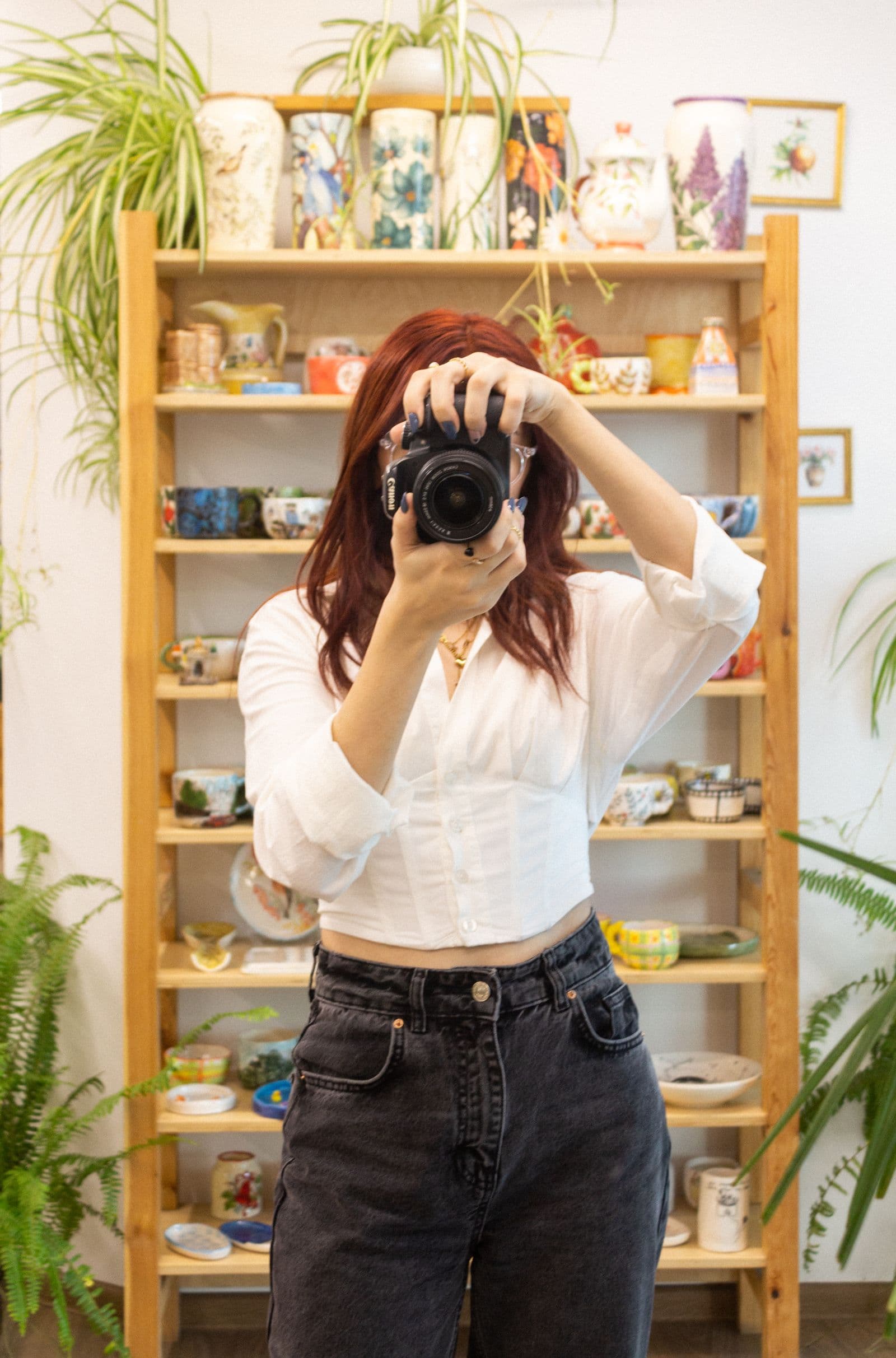
You photograph a coffee table in your front room, post it, and the picture does exactly what you asked. It shows the table. It also shows the window behind it, the view through that window, the letters on the sideboard, and the school photo on the wall. You looked at the table. Everyone scrolling past looks at the room.
Most selling advice treats this as a tidiness problem: clear the clutter, find a blank wall. But you cannot read your own home the way a stranger does; you stopped seeing it years ago. The pile of post is furniture to you; to someone deciding whether to turn up at your door, it is a name and an address. The fix is not a better corner of the house — it is taking the house out of the photo.
What a stranger can read behind your sofa
Go back through your own listings and look past the item. What gives a home away is rarely dramatic:

- A house number or street sign through a window, or reflected in it after dark
- A recognisable view: a church spire, a tower block, a corner shop sign
- Post, prescription bags or a delivery box with the label facing the camera
- A school uniform, a club crest, a residents' parking permit on a windscreen
- A wall calendar with dates circled, or a note saying when the house is empty
None of these is a secret on its own. Stacked across one gallery, they can suggest who lives here, roughly where, and when the house is empty — that is what a stranger pieces together from pictures you published on purpose. Some of it is not even yours to publish: a neighbour's number plate, a visitor's permit, somebody else's front door. For formal guidance, look to your national police or fraud-reporting service, and to the marketplace's own safety page.
Reflections leak more than the room does
The surfaces you never think to check hand over the most. A switched-off television is a mirror. So is the oven door, a chrome tap, a glossy floor, and the screen of the phone you are selling. A kettle warps the image, but a warped doorway is still a doorway.
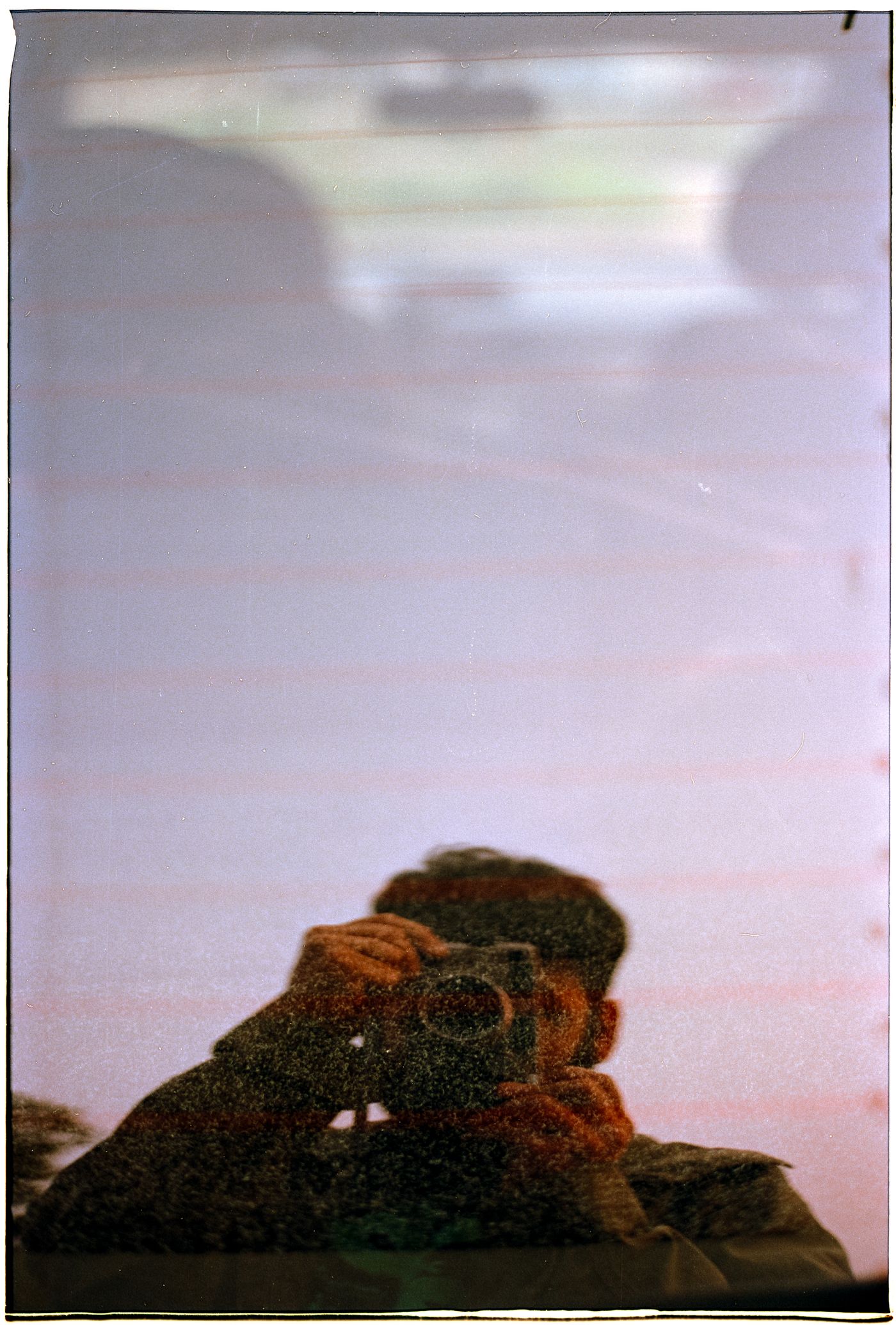
Car listings are the worst case: paintwork and glass photograph the house behind you, the plates parked near it, and you holding the phone. Background removal clears the street seen through a car's glass and reproduces tinted glass realistically, though heavily tinted windows stay opaque. A reflection in the paintwork is a different matter: it is part of the car, so move the vehicle or change your angle before you shoot. The walkthrough for car photos covers how the glass is handled.
Why tidying, cropping and blurring fall short
Tidying is guesswork. You clear the shelf and forget the window; you move the letters and leave the parcel.
Cropping in your phone's photo editor trades away the thing you are selling: tight enough to lose the room and the buyer can no longer judge size or condition. The leak often sits right beside the item anyway.
Blurring leaves shape, colour and layout intact — a blurred street is still your street to anyone who knows it. Replacing the background is the one that settles it: the room is either in the frame or it is not.
Replace the background instead
The workflow is short enough to do on the sofa. Shoot the item where it stands, in the best light you have, and let the room stay a mess. Upload the photo to remover.bg on the web or in the mobile app — PNG, JPEG or WebP, up to 25 MB — and the room goes. Set the new background to plain white, a mid grey, or a colour that suits the item, then add a soft drop shadow so it does not float; the guide to realistic shadows explains why cutouts look pasted on.
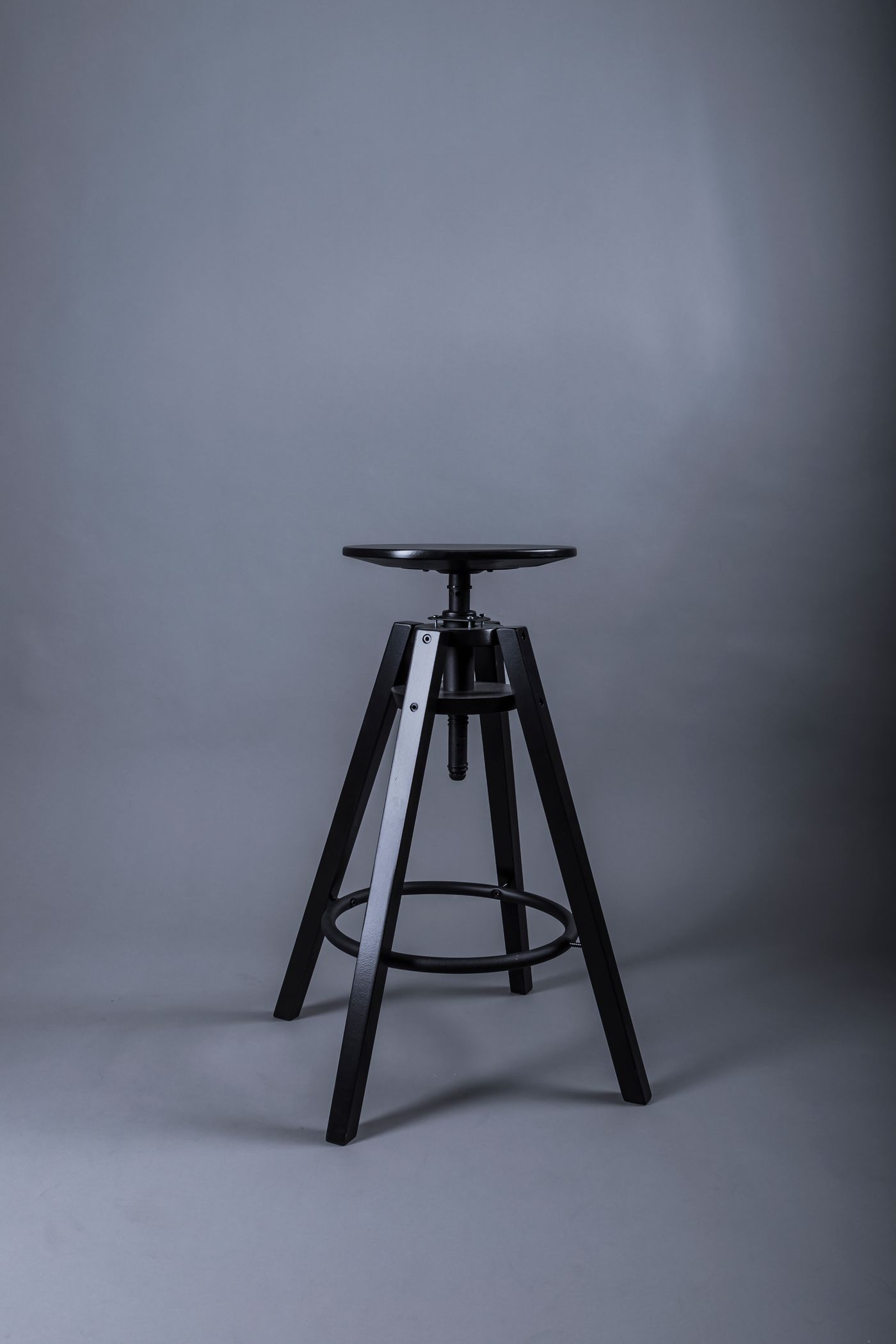
You can also drop in your own photo as the background, which suits furniture — but pick a plain one. Another room in your house solves nothing.
One caveat: changing what a picture shows is not the same as changing what the file carries. Phones can record where a photo was taken in the file's metadata, and that may travel with the file depending on how you share it — check your phone's location settings. Our note on security and privacy covers how uploads are handled at our end.
The last look before you post
Open each image full screen: zoom into every reflective surface, read any text legible in the frame, scan the edges you were not watching. Then ask the question that matters: could someone find my front door from this?
Two things a new background will never fix: a reflection sitting on the item — the hallway in the tabletop, your face in the screen — and anything written on the item itself, like an engraved name or a luggage tag with your address. Both survive the swap, so move, change your angle, or reshoot.
Sell the thing, not the address
Shoot fast, swap the background, check the shiny bits, post. It costs about a minute, and the buyer gets a clean view of what they are paying for instead of a free tour of where you keep it.