English
 Español
 Português (BR)
 Deutsch
 Français
 Italiano
 Türkçe
 Bahasa Indonesia
 Русский
 日本語
日本語 한국어
한국어 Українська
 Tiếng Việt
 Polski
 Nederlands
 ไทย
ไทย Română
 简体中文
简体中文 繁體中文
繁體中文 العربية
 Български
 Filipino
 हिन्दी
 اردو
اردو বাংলা
বাংলাJewelry Photography: Shoot Small, Shiny Products That Sell
A home setup that tames reflections, a five-shot listing formula, and the digital background trick that ends the lint battle on jewelry photos.
- jewelry
- product-photography
- macro
- ecommerce
- tips
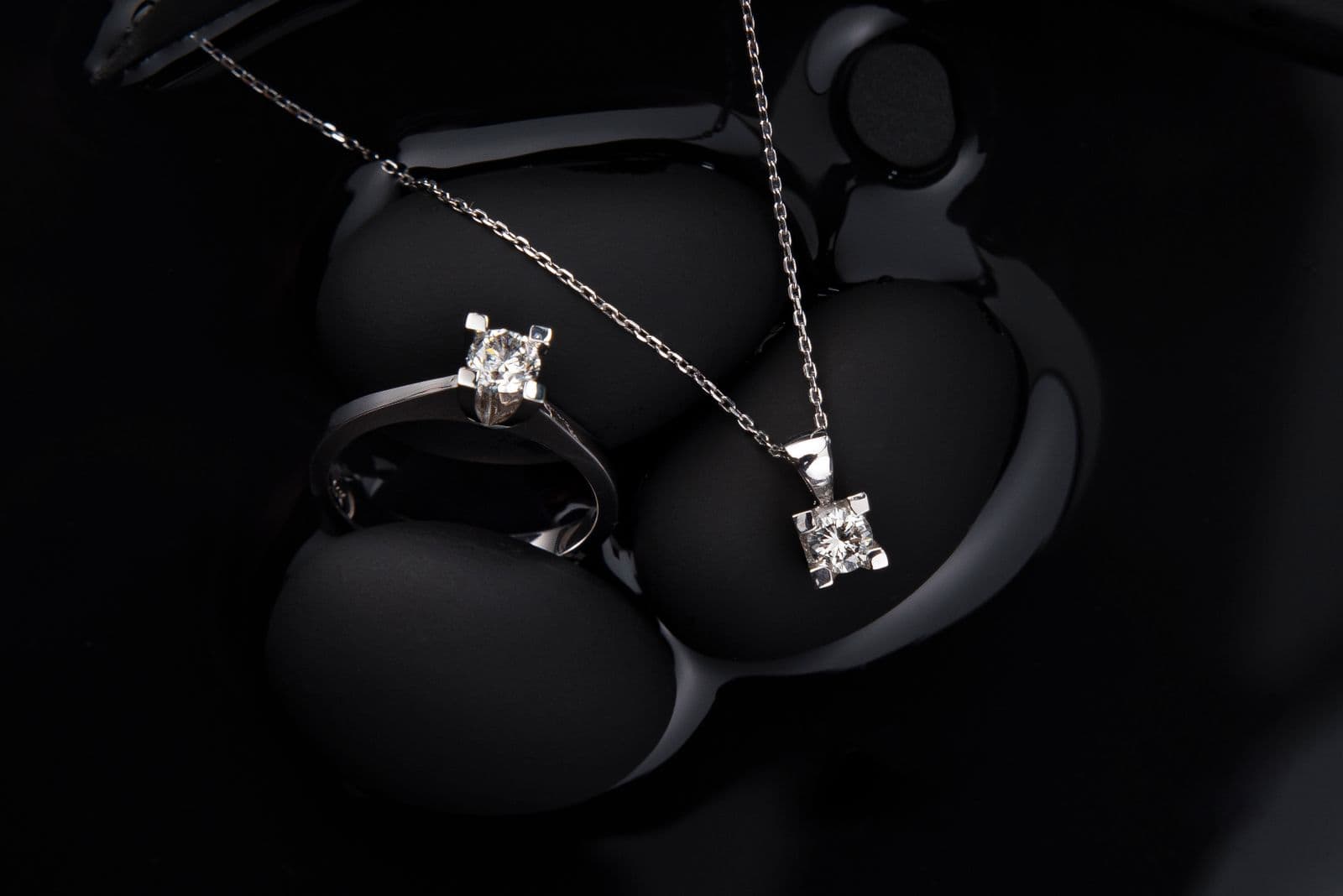
Jewelry is the hardest product category to photograph, and it isn't close. The pieces are tiny, the surfaces are mirrors, the stones need sparkle, and the price tags mean buyers inspect every pixel before trusting you. A blurry ring photo doesn't just fail to sell a ring — it makes a $500 piece look like a $15 one.
Here's how to shoot small, shiny products with gear you already own, and how to fix the part that ruins most jewelry photos after the fact.
Why jewelry breaks normal product photography
Three physics problems stack on top of each other:
- Reflection — polished metal reflects everything: the room, the lights, the photographer. Every stray reflection reads as a smudge or a flaw, which is the same problem you fight when photographing glass and reflective products.
- Scale — at macro distances, depth of field shrinks to millimeters. Focus on the stone and the band blurs; camera shake that's invisible in a portrait wrecks a ring shot.
- Sparkle vs. blur — gemstones need directional light to fire, but directional light creates harsh shadows and hotspots on metal.
Professionals solve this with light tents, focus stacking, and retouching. You can get 90% of the way there with simpler tools and one smart workflow decision.
The home setup that works
- Shoot near a window, never in direct sun — diffused daylight is the best free light for metal. Tape baking paper over the window if the light is harsh; that's a diffuser.
- Use white paper as a bounce — a folded sheet on the shadow side fills in darkness and adds a clean white reflection to the metal instead of a reflection of your room.
- Stabilize the camera — a tripod, a stack of books, anything. At macro distance this matters more than the camera itself.
- Use your phone's macro or 2–3x lens and tap to focus on the most important detail — the stone in a ring, the pendant on a necklace, the clasp on a bracelet.
- Style minimally — one piece per shot for hero images. Props are for lifestyle shots, not thumbnails.
The background problem — and the shortcut
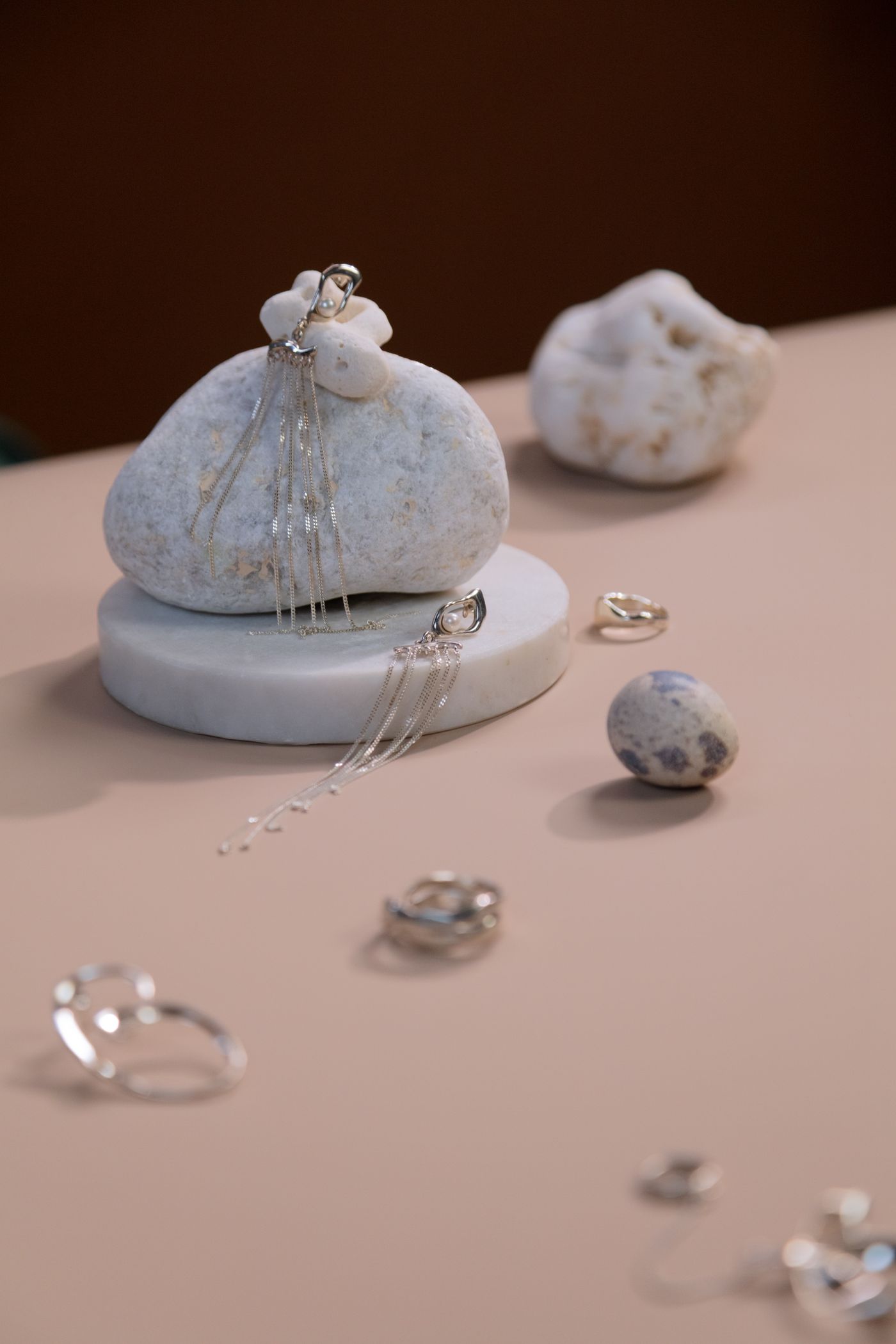
Here's the trap: jewelry is so small that any background texture competes with it. Dust you can't see becomes visible at macro scale. The velvet pad picks up lint. The white paper shows creases. Getting a physically clean backdrop for macro work is a constant, losing battle.
So don't fight it:
- Shoot on whatever surface gives good light and contrast — a matte grey card, a wooden table, anything that helps the camera see the piece's edges.
- Upload to remover.bg — the AI isolates the piece cleanly, including chain links, ring interiors, and the gaps in filigree work that make manual selection torture.
- Place it on a digitally clean background — pure white for marketplaces, soft cream or blush for a brand feed, deep charcoal for luxury positioning. Digital backgrounds have no dust, no creases, no lint — ever.
- Add a soft shadow so the piece sits on the surface instead of floating. For jewelry, a subtle shadow is the difference between "cutout" and "studio shot."
The bonus: one physical shooting setup produces every look your channels need. Same earrings — white for Etsy, branded colors for Instagram, dark for the holiday campaign. Our piece on custom backgrounds for product photography goes deeper on that strategy.
The shot list per piece
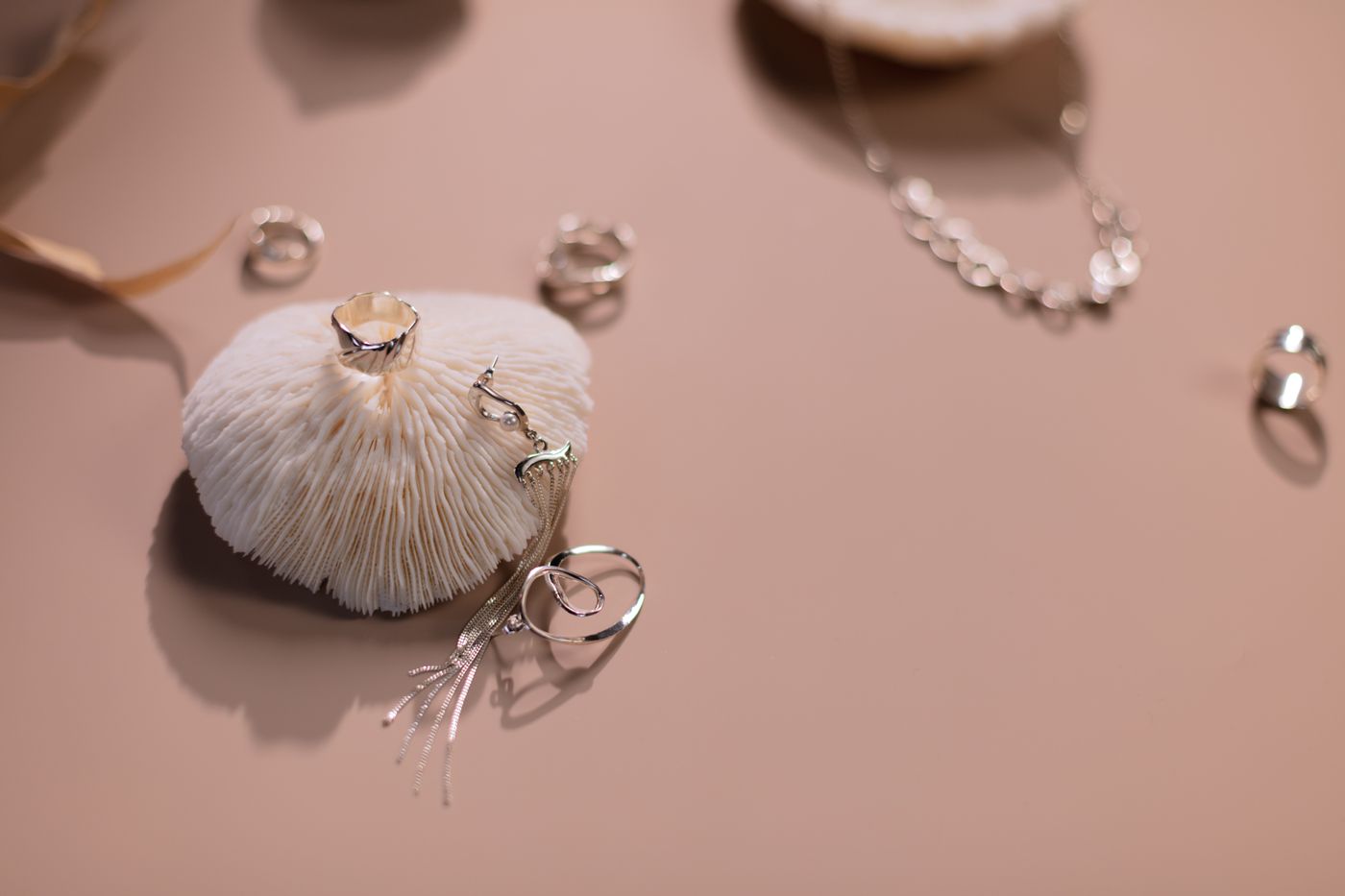
For a marketplace listing, five frames cover what buyers check before purchasing:
- Hero — the full piece, clean background, perfect focus on the focal point.
- Detail macro — the stone setting, engraving, or texture up close.
- On-body — the ring on a hand, the necklace at a collarbone. Scale and styling in one shot.
- Scale reference — beside a coin, or with dimensions listed in the image.
- Packaging — jewelry is a gift category; the box sells the moment.
Final polish
- Clean the piece before shooting — a microfiber wipe removes fingerprints that macro lenses adore.
- Don't over-sharpen — halos around metal edges scream amateur editing.
- Keep color honest — gold that photographs orange leads to returns. Neutral daylight and no filters.
Jewelry photography rewards patience at shoot time and ruthlessness in post. Get the light soft, the focus exact — and let the background be the one problem you solve with a click instead of a lint roller.