English
 Español
 Português (BR)
 Deutsch
 Français
 Italiano
 Türkçe
 Bahasa Indonesia
 Русский
 日本語
日本語 한국어
한국어 Українська
 Tiếng Việt
 Polski
 Nederlands
 ไทย
ไทย Română
 简体中文
简体中文 繁體中文
繁體中文 العربية
 Български
 Filipino
 हिन्दी
 اردو
اردو বাংলা
বাংলাHow to Photograph a Product Held in the Hand
A hand gives scale and ruins the cutout. Let the forearm leave through the frame edge, grip a part you are not selling, and shoot a hand-free frame too.
- product-photography
- scale-shot
- composition
- background-removal
- marketplace-listings
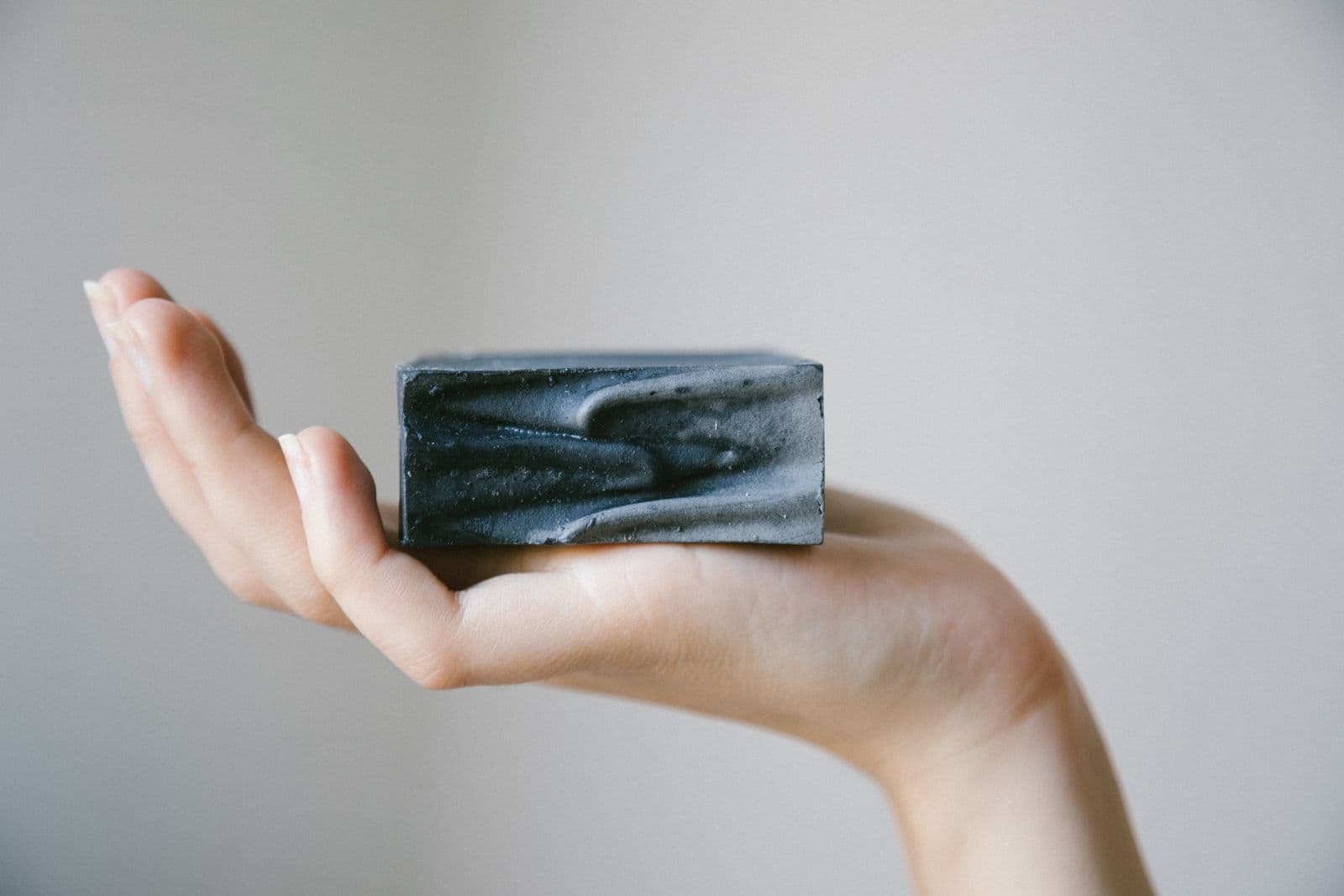
A buyer looking at a small ceramic dish cannot tell whether it is an egg cup or a serving bowl. The dimensions in your description settle it in theory. A hand settles it in half a second, which is why an in-hand frame earns a gallery slot.
The trouble starts afterwards. A hand in the frame is part of the silhouette, and a background removal treats it like the product. Cut the background away and you get a forearm floating in white space, fingers sliced mid-knuckle, or a thumb that dissolved into a beige backdrop and took a corner of the product with it.
None of it is fixable later: whether the hand helps or hurts is decided before you press the shutter.
What the Hand Is Actually Doing in the Frame
Scale, and nothing else. Cover the hand on screen with your thumb: if the frame still says something useful, the hand is decoration.
Platforms treat scale as its own shot type, not a main image. Amazon's seller blog describes a scale shot as one that helps customers gauge a product's actual size by comparing it with everyday items. Walmart's Canadian Marketplace Learn guide does the same job with artwork: its scale image is the silo shot with dimensions printed on it and an illustrated hand or body form beside it, used mainly for food and consumables. Google's Merchant Center rule for the feed image currently asks you to "accurately display the entire product, and include minimal or no product staging", while accepting staged images that clearly show the product.
So the hand belongs in the gallery, beside the shots that stop an item arriving smaller than the buyer pictured — the problem behind returns caused by photos.
Where to End the Wrist and the Sleeve
The floating forearm is the most common failure, and the fix is free: let the arm leave through the frame edge. Come in from a bottom corner so the forearm crosses the border.
An arm that stops inside the frame reads as a crop while the background is there, and as an amputation the moment it goes. No editor fixes it: the rest of the arm was never in the file.
A sleeve cuff is a better ending than bare skin: it gives the cutout a hard edge instead of a soft gradient. Avoid a loose sleeve ending mid-frame in shadow, with no boundary between fabric, skin and backdrop.
Which Fingers May Cross the Outline
Grip is composition. Hold the product by a part you are not selling: the base of a jar, the flat back of a phone case, the handle rather than the blade. A light pinch at a featureless edge keeps the silhouette closed.
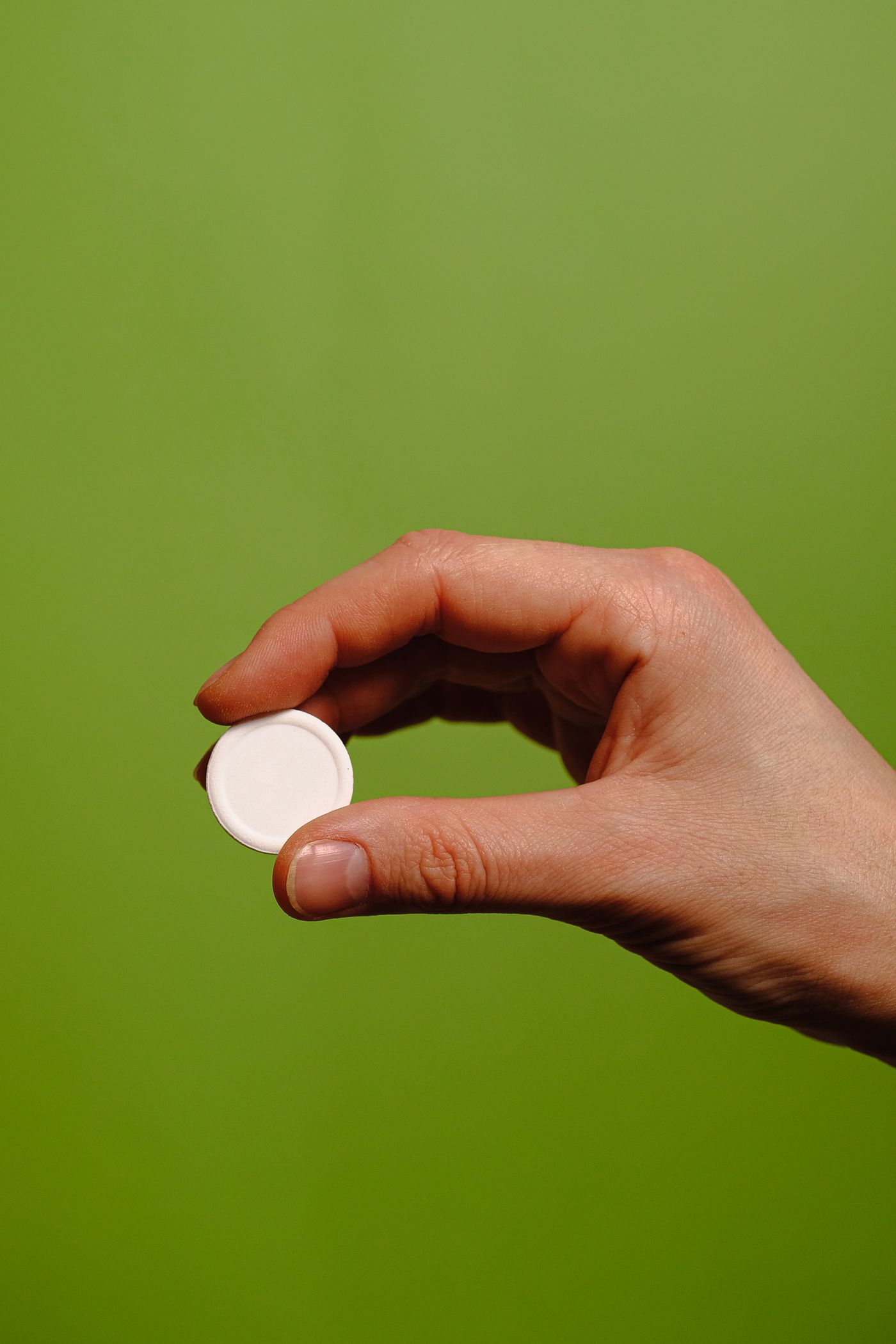
A full wrap does the opposite. Fingers crossing the front face break the outline: finger and product touch, share a tone and cast a contact shadow into each other, so automatic edges go soft.
Keep nails and rings plain; they compete with anything small and reflective, and the reflection discipline in the jewelry photography guide applies to the hand too. Lotion catches a highlight that reads as a bright blob, so wipe your hands.
Separating Skin and Sleeve From the Backdrop
This is the white-on-white problem in a different hat. A hand against tan, beige or warm cream loses its edge the way a white product does on a white sweep: the cutout eats into the fingers or leaves a halo.
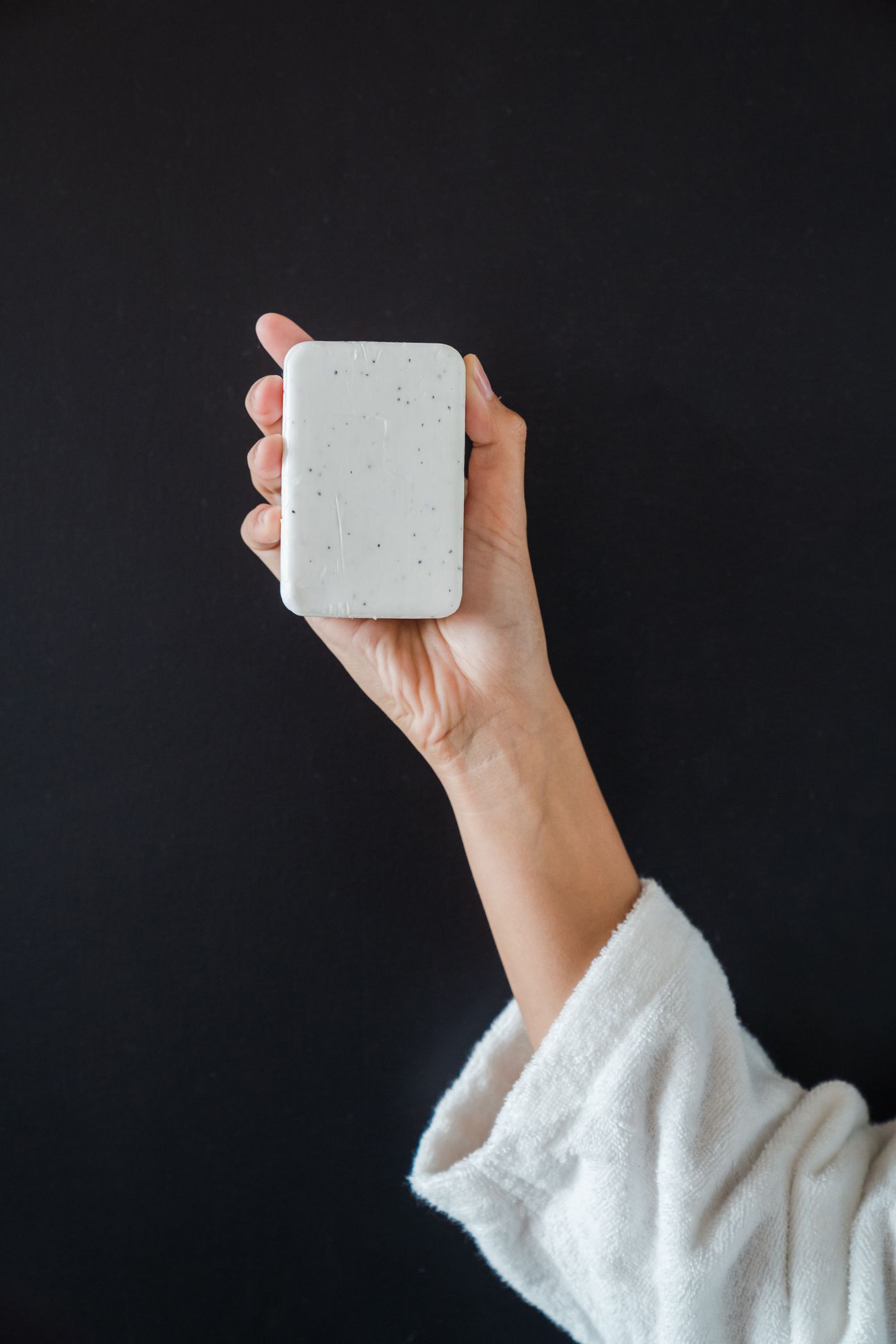
Choose a backdrop a clear step away in brightness and hue from the skin and sleeve. View the camera preview in black and white and check the hand reads as its own shape. eBay's picture guidance currently asks sellers to display items in an uncluttered space against a neutral backdrop, and the arm is part of that space. A plain mid-tone sleeve is forgiving; busy patterns pull attention off the product the way a loud background does in clothing product photography.
Shoot the Matched Pair
The fix is two frames, not one. Keep the light, distance and backdrop fixed, shoot the in-hand frame for scale, then put the product down and shoot it alone.
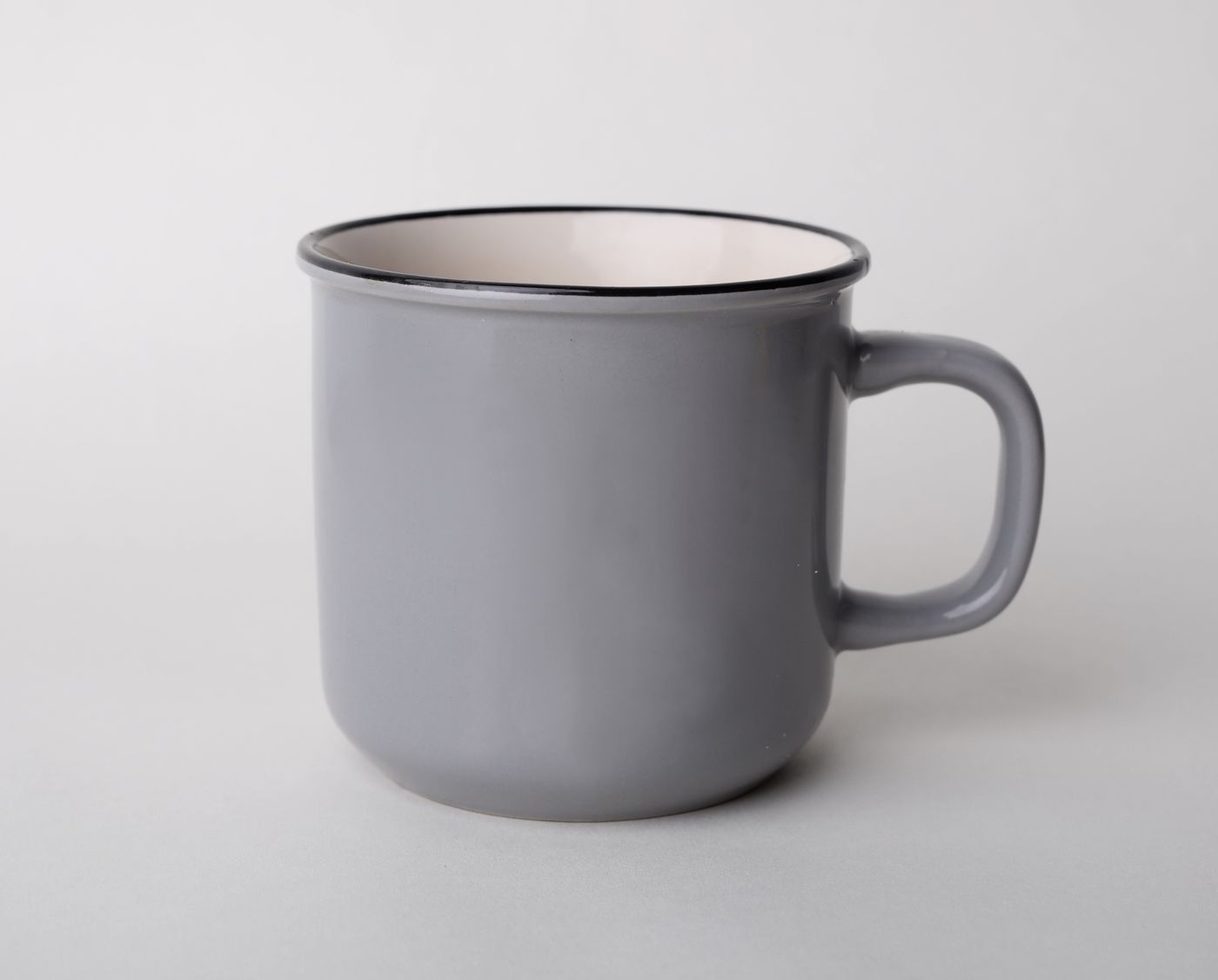
The clean frame is the one you cut out. Drop it into remover.bg for a transparent version or a plain backdrop, and keep the in-hand frame as shot. Uploads are PNG, JPEG or WebP up to 25 MB, so an iPhone HEIC file needs converting first.
Do not plan to erase the hand out of the other frame. Nothing reconstructs the part of a product a palm covered. Etsy's seller handbook currently describes ten photo slots per listing, room for both — see the Etsy listing photo guide.
Four Checks Before You Upload
- The forearm leaves through the frame edge; no arm or sleeve stops mid-frame.
- The outline is readable in one stroke, with fingers on featureless parts only.
- Skin and sleeve separate clearly from the backdrop in tone.
- A hand-free frame from the same setup exists for the cover slot.
Amazon's December 2024 shooting guide asks you to centre the product and fill 85% or more of the frame, which a hand cannot help with. Let the clean frame carry the listing.