 English
 Español
 Português (BR)
 Deutsch
 Français
 Italiano
 Türkçe
 Bahasa Indonesia
 Русский
 日本語
 한국어
 Українська
 Tiếng Việt
 Polski
 Nederlands
 ไทย
 Română
 简体中文
 繁體中文
 العربية
 Български
 Filipino
 हिन्दी
 اردو
 বাংলা
Plain White or a Lifestyle Scene? Pick Per Slot
White versus lifestyle is a per-slot call, not a brand rule: the three conditions that earn a scene, why platforms decide slot one, and one shoot for both.
- product-photography
- ecommerce
- lifestyle-photography
- backgrounds
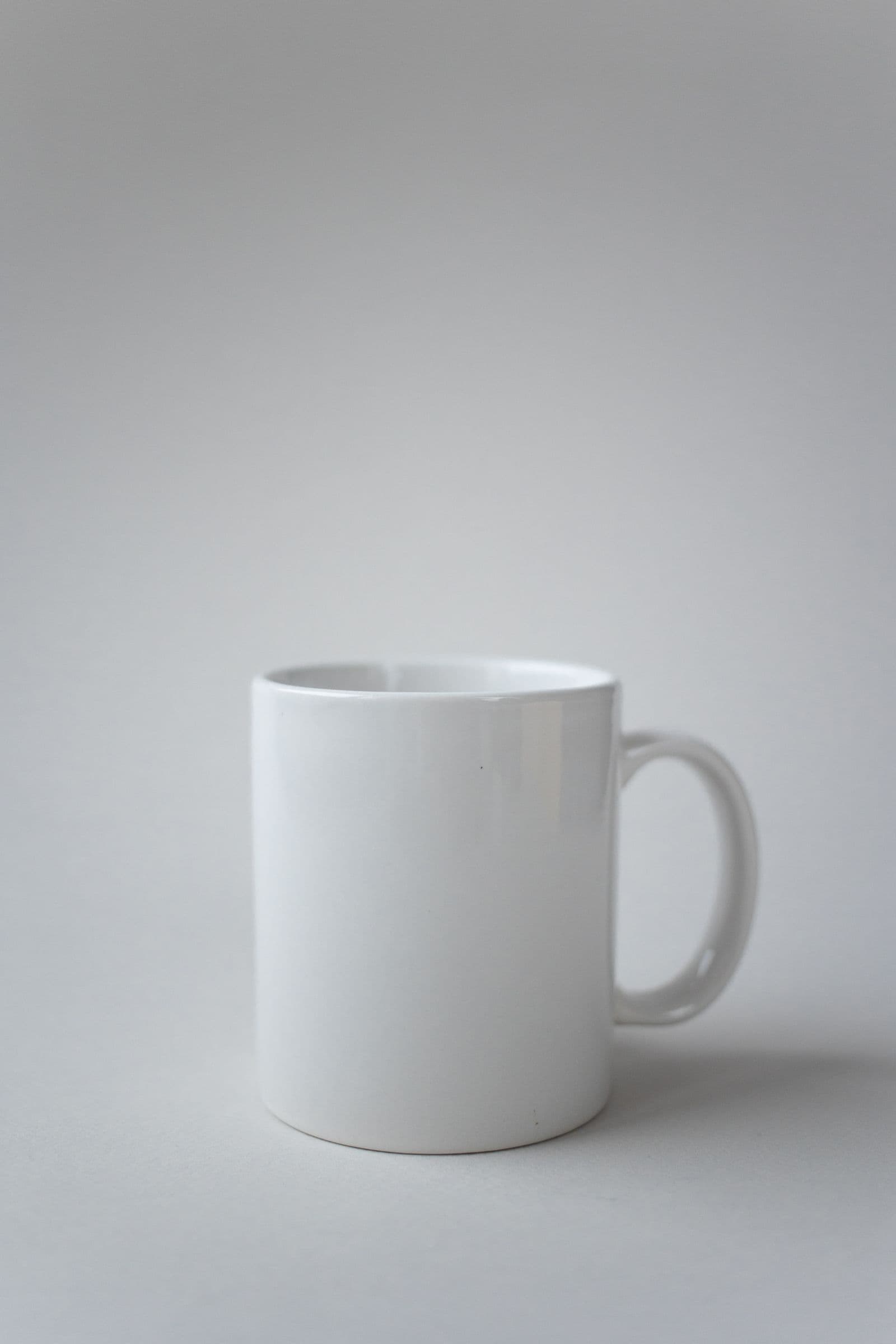
You have a gallery of image slots and one product, and you are arguing with yourself about white versus a styled scene. The argument is at the wrong level. It is not one brand decision applied everywhere; you make it per slot, and the answer changes between slot one and slot four.
The first image is read by someone scanning a grid of thumbnails who has not decided to care yet. Its job is identification: is this the thing I searched for. Everything after it is read by someone already on the page, where the job is persuasion: how big is it, would it look right on my counter. Same product, different question, so different background.
Two Different Jobs Inside One Gallery
A plain background is not a style but a subtraction: everything that is not the product is removed so the silhouette still reads at thumbnail size in a search grid. A scene is an addition, handing back what the cutout threw away — scale, context and use.
Stop asking what our background is and ask what this slot is for. Once a slot is settled as plain, which plain is a smaller separate decision.
Three Conditions That Argue for a Scene
A scene earns its slot when one of these is true. If none is, it is decoration in a slot that could have shown a detail or the back of the product.
- The silhouette means nothing alone. A coiled cable, a folded length of fabric, a mounting bracket: on white these are abstract shapes. The scene has to contain the thing the object connects to or becomes.
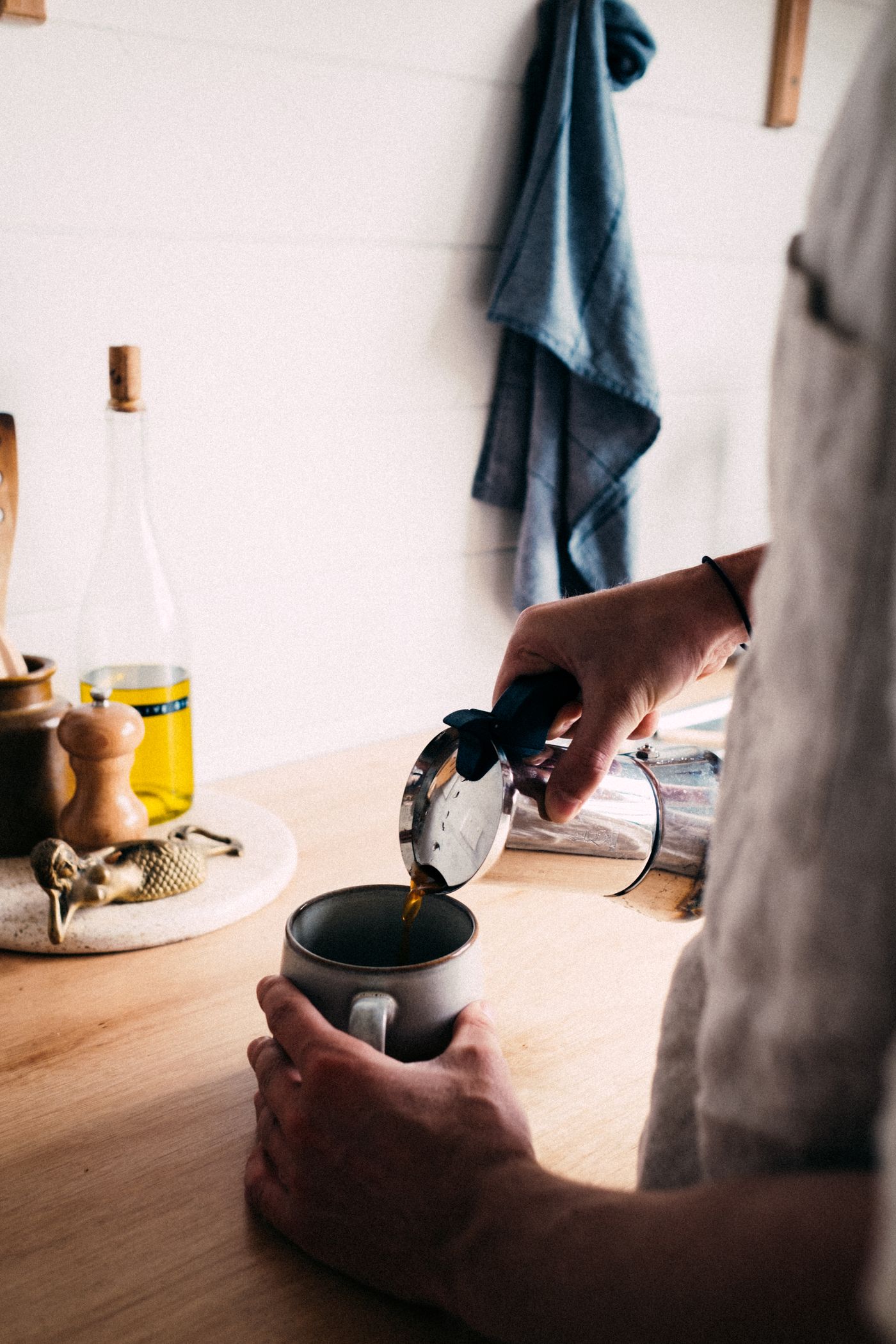
- The size cannot be read. A mug and a stein look identical photographed alone. The reference has to be something the buyer already owns — a hand, a counter — sitting in the same plane as the product, or it lies.
- The buyer cannot picture the use. Show the moment of use: someone holding, wearing or pouring. A product resting beside a relevant object is a still life, not a use case.
When the Platform Decides for You
For the first image your judgement is not the deciding vote. Amazon currently requires a listing's main image to sit on pure white (RGB 255, 255, 255) with the product filling 85% or more of the frame; its seller-forum staff say a lifestyle main image is allowed only in a few product types such as beds, rugs and sofas. Its December 2024 photography tips, still live, send colour and texture to the additional slots.
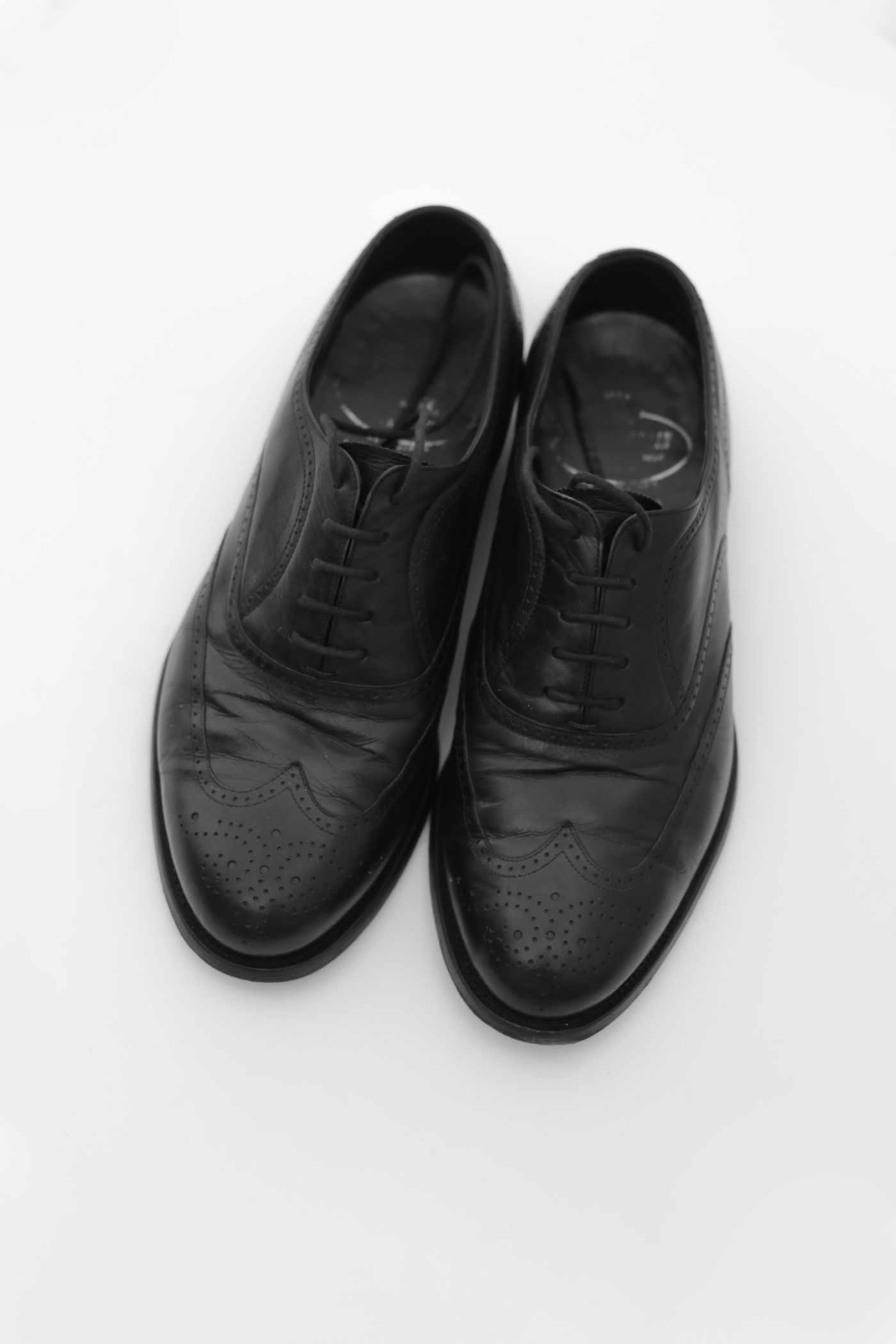
Not every platform draws that line. Google's Merchant Center image spec recommends white or transparent but calls staged or lifestyle images that clearly show the product also acceptable. Its minimum requirements ban borders, added watermark and brand-name overlays and promotional content covering the product; its best practices ask you to frame the product so it takes up no less than 75% and no more than 90% of the full image. eBay's picture help page currently says white backgrounds are generally best, but adds that a darker background may work better for shiny or reflective items like jewellery.
So one export can satisfy both: fill the frame to between 85% and 90% and you clear Amazon's floor while sitting inside Google's recommended band. Push to 95% and both still accept the file — Google's 75–90% is guidance, not a disapproval rule — but you have given up the recommendation for nothing. Check each platform's live spec page before exporting, because these numbers move. An Amazon walkthrough and the marketplace cheat sheet are starting points, not substitutes.
What a Lifestyle Scene Actually Costs
Props date. A particular napkin, mug or phone model fixes the photo to a moment, and a scene that looked current two seasons ago quietly says old stock.

Scenes are also slower to shoot and get harder as the catalogue grows: sixty white frames read as one brand, sixty scenes shot on different days read as sixty shops.
One Shoot That Serves Both Slots
You do not have to choose at capture time. Shoot everything on a plain sweep, the easier lighting problem, cut out once, and keep the transparent PNG as your master.
Slot one is that master flattened onto white to whatever the platform demands. The later slots take the same cutout on a scene. In remover.bg the editor's Upload tab accepts a scene photo you shot yourself, an empty counter or a bare table, while the Images tab holds a ready-made background library. Add the drop shadow so the product sits on the surface instead of floating.
Two honest limits. The composite only holds up if the light direction in the scene roughly matches the original shot, so photograph the empty scene in the same room. And uploads accept PNG, JPEG and WebP up to 25 MB, so an iPhone HEIC file has to be converted first. The payoff: next season you rebuild the scene without reshooting the product.
Run the Pass Over Your Gallery
Open a listing and write the job of each slot in three words. For every slot holding a scene, name which of the three conditions it answers; replace it if none. Re-check slot one against the platform's live spec. Then file the transparent master somewhere you can find it: it turns next season's rebuild into an afternoon.