English
 Español
 Português (BR)
 Deutsch
 Français
 Italiano
 Türkçe
 Bahasa Indonesia
 Русский
 日本語
日本語 한국어
한국어 Українська
 Tiếng Việt
 Polski
 Nederlands
 ไทย
ไทย Română
 简体中文
简体中文 繁體中文
繁體中文 العربية
 Български
 Filipino
 हिन्दी
 اردو
اردو বাংলা
বাংলাOne Shoot, Six Release Assets: Artist Photos Done Right
One artist shoot, six release assets: cover art, Spotify avatar and header, gallery, press shot and social tiles. How to frame loose and crop each slot later.
- music photography
- spotify for artists
- press photos
- band photography
- background removal
- album art
- single release
- artist branding
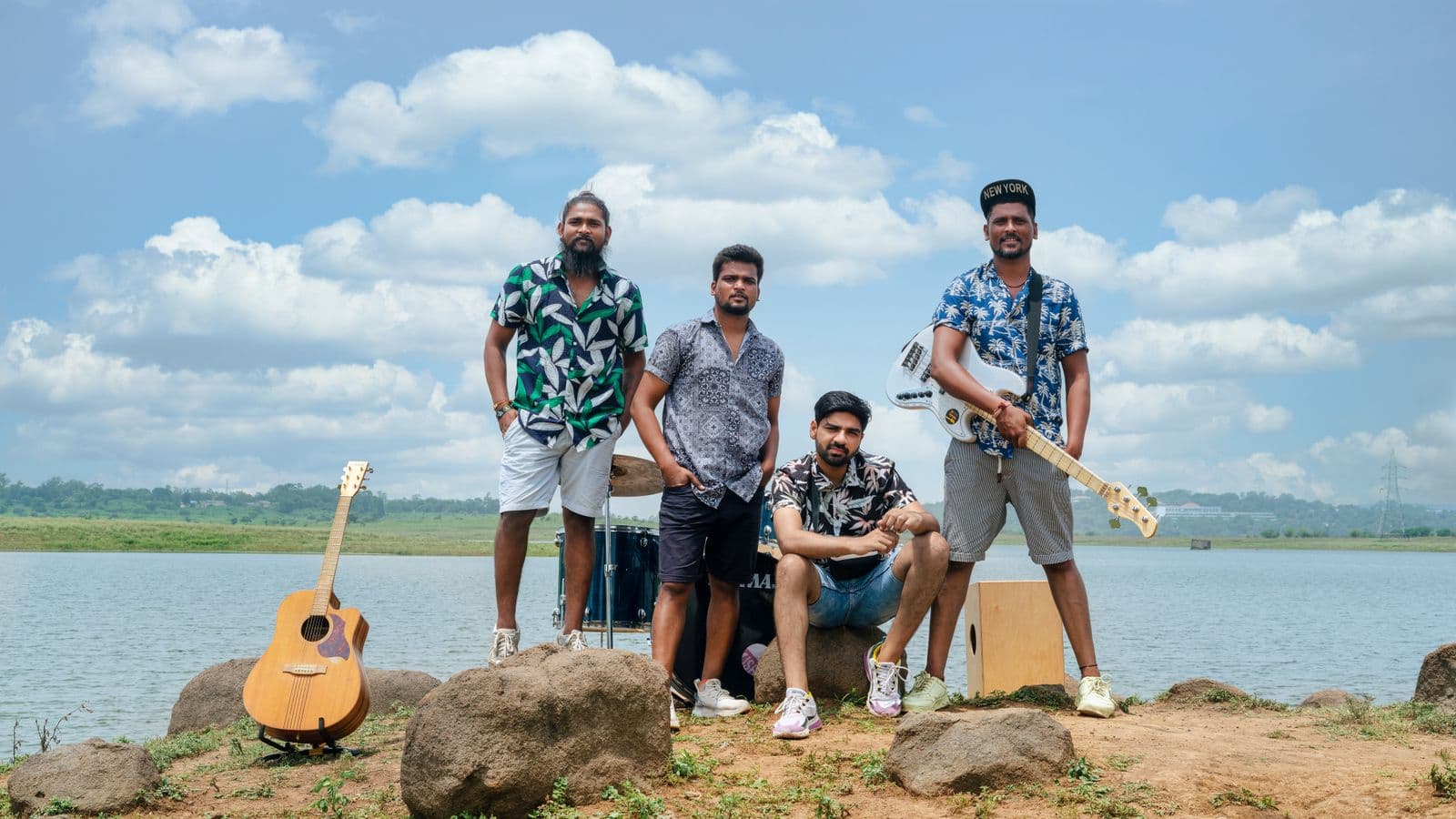
A release date is not one deadline, it is six. Your distributor wants finished cover art before it will deliver anything. Blogs, radio shows and independent curators almost always ask for a current press shot when you pitch, while the Spotify pitch is a separate job, filed inside Spotify for Artists rather than sent as a press pack. Your Spotify profile wants an avatar and a header, and every social account wants a square and a vertical.
Plenty of independent artists only work this out in the last week or two before the single lands, then crop a phone photo from a rehearsal and hope. You do not need six shoots. You need one afternoon, shot deliberately, framed loose enough that you can crop each slot out of the same files afterwards in whatever photo editor you already use.
Cover art goes first: most distributors won't deliver a release without artwork attached, so check your distributor's artwork deadline before you fix a date. Everything else borrows its colours.
The slots you are actually filling
- Cover art — square, delivered to your distributor with the audio
- Spotify avatar — the small image that follows your name around the app
- Spotify header — the wide banner on your artist page in the desktop app and web player, and in the Now Playing View on smart TVs; on mobile Spotify shows your avatar instead
- Spotify gallery — extra photos on the profile
- Press shot — horizontal, high resolution, for pitches, blogs and radio
- Social tiles — square for feed, vertical for stories
Six outputs. Realistically three or four usable photographs.
What Spotify actually requires
Spotify's image guidelines are easier to hit before the shoot than after. The avatar needs to be at least 750 x 750 px, the header at least 2660 x 1140 px, and gallery images at least 690 x 500 px. All three accept .jpeg, .png or .gif, and each file has to come in under 20 MB.
The content rules are where people get bounced. Spotify states that profile images must not include text, advertising or busy backgrounds, or promote your upcoming tour or album release. The "OUT FRIDAY" graphic does not belong in the avatar slot — that lives on Instagram.
Cover art is a separate spec: square, 640 to 10000 px a side, sRGB, lossless TIFF, PNG or JPG. Spotify also says not to upscale.
Shoot the band once, with cutouts in mind
One shoot has to serve a square, a very wide banner and a horizontal press frame, so frame loose: dead space above heads and out to both sides, because you cannot invent room you did not shoot.
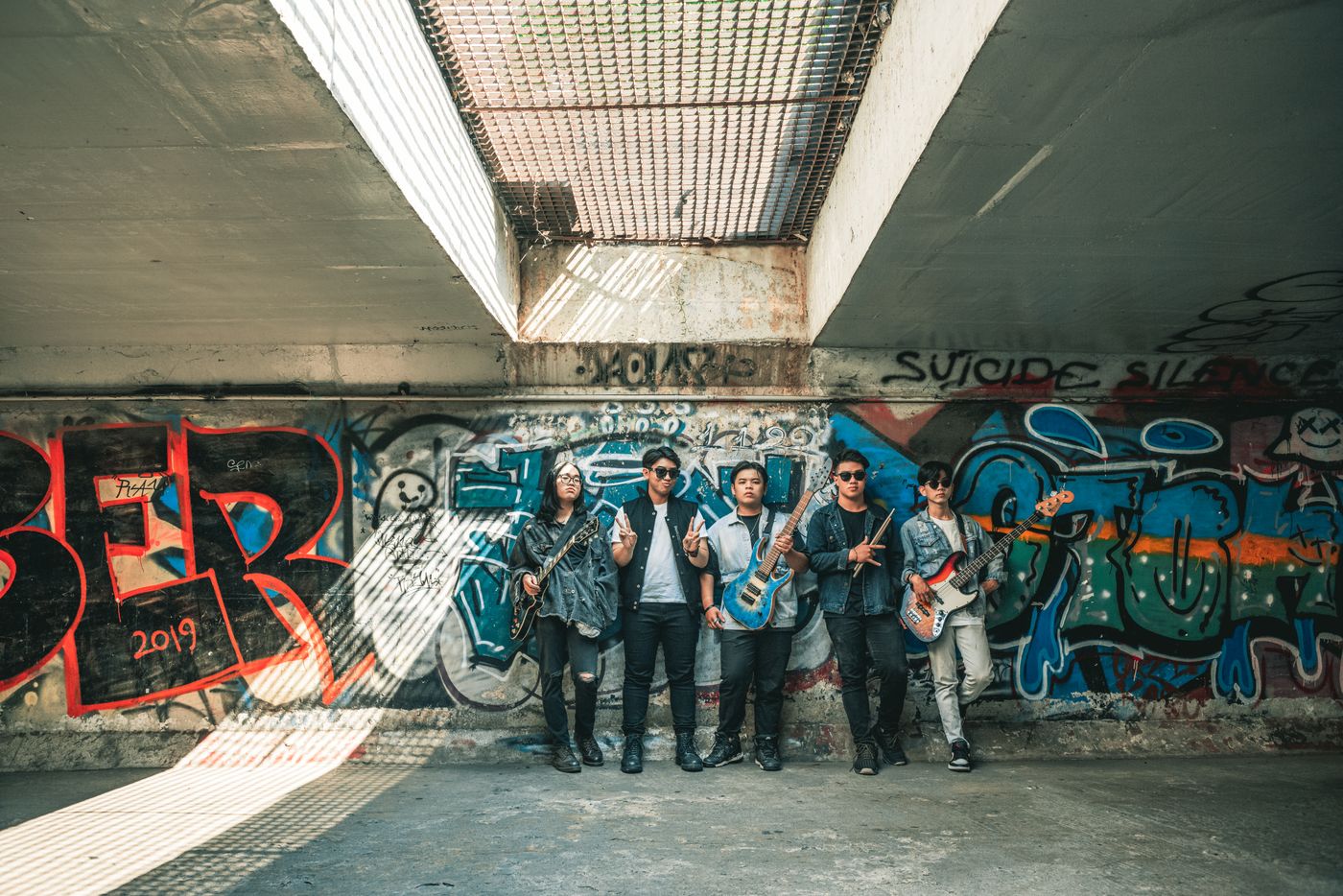
Then shoot so the photos separate cleanly from the background:
- Stand the group a good two metres off the wall. Shadows cast on the bricks behind you are a common reason an edge goes soft, because the shadow and the subject share a tone.
- Overcast daylight or open shade beats direct sun, which blows out hair edges on one side and muddies them on the other.
- Avoid backgrounds that echo the subject: a dark jacket against a black curtain gives an edge nothing to find.
- Take one clean frame of the whole group with silhouettes separated, no overlapping arms.
- Shoot half-length frames of each member too. Those become gallery images and the avatar.
Turning three photos into six assets
Once the band is off that wall, the same frame sits on any background: a flat colour, or a photo you shot yourself — a textured wall, a lit stage, a sky. Pick the two or three dominant colours out of your cover art — any phone colour-picker reads the hex codes — then use one as a custom background colour behind your announcement tiles, so the feed and the artwork read as one release. remover.bg handles the hair and the gaps between arms, the parts that usually give a homemade composite away. It accepts PNG, JPEG and WebP files up to 25 MB and gives you back the same formats.
A group standing on flat colour with nothing beneath them looks pasted on, so add a realistic contact shadow. And keep a transparent PNG master of each cutout instead of re-exporting from a flattened JPEG every revision.
The avatar has to survive being a circle
Spotify doesn't publish a shape rule, but in practice the apps display artist avatars as circles, often small. That punishes a face sitting off to one side, and a wide group shot where everyone becomes a smudge.
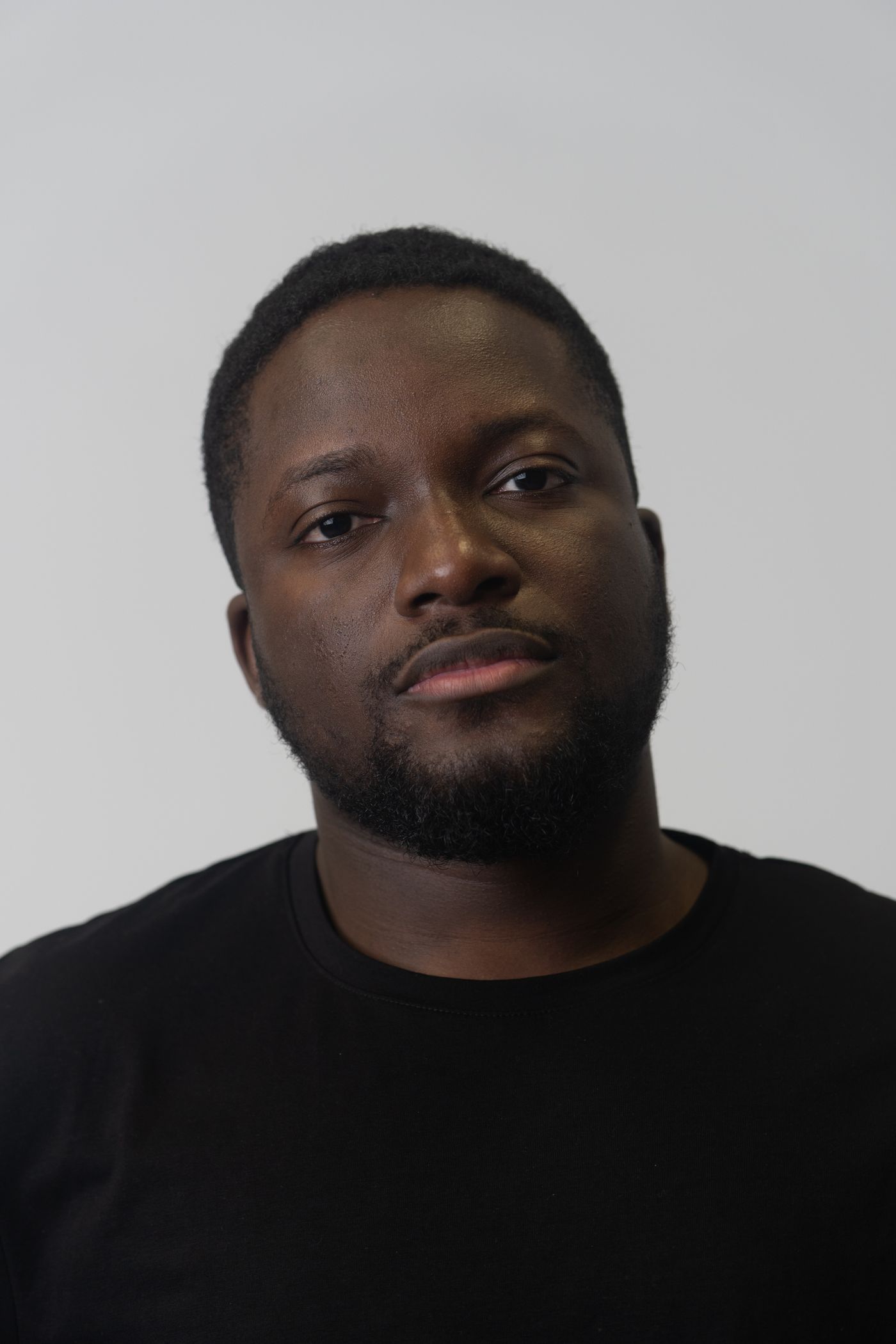
Pick a frame where the face — for a band, the tightest cluster — sits near the centre with room on all sides, then crop square around it in your phone's photo editor. Squint at it at thumbnail size; if you cannot tell who it is, it fails. The same thinking behind a good profile picture shot at home applies: simple background, face reading clearly, nothing in the corners a circular mask will chop.
Two weeks out, in order
Cover art to your distributor first. Avatar and header up as soon as the artist profile exists, so an editor reading your pitch lands on a finished page, not a grey placeholder. Gallery filled with the individual portraits. Press shot kept full resolution in a folder you can send as one link. Announcement tiles last, on the artwork's colours, from cutouts you already have.