English
 Español
 Português (BR)
 Deutsch
 Français
 Italiano
 Türkçe
 Bahasa Indonesia
 Русский
 日本語
日本語 한국어
한국어 Українська
 Tiếng Việt
 Polski
 Nederlands
 ไทย
ไทย Română
 简体中文
简体中文 繁體中文
繁體中文 العربية
 Български
 Filipino
 हिन्दी
 اردو
اردو বাংলা
বাংলাSports Team Social Graphics: One Shoot, One Template
One squad shoot can run a season of sports team social graphics: how to light and pose for cutouts, which feed and story sizes to build, and under-16 consent.
- sports
- social media
- background removal
- templates
- clubs
- graphics
- cutouts
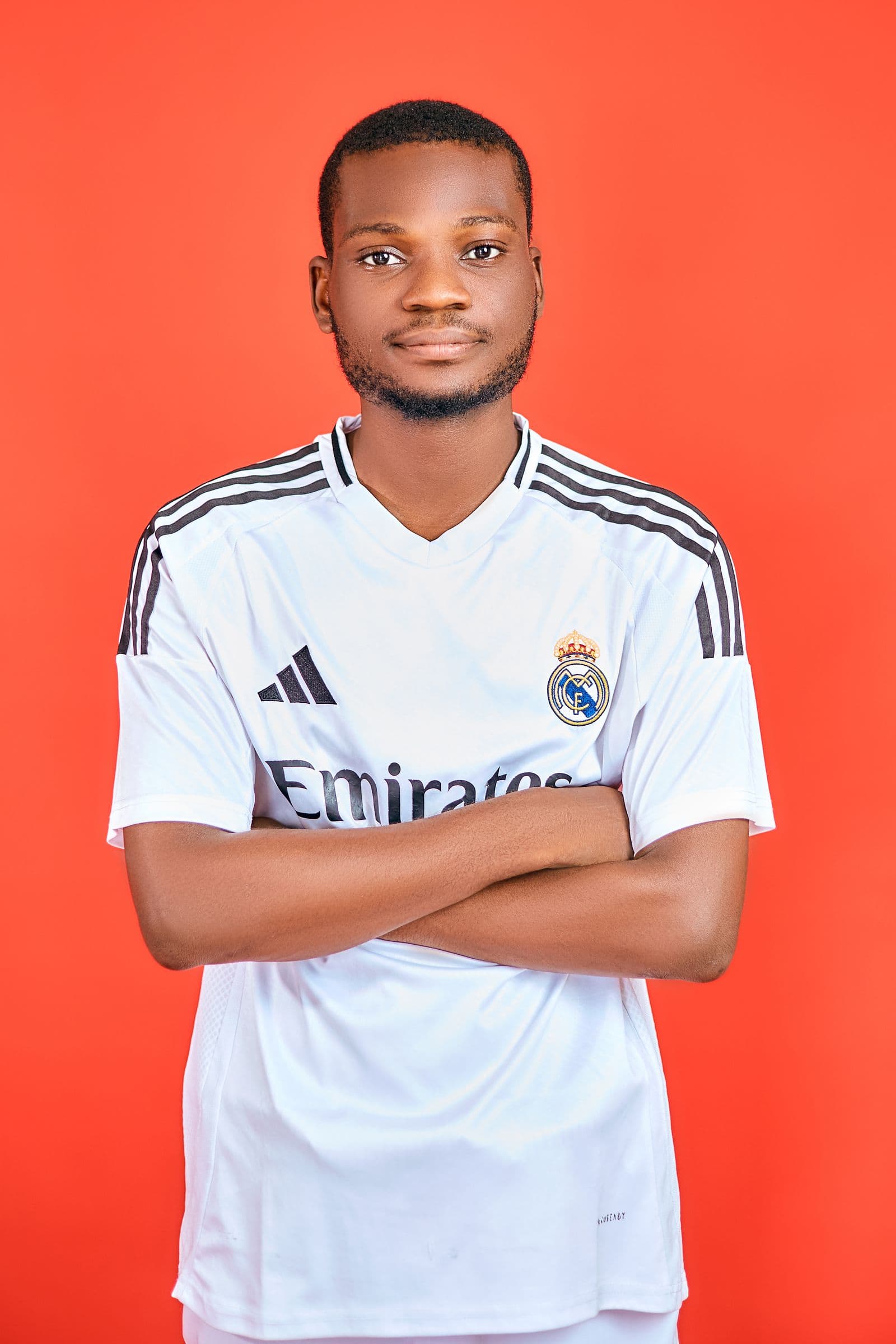
Most amateur club accounts look like three different clubs. The matchday post is a phone photo with the score typed over it. The player-of-the-match post is a cropped action shot in a different font. The fixture list is a screenshot of a spreadsheet. None of it is anyone's fault: whoever runs the account is usually a parent or player with a day job and no design training.
The fix is not better design skills. It is one photo session and one template. Get every player in front of a camera for ninety seconds each, cut them out, drop them on a club-colour background, and reuse those cutouts all season: roster reveals, starting elevens, goal alerts, sponsor thank-yous. Same players, same lighting, same look, week after week.
Shoot for the cutout, not for the photo
The background is coming out anyway, so shoot almost anywhere: a clubhouse wall, the shaded side of a stand. What matters is the four things a cutout cannot fix later.
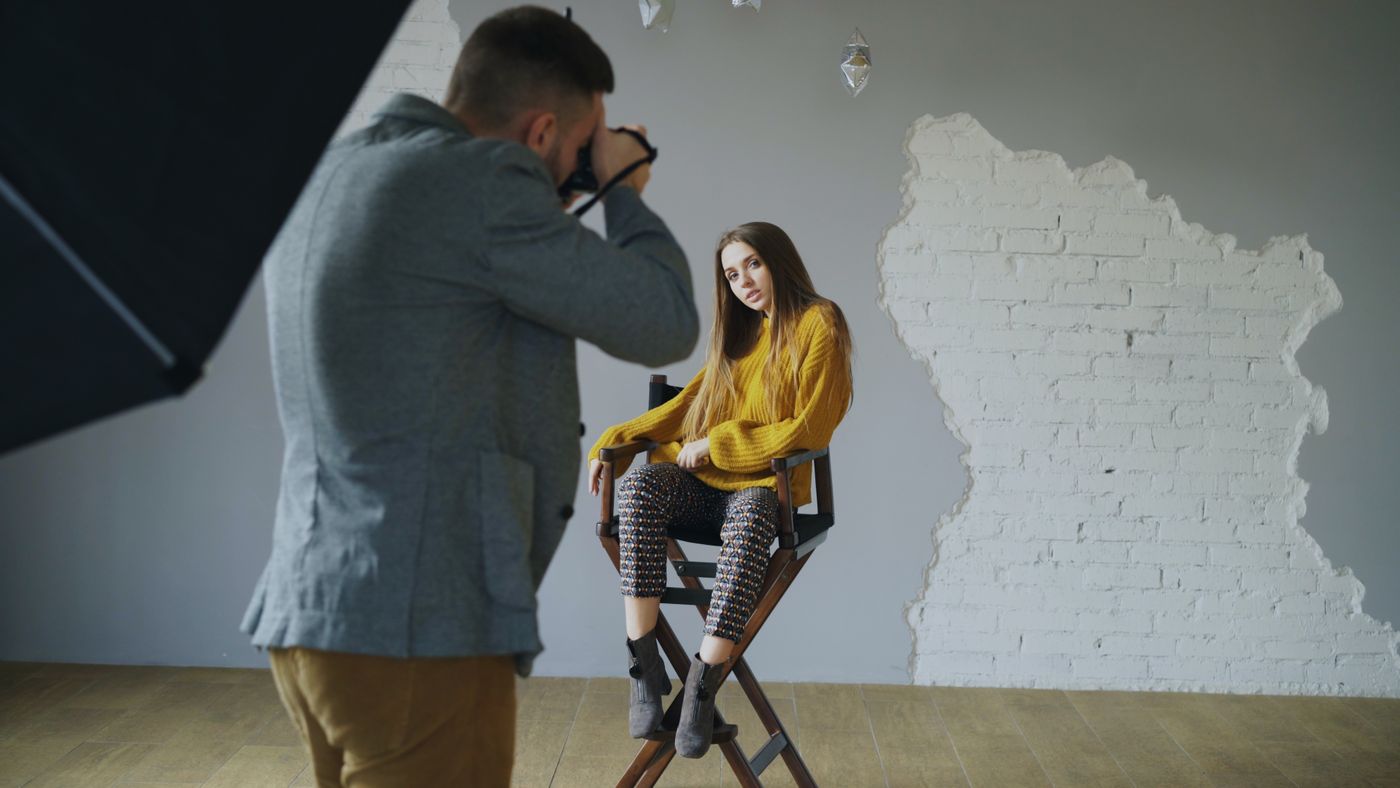
- Even light on the player. Open shade beats direct sun. Harsh midday light puts a black stripe across half a face and blows out white shirts.
- Separation from the wall. Stand players two or three steps back so you do not get a hard shadow tracing their outline.
- Consistent camera height. Chest height, same distance, every player. That is what makes a roster grid look designed rather than assembled.
- Room around the body. Frame loose. You can tighten it later in your design tool, but you cannot invent an elbow that fell off the frame.
Get two or three poses per player: arms folded, arms at sides, and one action pose. Across twenty players that is enough variety that nobody notices you have been reusing shots since September. The same discipline works for team headshots of coaches and committee members.
Cut out, then commit to your club colours
Run each shot through background removal and the wall, the fence and the wheelie bin disappear, leaving a transparent PNG of the player. Fine edges are where cheap cutouts fall apart: flyaway hair, a ponytail, the mesh on a training bib.
From there, remover.bg lets you drop a solid or custom colour behind the player, so you get the actual club colour, not an approximation. Find the hex code once, put it in the group chat, and stop eyeballing it. If you would rather composite in your own design tool, export the transparent PNG instead; our transparent PNG guide covers when to keep transparency and when to flatten.
One more thing separates a floating head from a deliberate graphic: a shadow. A player on flat colour without one reads as a sticker. Keep it subtle and identical in direction on every player, as covered in how to add realistic shadows.
Build the template once, fill it all season
Make two canvases and stop there. A portrait feed post at 1080 x 1440 pixels (3:4) is the tallest Instagram currently accepts, and it matches the profile grid preview, so nothing gets cut off on your profile. 1080 x 1350 (4:5) is the safe fallback if your scheduling tool still rejects 3:4. A story at 1080 x 1920 (9:16) fills the screen. Check the current specs before you build, because the platforms move them.
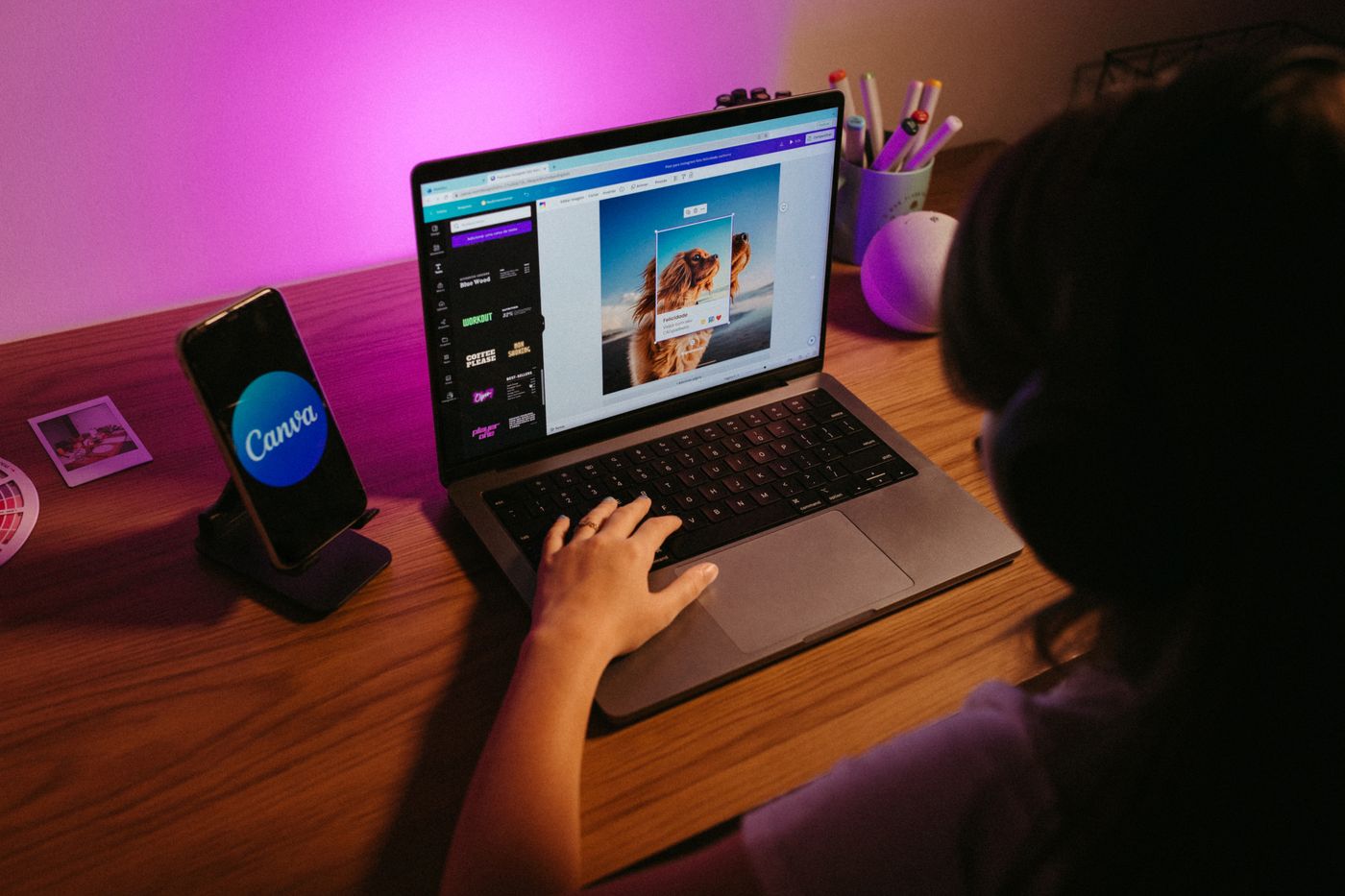
Lock these in place and never move them:
- Club crest in the same corner, same size, every post.
- A colour band or diagonal carrying the club colours.
- One font for names, one for everything else.
- A fixed spot for the opponent crest, the date, and the venue.
- The player cutout on a consistent side, feet near the same baseline.
Then the weekly work is swapping a name, a date and a cutout.
The posts this actually gives you
- Fixture announcement. Two crests, kickoff time, venue. No player needed.
- Matchday. Two or three cutouts from the squad on the club colour.
- Player of the match. One cutout, big, name across the bottom, score in the corner.
- Roster reveal. One player a day in the run-up to the season, all from the same session.
- Signings. A new player in the same frame as everyone else, so they belong on day one.
One caveat before you shoot. For any player under 16, consent has to come from a parent or carer before you photograph them. For 16- and 17-year-olds, ask the young person directly, and tell the parents anyway. Write down what was agreed, including how the images will be used and how long you keep them. Most governing bodies publish a photography and consent policy template; NSPCC Sport, formerly the Child Protection in Sport Unit, is a good UK starting point. Rules vary by country and league, so check yours rather than a general guide like this one.
Keep the cutouts in a shared folder, named by player, that only the people running the account can reach, and save both the transparent PNG and a flattened version. If someone at the club writes code, an archive of old team photos can go through the API in one run rather than the app, as our background removal API guide explains.
Same club, every post
You are not trying to look like a professional club. You are trying to look like one club. The payoff shows up around round three, when Friday night's fixture post takes five minutes, and again next August, when whoever takes over inherits a folder of cutouts and a finished template instead of a blank canvas.