English
 Español
 Português (BR)
 Deutsch
 Français
 Italiano
 Türkçe
 Bahasa Indonesia
 Русский
 日本語
日本語 한국어
한국어 Українська
 Tiếng Việt
 Polski
 Nederlands
 ไทย
ไทย Română
 简体中文
简体中文 繁體中文
繁體中文 العربية
 Български
 Filipino
 हिन्दी
 اردو
اردو বাংলা
বাংলাGreen Screen vs Plain Backdrop: Which One Do You Need?
Green screen or plain backdrop? For still photos a grey wall now beats green cloth, spill and all. Where chroma key still earns its keep, and how to light it.
- green screen
- chroma key
- backdrop
- photography lighting
- background removal
- portrait photography
- studio setup
- live video
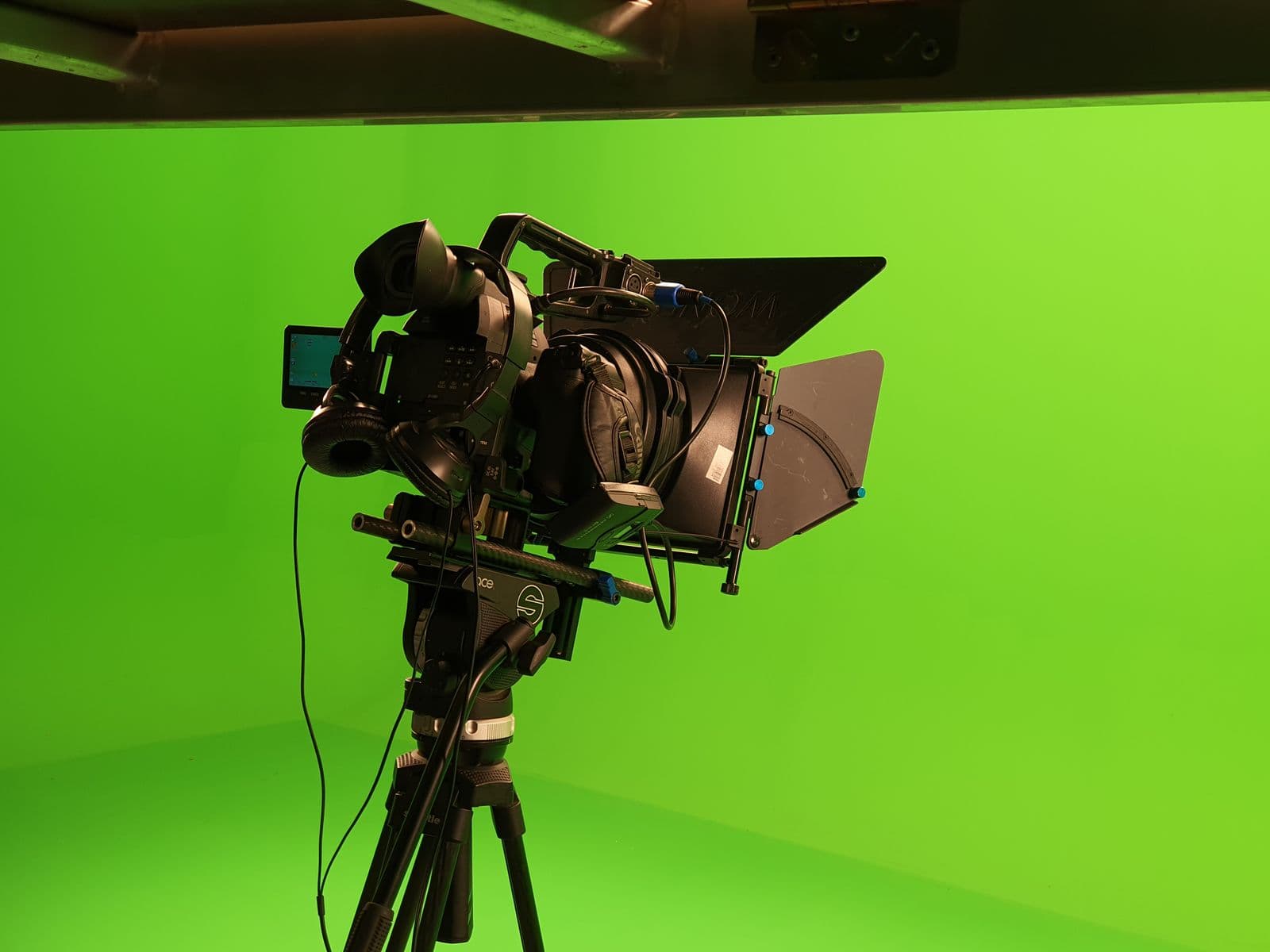
A green screen is one of those purchases that feels like an upgrade and then lives folded in a cupboard. You bought it because every tutorial said you needed one to cut yourself out of a photo. You used it twice, spent an evening fighting a green line around your hair, and went back to the living room wall.
Chroma key was never a creative choice. It was a workaround. Before software could tell a person from a sofa, the only dependable way to separate the two was to make the background a colour found nowhere else in the frame and delete every pixel of it. The cloth was there to help the algorithm, not you.
For still images, that constraint is gone. Modern background removal finds the edge from shape and context rather than hue, so a plain wall works as well as a keyed one, and in a few common cases a green screen makes things worse. Here is when it is still worth rigging, and how to shoot it if you do.
Green spill is a real problem, not a rumour
A large green cloth under a light is a large green light source. It bounces colour onto everything near it: the back of the hair, the shoulders of a white shirt, the rim of a cream mug. Blonde hair, white trainers and pale packaging catch it worst, having no colour of their own to overpower it.
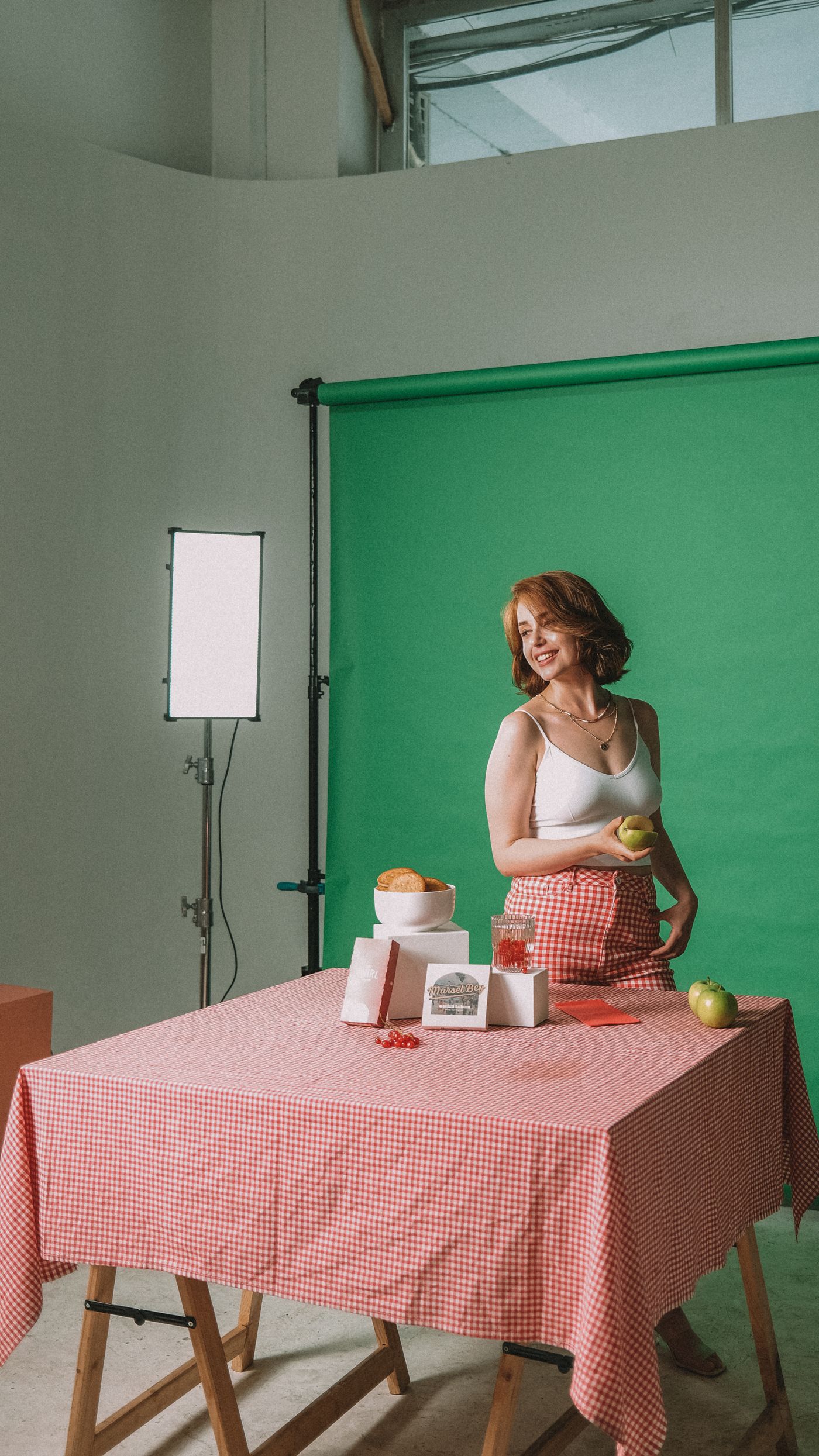
Chroma key removes the green behind the subject. It cannot remove the green sitting on the subject. That is why OBS Studio's Chroma Key filter ships with a Key Color Spill Reduction slider, documented as controlling how aggressively traces of the key colour are removed around edges — green pixels around a subject's hair. Spill is expected, not an edge case. How hard that correction works is left to you: on a shoulder it is easy to get away with, but a wisp of hair is almost all edge, and there it has nowhere to hide.
So spill lands hardest exactly where fine detail lives. Feed a green-tinted strand into any removal step and a green-tinted strand lands on the new background. A plain wall hands the tool something cleaner; our home-studio portrait walkthrough covers where to stand and how to light it.
Green screen, grey wall or white sweep
Four options, ranked by how little trouble each causes later.

- Mid-grey wall. The best all-rounder. It sits between dark hair and light clothing so both edges stay readable, and whatever bounces off it is colourless. No setup, no wrinkles, no extra lights.
- White sweep. Excellent for products with saturated colour. Harder with white packaging, chrome and pale fur, and it needs plenty of light.
- Green screen. Needs its own lights, its own floor space and a subject standing well clear of it. Every crease reads as a tonal shift, and the spill is baked in the moment you press the shutter.
- Any flat colour absent from your subject. Deep blue behind blonde hair, warm grey behind a black kettle. You are not keying, so the colour only has to contrast.
Whichever you use, the background you shot is not the background you ship. Upload the frame to remover.bg and swap the wall for a solid colour, a custom brand colour, or a photo of your own. Files go in and out as PNG, JPEG or WebP, with uploads up to 25 MB.
Where green still earns its keep
Live video is the honest exception. When the decision has to be made frame by frame in real time, a known key colour is still the most stable answer. Zoom's guidance for its "I have a green screen" option asks for a solid colour with uniform lighting and minimal shadows, and warns that the screen colour should not match your shirt, hair or eyes. If you stream, or take calls where people walk behind you, keep the cloth up.
The same goes for stream overlays. Preparing emotes and channel graphics is a different job: those start from stills and need no key colour at all.
If you keep it, shoot it properly
Most of the misery blamed on chroma key comes from treating the cloth as scenery, not equipment.
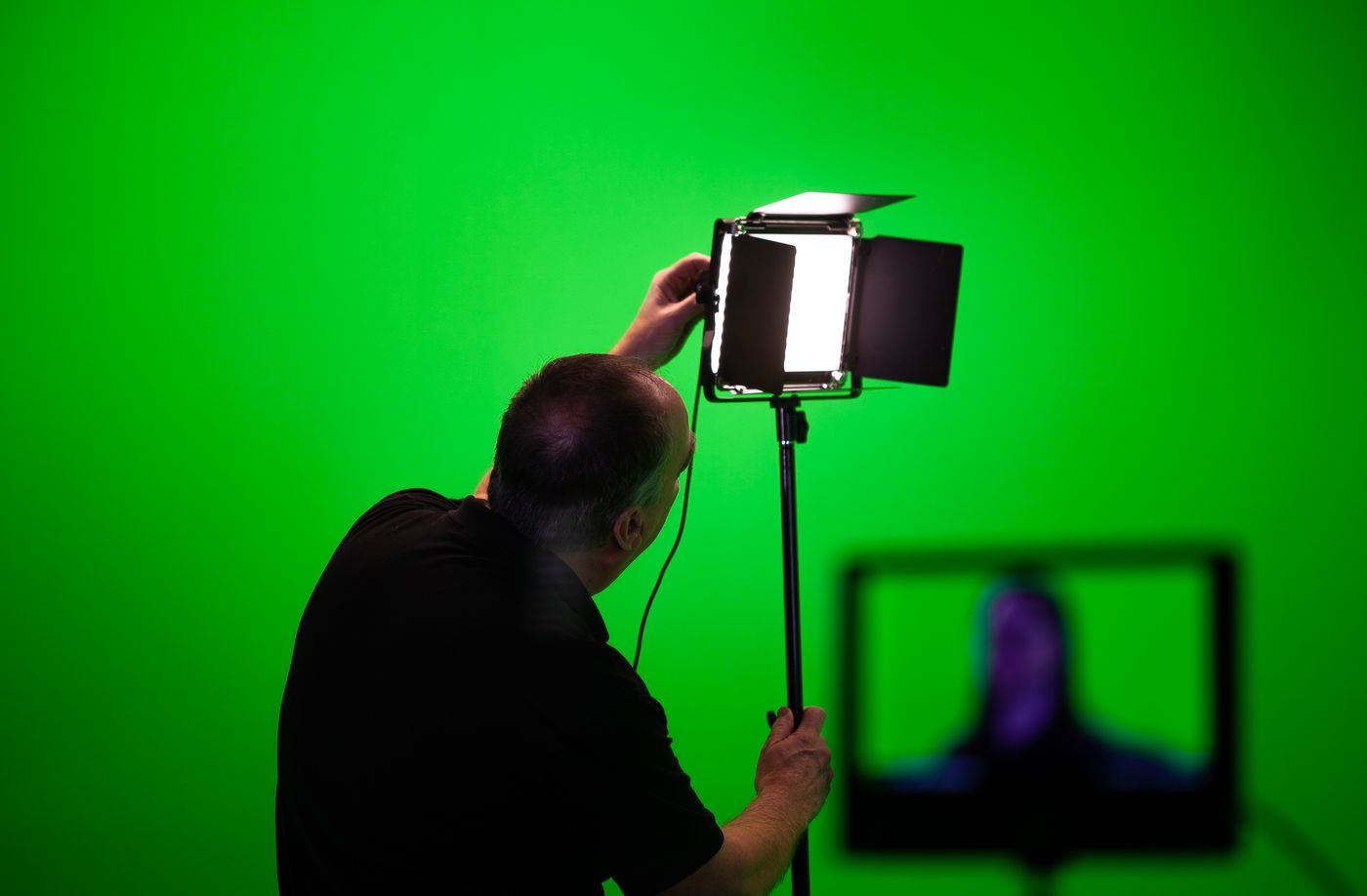
- Put distance between yourself and the cloth. Spill falls off fast, and a couple of paces makes a visible difference.
- Light the backdrop separately from the subject: two lights on the fabric from either side, overlapping evenly, and your key light doing its own job on you.
- Keep shadows off the fabric. A shadow on green is a second, darker green, and it keys differently.
- Iron or tension it. Creases are shading, and shading is inconsistent colour.
- Do not wear the key colour, and do not shoot green products against it.
The short version
If your green screen is rigged and lit, keep using it for live video. If it is folded in a drawer, leave it there: a grey wall with a bit of distance behind you gives a cleaner edge in less time. Consistency across a set of images comes from the background you add afterwards, not the one you shot — that is how a mixed set of team headshots ends up looking like one session, and why a realistic contact shadow sells the result better than any cloth ever did.