English
 Español
 Português (BR)
 Deutsch
 Français
 Italiano
 Türkçe
 Bahasa Indonesia
 Русский
 日本語
日本語 한국어
한국어 Українська
 Tiếng Việt
 Polski
 Nederlands
 ไทย
ไทย Română
 简体中文
简体中文 繁體中文
繁體中文 العربية
 Български
 Filipino
 हिन्दी
 اردو
اردو বাংলা
বাংলাProduct Photos You Can Shoot Entirely From a Chair
Shoot product photos seated: a turntable, a tilted board and a phone stand give you front, three-quarter, back and detail shots without kneeling or standing.
- product photography
- accessibility
- seated setup
- phone photography
- ecommerce
- background removal
- flat lay alternative
- online selling
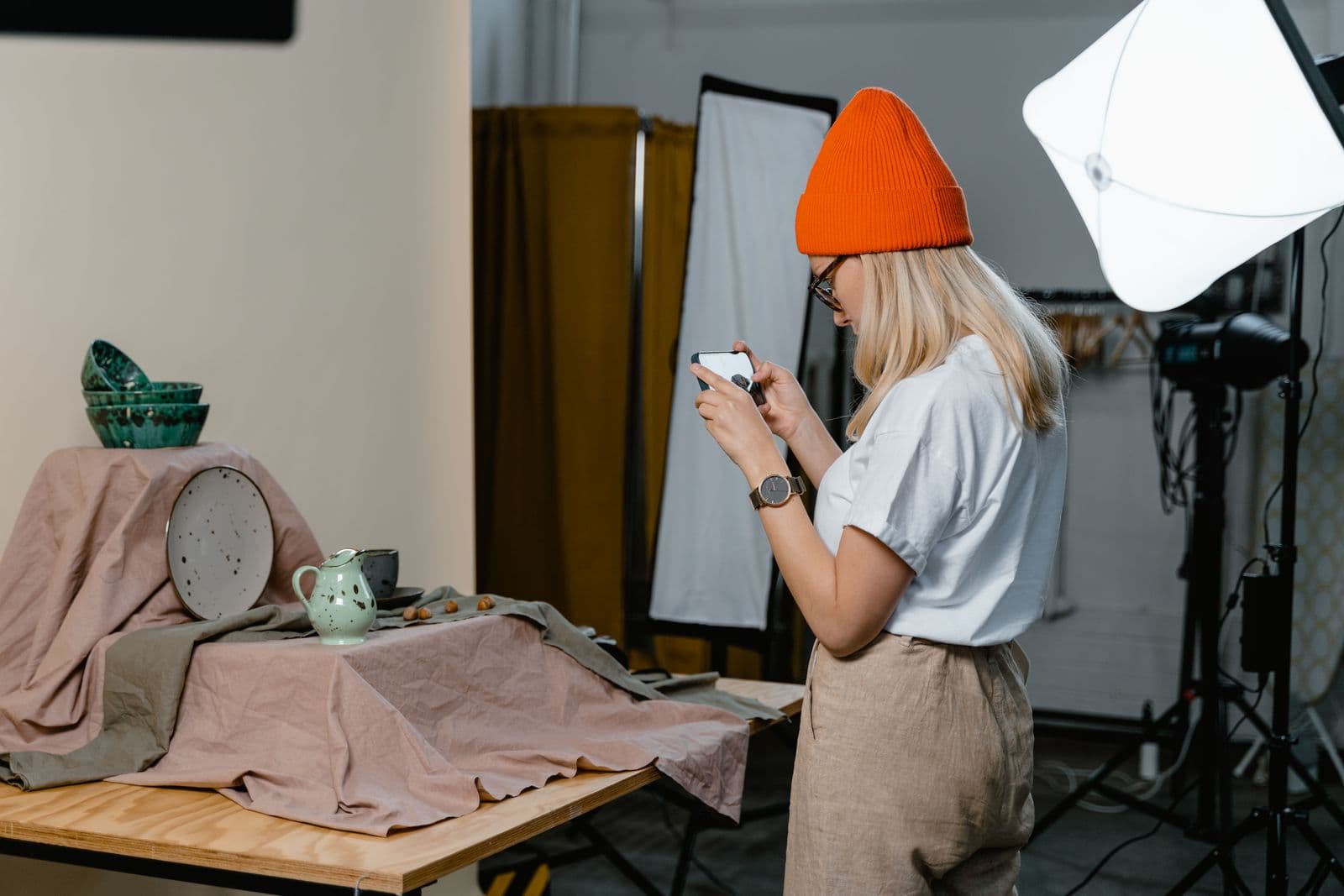
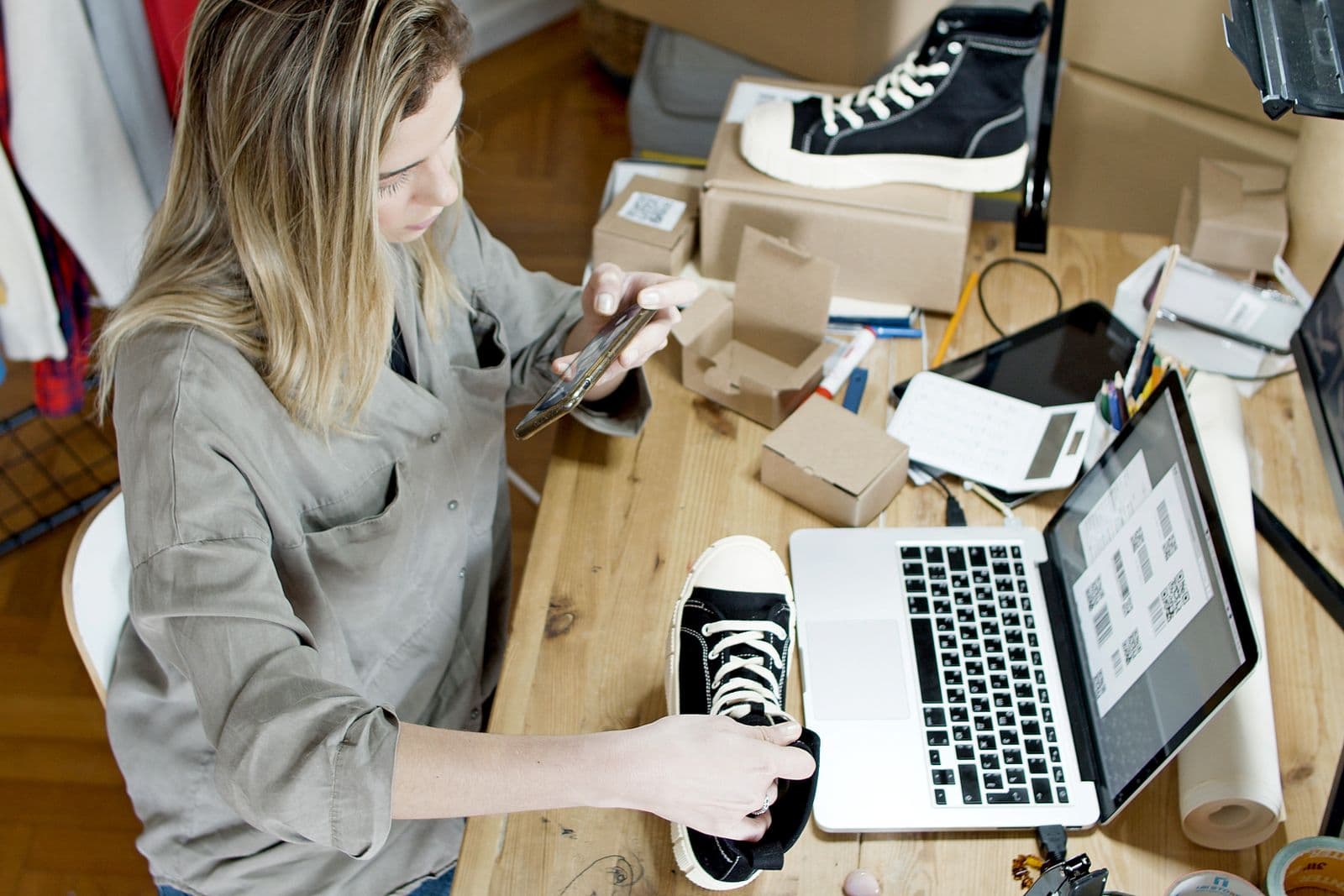
Almost every product photography guide assumes a body that can kneel for a floor-level flat lay and walk a full circle around a table. If you use a wheelchair, if your hip will not take a kneel, if you are six weeks out of surgery and working from a desk chair, it locks you out of the part of selling that decides who clicks.
None of it is necessary. The angles that sell an item — front, three-quarter, back, and a close read of the label — are relative to the object, not to the floor. Bring the object up to your height and every one is reachable from a chair. The whole routine below happens at table height, with a phone.
Move the object, not yourself
Rotate the subject instead of walking around it.
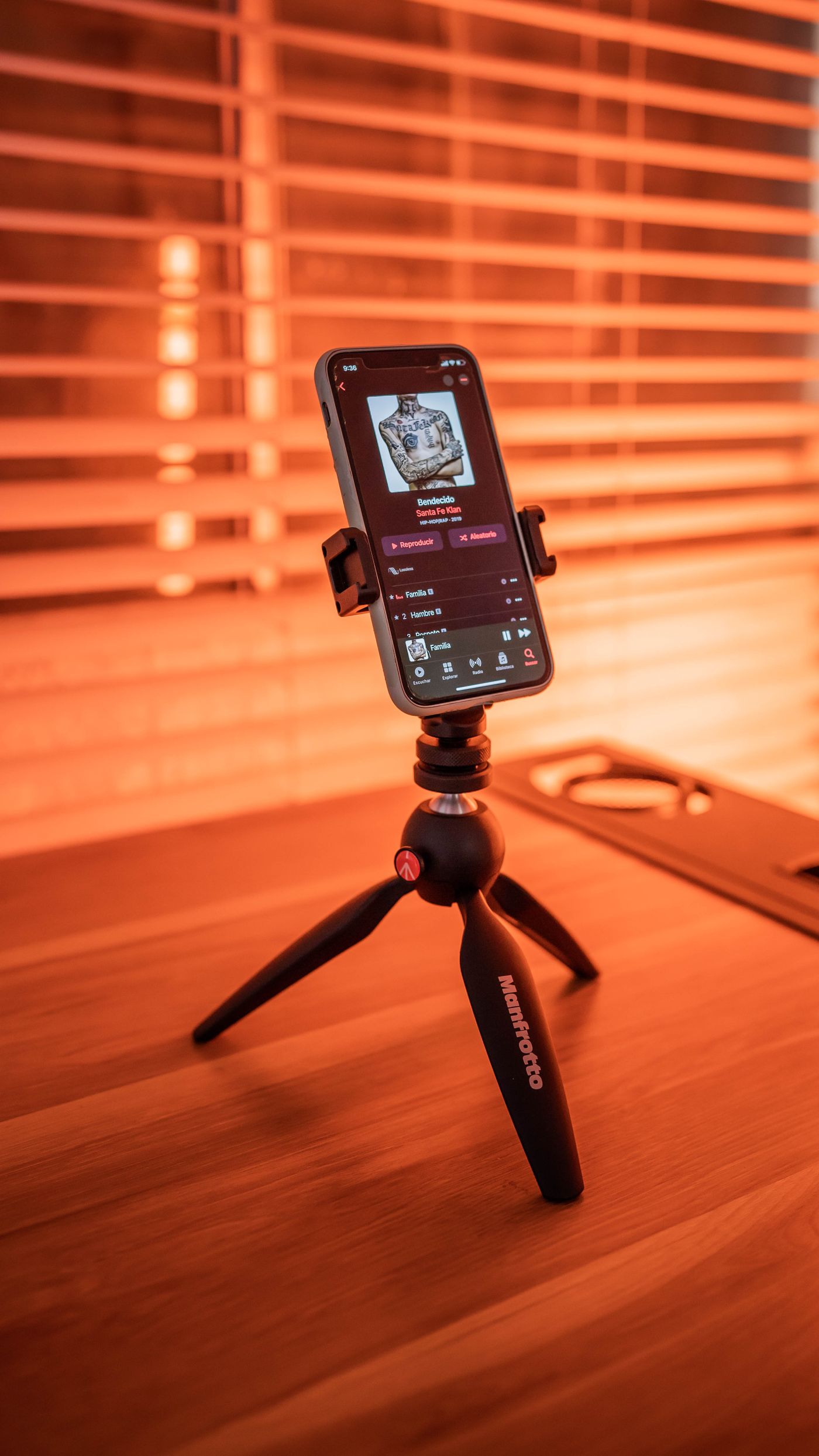
Put the item on something that spins — a lazy Susan, a cake turntable, a plant caddy on castors — on a table you can pull your chair under, with the middle of the item at roughly your eye level. Everything else goes in a semicircle inside arm's reach: backdrops, lint roller, phone stand. Fetching something mid-shoot ends the shoot.
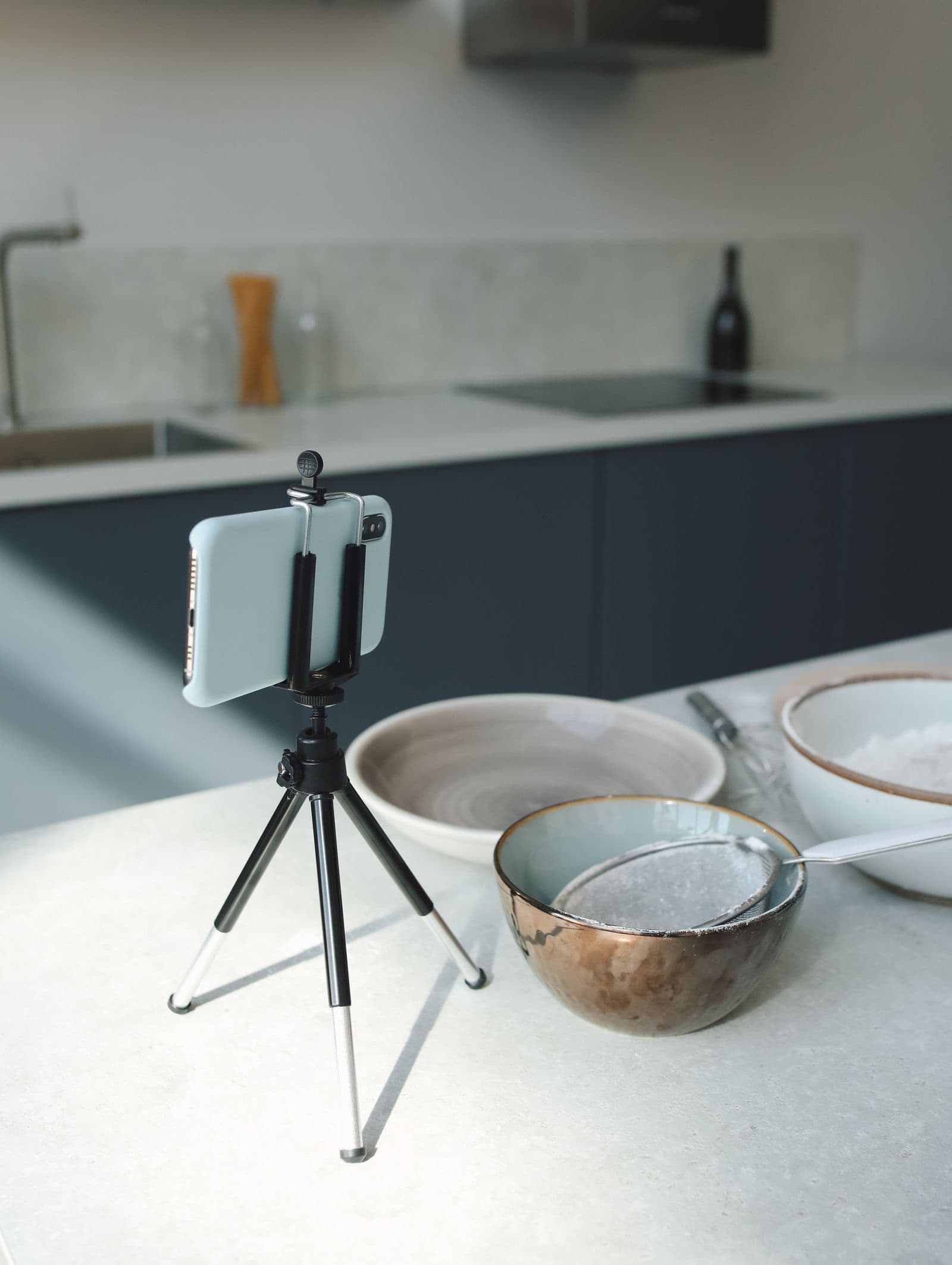
Hold the camera with a stand rather than your hands. A tabletop tripod or a gooseneck clamp on the table edge fixes the height so every frame matches, and spares your arms by the tenth photo.
A tilted board replaces the flat lay
Flat lays — standard advice for jewellery, prints, cosmetics and small crafts — need the camera held directly above the surface, which from a chair is out of reach or uncomfortable to hold. If you are recovering from surgery or managing a joint condition, take your clinician's guidance on what to reach for at all.
Do it the other way round. Prop a sheet of foam board against a stack of books so it leans back like an easel, lay the item on it, and shoot straight forward: the board does the tilting, the camera stays at your natural height. Anything that slides needs a dot of poster putty or a shallower lean. Small shiny stock has quirks of its own, covered in the jewellery photography guide.
The four angles, all from one chair
One fixed sequence for every item, with the turntable doing all the moving:
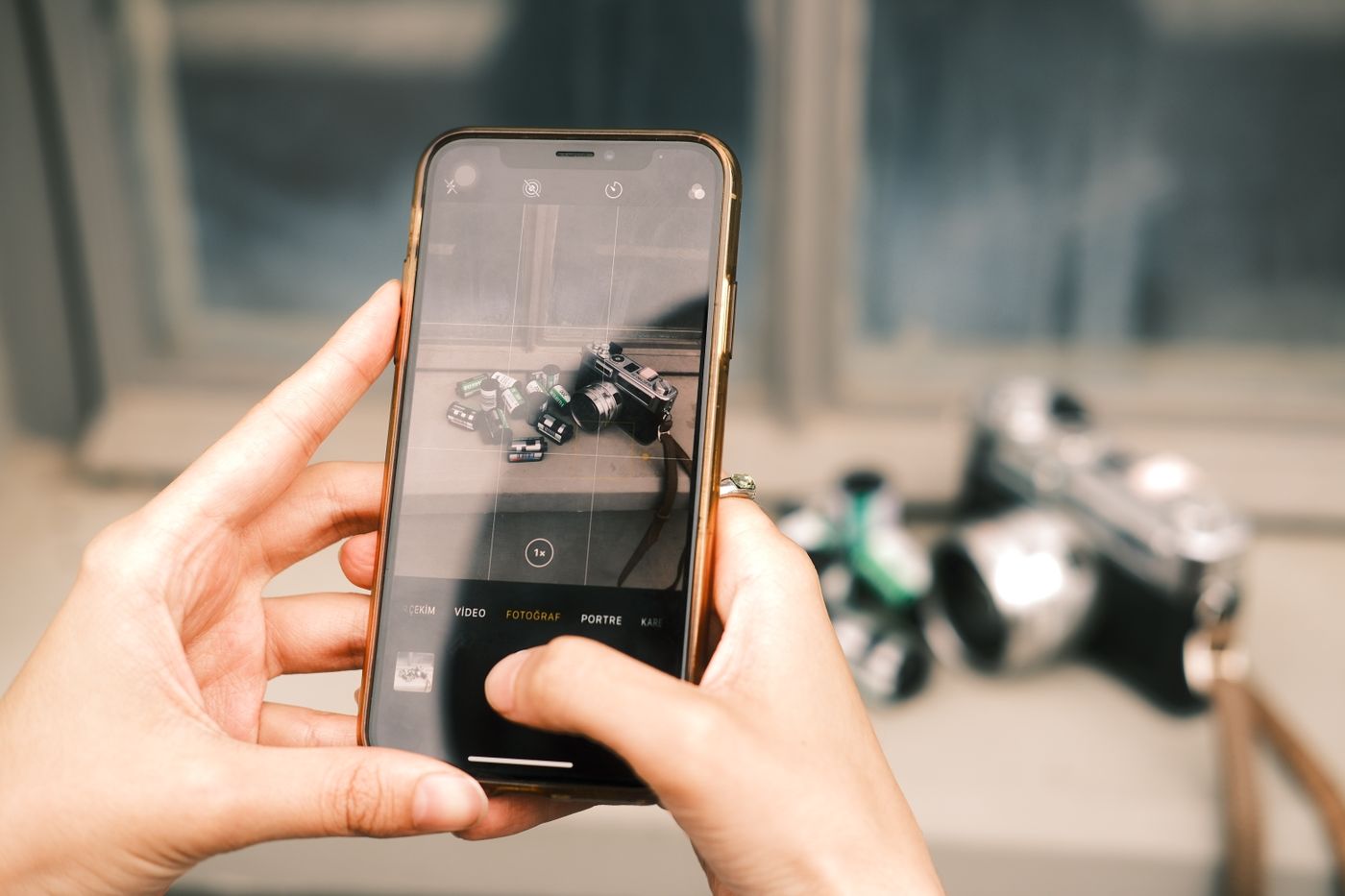
- Front. Square on, camera at the item's own mid-height.
- Three-quarter. Turn the turntable about 45 degrees, so you see the front and one side at once. It gives a flat object volume.
- Back. Keep turning the same direction until the rear faces the camera — 180 degrees from the front, so another 135 degrees on from the three-quarter position. A missing back view makes buyers wonder what is on the other side.
- Label or detail. Bring the item towards the camera, not yourself towards it: stitching, hallmark, care label, honest damage.
Marketplaces differ on what belongs in the first slot, and their rules beat any habit of yours. Amazon is specific about the lead image and revises its requirements, so check them in Seller Central Help before listing — you need to be signed in to your seller account to see them (our summary is here). Handmade sellers work to other conventions, gathered in the Etsy photo guide.
Nothing in the frame says how big it is
A seated setup tends to shoot straight on with the item filling the frame and nothing beside it to judge scale — so buyers can read it as bigger than it is. If it disappoints on arrival you are into a return, and on some marketplaces the postage lands on you.
So correct for it. Put a size reference in one frame — a coin, a tape measure, your hand — write dimensions into the description as numbers rather than adjectives, and leave one shot wide enough to keep the table edge in view.
Let the background do the work you cannot reach
Building a shooting corner means clearing floor space, taping a paper sweep to a wall and getting behind it when it sags. Skip the job. Shoot against whatever already stands behind the table — a door, a cupboard, a blank wall — leaving distance between item and surface so the edges stay distinct, then replace the background afterwards.

remover.bg cuts the item out and drops it onto a solid colour, a custom colour of your own, or a photo — which is how a set shot over three days on three tables ends up sharing one background. Keep your lighting consistent as you shoot: the background you can fix later, the light you cannot. A soft drop shadow stops the object floating.
There is a mobile app as well as the web one, so the photo never has to leave the phone. Uploads are capped at 25 MB and PNG, JPEG and WebP are all accepted; any cropping or straightening happens first, in your phone's own photo editor.
Leave it standing
The real cost of this setup is assembly, not photography, so do not take it apart. Leave the turntable, the tilted board and the phone stand where they are, positions taped if the table gets other use. Once nothing moves, framing becomes muscle memory: you put the item down and it is already in place.