English
 Español
 Português (BR)
 Deutsch
 Français
 Italiano
 Türkçe
 Bahasa Indonesia
 Русский
 日本語
日本語 한국어
한국어 Українська
 Tiếng Việt
 Polski
 Nederlands
 ไทย
ไทย Română
 简体中文
简体中文 繁體中文
繁體中文 العربية
 Български
 Filipino
 हिन्दी
 اردو
اردو বাংলা
বাংলাSmartphone vs Camera for Product Photos: Which Do You Need?
Phone or real camera for product photography? Where smartphones already win, where a dedicated camera still earns its price, and a guide by type of seller.
- product photography
- smartphone photography
- ecommerce
- photography gear
- online selling
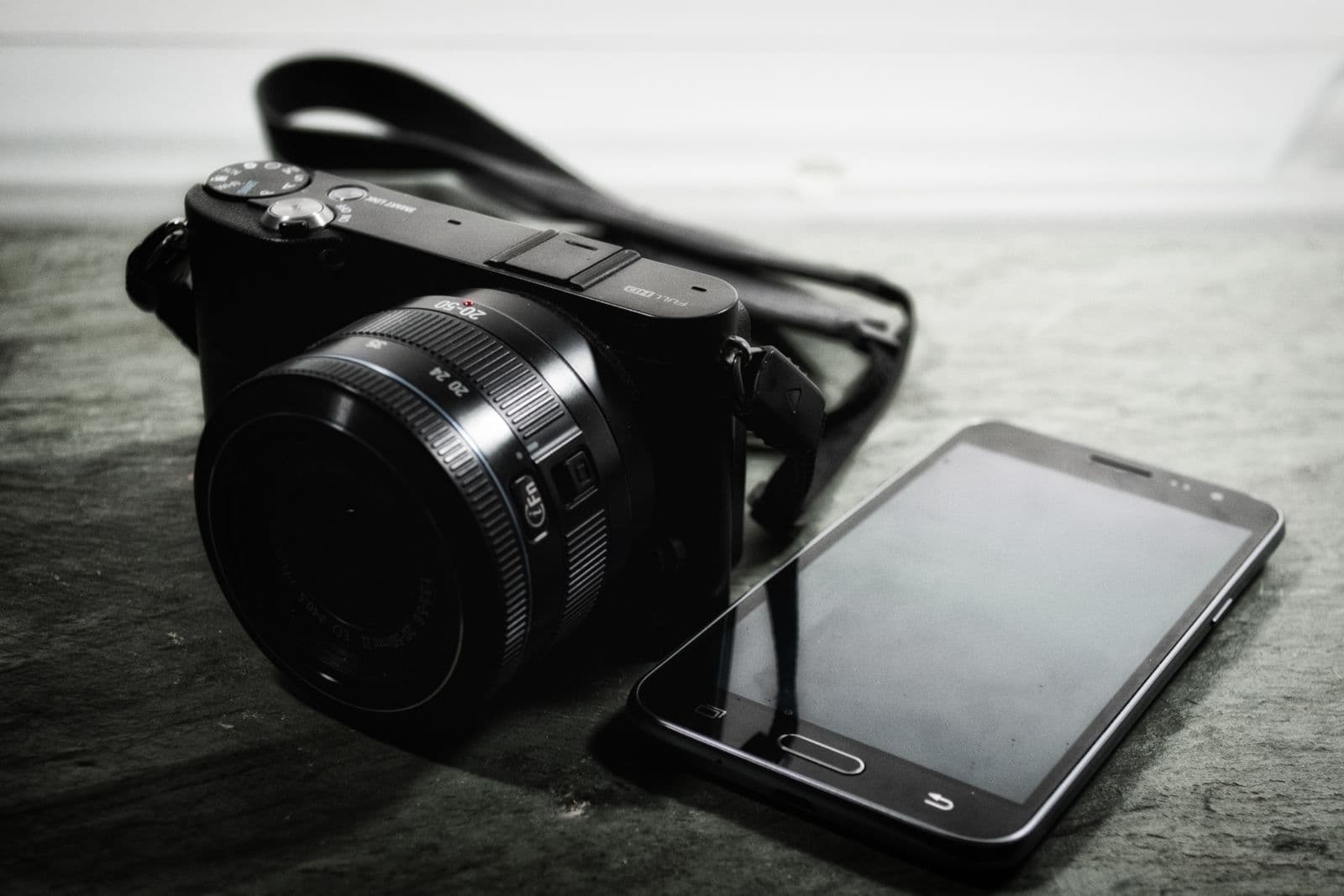
Every seller hits this crossroads eventually. Sales are trickling in, your listings look fine-ish, and a little voice whispers that a "real" camera would fix everything. Meanwhile, the phone in your pocket has multiple lenses and a dedicated image-processing chip working overtime on every shot.
Here's the honest answer nobody at the camera counter will give you: for most online sellers, the sensor is not the bottleneck. Light is. Backgrounds are. Consistency is. A dedicated camera still earns its keep for certain sellers — but knowing which camp you're in will save you either several hundred dollars or several months of frustration.
Let's settle it properly.
Where Smartphone Product Photography Wins
Modern phones aren't just "good enough." In several areas, they flat-out beat entry-level cameras.
- Computational HDR — the moment you tap the shutter, your phone blends multiple exposures, lifts shadows, and tames highlights. A budget DSLR mostly gives you one exposure per press — its clunky HDR scene modes are no match for what your phone does automatically.
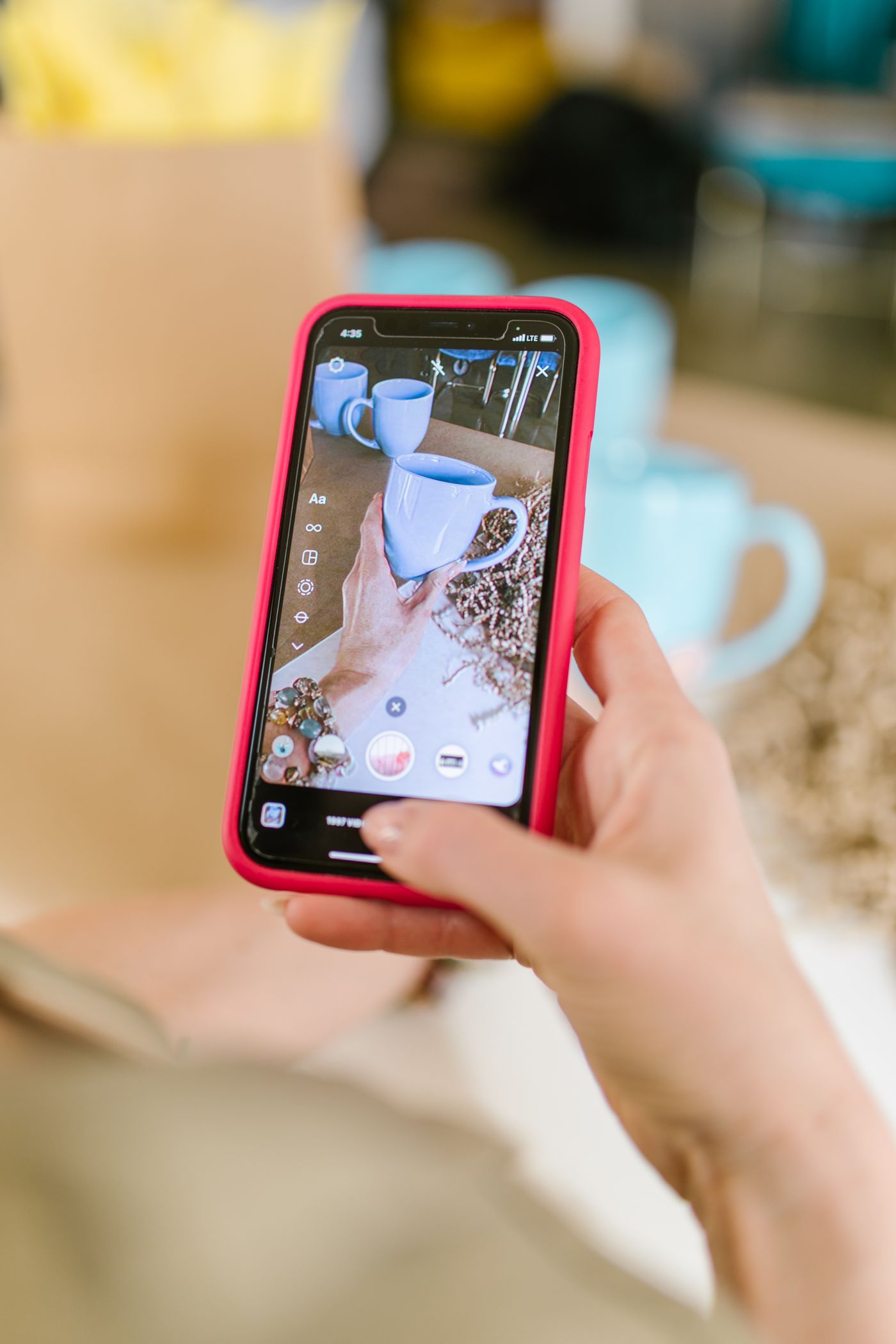
- Zero-friction workflow — shoot, crop, edit, and upload the listing from one device in minutes, and you can even remove the background on your phone. No memory cards, no cables, no "I'll transfer the photos this weekend" (you won't).
- Excellent in good light — park your product next to a bright window or inside a cheap light tent, and the visible gap between a flagship phone and a mid-range camera shrinks to almost nothing.
- Built-in editing — exposure, cropping, straightening, and color tweaks live right in your camera roll. The tools are simple because most listing photos only need simple fixes.
When a Dedicated Camera Is Still Worth Buying
There are four things phones still fake rather than truly do. If your business depends on any of them, a camera pays for itself.
- Real lens choice — a true macro lens resolves the clasp on a necklace or the texture of a watch dial in ways no phone can. Portrait-length lenses also flatten distortion, so products look like themselves instead of slightly bulbous.
- True optical zoom — most phone "zoom" beyond the native lenses is cropping with confidence. Optical zoom preserves detail; digital zoom manufactures it.
- RAW control — cameras offer full manual exposure and a white balance you can lock and trust across an entire catalog shoot. Phones shoot RAW too, but the manual ceiling is lower and consistency is harder to hold.
- Tethered shooting — plug the camera into a laptop and every frame lands on the big screen instantly. For high-volume shoots, that catches focus misses and styling errors before you break down the set, not after.
The Thumbnail Test: What Buyers Actually See
Here's the part that reframes the whole debate. Your product photo will mostly be viewed as a thumbnail — a small square in a crowded search grid, usually on a phone screen, often at arm's length.
At that size, nobody can tell a flagship sensor from an older one. What buyers can tell instantly: bright versus dim, crisp versus murky, clean background versus somebody's kitchen counter.
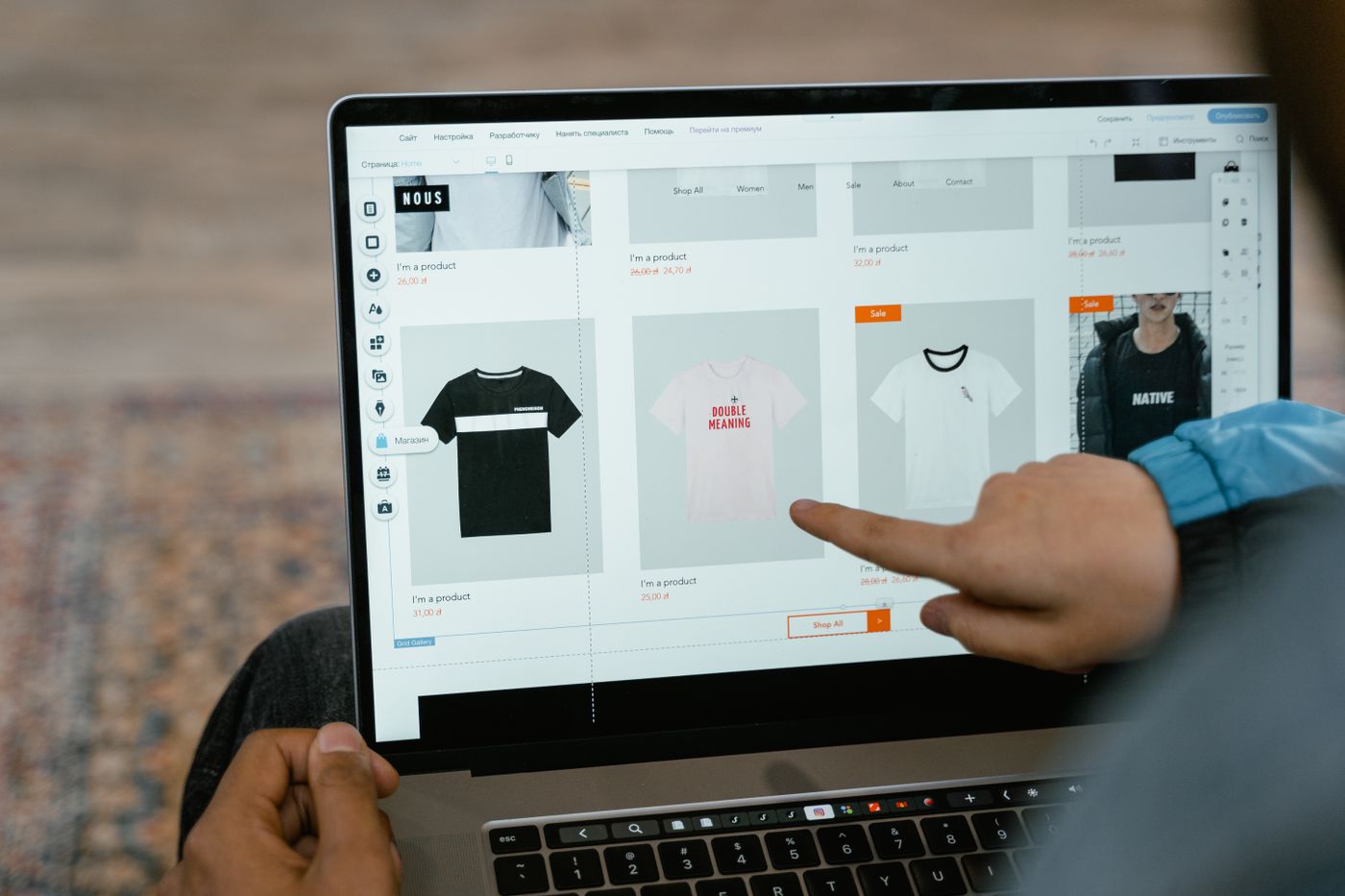
That's why light and background consistency beat gear every time. A well-lit phone photo on a clean, uniform background out-converts a technically superior camera shot staged in chaos. If your photos have decent light but messy, mismatched settings, you don't need new hardware — you need a consistent backdrop. remover.bg strips the background from any photo (phone or camera, it genuinely doesn't care), and its editor drops every product onto the same clean color with realistic shadows so nothing looks pasted on. Here's a full walkthrough on how to change a photo background.
Camera or Phone? A Decision Guide by Seller Type
- Casual marketplace sellers — phone, no contest. A window and a wiped-down table will do. Our guide to secondhand listing photos covers the whole workflow.
- Car and vehicle sellers — phone, used carefully. Vehicles are large, outdoors, and shot in daylight, where phones shine; technique matters far more than gear. Start with these car photography tips.
- Jewelry, watch, and miniature sellers — the strongest camera case. True macro capability is the difference between showing detail and describing it. If a camera isn't in budget yet, a clip-on macro lens for your phone is a decent stopgap.
- High-volume store owners — camera, mostly for the workflow. Tethering, locked manual settings, and interchangeable lenses turn a big catalog shoot from a slog into an assembly line.
- Clothing and flat-lay sellers — phone first, lighting second, camera a distant third. Fabric photographs beautifully under soft, even light from any modern sensor, and our guide to flat lay, mannequin or on-model shots covers which method suits each garment.
The Bottom Line
Buy a camera when your product demands macro detail or your volume demands a tethered workflow. Otherwise, put the money into light and consistency: a window or softbox, a tripod, and identical backgrounds across every listing. At thumbnail size — where every buying decision starts — the seller with consistent, well-lit phone photos beats the seller with an expensive camera and cluttered backdrops. Every time.