























Product Reflections on Glossy Tables: Keep or Lose Them?
5 min read
A glossy table gives a product a mirror copy that a cutout can keep, cut or fade. Pick a matte surface or shoot the reflection on purpose, then check the base.
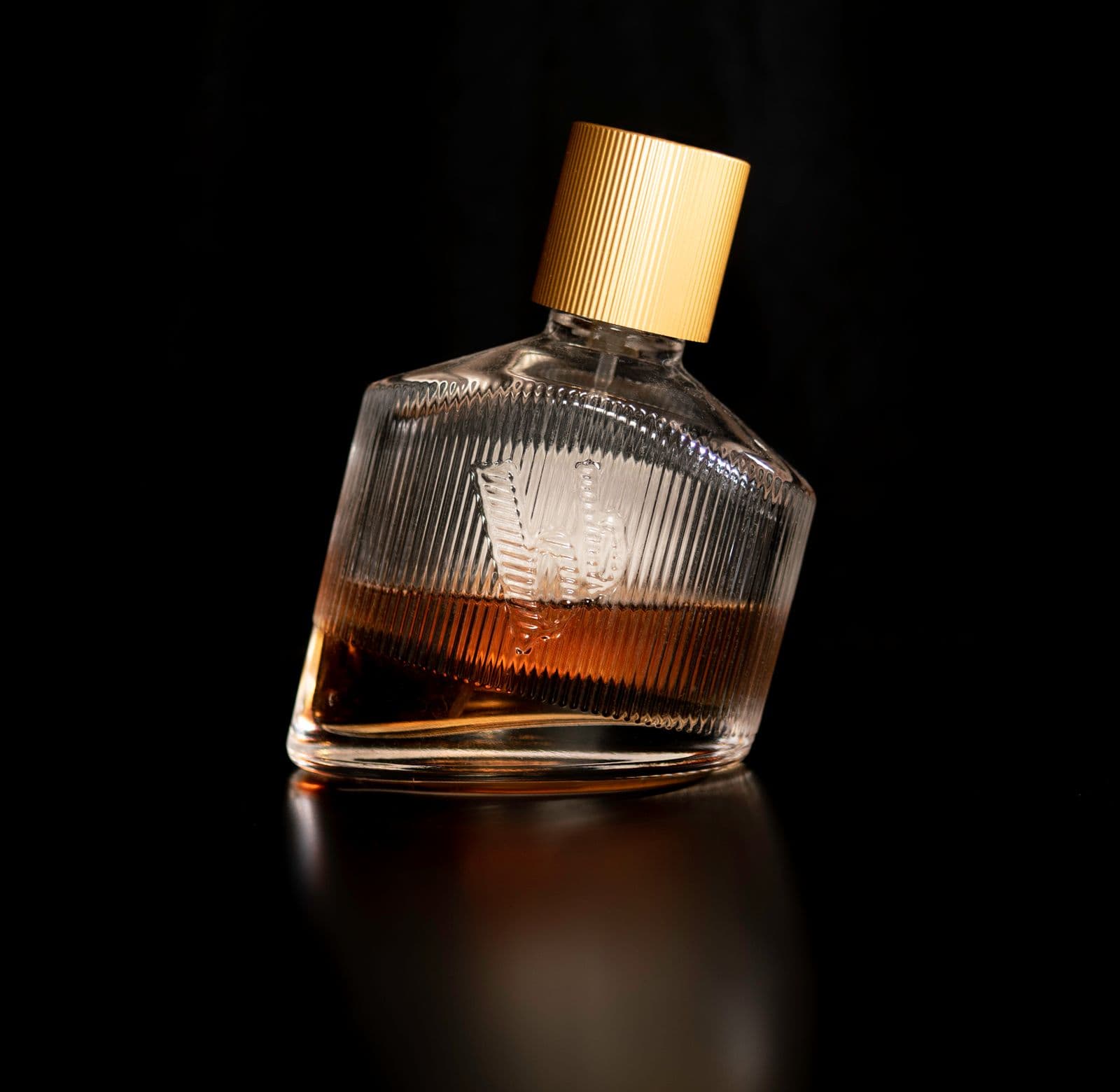
Stand a perfume bottle on black acrylic, a glass table or a polished counter and the surface adds a second copy of the product: upside down, darker, and attached to the base. After background removal that copy can look like damage, because half of it may stay under the product while the rest disappears.
A reflection is neither the product nor the background, so the software has to guess, and a wrong guess appears as a ragged or doubled base. The better decision is made while you shoot: remove the mirror effect, or shoot a reflection on purpose so that it belongs to the picture.
For a product that is itself glass, rather than one standing on a glossy surface, see dark-field and bright-field lighting for glass.
Where the second copy comes from
A flat, glossy surface acts as a mirror. OpenStax University Physics states that a plane mirror forms an image as far behind the mirror as the object is in front of it, so on a flat surface the copy appears directly below the base, with the product's top farthest down.
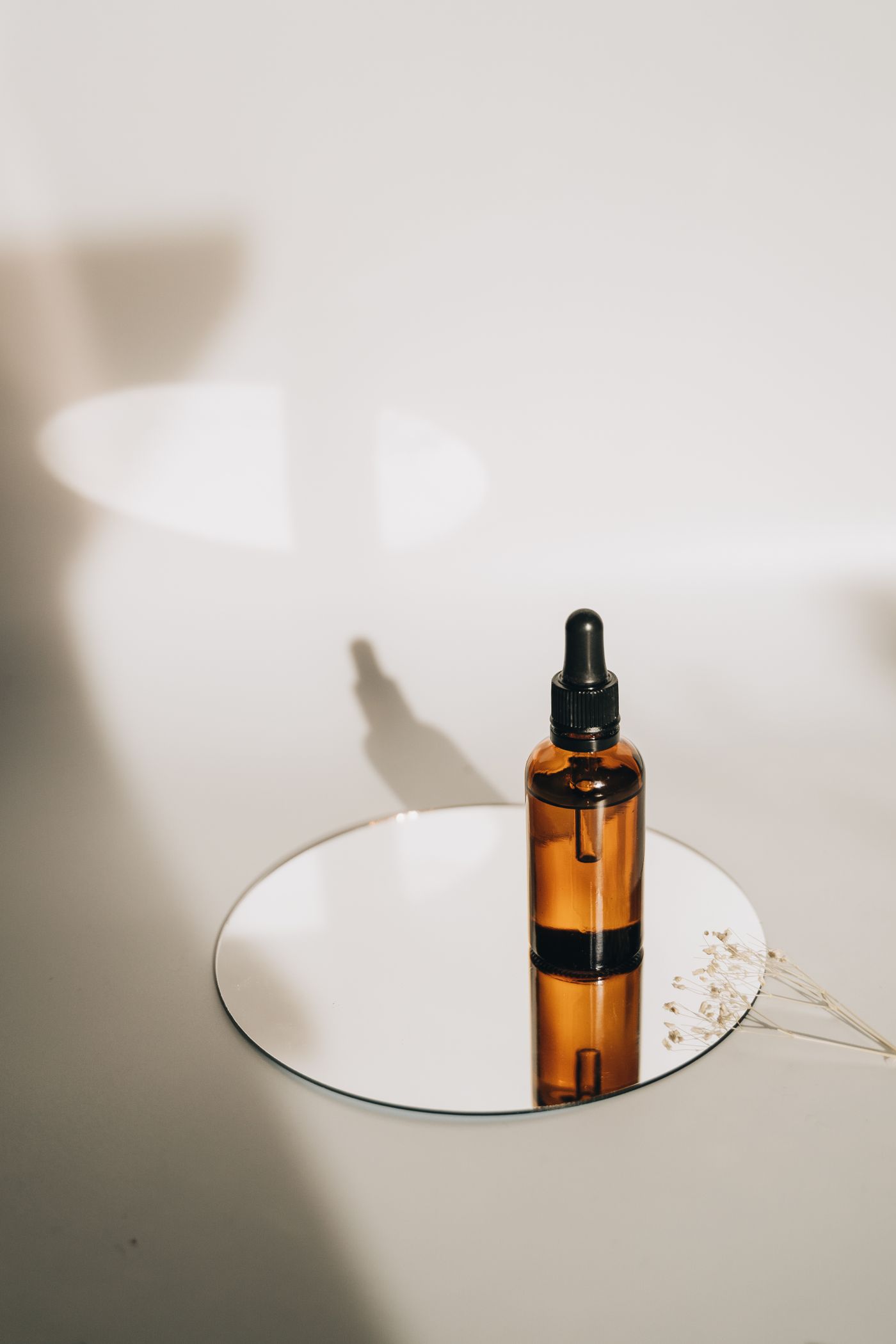
Viewing angle matters: a Fresnel reflectance page by Stephen Westin, hosted by Cornell University's Program of Computer Graphics, notes that most glasses and plastics reflect only about 4% of light seen straight on and close to 100% at a grazing angle, a line of sight almost parallel to the surface. A low camera shows a strong reflection; a steep downward view shows a weak one.
What a cutout can do with a reflection
When remover.bg removes a background, its AI keeps what it identifies as the main subject. A reflection is hard to classify: it has the product's shape, but low contrast, flipped, and joined to the base. You may see one of these results:
- Kept in part. The upper copy stays and the lower part fades out, leaving a short, dark remnant under the base.
- Cut away. The copy is gone and the product ends in a flat bottom edge. Check for a thin dark line.
- Faded. The copy stays as a faint, see-through shape, like a stain on a light background.
The result depends on the photo, so check your file at full size.
Decide at capture: matte or mirror
A reflection cannot be built or repaired after the cutout, so the choice is made when you shoot.
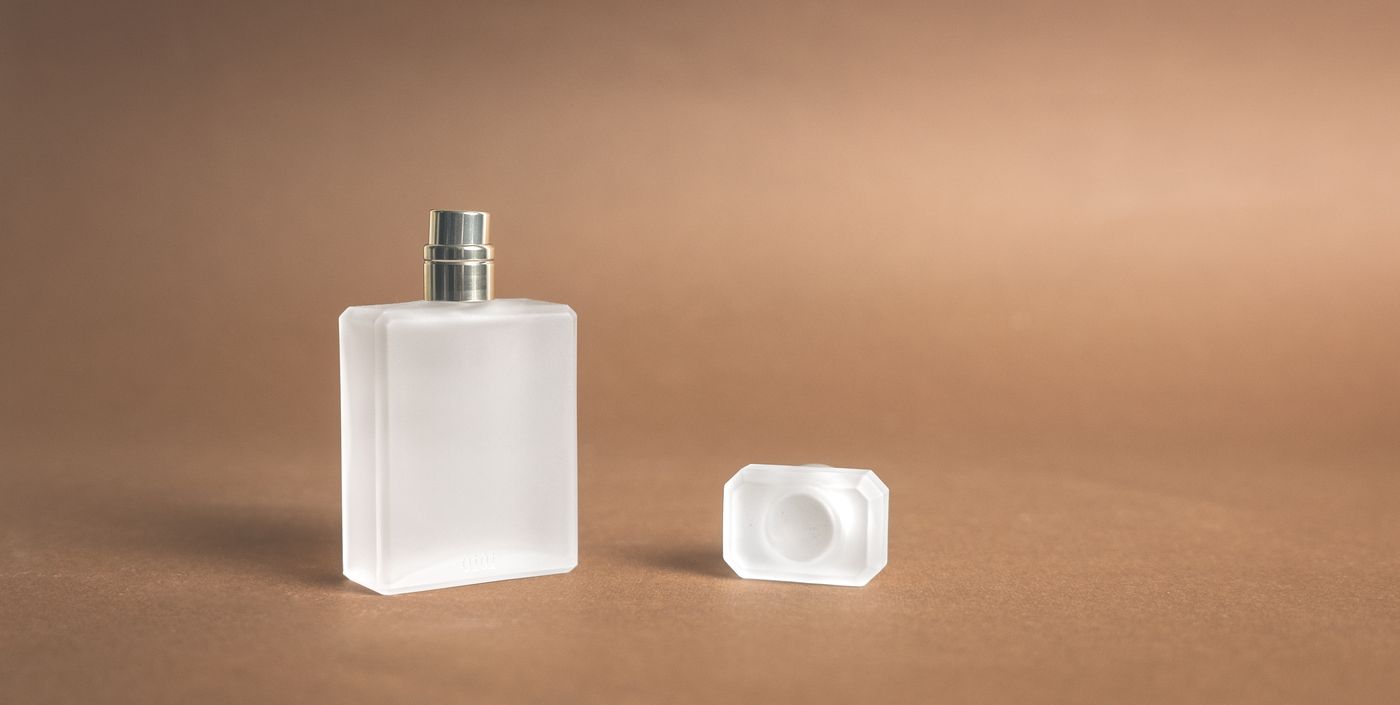
Matte. A matte surface scatters most light in every direction, so it shows no clear mirror image, only a faint shine at a very low camera angle. Matte card, paper or fabric all work. The cutout gets a clear edge at the base, and you pick the backdrop afterwards. This suits catalog photos and marketplace main images.
Mirror. The reflection is shot on purpose and becomes part of the cutout. It works best on a dark backdrop, because the copy carries the color of the surface. On white the copy is pale and low in contrast, and can look like a smear. Keep this version for gallery images or your own site; for a marketplace main image, check that marketplace's own background rules first. Choosing a background color covers dark backgrounds.
Shooting a deliberate reflection
Five habits keep a deliberate reflection clean.
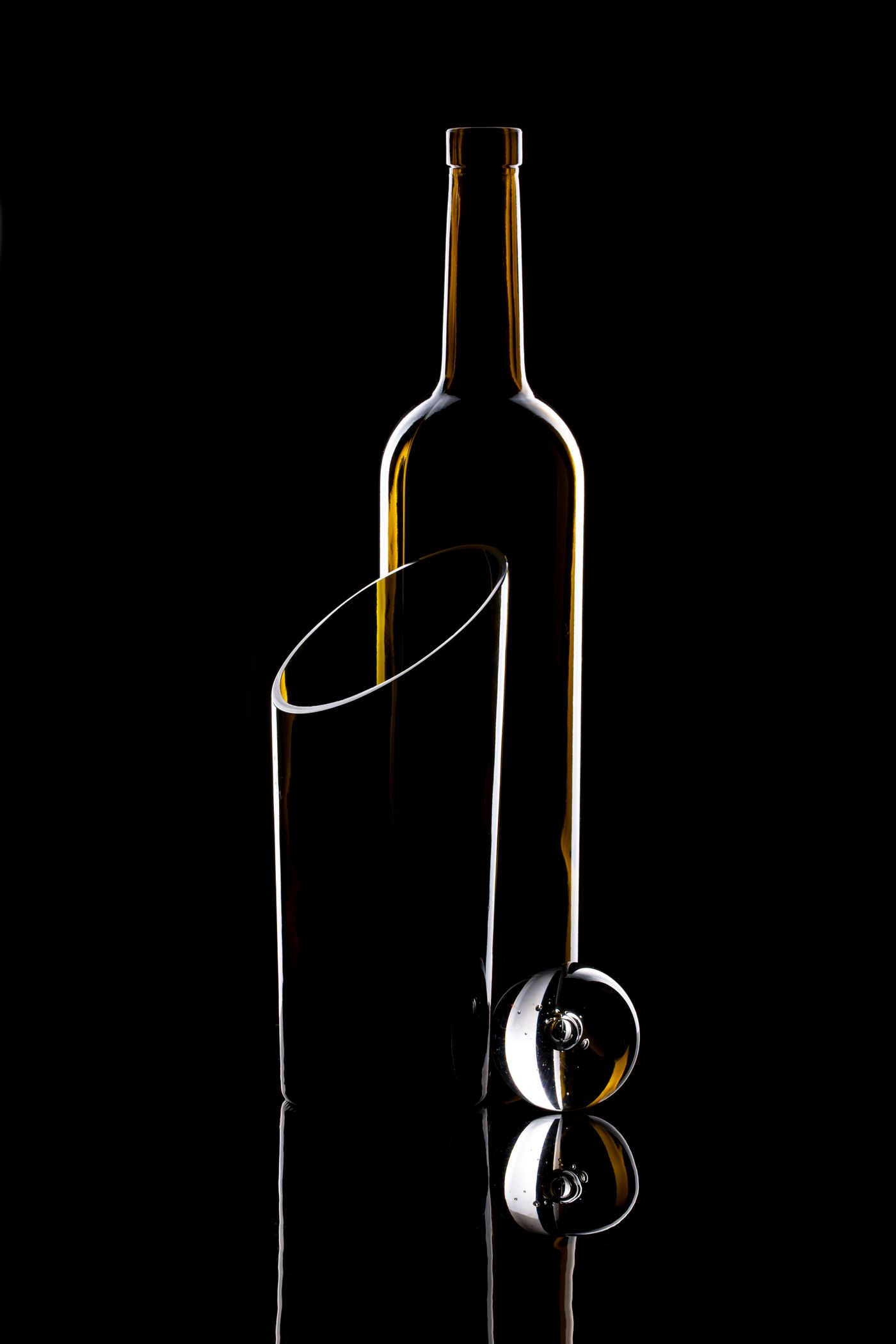
- Lower the camera to near the height of the surface, so that product and copy meet at one clean line, with space left below for the copy.
- Wipe the surface just before shooting. Dark glossy surfaces show every dust grain and fingerprint.
- Control what the surface reflects. It reflects whatever sits at the mirrored angle: lamps, windows, a bright wall, or you. Use soft light from above or behind, and wear dark clothes.
- Keep the edge of the surface out of frame. A sheet edge, table edge or seam running behind the base crosses the line where product and copy meet, and makes it unclear where the product ends and the copy begins.
- Shoot a matte backup from the same camera position, in case the cutout fails.
For shine on small metal products, see the jewelry photography guide.
Checking the base before you export
After the cutout, open the Color tab and put a light color behind the product, then a dark one. The light color shows a half-copy or a cut base, and the dark one shows whether a deliberate reflection looks the way you intended.
In the web and mobile apps the generated soft shadow is always included and has no switch. If part of a reflection was kept, check that the shadow adds no second dark band under the copy. API users can send shadow=none, described in the API documentation. The editor's own drop shadow is a separate, adjustable effect; how to add realistic shadows explains it. If the base looks wrong on both colors, reshoot or fix the file in another program.
The short answer
Perfume, bottles, drinks and glossy electronics such as phones and headphones usually suit a dark glossy surface, because the reflection signals a polished, glossy product. Clothing and most food rarely suit one: a mirror copy under a sweater looks like a mistake.
Choose matte for a plain, factual product photo and mirror for a polished look, and decide at capture.
- product-photography
- reflections
- glossy-surfaces
- background-removal
- ecommerce