























Wildberries and Ozon Cards: Portrait 3:4, Clean Main Photo
5 min read
Shoot product photos upright in a 3:4 frame, keep the main image free of prices and promotions, and move text to photo two onward on Wildberries and Ozon.
A Wildberries or Ozon card is built around a vertical photo. Ozon moved its product tiles to 3:4 in nearly all categories, and Wildberries lists a minimum of 700 × 900 pixels. A landscape photo that is cropped or padded afterward often leaves the product small, so start from a portrait frame.
This guide follows the order of work: shoot upright, cut out the product, set one plain background, put text on photo two and later. The numbers come from each platform's own help page; these pages change, so check them before you upload.
What each card currently asks for
The Ozon image requirements page is in Ozon's knowledge base for sellers outside Russia; sellers inside Russia have a separate knowledge base. The page names a vertical 3:4 ratio for clothing, shoes and accessories, and Ozon moved its product tiles to 3:4 in nearly all other categories during 2025, so treat 3:4 as the target whatever you sell, and check the page for your category in case it lists another ratio or an exception. For clothing, shoes and accessories the minimum is 900 × 1200 pixels; other categories get a lower minimum of 200 × 200 pixels and a much higher maximum, so the clothing minimum is the safe target for everything. Accepted files are JPEG, PNG, HEIC and WEBP up to 10 MB.
Wildberries' photo rules page (in Russian) lists JPG, PNG and WEBP, a minimum of 700 × 900 pixels and a size up to 10 MB. It states no aspect ratio; 700 × 900 is not exactly 3:4, but 900 × 1200 is, and it meets the Wildberries minimum, so one portrait file can serve both marketplaces.
Shoot upright and keep Original
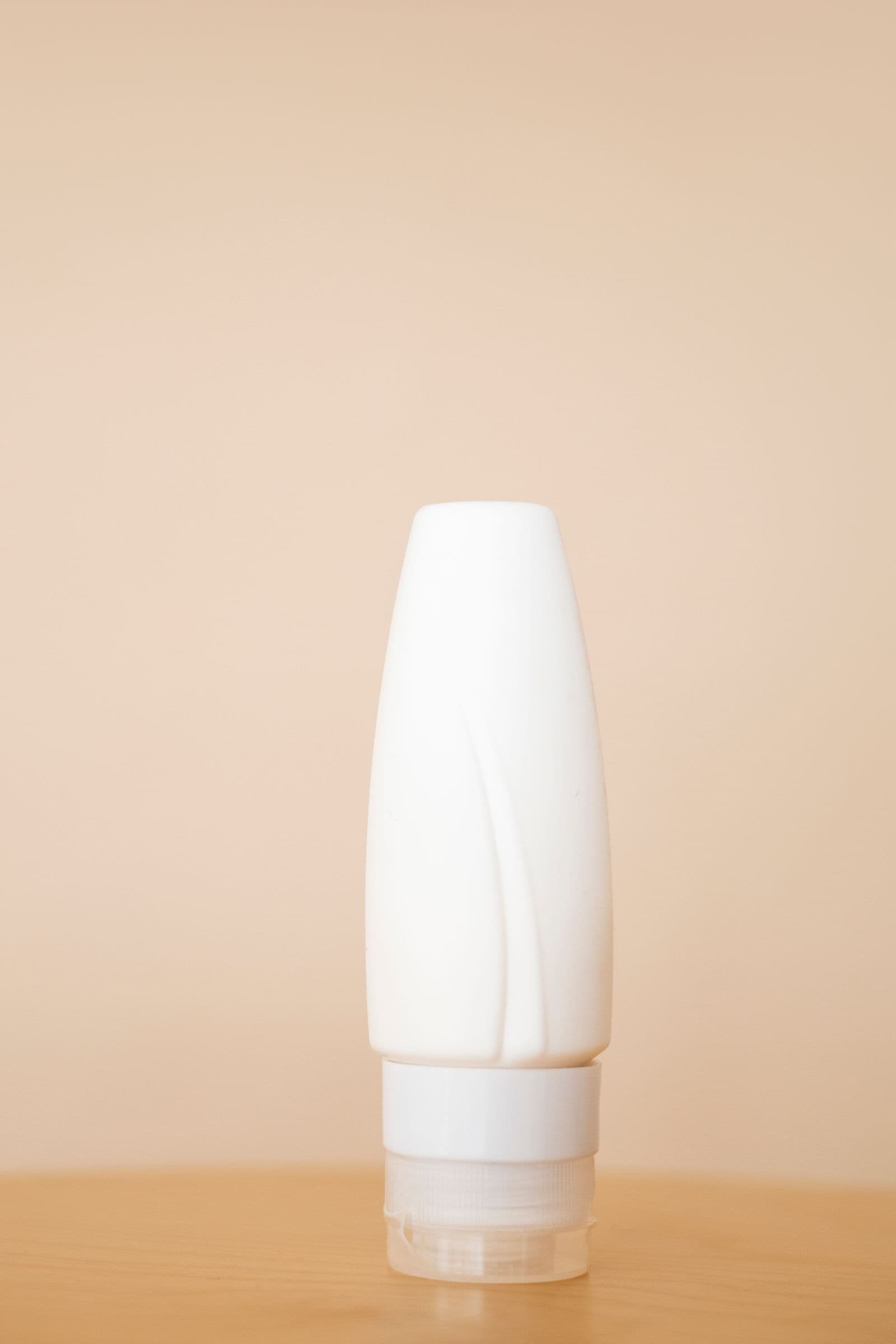
Hold the phone upright and leave a margin around the product. Wildberries asks for the whole product to be visible, photographed straight, not at an angle.

Upload the upright photo to remover.bg and, after the cutout, leave the canvas on Original, which keeps the proportions of your photo. None of the other presets is 3:4, and the editor cannot draw new background to extend a picture, so reshoot a landscape shot upright.
The app accepts PNG, JPEG and WebP only, so convert a HEIC phone photo first, even though Ozon accepts HEIC. The HTTP API trims empty margins by default; see the API documentation for the trim parameter.
Keep the main photo free of promotions
Ozon's page lists wording that should stay off product images: prices, discounts, links to websites or social networks, contact details (one version of the page exempts 8-800 toll-free numbers), and calls to action such as "call the manager" or "make a purchase". It also advises against advertising captions on the main photo and against watermarks.
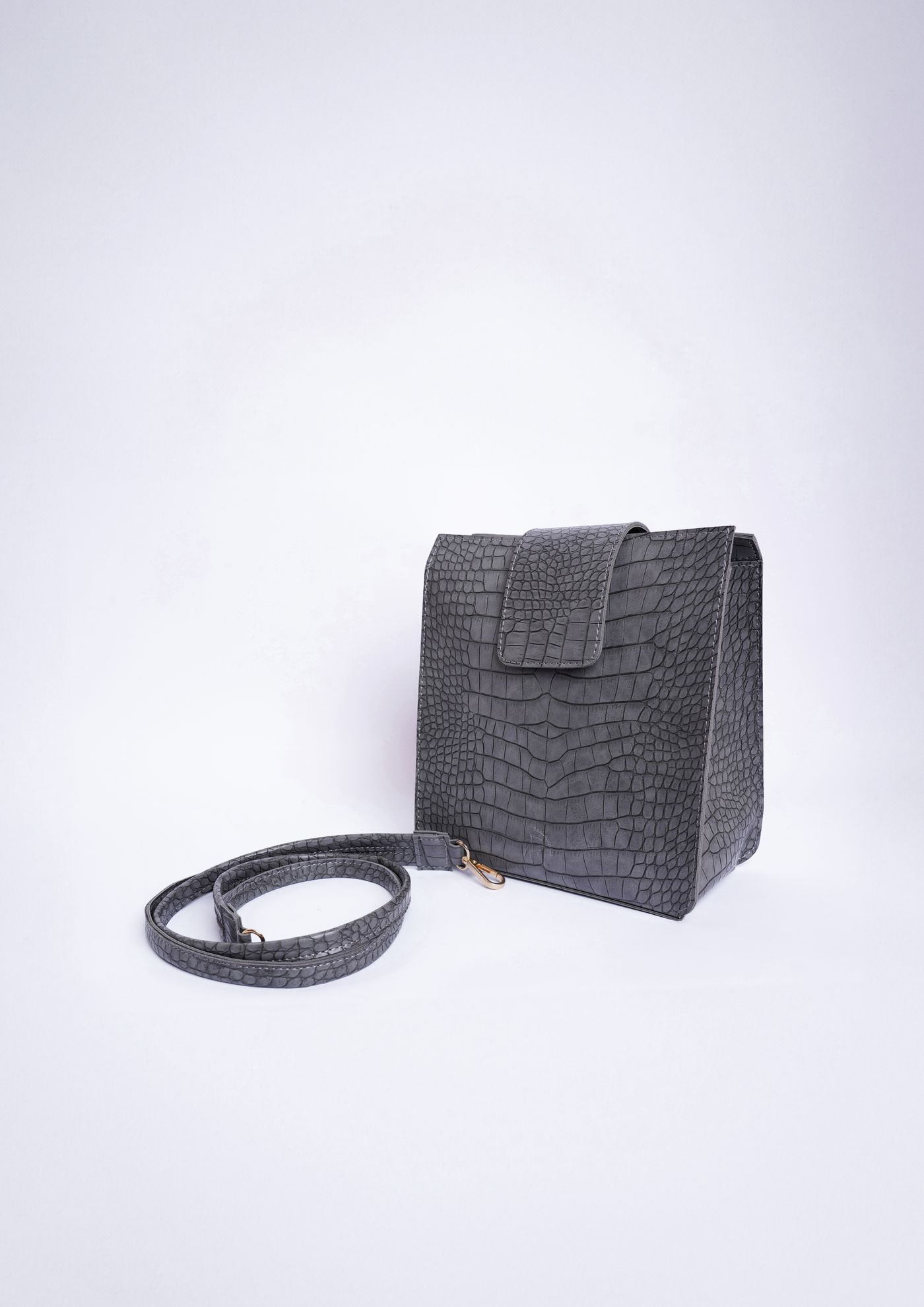
Wildberries says photos must not contain logos, tags, promotions or extraneous images. Marketing text on the main photo can lower the card's rating, and wording about discounts, guarantees or urgency is marketing text however small it is printed.
The rule that satisfies both pages: the main photo shows the product and nothing else. Shopee and Lazada cover image rules follow the same logic.
Fill the frame on a plain background
Wildberries asks for a neutral, clean, even background that contrasts with the product, and its colour recommendations add: no gradient backgrounds. The product should take the maximum area of the photo.
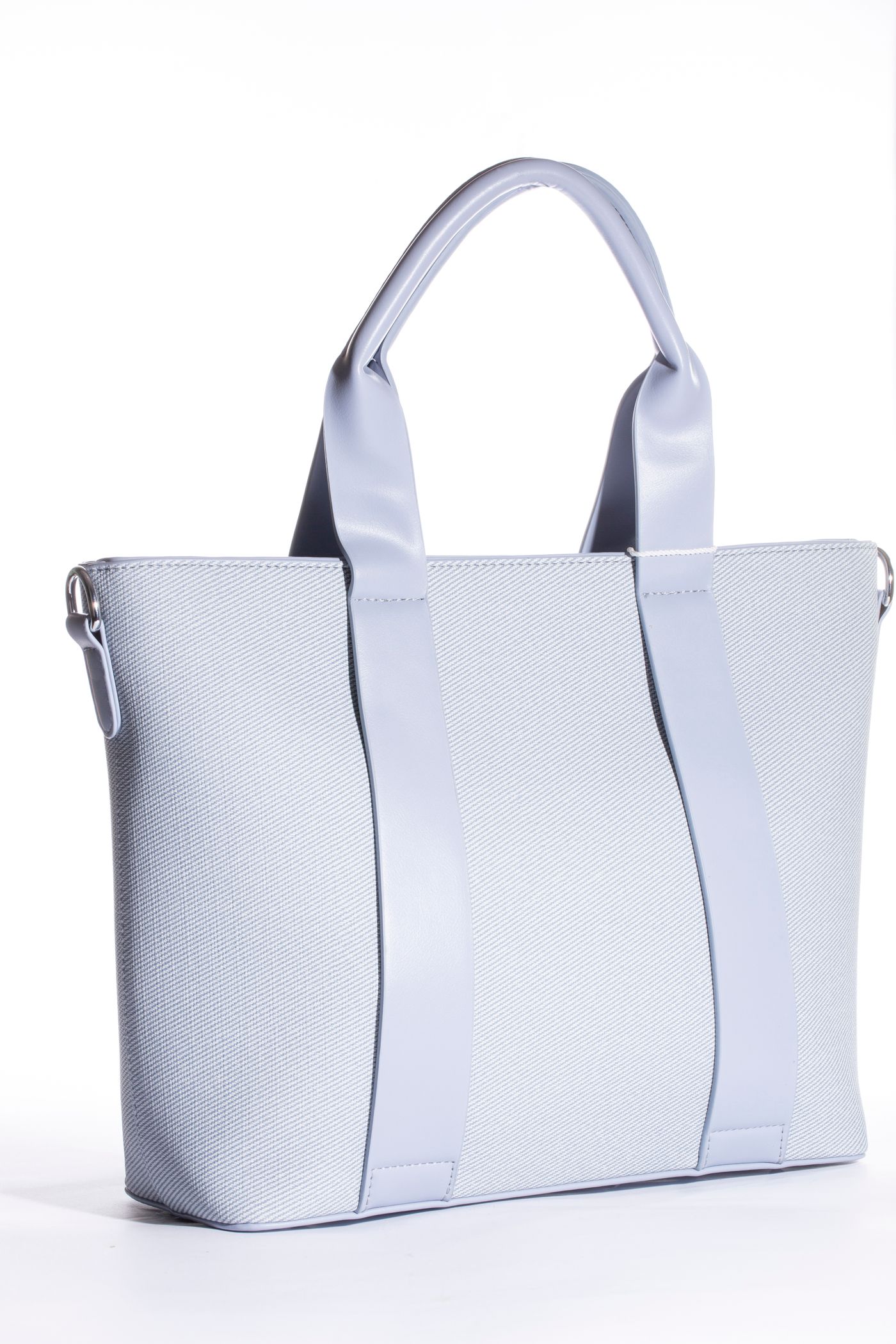
After the cutout, open the Color tab and pick one flat neutral colour that clearly differs from the product. Use the same colour on every photo of the card, because Wildberries asks for a set of photos in one style. Best Background Color for Product Photos explains how buyers perceive each colour.
The web and mobile apps always add a soft AI-generated shadow under the product; only the API can turn it off, with shadow=none. Ozon's page rejects home-style photos with shadows cast by other objects, and Wildberries asks for soft light without deep shadows on lifestyle photos. Neither names a soft shadow under the product itself, but moderators decide each card, so look at the result before you export. Also check that the AI kept the whole product; if a part is missing, fix the source photo and upload it again.
Put the text on photo two onward
Wildberries tells sellers to upload at least two photos. Use the later ones for size, material and features.
- Start from another upright photo with the canvas on Original.
- In the Color tab, set the same plain background as the main photo.
- Add text layers: a short heading and a few short lines. Keep the product the largest element.
- Check contrast. Wildberries' colour recommendations ask for at least 4.5:1 for small text and 3:1 for large or bold text.
Wildberries wants very little infographic on the main photo, and lists very bright colours, multicoloured label strips and text that covers the product as mistakes. On Ozon, additional photos must not carry contacts, links or promotions either, so keep such wording off every slide.
Check the file before you upload
Confirm portrait 3:4 at 900 × 1200 pixels or larger, JPG, PNG or WEBP, up to 10 MB. Then look at the main photo once more: whole product, no text, no logo. Limits for other marketplaces are in pixel minimums for eBay, Etsy and Walmart.
- wildberries
- ozon
- marketplace-photos
- product-photography
- infographics