English
 Español
 Português (BR)
 Deutsch
 Français
 Italiano
 Türkçe
 Bahasa Indonesia
 Русский
 日本語
日本語 한국어
한국어 Українська
 Tiếng Việt
 Polski
 Nederlands
 ไทย
ไทย Română
 简体中文
简体中文 繁體中文
繁體中文 العربية
 Български
 Filipino
 हिन्दी
 اردو
اردو বাংলা
বাংলাAlibaba Supplier Photos That Prove You Made the Product
Shared catalogue renders make an Alibaba supplier look like a reseller. Shoot the unit in your building by one window, and repeat the same setup for every SKU.
- alibaba
- b2b
- product photography
- supplier listings
- background removal
- ecommerce
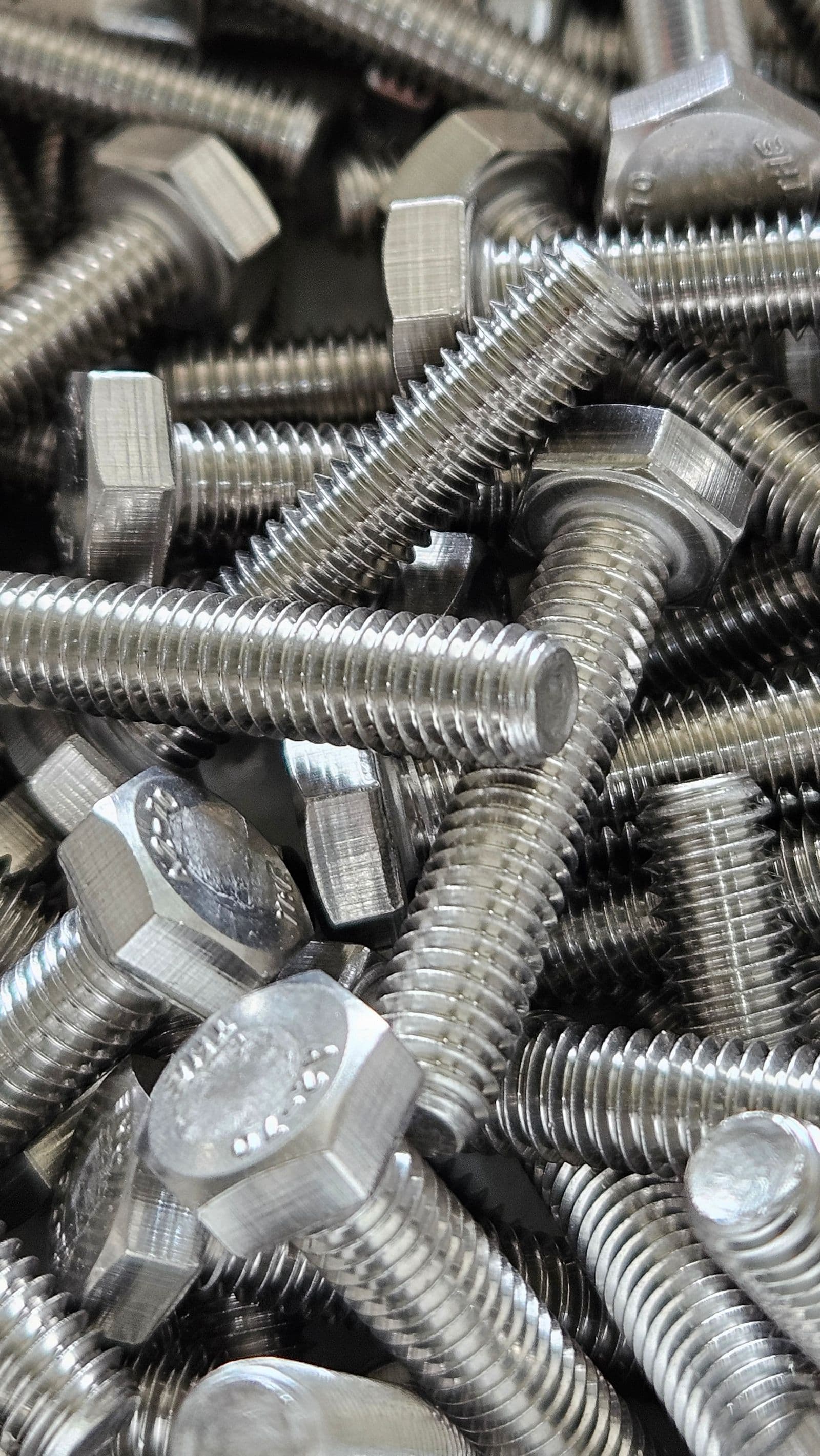
A purchasing agent working through a sourcing brief opens a row of Alibaba.com supplier tabs and closes most of them fast. They are not reading your company profile yet. They are scrolling the image gallery looking for evidence — that the goods exist, that you have handled them, and that you are not a two-person office forwarding an inquiry to a factory in the next province.
The fastest way to fill a listing is also the fastest way to look like everyone else. A factory sends its trade partners a folder of catalogue renders, twenty resellers upload it, and the same photo of the same product now sits on dozens of storefronts. Drop it into a reverse image search and the whole crowd appears at once. The question stops being "is this a good supplier" and becomes "which of these is the actual maker" — one your gallery just failed to answer.
Fixing it needs one unit, one clean surface, and a routine you repeat identically for every SKU.
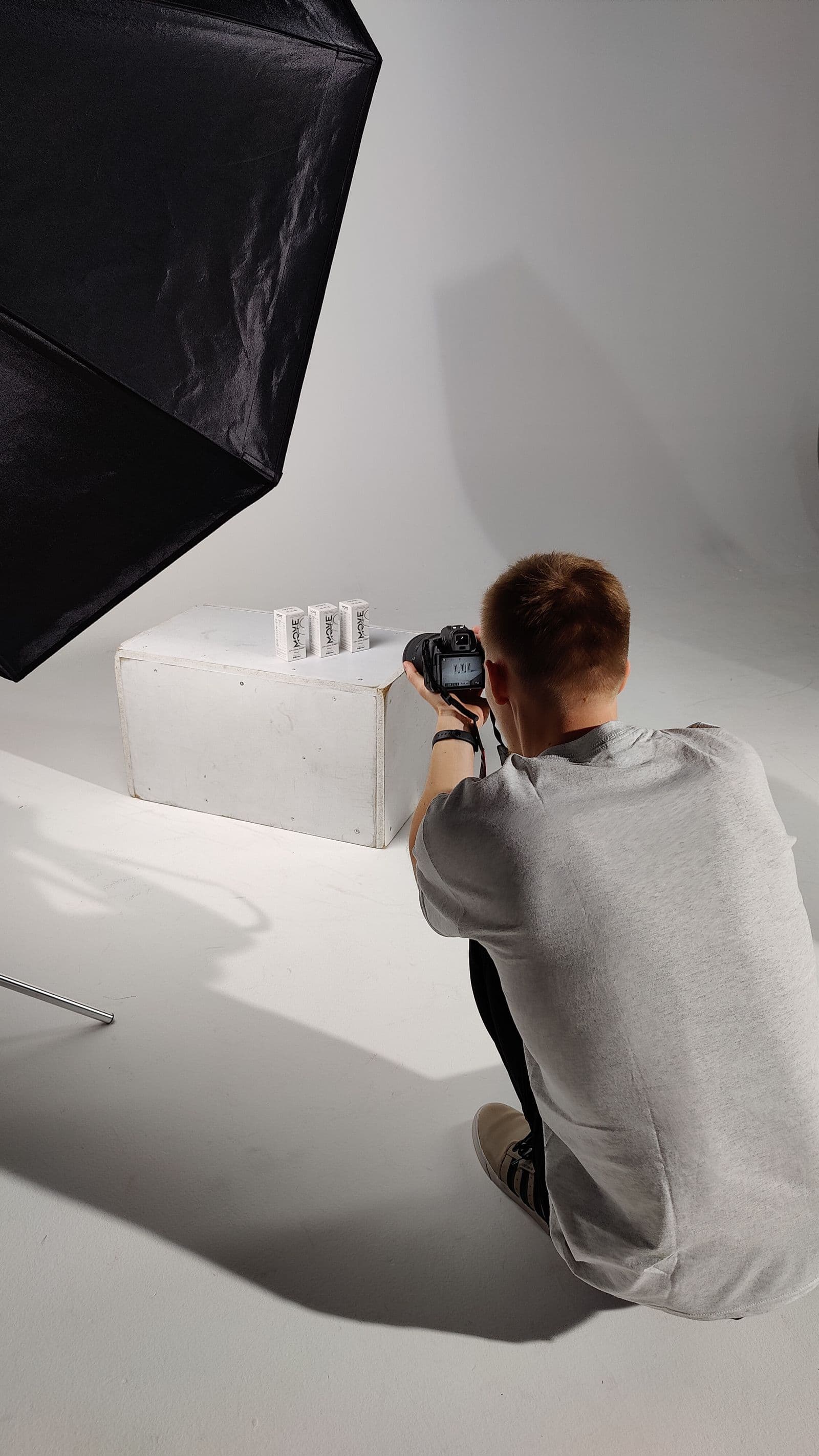
Shoot the unit that is physically in your building
Clear a table near a large window and turn the overhead lights off: one light source, one colour of light, instead of a daylight-and-fluorescent mix that turns half the product green. Direct sun is too harsh; bright overcast is what you want. Tape plain paper or smooth fabric to the wall and let it curve onto the table so there is no hard crease behind the item.

Shoot four frames per product, in the same order, every time:
- Straight-on front, camera at the height of the product's midpoint
- Three-quarter, turned roughly 45 degrees, so depth and side profile both read
- The back or underside where the rating plate, model number or compliance label lives
- One tight detail — the weld, the stitch line, the connector, the hinge, the moulding seam
That fourth frame does more than the other three combined: it is the one photo a competitor reselling stock photography cannot produce. Shoot it close enough that a buyer can argue about the tolerance.
Packaging and scale are the trust shots
B2B buyers ask the same follow-up questions every time: how does it ship, how many to a carton, what does one unit look like next to something I know. Answer those in pictures and save a round of back-and-forth on every inquiry.
Photograph the inner packaging — the poly bag, the printed colour box, the foam insert — laid out beside the product. Photograph a sealed master carton with its shipping marks visible. Photograph the item next to a steel rule. None need to be beautiful; they need to be unmistakably yours, taken on your own bench.
One background makes a range look like one factory
You shot half the range in March by the window and half in November under the shop lights, and the storefront grid now reads as a scrape from four sources. Buyers register that inconsistency before they register any individual product.

Cut each product out of its original frame and put them all on the same background, one at a time. In remover.bg you replace the background with a solid colour, a custom brand colour, or a photo of your own, then add a realistic drop shadow so the unit sits on a surface instead of floating — the same shadow technique that keeps cutouts from looking pasted on applies here. Upload PNG, JPEG or WebP up to 25 MB. If your camera writes RAW, export a JPEG copy in your own photo software first — RAW is not an accepted upload format.
Pick one background and write the value down. White or a light neutral grey is the safe default for a B2B storefront, and the same cutout is what you need on marketplaces whose main-image rules call for a plain white background — Amazon is the usual example. Our walkthrough of white-background listing photos covers the practice, but the rules themselves change, so read the current wording in Amazon's own Seller Central image requirements page before you publish. For a catalogue of hundreds of SKUs, one photo at a time gets slow, and batch processing is available through the HTTP API.
Gallery shots versus description block
The gallery is not a place to tell your whole story. Keep it to product evidence: the single unit on your standard background first, then the three-quarter, then the tight detail shot, then packaging, then the scale reference. Avoid stacking promotional text, prices or contact details on the main image. Platforms restrict such overlays in different ways, so check the current seller rules before you publish. Overlays also make the image useless anywhere else you reuse it.
Everything else belongs in the description block: certification scans, the production line, the QC bench, material specifications, the packing table. That is also where application photos earn their place: the part installed, the tool in a hand.
Before you re-list anything
Pull up your storefront on a phone, at the size a buyer sees in search results. That thumbnail is the whole first impression, and it hides nothing you got wrong at full size.

If two products sit on visibly different whites, or one has a shadow and the next does not, a purchasing agent reads that as disorganisation. Re-cut the offenders today, and put the four-frame routine into the receiving process so every new SKU arrives with its photos already shot.