English
 Español
 Português (BR)
 Deutsch
 Français
 Italiano
 Türkçe
 Bahasa Indonesia
 Русский
 日本語
日本語 한국어
한국어 Українська
 Tiếng Việt
 Polski
 Nederlands
 ไทย
ไทย Română
 简体中文
简体中文 繁體中文
繁體中文 العربية
 Български
 Filipino
 हिन्दी
 اردو
اردو বাংলা
বাংলাDropshipping Photos: Make Supplier Images Your Own
Same supplier JPEG, four identical stores. How to confirm you may use dropshipping product photos, when a sample is worth shooting, and how to standardise.
- dropshipping
- product photography
- ecommerce
- background removal
- image rights
- shopify
- google merchant center
- catalog consistency
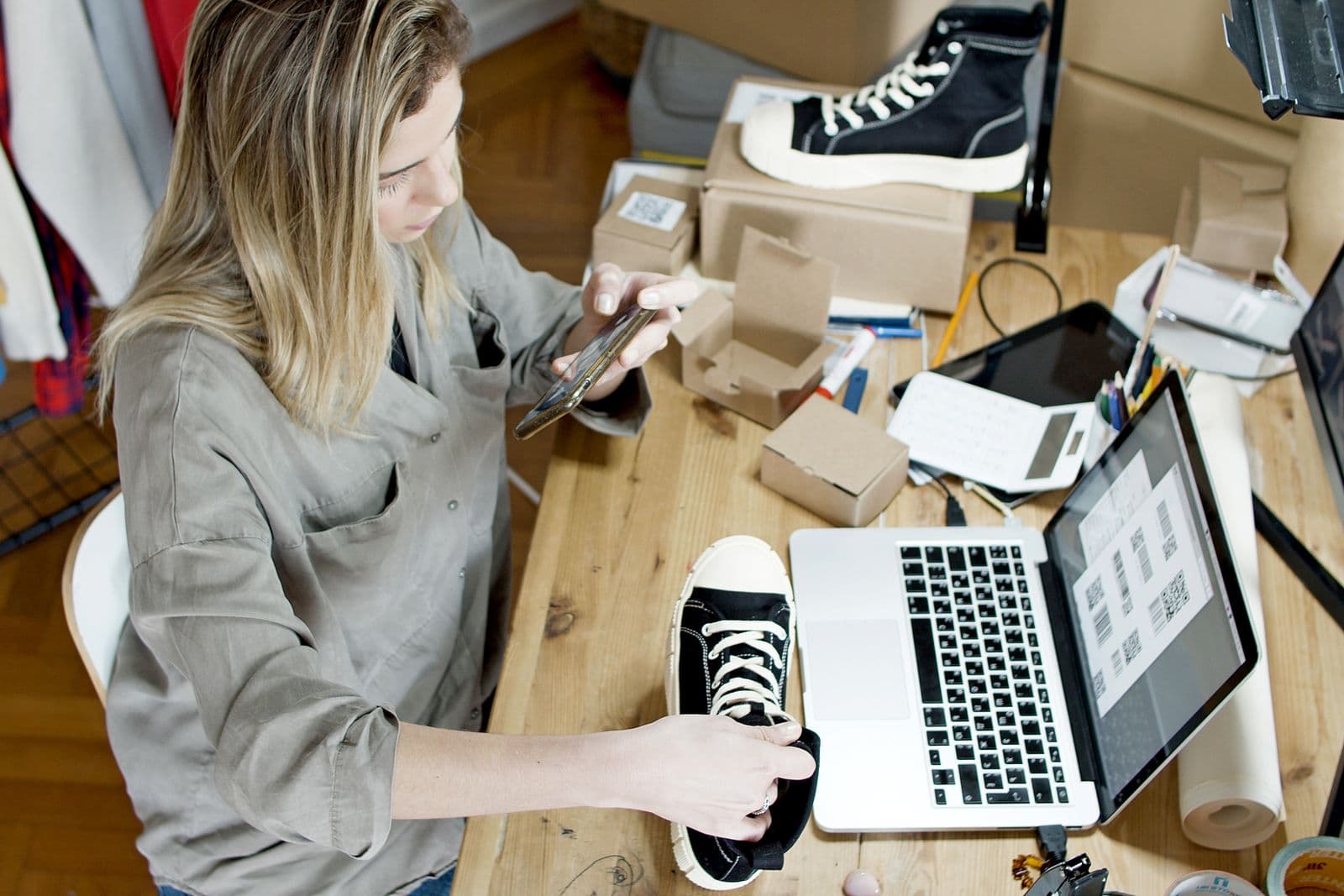
Open your product page next to your three closest competitors. Same washed-out white shot, same model in the same pose, same crushed shadow under the box. All four of you pulled the identical JPEG from one supplier listing. When the pictures match, the only thing left to compare is price.
Fixing this is not a filter. It is two jobs: confirming you are allowed to use the images at all, then making the cleared ones look like they came from one studio on one afternoon. The first job is the one that gets listings pulled. Ask about rights, sample where the product matters, standardize the rest.
You probably do not own the supplier's photos
A listing photo is normally a protected creative work, and who owns a product photo depends on your jurisdiction and how the shoot was commissioned: the manufacturer, the brand, or the photographer. This is general guidance, not legal advice. Confirm with the rights holder and check the marketplace's policy page before you build a catalog on someone else's files. Uploading a photo to a marketplace does not put it in the public domain.
The realistic consequence is rarely a lawsuit. It is a takedown that kills a listing mid-campaign, or an email from a brand your supplier never had the right to resell.
So ask, in writing: may I use your product photos on my store, and may I edit them? Be specific about editing, because cropping, recolouring the background and reusing the shot in paid ads are different questions. Some suppliers agree immediately, since your sales are their sales. Some say the images belong to the brand. Either answer saves you money.
Two limits hold regardless: editing out a watermark does not create a licence you never had, and permission to use photos is not permission to sell a branded product.
Order a sample and shoot it yourself
This is the differentiation nobody can copy, and it tells you whether the item arrives looking like its listing.

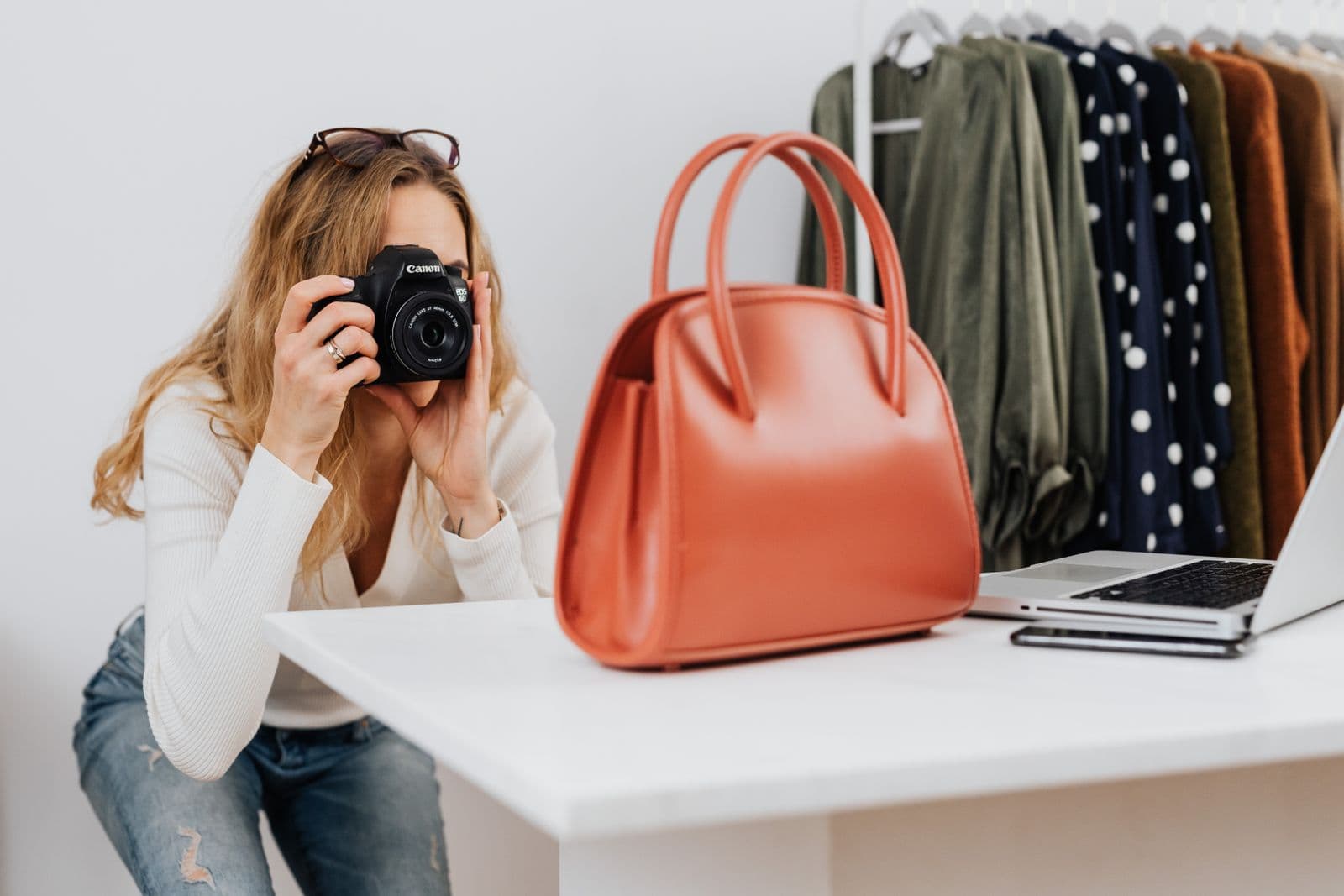
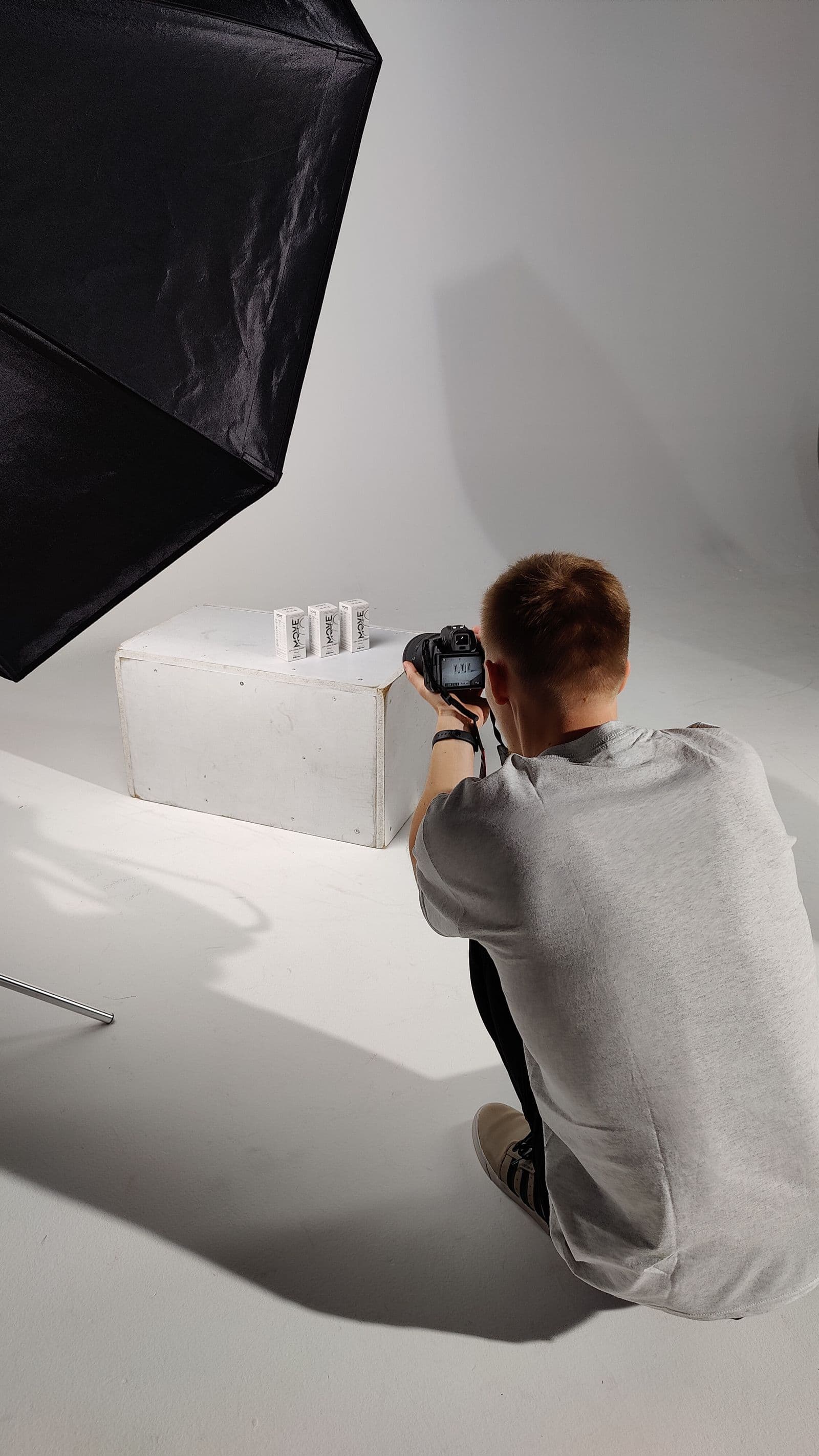
You do not need a studio. A window, a sheet of white foam board bounced at the shadow side, and a phone on a cheap tripod beat most supplier photography. Take four frames: the hero, a scale shot with something recognisable beside it, a texture close-up, and the product in use. Shoot on plain surfaces with room around the subject, since you are cutting the background out anyway.
Clean and restyle the images you are cleared to use
For the long tail where a sample is not worth it, the work is standardization. Every supplier photo arrives on a different background: grey seamless, a wooden table, someone's tiled floor. That mismatch makes a storefront look assembled rather than curated.
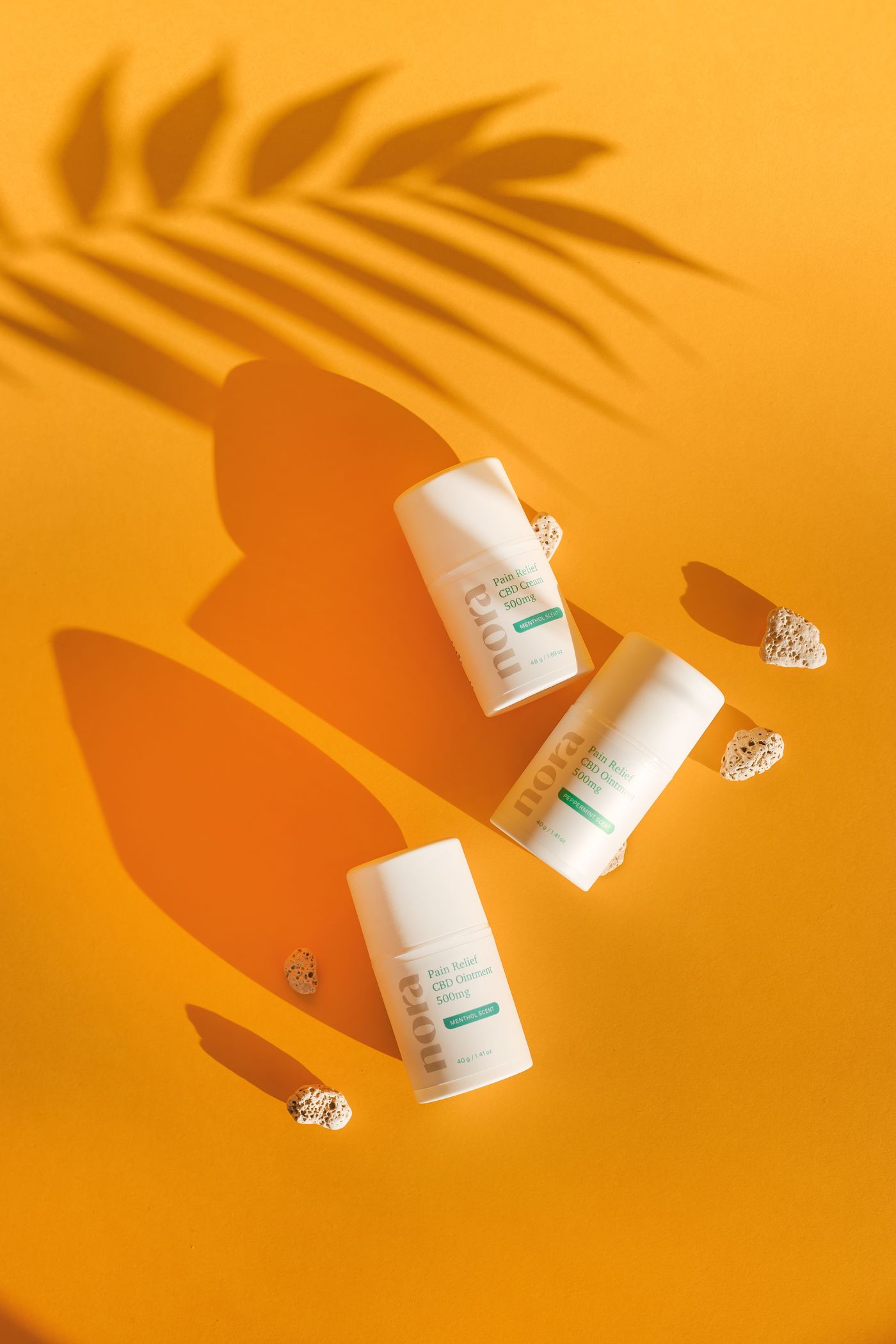
Run each approved image through remover.bg to lift the product off its original background, then drop it onto your own: a solid colour, a custom colour matched to your theme, or your own photo. Fine edges are where cheap cutouts fall apart, so this matters most on wigs, pet products and anything furry.
Then put the product back on the ground. A cutout on flat white looks like a sticker; a soft, directional drop shadow reads as a real object on a real surface. Keep the shadow direction identical across the catalog; that one choice does more for consistency than any colour palette. Our guide on adding realistic shadows covers picking an angle.
Match the platform specs before you upload
Two specs cover most stores:
- Shopify accepts product images up to 5000 x 5000 px or 25 megapixels, under 20 MB. Square images around 2048 x 2048 px display best and give zoom room to work; our guide to Shopify product image sizes covers aspect ratios, variant images and alt text.
- Google Merchant Center enforces a minimum of 100 x 100 px for non-apparel and 250 x 250 px for clothing today, but a single 500 x 500 px minimum for all products takes effect on 31 January 2027, and anything smaller is already flagged with a warning. Google recommends 1500 x 1500 px or larger and caps images at 64 megapixels or 16 MB. Check the
image_linkspecification before you build a feed, since these dates move. It also rejects watermarks, overlaid logos, promotional text, price stickers, and borders.
That last rule bites dropshippers. Supplier images frequently carry a watermark or a burned-in "hot sale" banner, which cannot go into a shopping feed no matter who owns them, and the Google Shopping image rules list every other reason an offer gets disapproved. Background removal will not help, because a mark sitting on the product itself survives the cutout. Ask the supplier for the clean original file, or shoot that SKU yourself. Marketplaces are stricter still: see the Amazon image rules on background and framing.
Turn it into a house style
Write the rules down once, then apply them everywhere:
- Same background colour or backdrop across a collection.
- Same shadow angle and softness.
- Same product size in frame, about 85 percent of the width.
- Same square crop, same export format.
Export as WebP where your theme supports it, or PNG when ad creative needs transparency. For hundreds of SKUs, the background removal API handles the volume programmatically. Print-on-demand sellers should also read our print-ready file prep notes.
One catalog, one look
Start with your ten best sellers: written permission on all ten, samples for the three with the best margin, one background and one shadow angle across the rest. After that, each new SKU is a short job instead of a decision.