English
 Español
 Português (BR)
 Deutsch
 Français
 Italiano
 Türkçe
 Bahasa Indonesia
 Русский
 日本語
日本語 한국어
한국어 Українська
 Tiếng Việt
 Polski
 Nederlands
 ไทย
ไทย Română
 简体中文
简体中文 繁體中文
繁體中文 العربية
 Български
 Filipino
 हिन्दी
 اردو
اردو বাংলা
বাংলাTrading Card Photos That Sell and Don't Get Returned
Trading card photos are evidence, not advertising. Kill sleeve and slab glare, shoot matched front-and-back pairs, and show flaws before a buyer files a return.
- trading cards
- sports cards
- tcg
- collectibles
- product photography
- ebay
- tcgplayer
- whatnot
- background removal
- resale
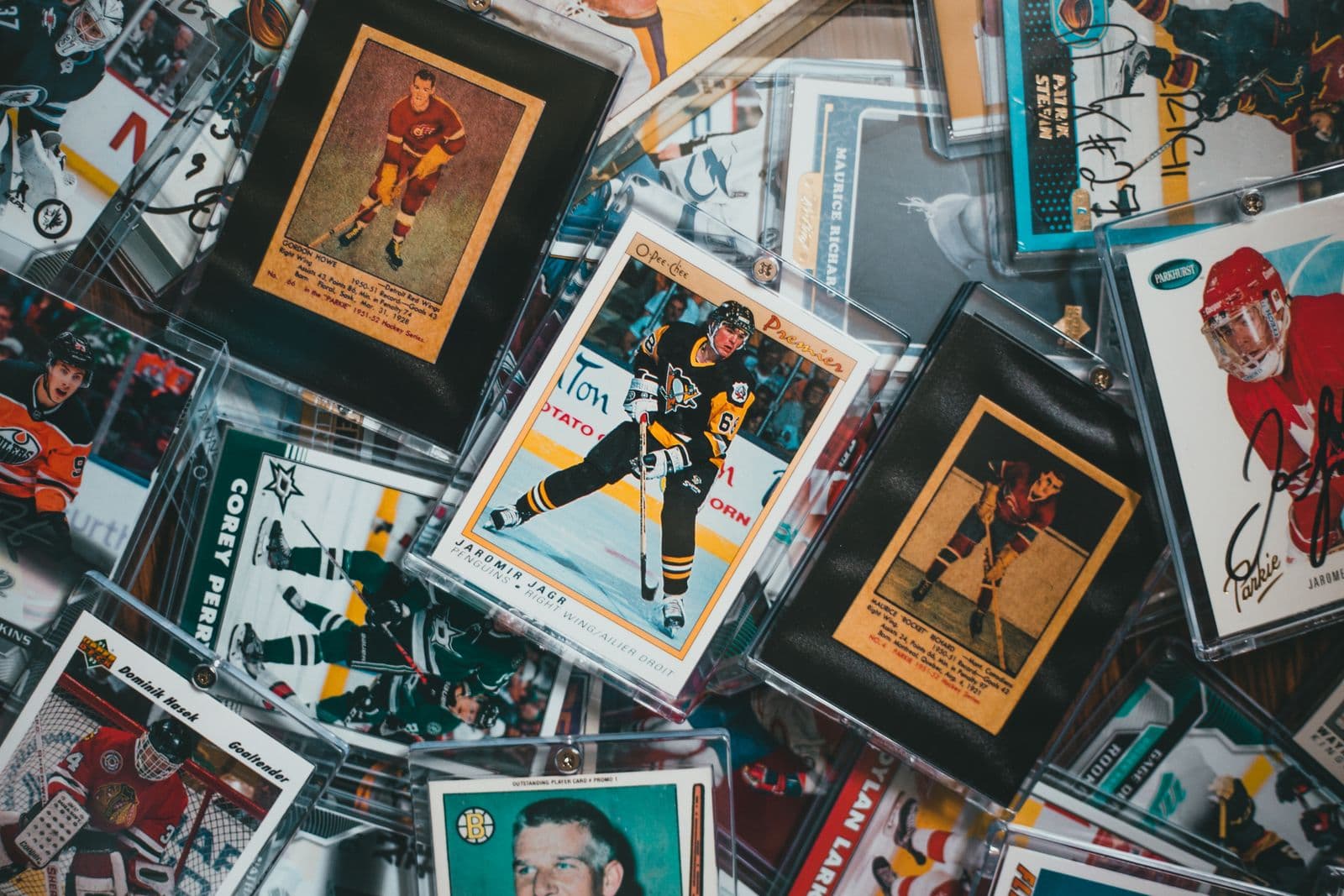
A buyer looking at a raw rookie card is not admiring your photography. They are hunting for a soft corner, a print line, a whitened edge, or the centering that decides whether the card is worth forty dollars or four hundred. Your photos are evidence, and evidence has different rules than advertising.
That flips the usual product photography advice on its head. In most categories a flattering shot sells the item. In collectibles, an honest shot sells the item and a flattering shot gets you a return request. Every regular buyer on eBay, TCGplayer, or Whatnot has been burned by a scratch hiding under a well-placed highlight.
The good news: cards are easy to shoot well. They are flat and a fixed size, so one repeatable setup will run a hundred of them.
Kill the glare before you touch the camera
Glare is the biggest problem in card photography, and it comes from three places: the penny sleeve, the toploader, and the slab. All three are shiny plastic acting as a mirror pointed at whatever is bright in your room.
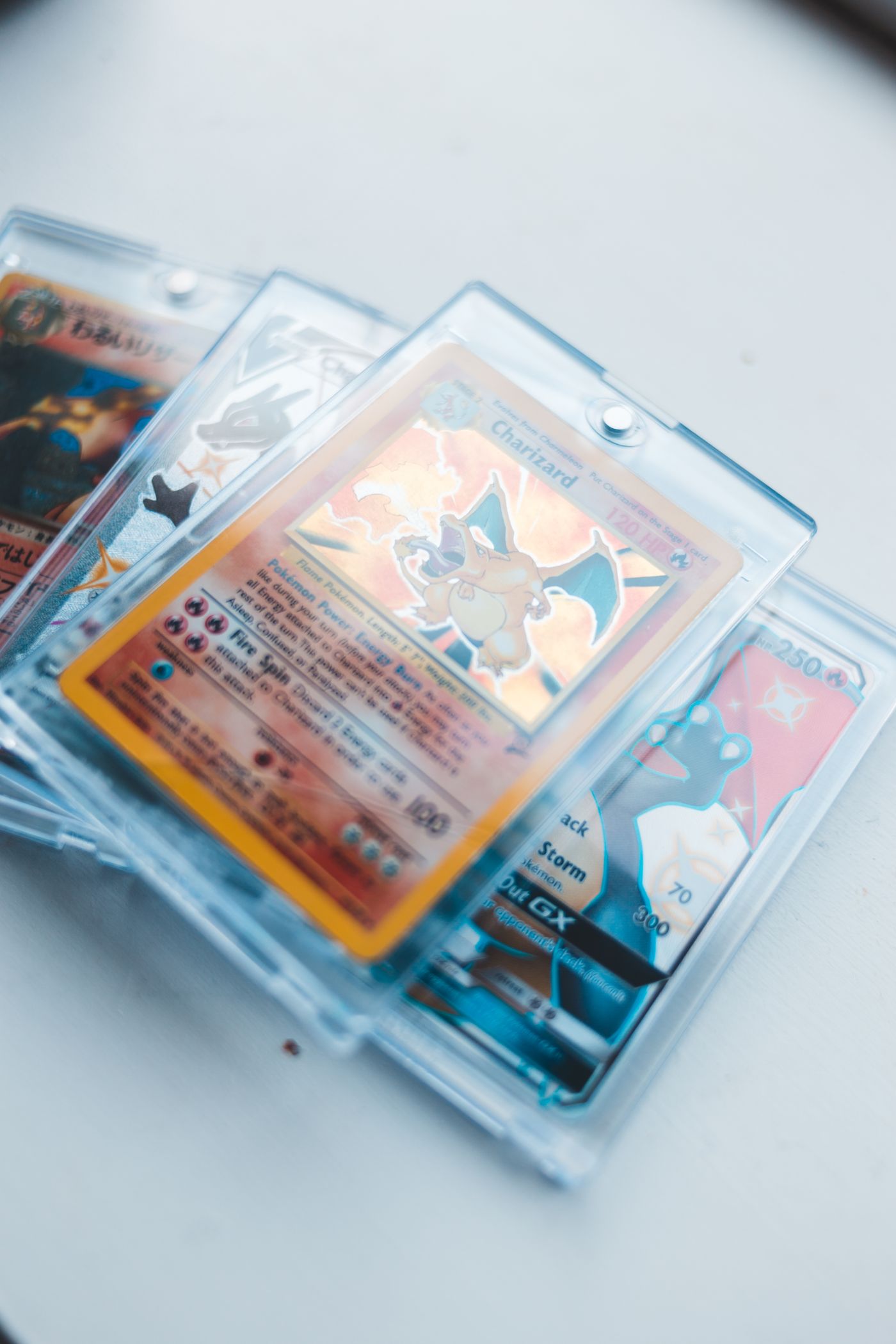
A bare bulb or a phone flash bounces straight back into the lens as a white blob. Instead, lay the card flat and light it from the sides at a low angle, with two sources roughly opposite each other: a curtained window on one side and a cheap LED panel on the other works fine. If a highlight persists, rotate the card or lower the light instead of moving the camera.
Shoot from directly above with your phone parallel to the card. Any tilt distorts the borders and makes centering impossible to judge. The same diffusion tricks apply to other reflective items, and the jewelry photography guide goes deeper on that.
Slabs need angle more than light. Tilt one five to ten degrees away from your light source, then check the label and the card window separately at full zoom.
Front and back, always, as a matched pair
Every card gets two photos minimum: front and back, at the same distance, lighting, and orientation. On vintage, backs are where centering problems and edge wear show up first, and a front-only listing reads as evasive.
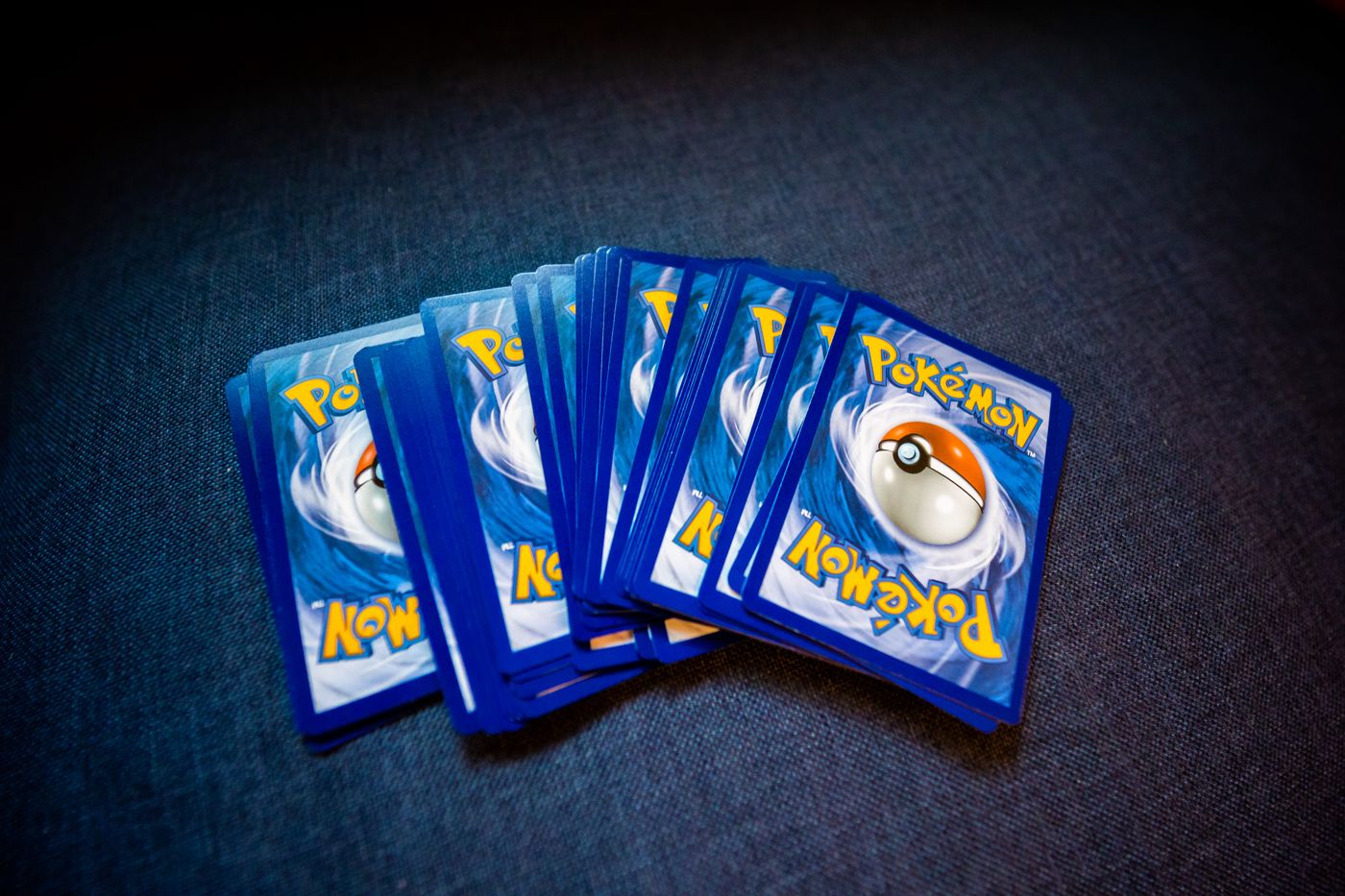
TCGplayer's Listings with Photos feature, which it requires for graded, signed, and most non-English cards, allows up to five images per listing, one main image plus four more, and its guidance tells sellers to include the front, the back, the edges, defects, and any unique markings. That list is a good default anywhere.
Show the flaws on purpose
If a card has a dinged corner, photograph the dinged corner. Get close, get it in focus, and say so in the description. That beats four clean shots and one vague line about "light play wear."
On raw cards, one angled shot with light raking across the surface reveals scratches and print lines that a flat shot hides. If the card is clean, that shot becomes proof. If it is not, you have just prevented a return.
Whatnot's listing guidelines say the same thing in policy form: a listing has to contain photos of the actual item, stock-photo-only listings aren't allowed, and stock images are barred outright for used or damaged items. At least one photo must clearly show the whole item and its condition, unblurred and unobstructed.
Cut the card out for a clean, consistent look
Once the shots are sharp and honest, the background is the last variable. A card shot on your desk carries the wood grain, the cutting mat, and the edge of your keyboard into the thumbnail.
Removing the background fixes that. Run the shot through remover.bg, drop the card onto plain white or light grey in the editor, and the borders, foil, and colour read exactly as they are. A subtle drop shadow keeps a cut-out card from looking pasted on, and the guide to adding realistic shadows explains how to keep it believable.
Keep the transparent version too. A card saved as a transparent PNG drops onto banners, stream overlays, and lot collages without reshooting, and the background removal API handles whole inventory batches rather than one upload at a time.
One caution specific to collectibles: never edit the card itself. Cleaning up the background is presentation. Retouching the surface, the corners, or the colour crosses into a misleading listing, which platforms can treat as grounds for a return or a takedown.
Match the platform specs
- eBay requires at least 500 pixels on the longest side and recommends roughly 800 to 1,600 pixels there for display and zoom. Added borders, seller logos, and text or artwork overlays aren't allowed, and neither are watermarks of any kind, including the ones sellers add purely to mark ownership.
- TCGplayer expects .jpg files, no smaller than 750 pixels wide.
- Whatnot requires real photos of the actual item, clearly showing condition.
Shoot at full phone resolution and downscale as needed. Keep uploads under 25 MB for background removal, and save a flat copy for marketplaces that only take JPEG.
Consistency is the whole game
Build the setup once. Mark where the card sits, where the lights sit, and where the camera sits, then leave it alone. Cards shot at the same distance, on the same background, under the same light look like a business. Cards shot on a different surface every time look like a closet clear-out, and buyers price them that way.