English
 Español
 Português (BR)
 Deutsch
 Français
 Italiano
 Türkçe
 Bahasa Indonesia
 Русский
 日本語
日本語 한국어
한국어 Українська
 Tiếng Việt
 Polski
 Nederlands
 ไทย
ไทย Română
 简体中文
简体中文 繁體中文
繁體中文 العربية
 Български
 Filipino
 हिन्दी
 اردو
اردو বাংলা
বাংলাMake a Transparent Signature PNG for Documents
Make a transparent signature PNG with no printer: which pen and paper to use, how to photograph the page, and how to sit the ink on the line with no white box.
- transparent png
- signature
- documents
- word
- google docs
- paperwork
- background removal
- how-to

The contract arrives as a PDF at 4pm, it has to go back tonight, and you have no printer. Typing your name in a script font is an option, but plenty of forms and engagement letters still want something that looks like your actual hand.
The answer is a signature PNG with a transparent background: your ink, and nothing else. No white rectangle sitting on the form, no grey box swallowing the line.
It takes about ten minutes, and the quality is settled in the first two — by the pen you pick up and where you stand to shoot.
Write it like you want the pen to show
Use a blank sheet of unlined white printer paper. Ruled or graph lines run straight through the ink, and once the paper is gone they are still there, floating. Don't press hard enough to emboss the sheet either; indentations catch the light and come back as shadows.
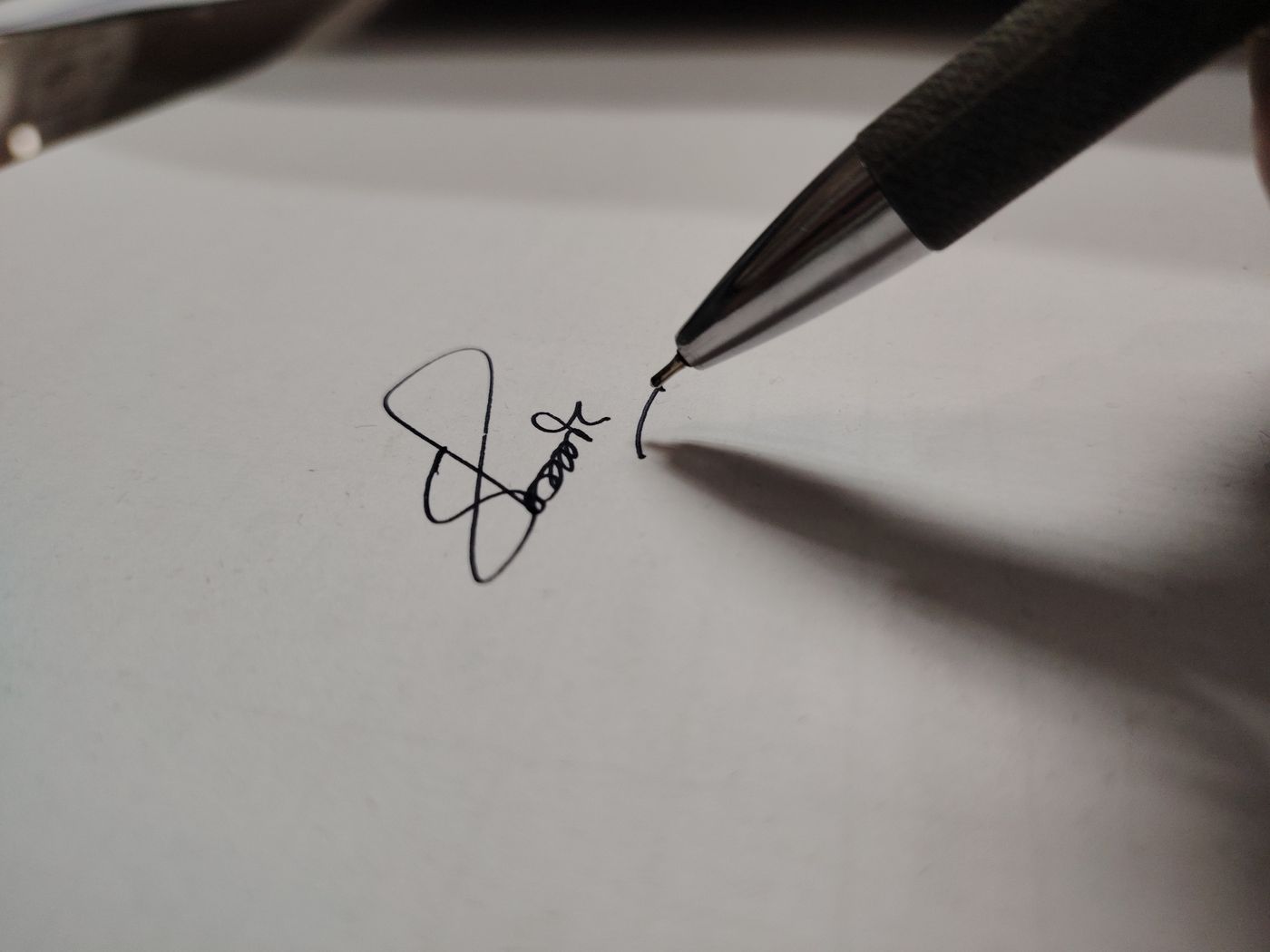
Pen choice decides the rest. A fineliner, rollerball or gel pen with genuinely black ink lays down a solid, even stroke; a cheap ballpoint gives a thin greyish line that skips on the upstrokes. Sign two or three times, spaced well apart, and write around half the width of the page. More pixels across each stroke keeps your loops smooth rather than stepped.
Photograph the page instead of rushing a scan
Lay the sheet flat near a window, out of direct sun, with the light to your side, not behind you — shoot with the window at your back and your own shadow lands on the page. Hold the phone parallel to the paper, directly over the signature, and tap the white paper so the camera exposes for it. If the page reads grey, nudge the exposure slider up.

Scanner and phone document modes often default to high contrast, which clips the tapered ends of a stroke, and many hand back a small, heavily compressed file. If you do scan, turn the black-and-white preset off and save at full resolution. Either way, crop to your best signature in your phone's photo editor first.
Remove the paper and keep the ink
Upload the file to remover.bg — JPEG, PNG or WebP, up to 25 MB. The paper drops away and the ink stays, with real transparency around the strokes, including the thin tapers and the gaps where a fast pen lifted off the page.
Before downloading, put the cutout against a dark colour in the editor. Dust specks and pressure marks are invisible against white and obvious against navy or charcoal. If you see any, the fix is upstream: brush the sheet off and reshoot.
Download as PNG. JPEG has no transparency, which is what produces the dreaded white box. PNG is on Microsoft's list of file types for a scanned signature picture on both Windows and Mac. GIF is the only other listed format that handles transparency, and it caps you at 256 colours and one fully transparent index — enough to turn the soft edge of a stroke into a jagged fringe. Our guide to transparent PNGs covers the wider cases; the same paper-to-alpha problem shows up when you pull a logo off a white background.
Place it without the grey box
In Word for Windows, use Insert, then Pictures, then This Device; in Word for Mac it is Insert, then Pictures, then Picture from File. Straight after inserting, change the text wrapping to anything other than In Line with Text — that is what lets you drag it onto the line instead of into the paragraph flow.
Google Docs' built-in eSignature field only offers typed or drawn signatures; for your handwriting, insert the PNG as a picture. On a Mac, Preview can capture a signature through the camera, and those Markup signatures carry into Mail and Notes — but not into a Word file, a Google Doc or your invoice template. A PNG goes anywhere an image goes.
Drag the corner handles until it is roughly the size you would sign on paper. Stretched full-page-width, the edges go soft and it looks pasted on.
Make sure it survives being flattened
Signed documents get printed, photocopied and scanned back in, and every step eats the lightest parts first. A pale stroke that looks fine on your monitor can vanish from a third-generation photocopy — the real reason to pick a proper black pen. Print one test page and read it at arm's length.
Treat the file like a key
You now have a file that reproduces your signature perfectly, for anyone holding it. Don't email it, park it in a shared drive or team chat, or leave it in the Downloads folder of a shared laptop. Send the flattened, signed PDF — never the raw signature file. Our note on security and privacy covers how uploads are handled.
An image of your signature is a picture of your hand, not proof of who you are. Where a recipient wants a certificate-based digital signature or a signing service with an audit trail, a PNG won't meet that. For routine paperwork it is usually accepted, but acceptance is set by the recipient and by your local e-signature law — the US ESIGN Act and UETA, eIDAS in the EU — and wills are carved out of ESIGN and UETA entirely. Deeds and other property paperwork usually carry notarisation, witnessing or recording requirements that an image of your handwriting will not satisfy. Ask before it matters.