 English
 Español
 Português (BR)
 Deutsch
 Français
 Italiano
 Türkçe
 Bahasa Indonesia
 Русский
 日本語
 한국어
 Українська
 Tiếng Việt
 Polski
 Nederlands
 ไทย
 Română
 简体中文
 繁體中文
 العربية
 Български
 Filipino
 हिन्दी
 اردو
 বাংলা
Amazon Brand Registry Images: Why Your Cutout Gets Rejected
Amazon Brand Registry wants unedited photos of a brand name permanently on your product. Why cutouts and supplier renders fail, and what to shoot instead.
- amazon-brand-registry
- brand-registry-images
- amazon-sellers
- private-label
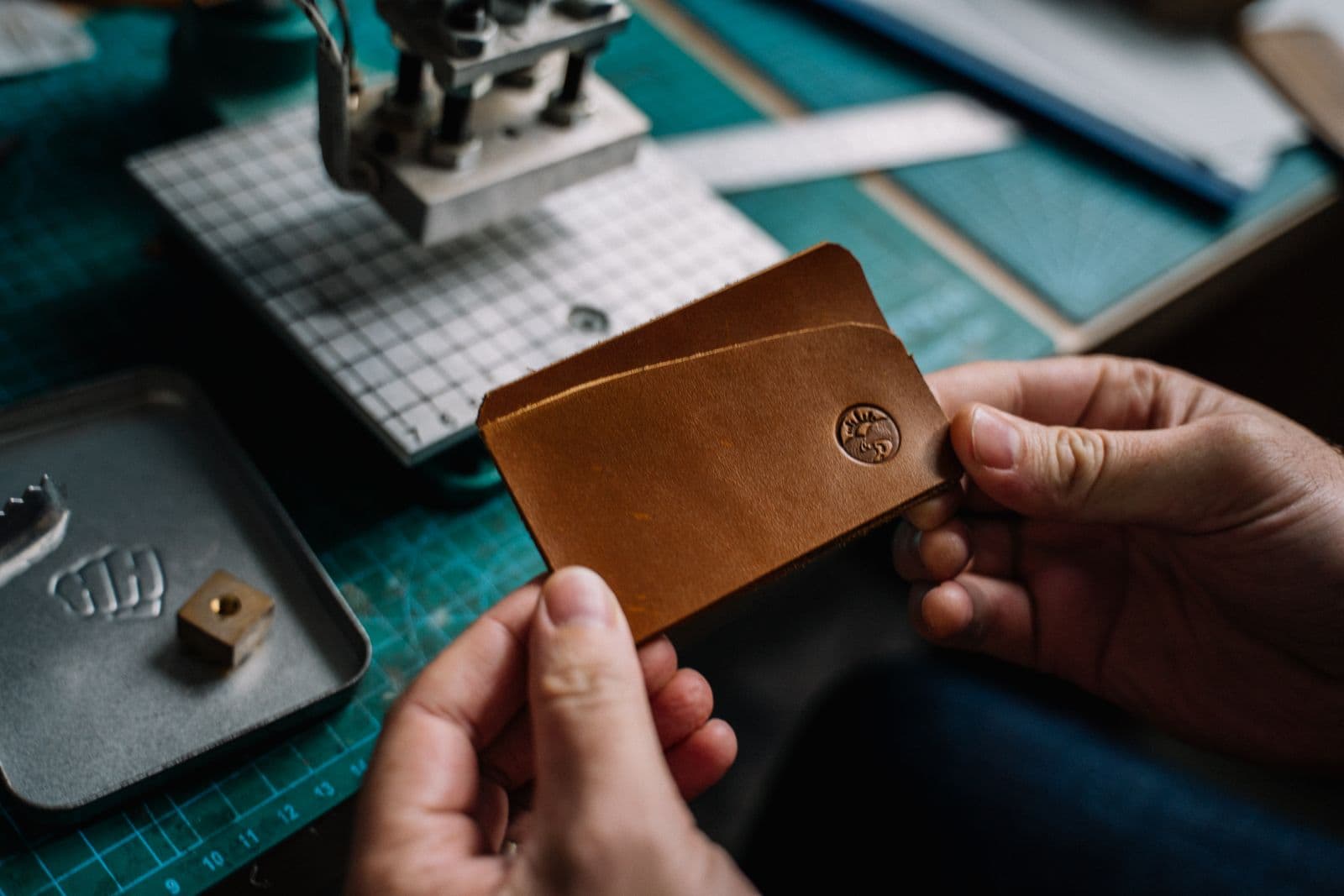
You have a clean product image on a white background. It looks right in your Amazon listing, so you upload it to Brand Registry as proof of your brand, and the application is rejected. The file that sells best is the file this step does not accept.
Brand Registry images do a different job. A listing image is meant to sell. An enrollment image is evidence that your brand name is really on the physical product, and edited, computer-generated or borrowed evidence does not count.
This post covers what Amazon's pages currently say, why a cutout (an image with the background removed) and a supplier render (a computer-generated picture) both fail, and how to keep two sets of files. Rules change, so check Amazon's pages again before you submit.
What Brand Registry asks you to show
Amazon's Brand Registry requirements page currently says your brand name must be clearly visible and permanently affixed to your products or packaging, and describes permanent as applied during production, for example by printing, sewing, laser etching or engraving. The same page says the brand needs a registered or pending trademark: a word mark, or a design mark containing words, letters or numbers.
Amazon's Brand Registry application guide currently sets these rules for the enrollment photos:
- At least one photo of the product or its packaging is required. An Amazon staff post recommends at least three, from different angles, with the brand name clearly visible in each.
- The images must be real, clear photos of the product you plan to sell, and the brand name must match the trademark exactly, including capitalization.
- Products that may not carry a permanent brand name, such as furniture, jewelry, soft toys, wigs and handmade items, must have it on the packaging instead.
Why the listing cutout and the supplier render fail
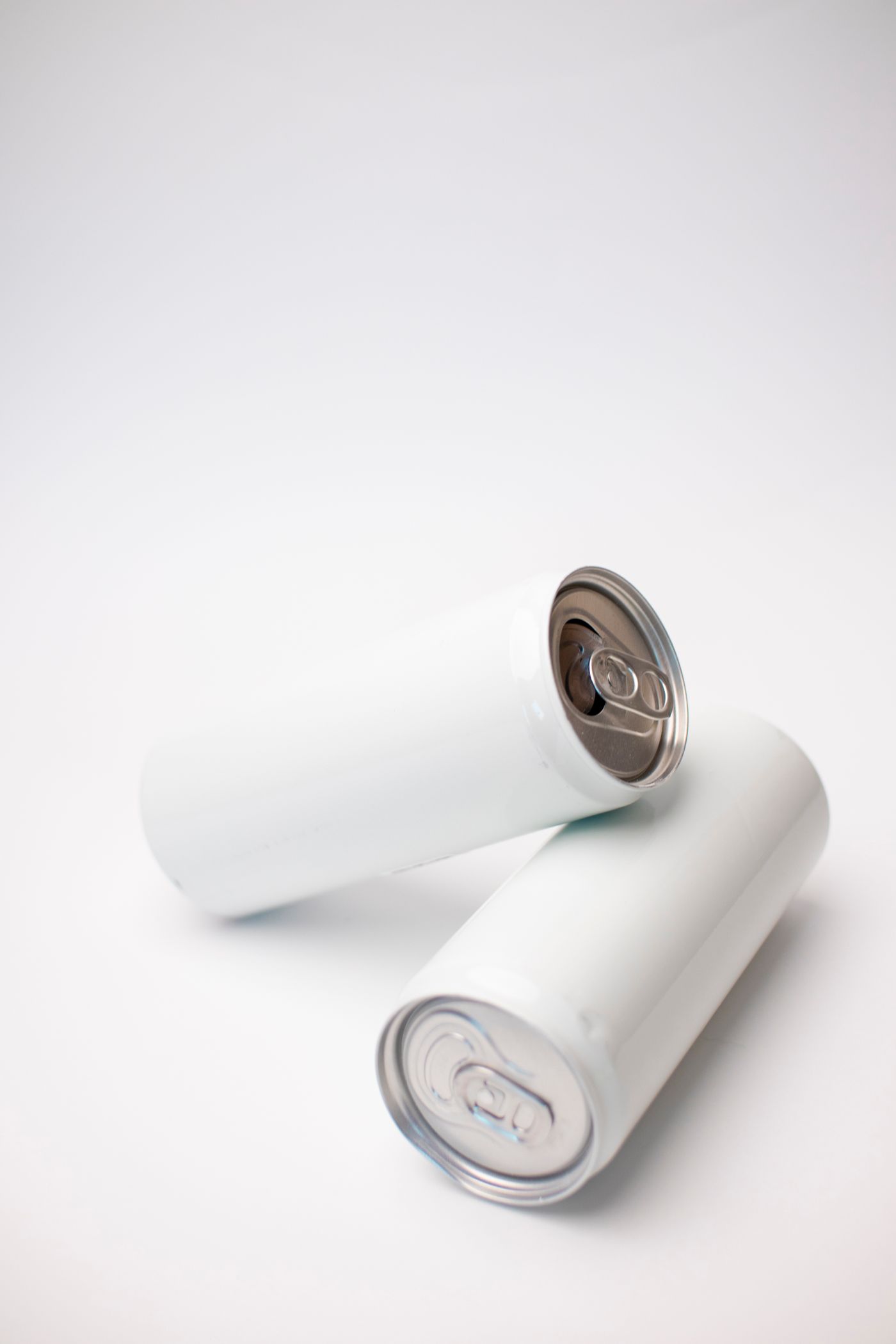
The requirements page states that stock images, digitally altered images and computer-generated mockups are not accepted. The application guide adds that every product image must be an unaltered, genuine photo, that a brand name added in an editing program is not valid proof, and that applications containing altered images are rejected.
Compare that with the files most sellers have:
- The listing cutout. Removing a background changes the picture. Amazon does not list which edits are allowed, so treat any edit as altered.
- The supplier render. It is a computer-generated mockup, or a catalogue image other sellers may also use, so it cannot show that the brand is yours.
Stickers, tags and labels do not count
Amazon's requirements page says stickers, labels, stamps and tags are not permanent, because they can be added or removed after production. The application guide also names hung tags, which hang from the product on a string.
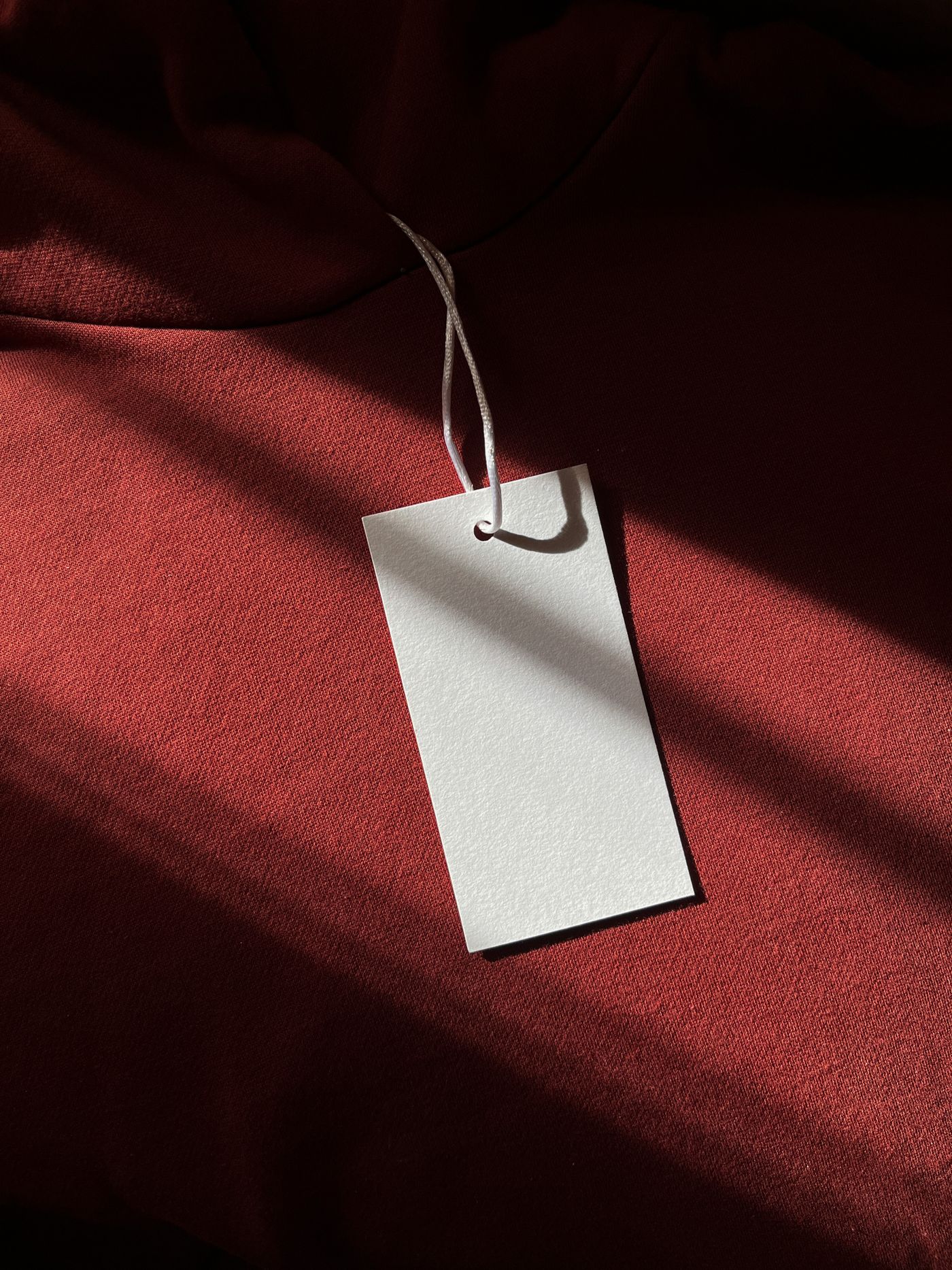
If your brand exists only on a tag or sticker, fix the product before you photograph it. Ask the manufacturer to print, sew, etch or engrave the name, or to print it on the packaging if the product cannot carry it. A sticker on the box does not count either.
Clothing is stricter: the application guide currently says that for apparel the brand name must be on a sewn-in label or laser-printed inside the garment, and that a print on the outside or a tag is not enough.
How to shoot the proof set
The proof set is the photos you submit as evidence.
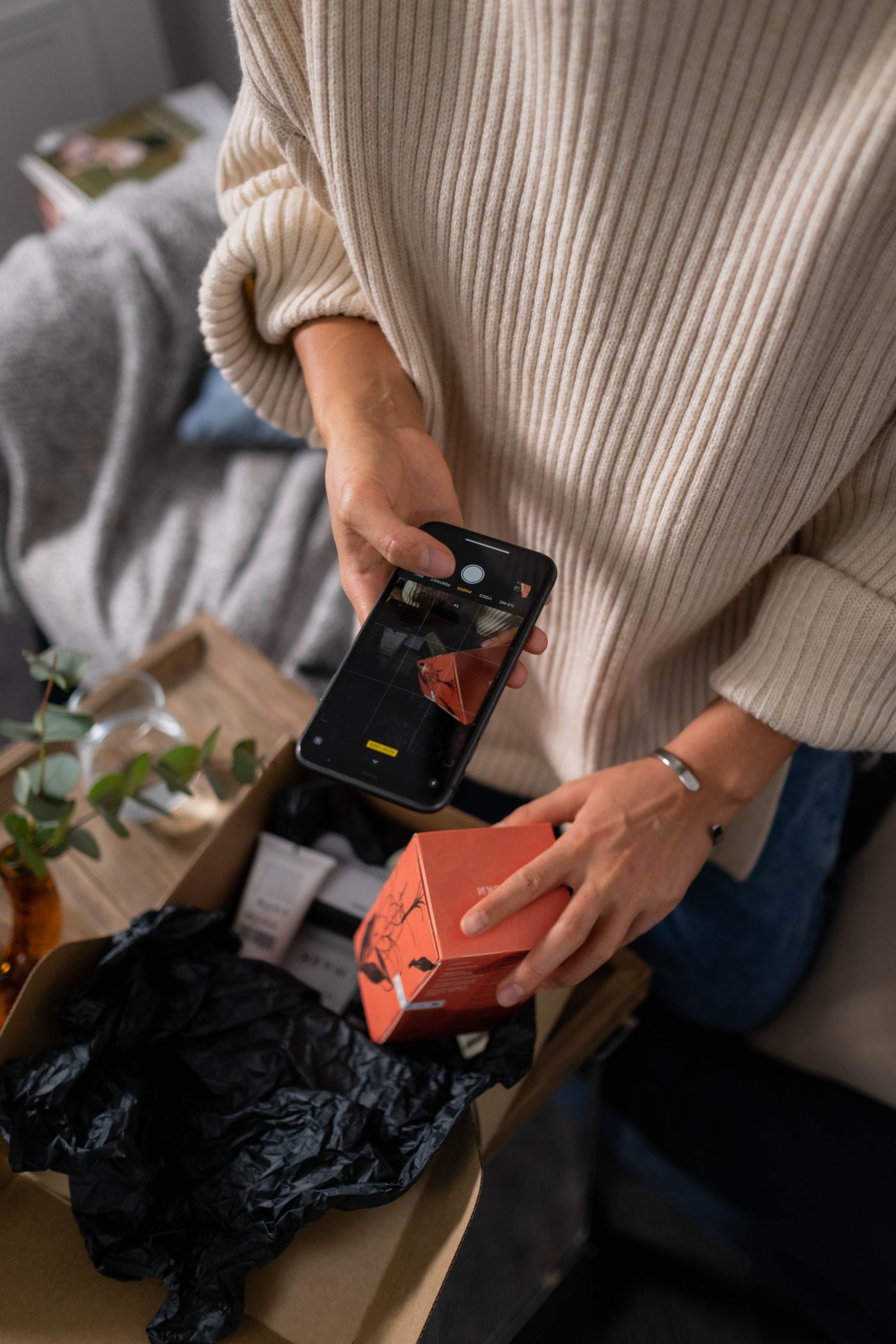
- Take three or more photos from different angles, with the brand name readable in each, and include the packaging.
- Use daylight; hold the product or put it on a table.
- Move closer and tap the screen to focus; the guide says images must be clear, not blurry.
- Do not retouch: no filters and no background removal.
The application guide currently lists the accepted file types as .jpg, .png and .gif, no larger than 5 MB. If your phone saves HEIC files, switch it to JPEG before you shoot (on iPhone: Settings, Camera, Formats, Most Compatible).
Keep the proof set and the marketing set apart
Make two folders, for example brand-proof for the untouched originals and listing-edited for everything you edit. Never save an edited file over an original.
The edited folder is where remover.bg belongs: copy a product photo, remove the background, place the product on white, and export it for the main image described in Amazon's product image requirements.
Never swap the sets. The product cutout does not go into the product-image step of the form, and the proof photo is not your main image, because its background will not meet the white-background rule. The one place a white or transparent background belongs is the separate brand-logo upload, which the guide says must show the logo or brand name, not the product.
If your only images came from the supplier
Supplier photos alone are not proof. Catalogue images can be shared with other buyers, and you may not hold the right to use them, as image rights for online sellers explains. Order a sample with your brand applied permanently and photograph it yourself.
Dropshipping photos covers when a sample is worth shooting, and supplier listing photos on Alibaba describes a simple one-window setup. Until a branded unit exists, there is nothing honest to photograph. Proof photos get no edits, and listing photos get all of them.