























Can You Remove the Background From a Screenshot?
5 min read

Yes, a screenshot works as input. See how web captures, video frames and game renders behave, plus two traps: baked-in checkerboards and photographed screens.
Yes. A screenshot is an ordinary image file, and a background remover reads it like any photo. The capture itself adds no camera noise, and its edges can be perfectly sharp, but the image may hold no photographic subject, only interface, text and flat colour.
So the real question is what the AI will treat as the subject. This guide covers three captures: an element from a web page, a frame from a video, and a character from a game. It also covers two mistakes that ruin a good capture.
What a background remover sees in a screenshot
The AI keeps what it reads as the main subject. In a screenshot, a person, a toolbar and a product picture are all just coloured pixels, so any of them can be read as the subject. Check the result before you export.
With remover.bg, the reliable fix for a wrong result is a better capture. Apple Support lists Shift-Command-4 for a selected portion of a Mac screen, and Microsoft Support lists Windows logo key + Shift + S for the Snipping Tool. Save as PNG, JPEG or WebP. On a Mac with an HDR capture option, Apple says HDR saves HEIF, which is not accepted, so choose SDR. Each image can be up to 25 MB, and full-screen captures can be large, so crop.
A product or element grabbed from a web page or app
Crop to the one element first. If the address bar, menus and neighbouring page content are in the frame, the AI has to guess which object you want.
Then look at what sits behind it. Web pages often place a product on a flat white or light grey panel, and a white product on a white panel gives the AI little contrast to find the edge, so look for a leftover light outline. Open the picture at its largest size first, because zooming in on a thumbnail adds size, not detail. A flat logo is a separate case, covered in how to remove the background from a logo.
A screenshot is only a copy, and it gives you no permission to reuse someone else's picture. This is not legal advice; product image copyright for online sellers explains the basics.
A frame grabbed from a video
A video frame has three limits you cannot fix after the capture.

- Resolution. The frame is only as sharp as the video stream. YouTube Help says the quality you get depends on, among other things, connection speed, screen size and the original upload: a video recorded in standard definition will not be available in high definition. Play the video full screen first.
- Compression. Video is compressed heavily, so a frame can show small blocks and smudges around edges, which become rough edges in the cutout.
- Motion blur. A frame taken while the subject moves holds a soft smear. No cutout can make it sharp.
Pause on a still moment and turn off subtitles. For a thumbnail or portrait, a fresh photo is the stronger choice, as the YouTube thumbnail guide explains.
A game character or render capture
Rendered images are the best case here. The software draws the edges instead of a lens recording them, so a character often has a clear outline and no sensor noise.

What goes wrong is what the game draws on top. The heads-up display (HUD) means health bars, a minimap and objective text. These, plus subtitles and the mouse pointer if your capture tool includes it, are pixels in the capture, and a health bar above a character can be read as part of the subject. Hide the interface first if the game allows it. Glow, smoke and fire blend with the scene behind them, so inspect those areas closely.
Two traps: the baked-in checkerboard and the photographed screen
The baked-in checkerboard. Image editors show the transparent parts of a layer as a grey and white checkerboard. It is only a display. If you take a screenshot of a transparent PNG, the squares become real pixels and the new file has no transparency. Go back to the original file instead.
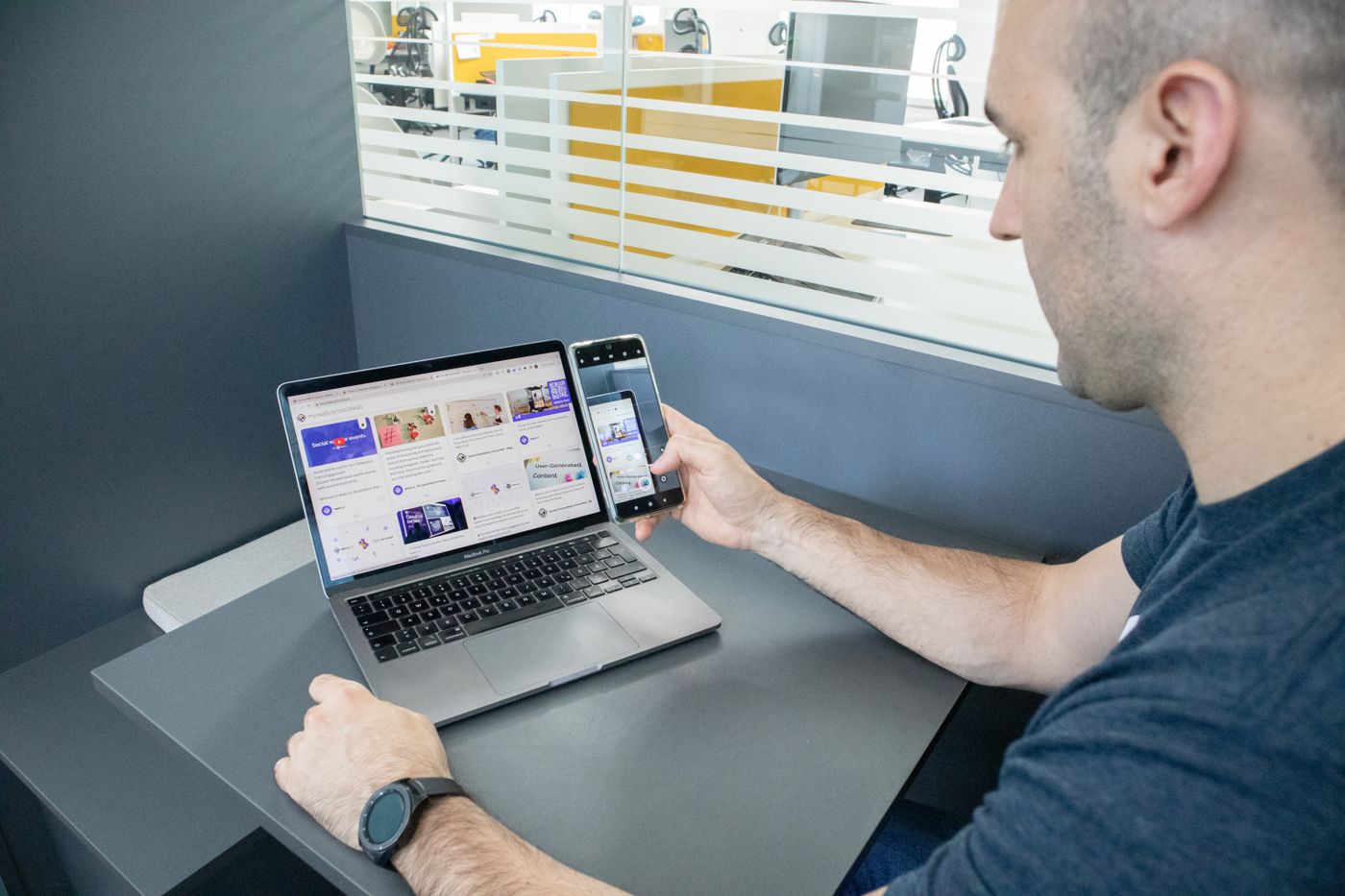
The photographed screen. Nikon describes moiré as a new pattern created when two patterns overlap. In a photo of a screen, those two patterns are the screen's pixel grid and the camera's sensor grid, so wavy bands can appear. A screenshot copies the pixels directly and, saved as PNG, keeps them unchanged. If you must photograph a screen, Nikon says a small change of camera angle can remove or change moiré.
Export as PNG and check the edge
Choose PNG for the transparent result. Once you add a background in the editor, the result is no longer transparent, so JPG or WebP are sensible choices there; the export format is yours to pick, and PNG stays available. The transparent PNG guide shows how to confirm a file is truly transparent.
The web and mobile apps always include a soft AI-generated shadow. A flat interface element has no floor beneath it for a shadow to fall on, so check that the generated shadow suits your layout. Only the HTTP API can disable it, with shadow=none (see the API documentation). Finally, zoom in on the edge and look for a light outline or a leftover piece of interface.
- screenshot
- background-removal
- video-frame
- game-screenshot
- transparent-png